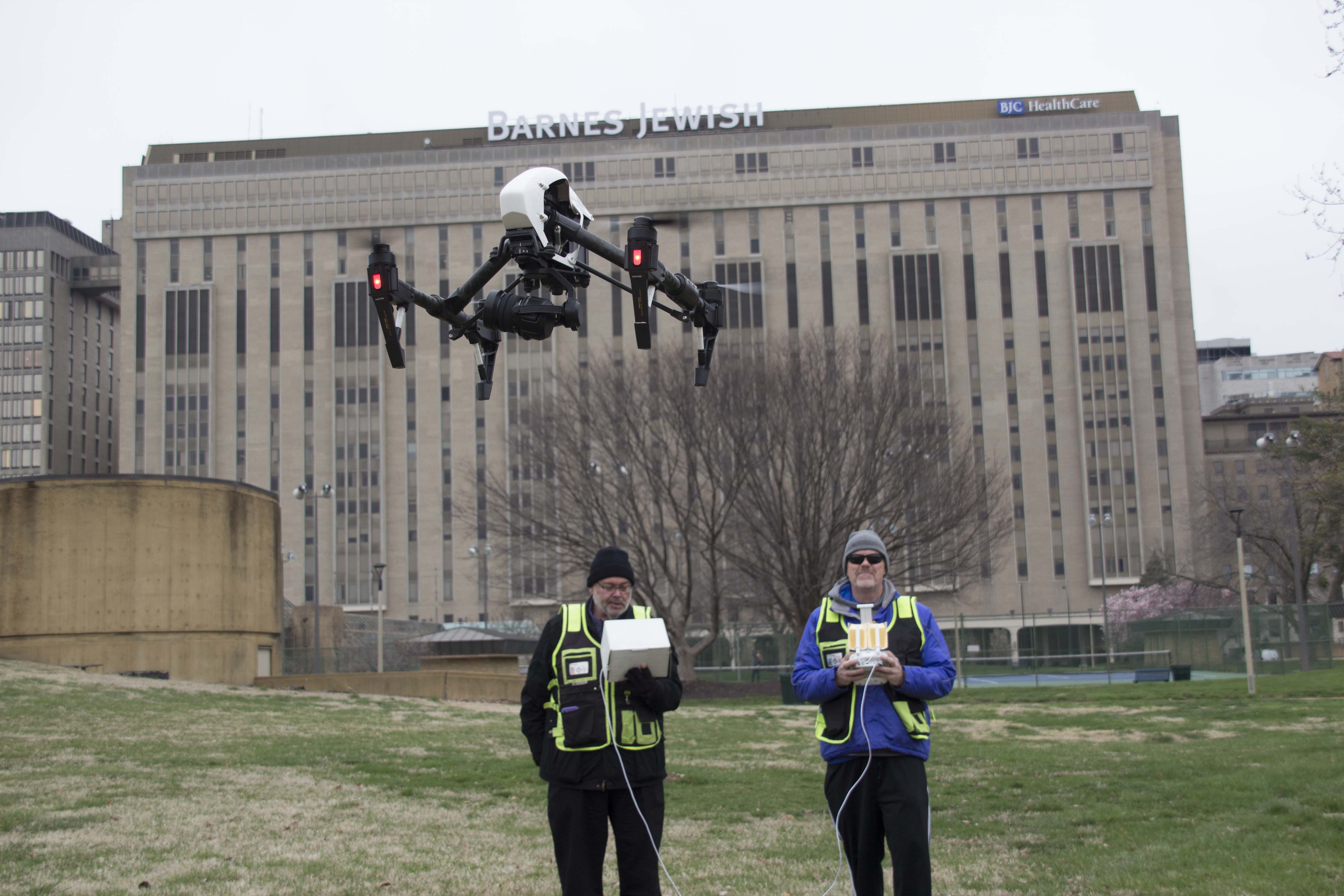
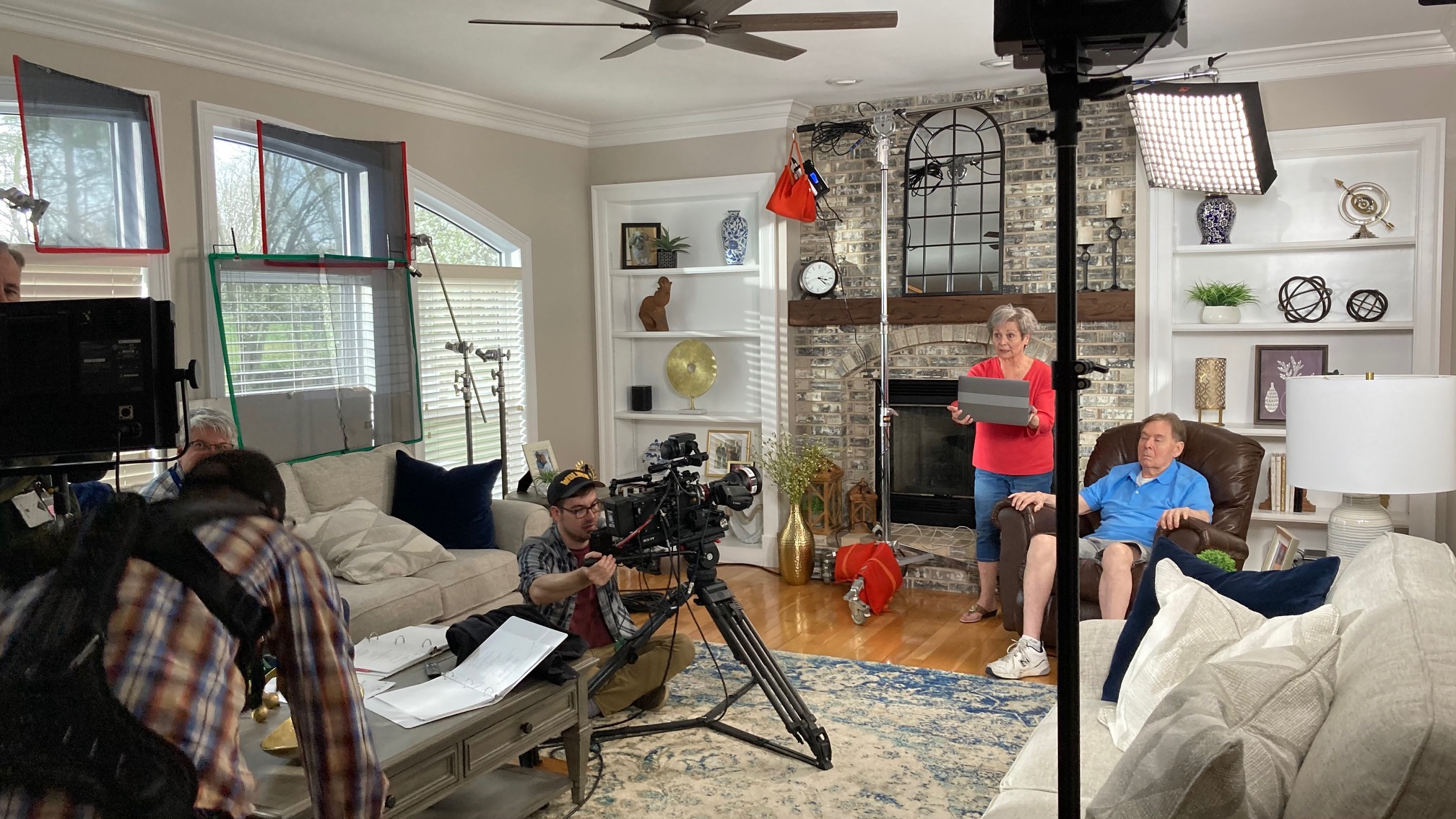
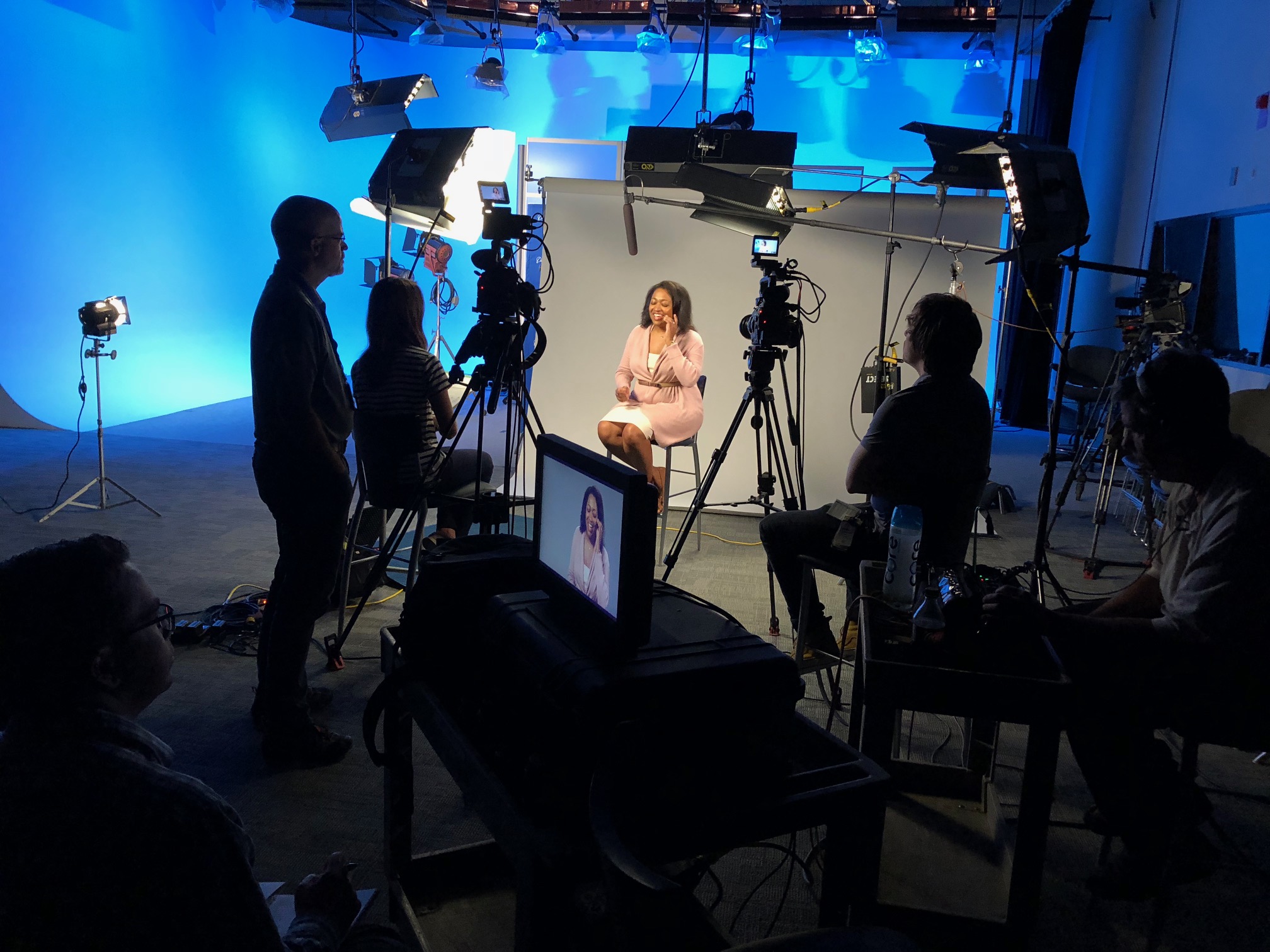
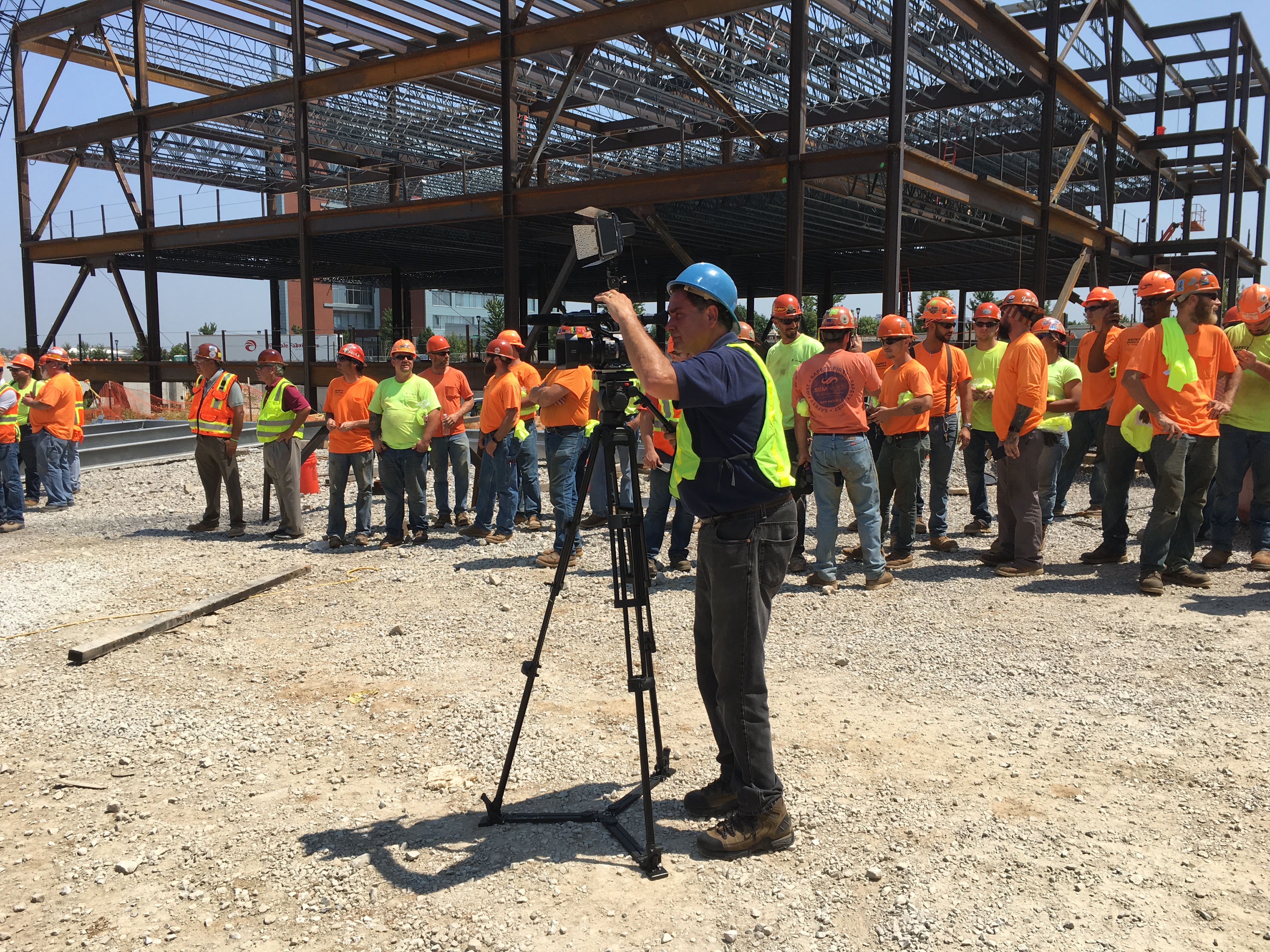
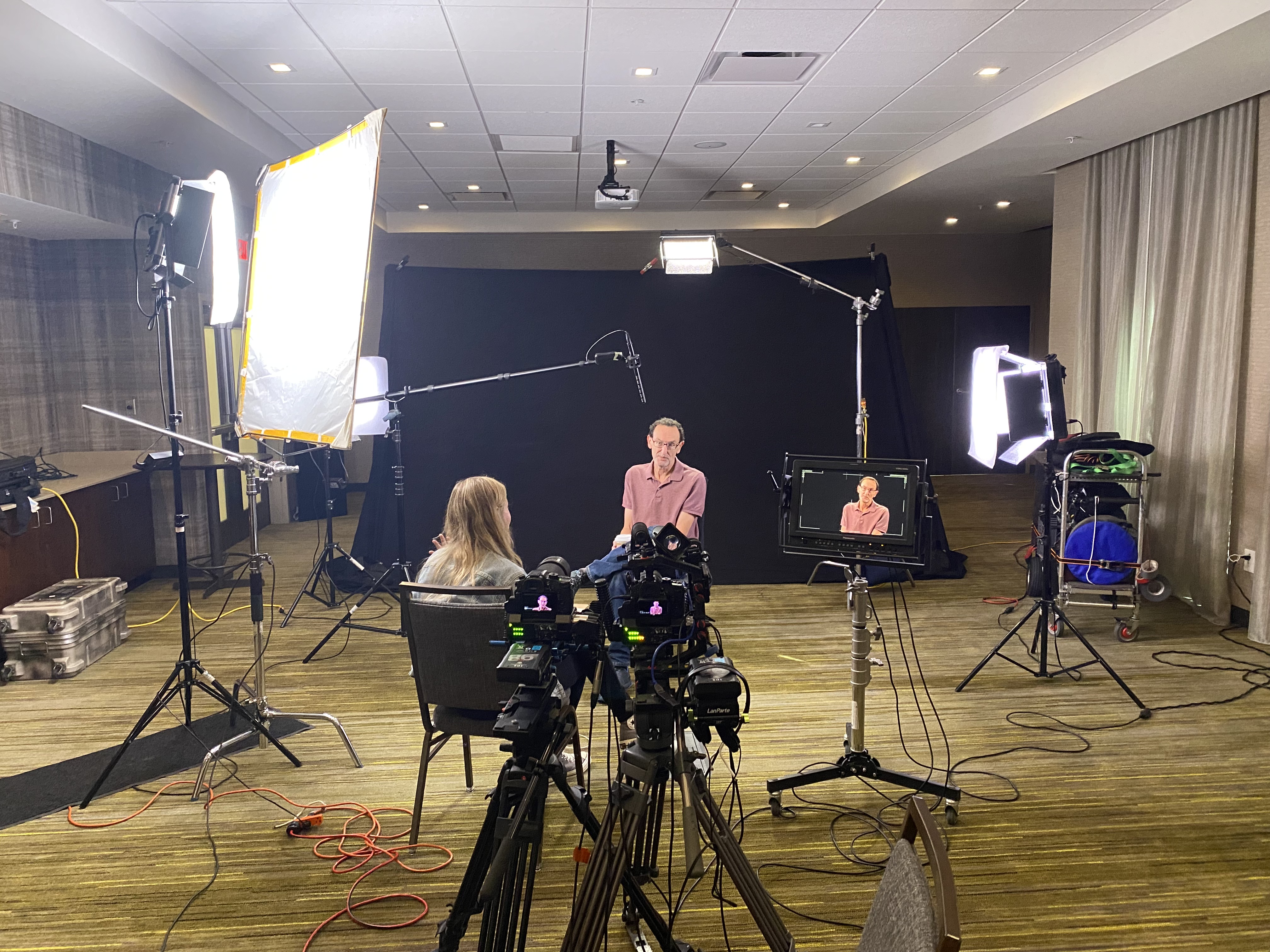
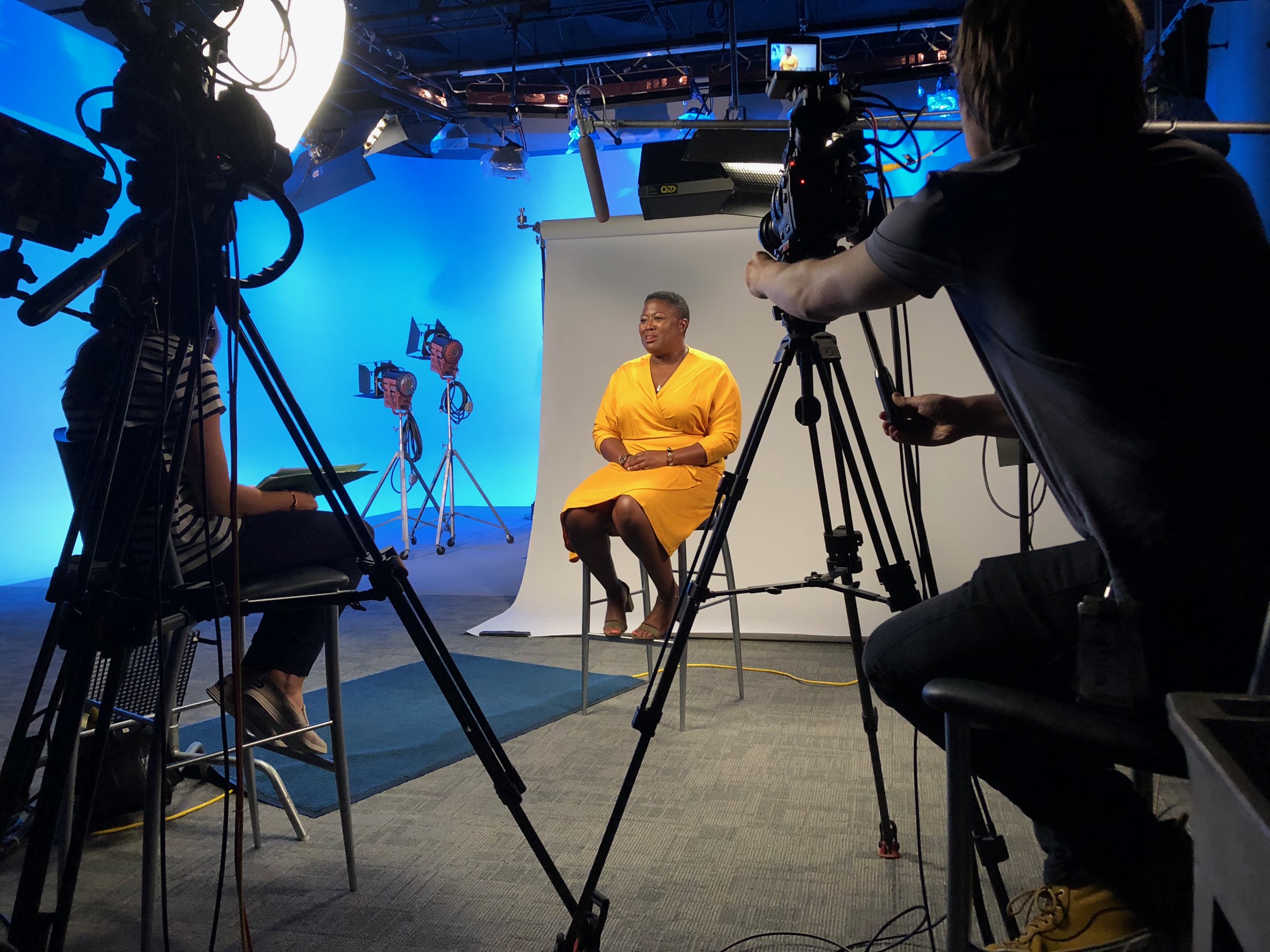
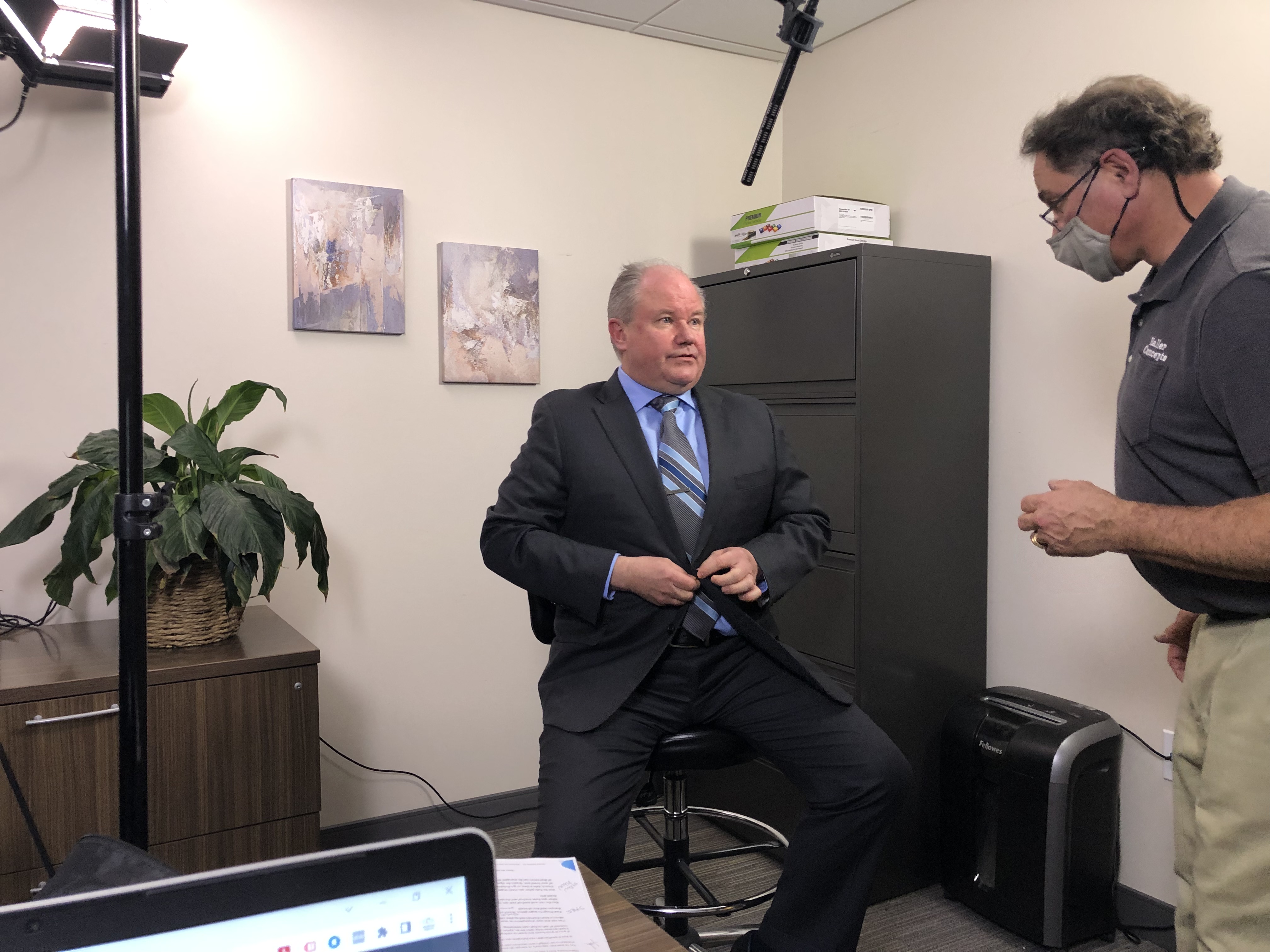
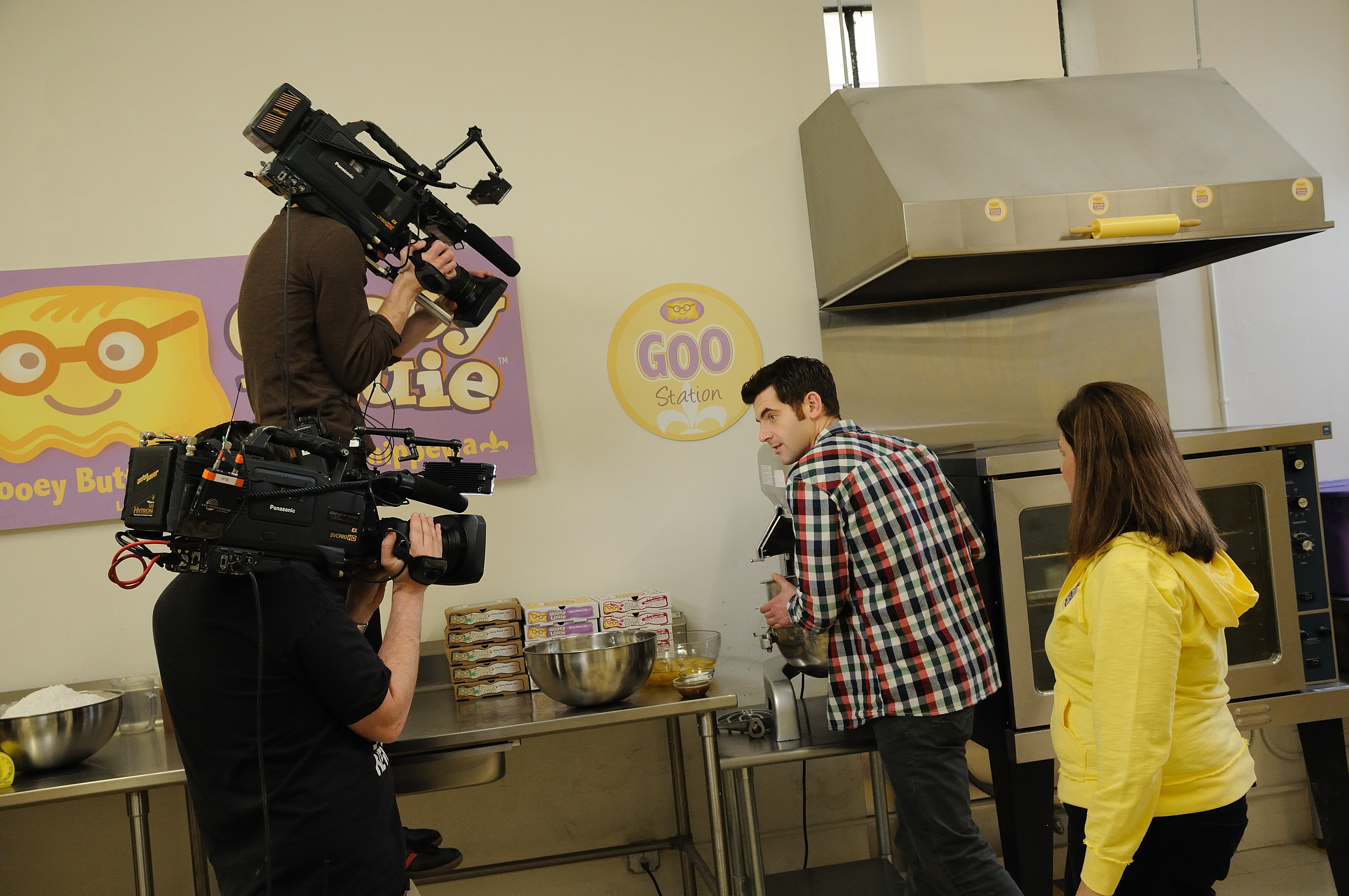
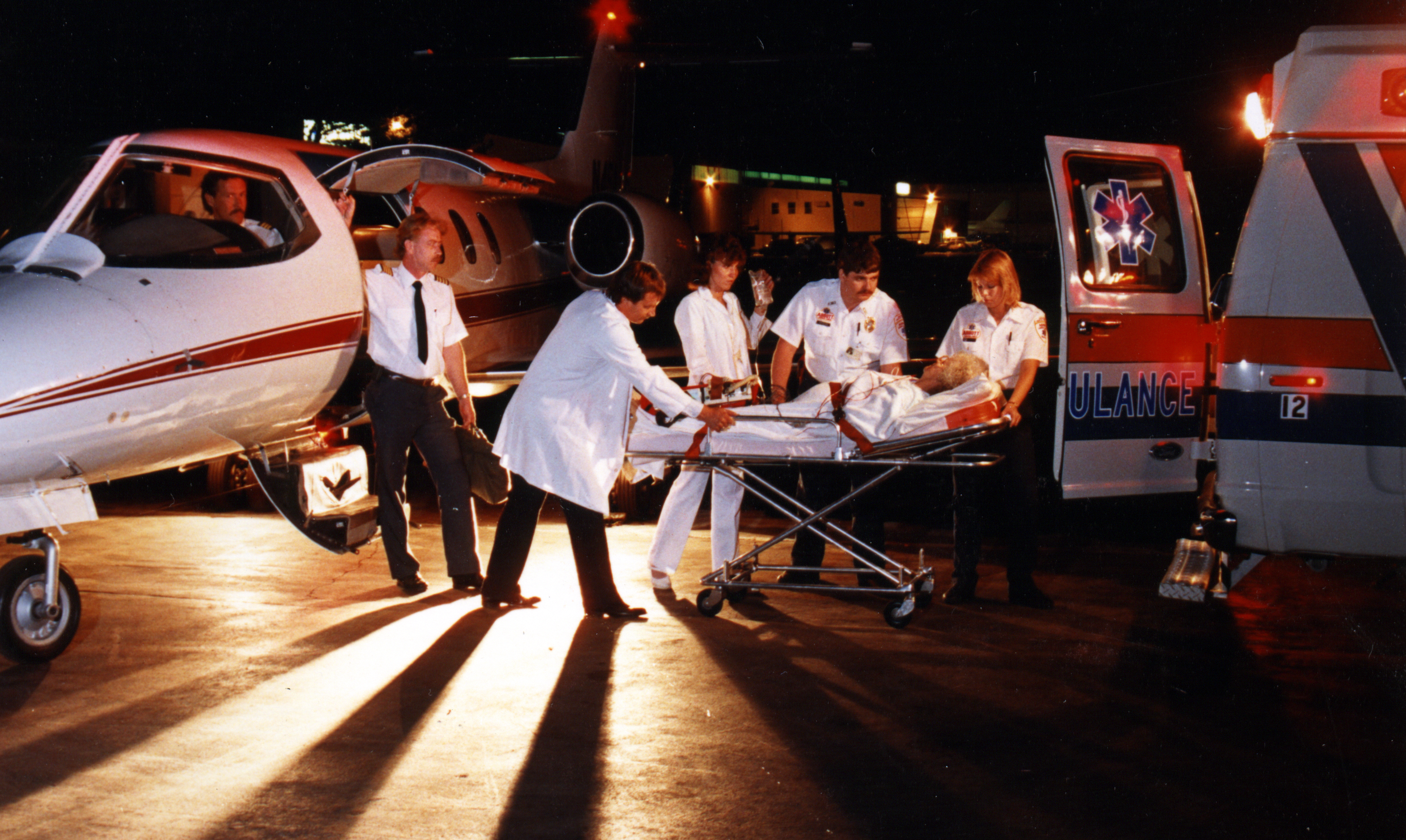
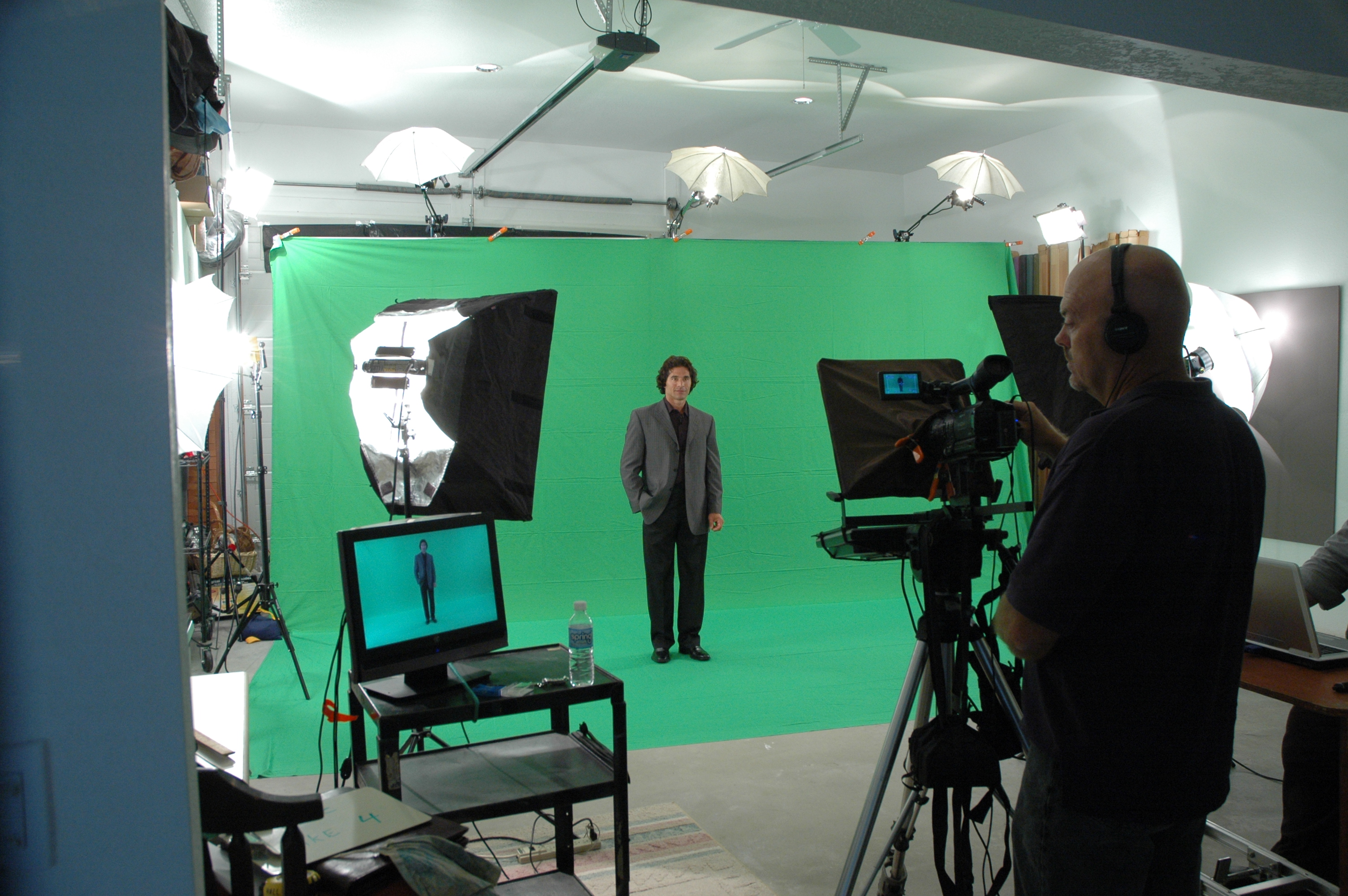
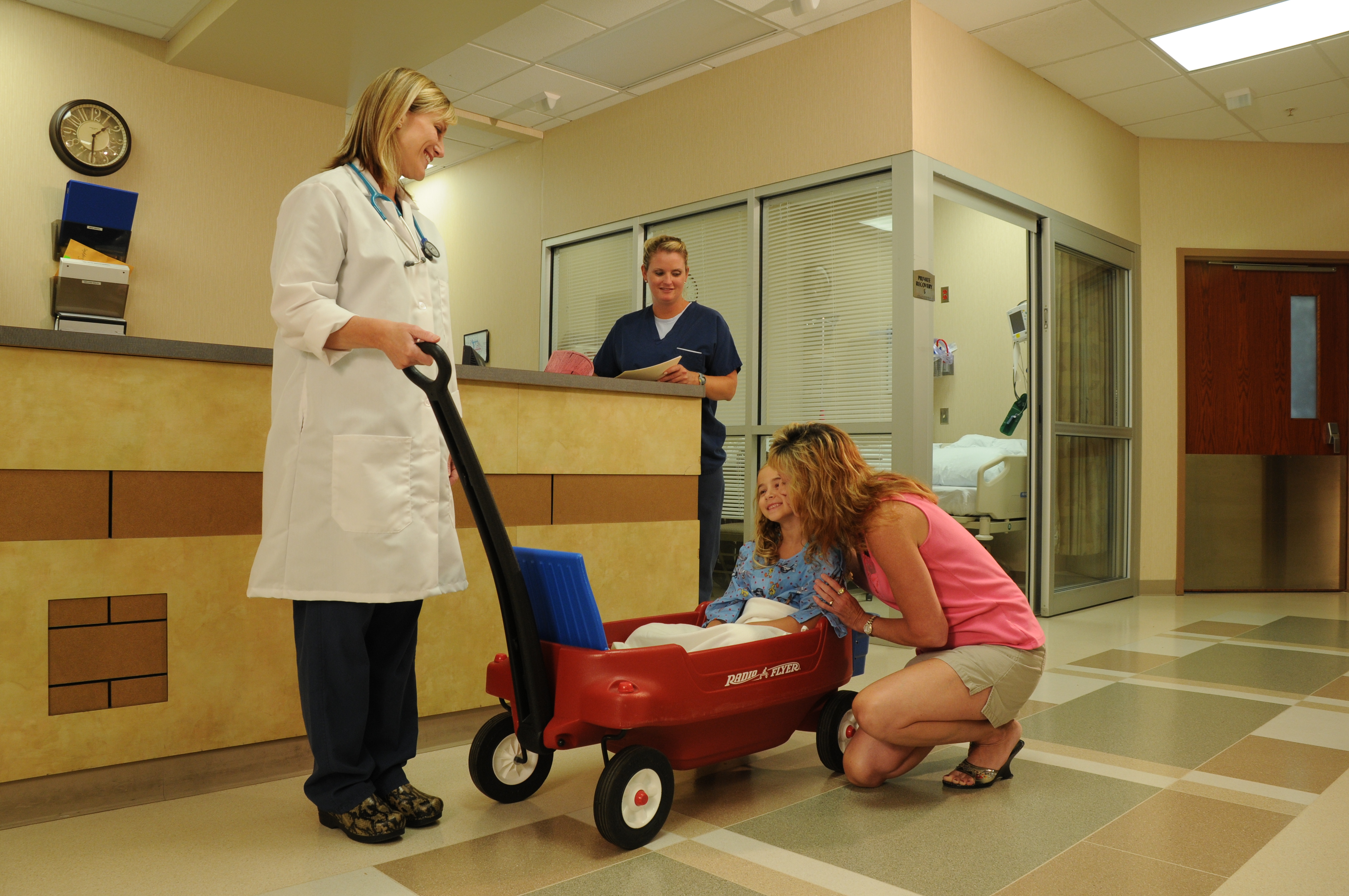
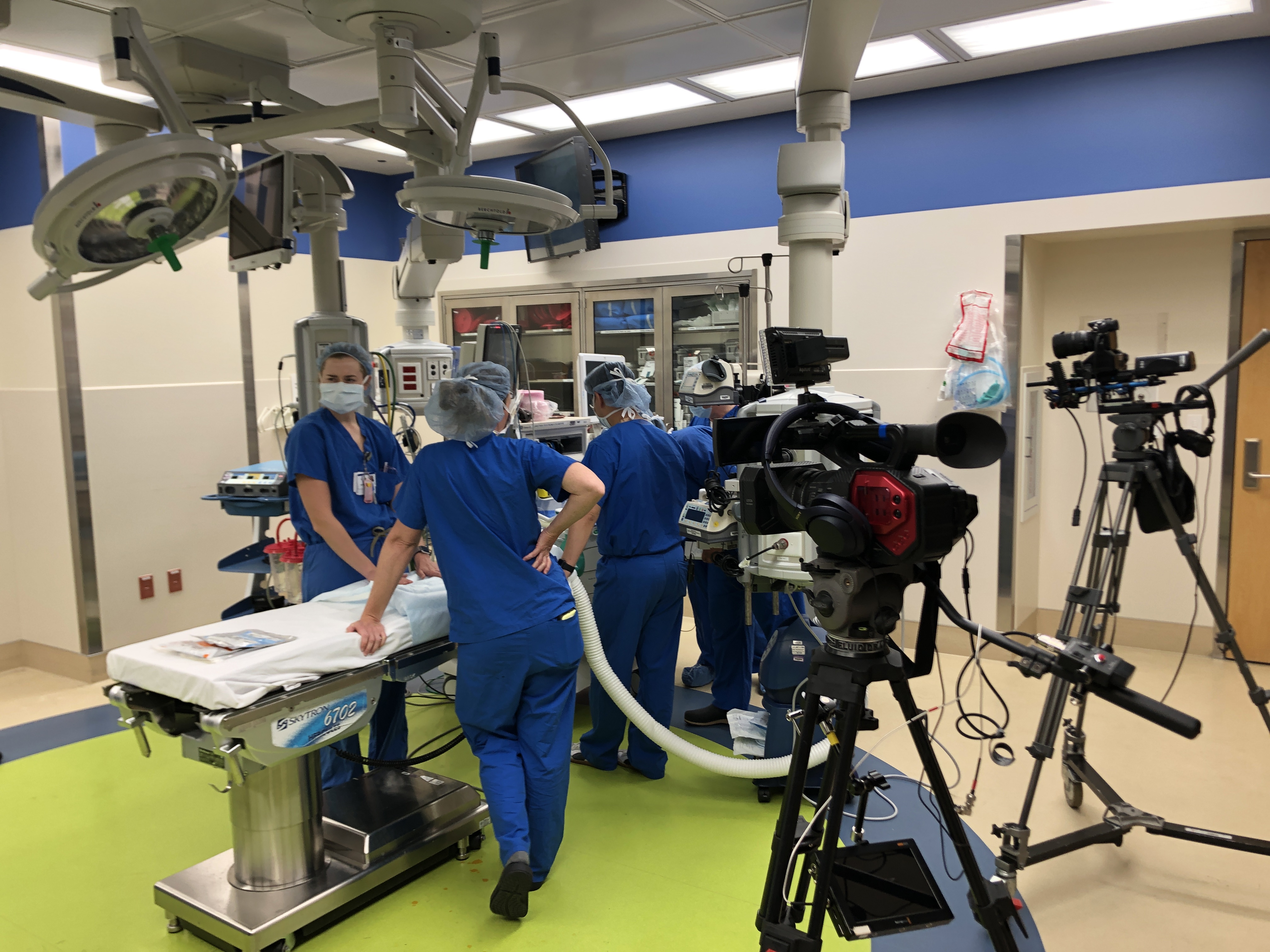
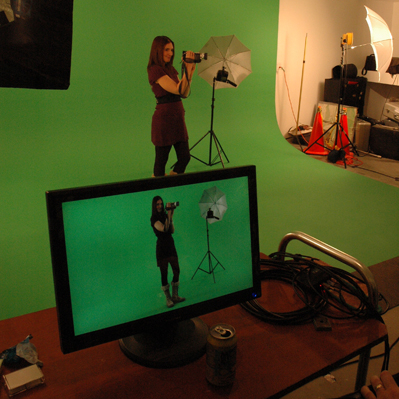
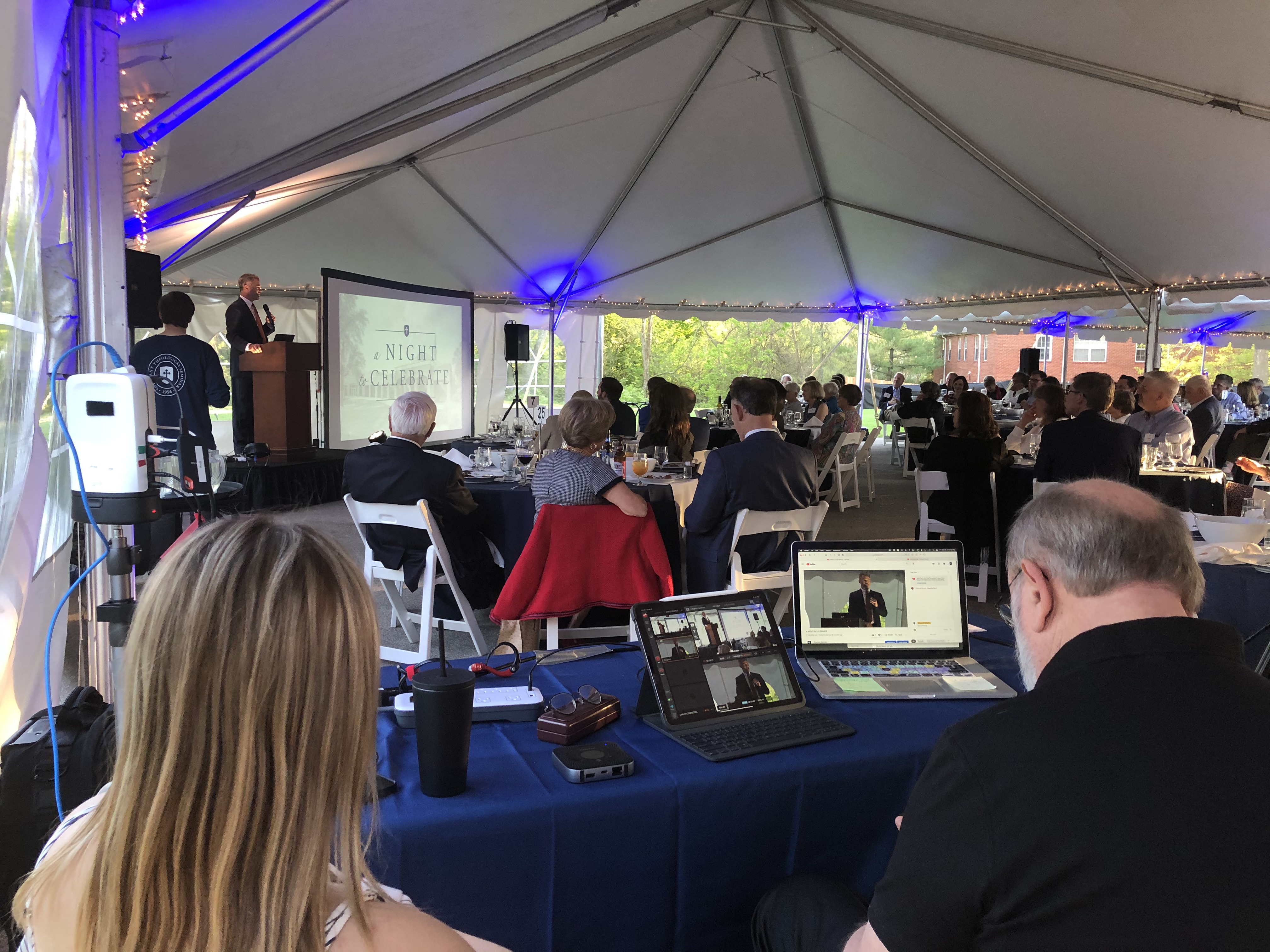
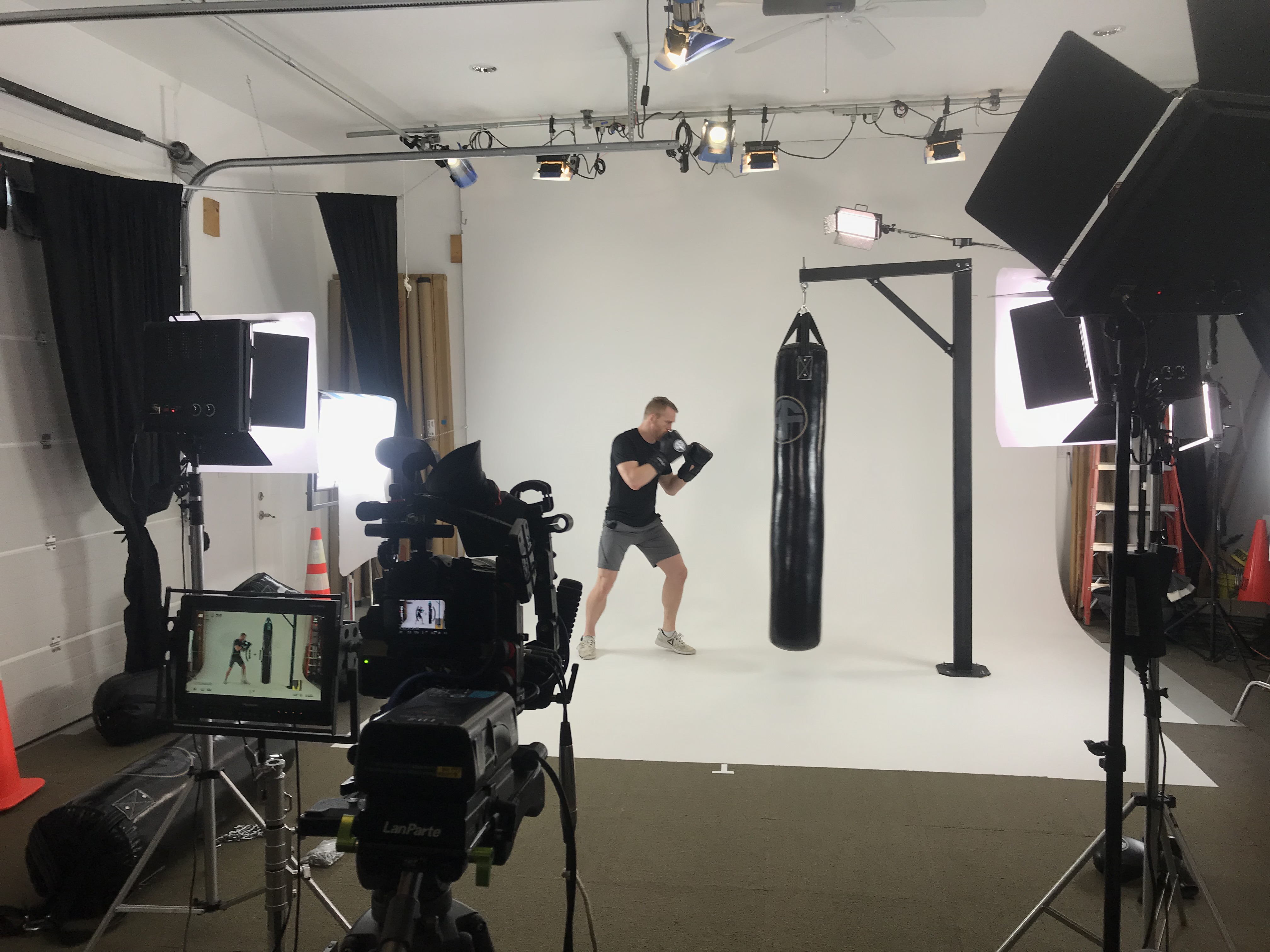
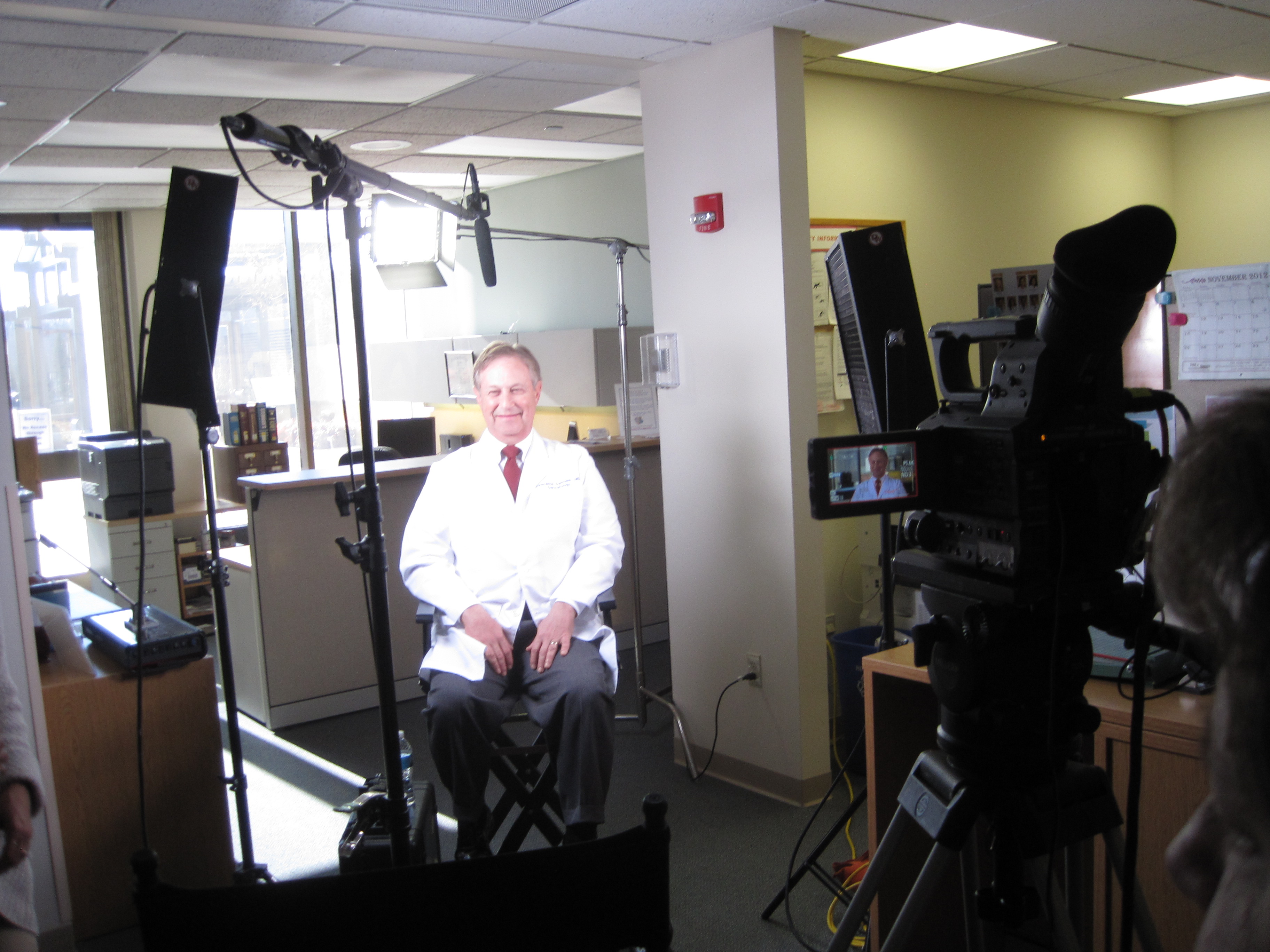
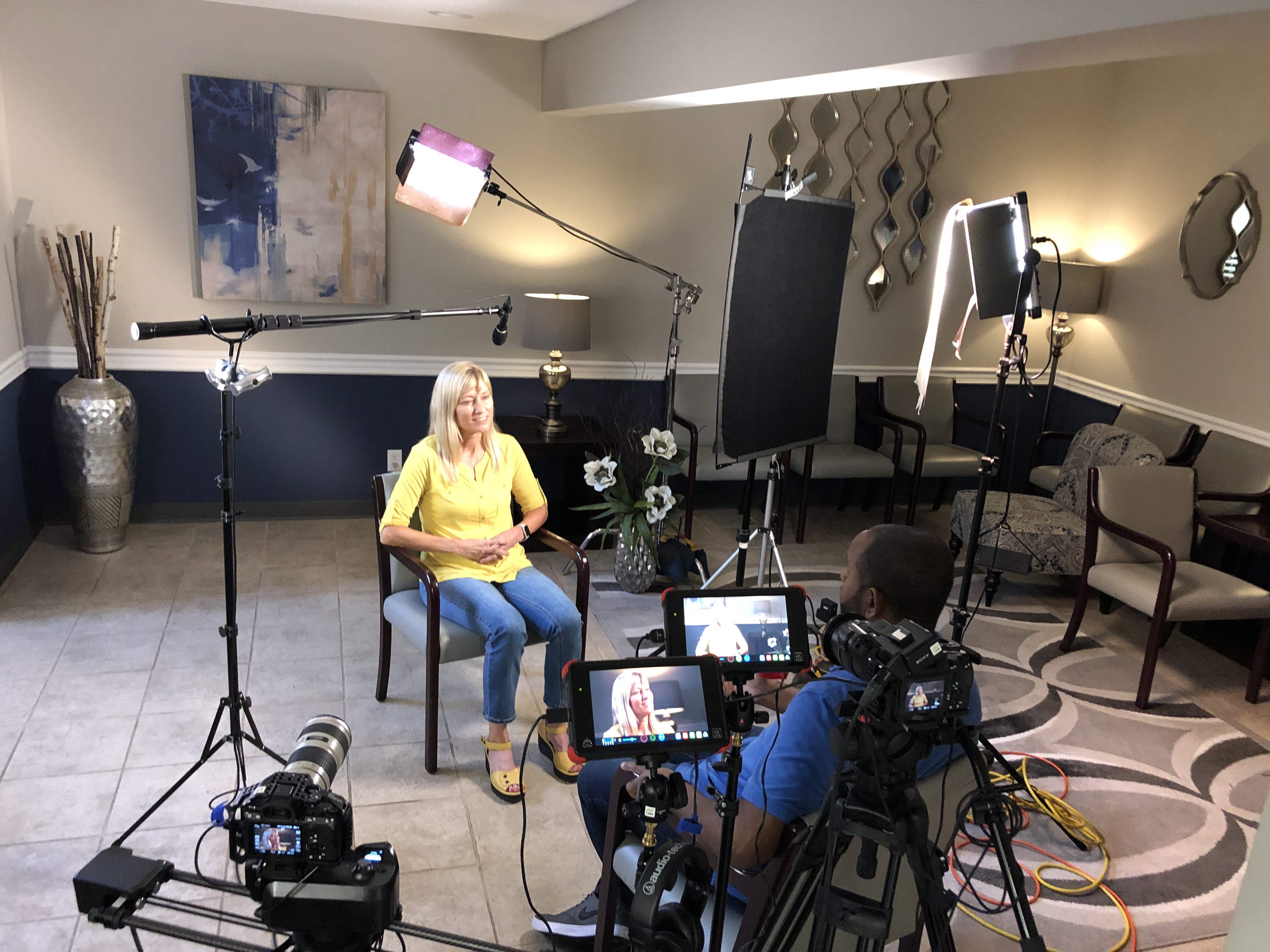
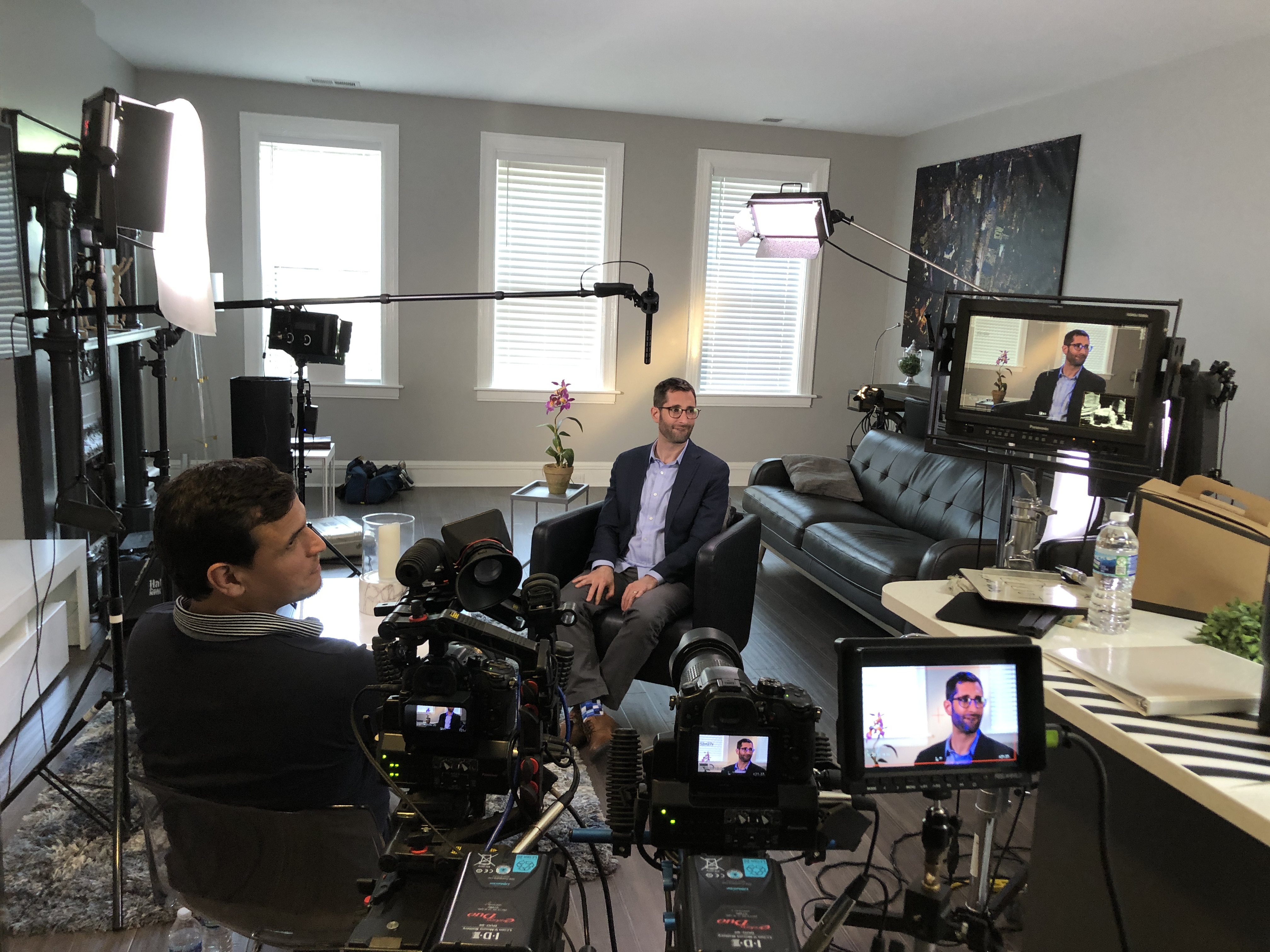
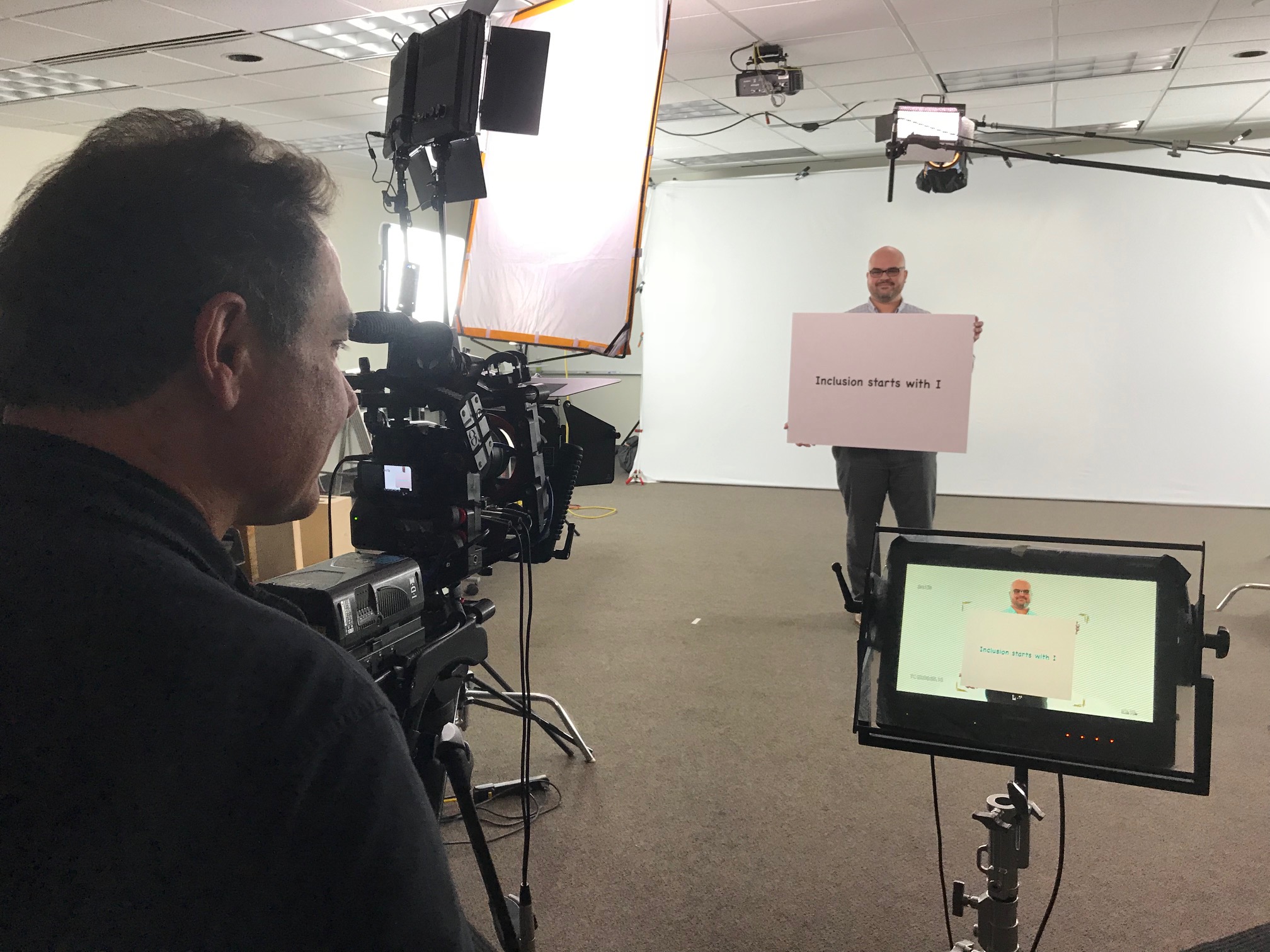
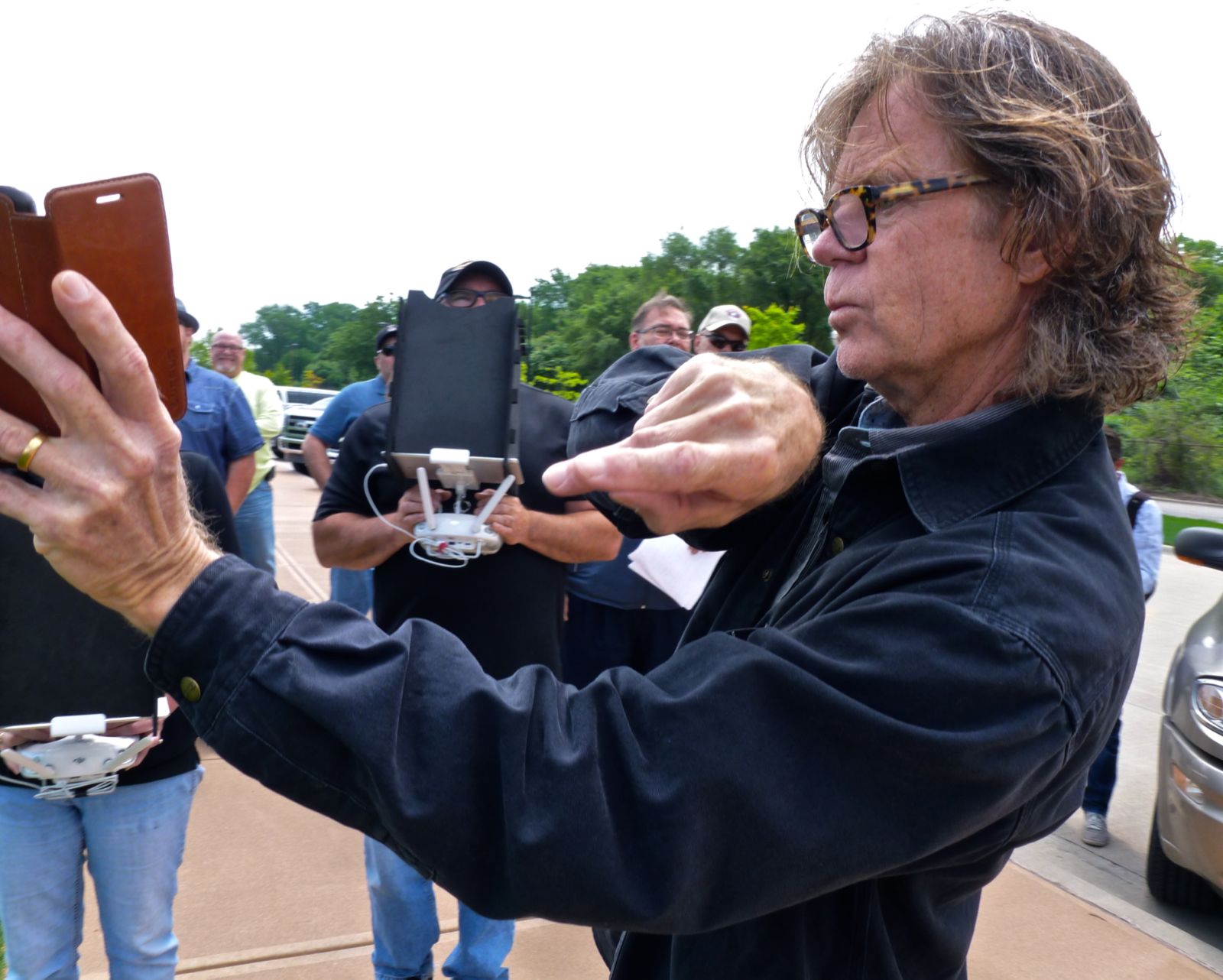
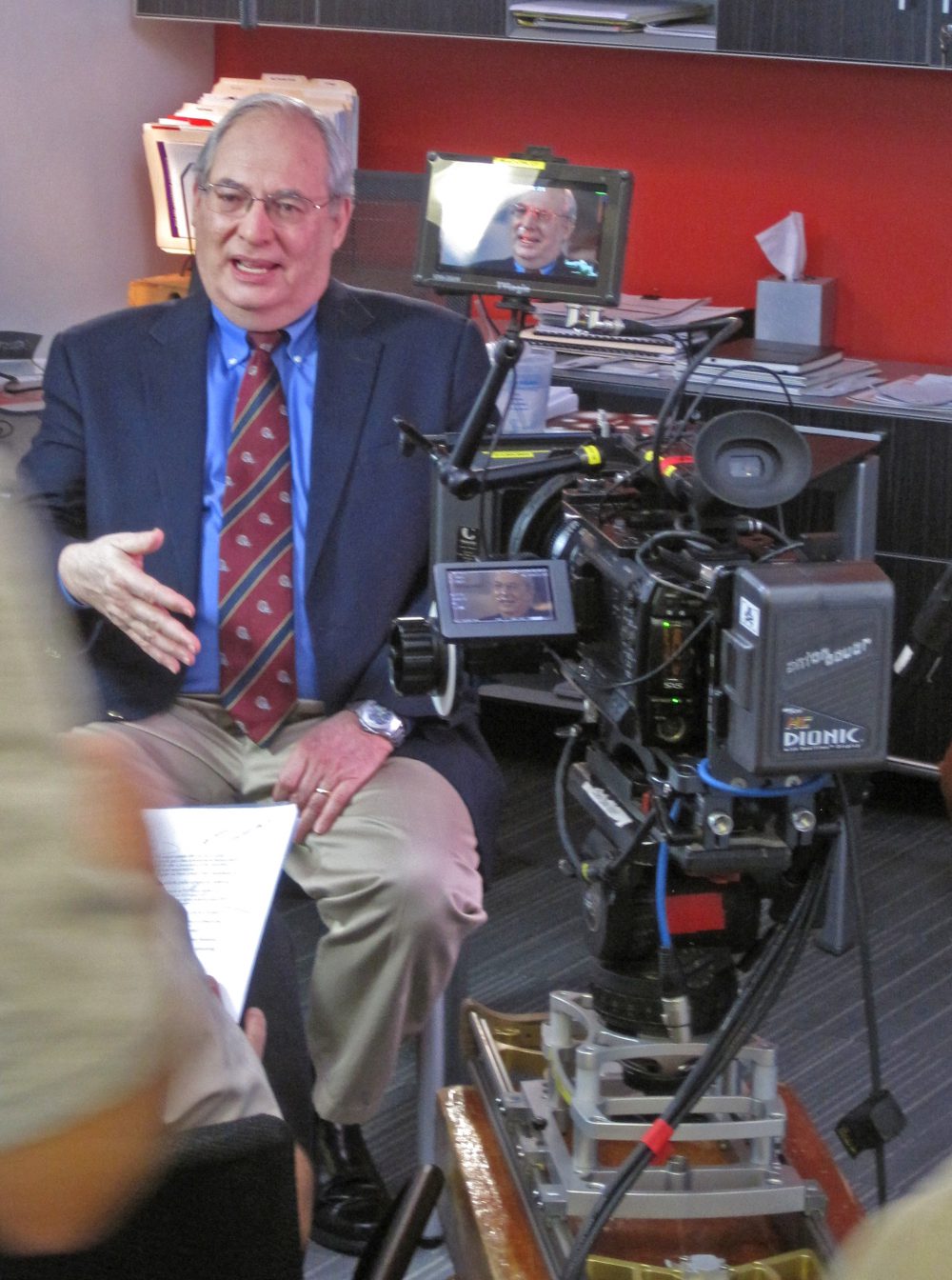
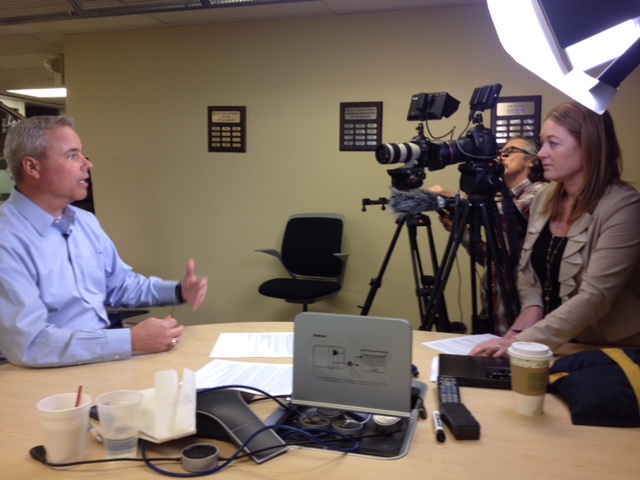
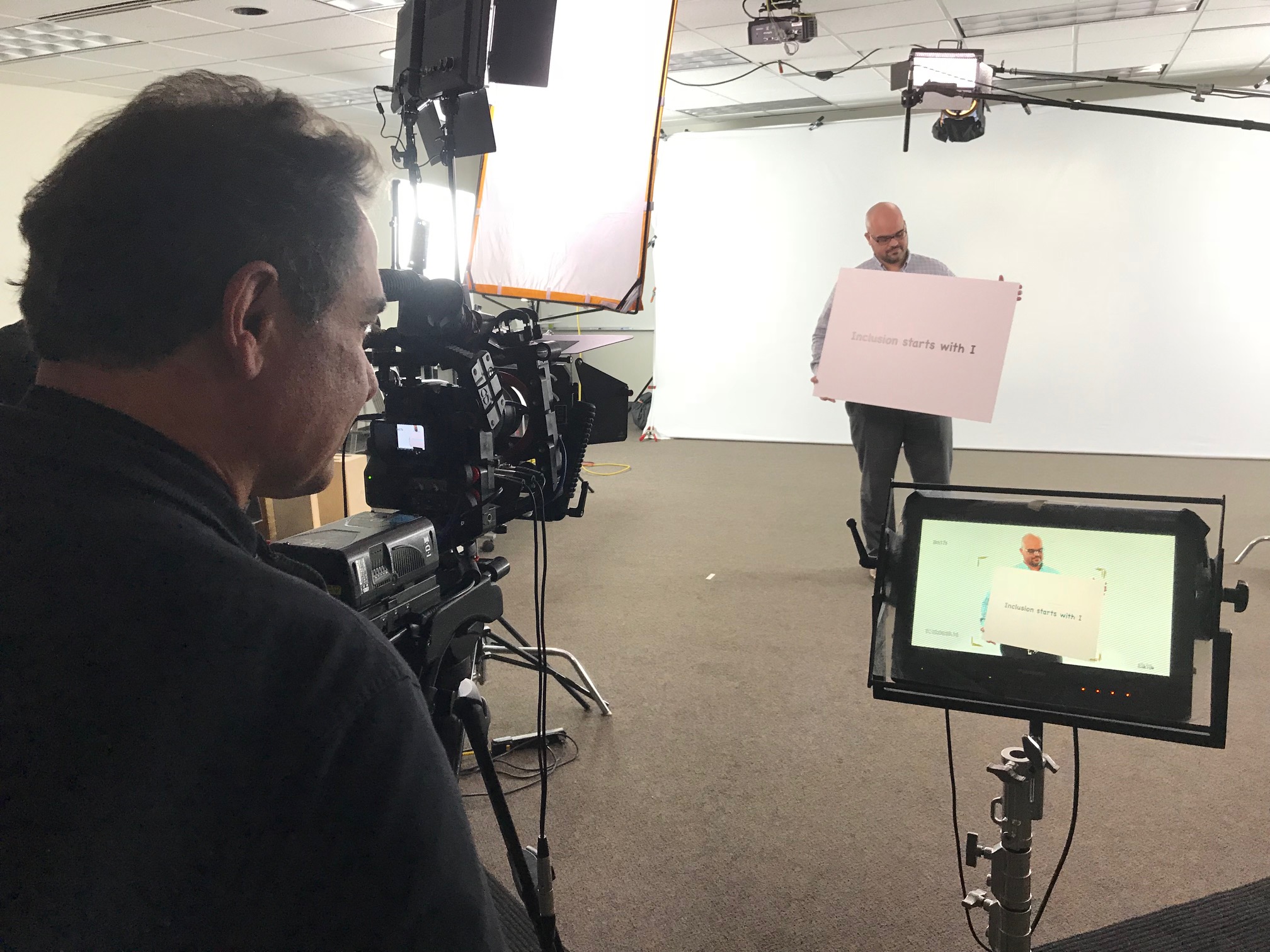
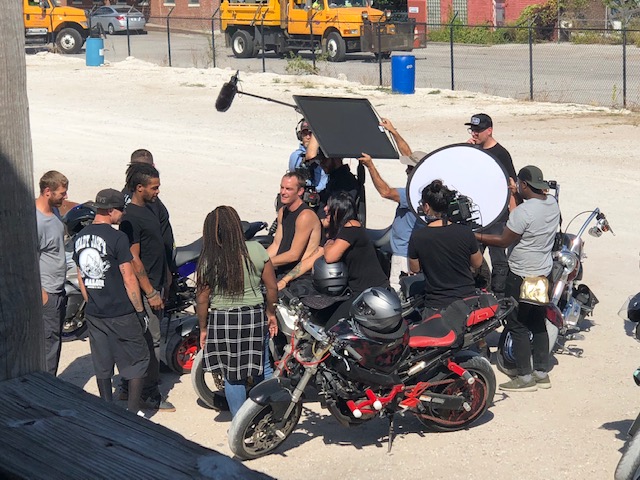
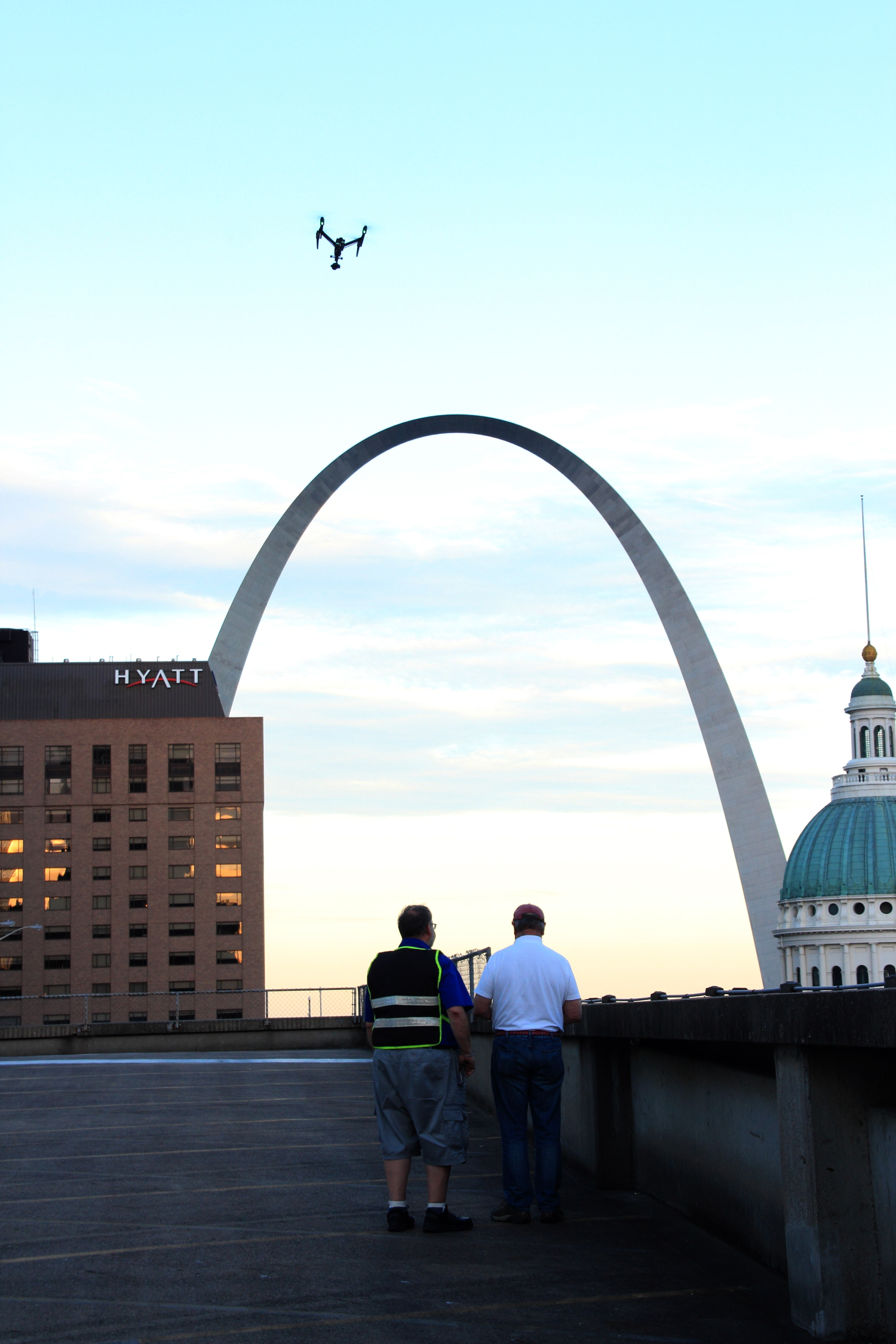
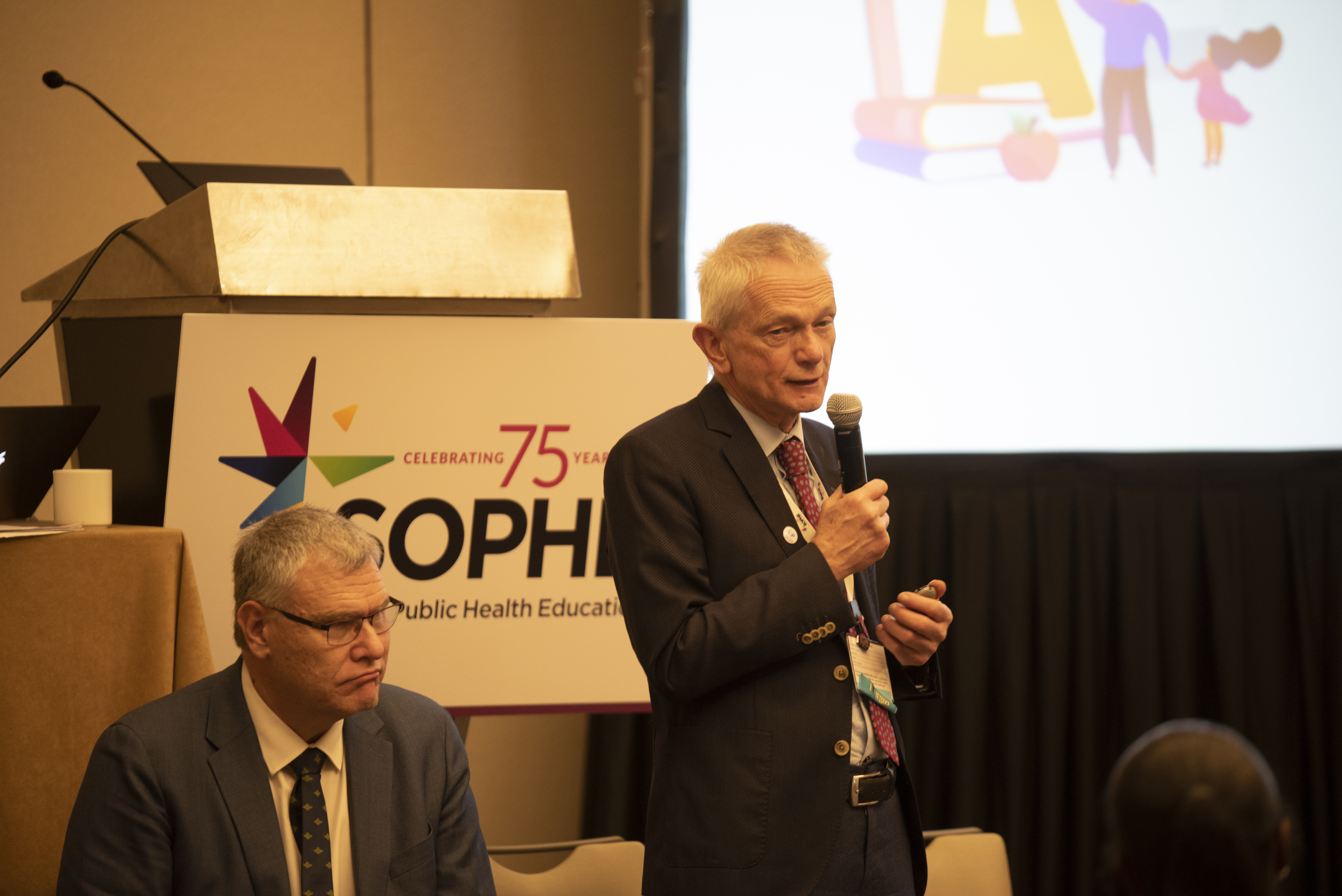
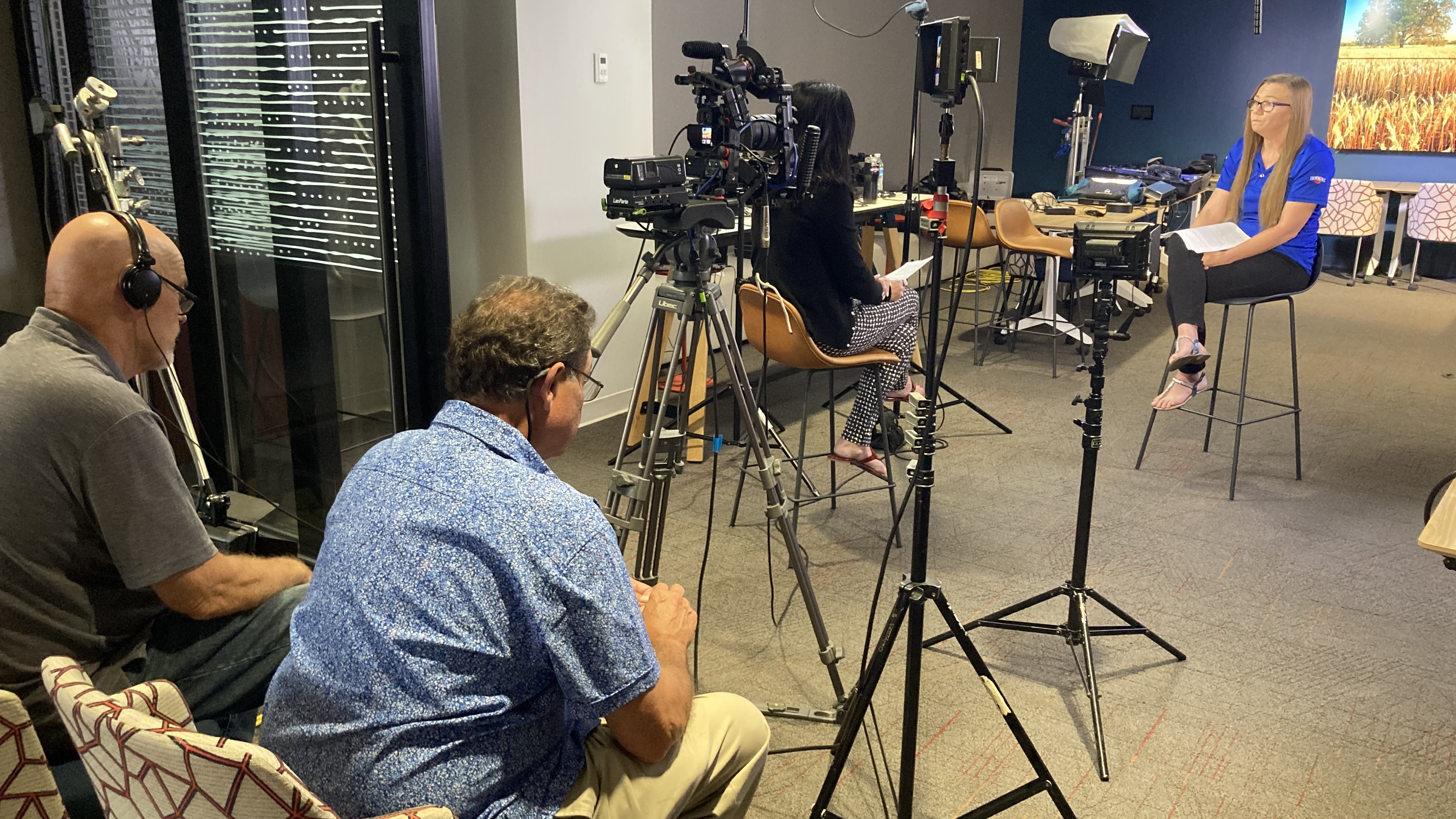
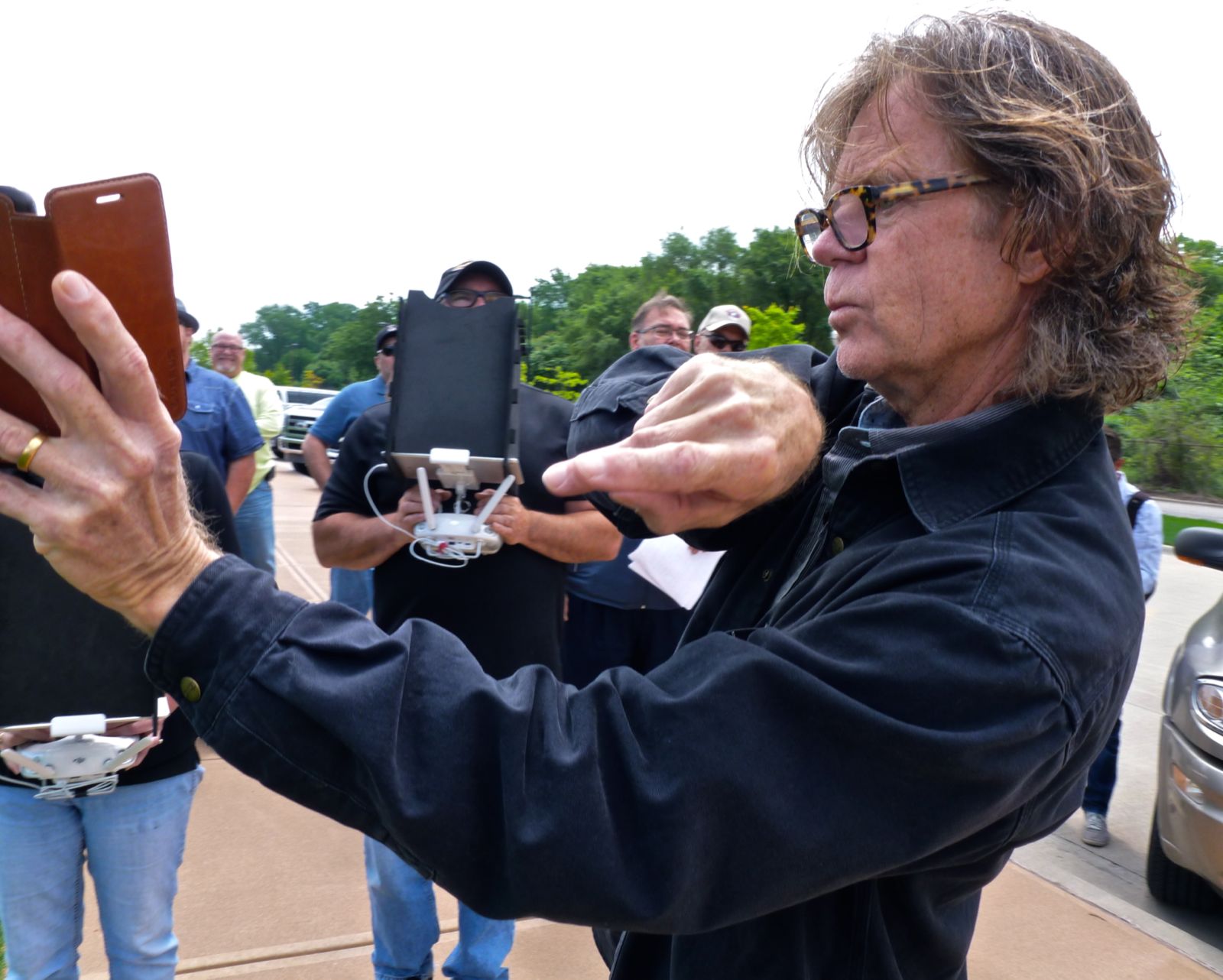
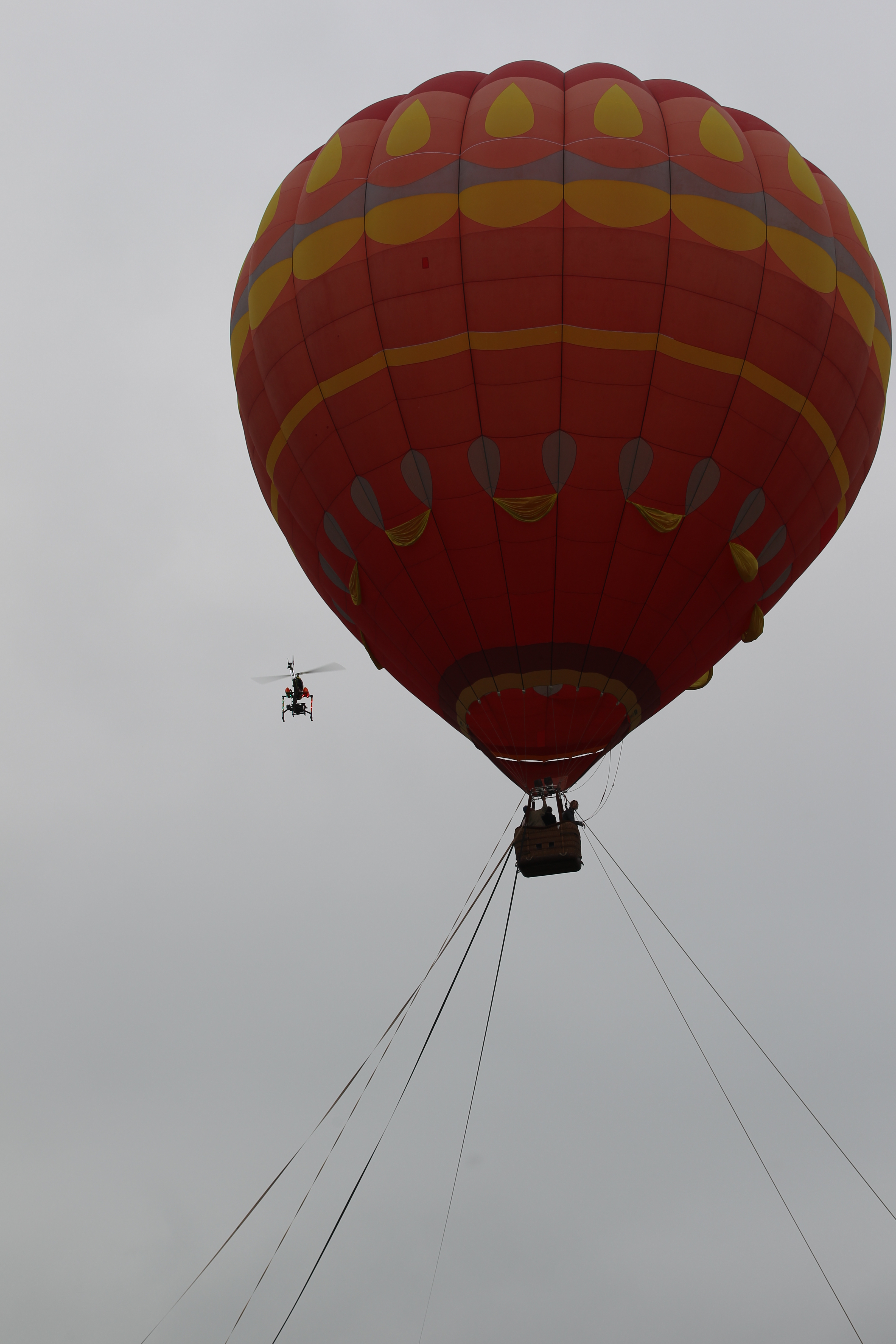
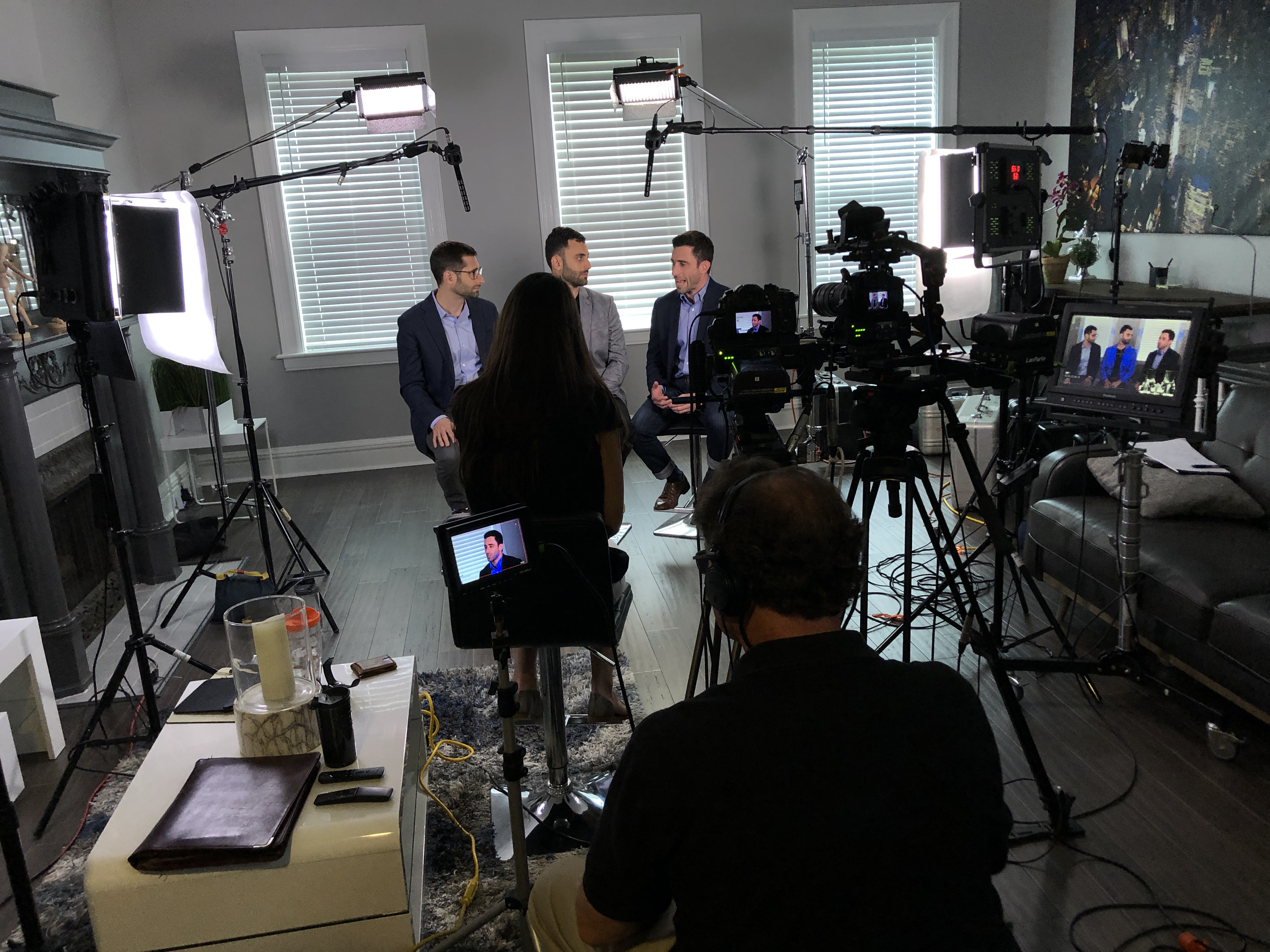
Experienced Crews | Professional Equipment | Studio & Remote Production

Posts tagged ‘digital-marketing’

Custom Video vs. Stock Footage: Cost, Control, and Brand Risk for Service Brands

If you sell a service—IT, healthcare, engineering, logistics, facilities—your “product” is trust. Moving pictures are often the fastest way to prove that trust. The recurring question for marketing leaders: invest in original video production or assemble campaigns from stock clips? The smart answer is a framework—balancing cost, control, and brand risk against speed and campaign goals. Here’s a practical, field-tested guide from the production floor.


Executive Summary (for busy stakeholders)

  • Stock footage is efficient for low-stakes, short-life assets (internal explainers, early mockups, quick social tests).
  • Custom video wins when you need ownable IP, legal clarity, narrative cohesion, and proof of your real people, processes, and locations.
  • Hidden costs and risks—licensing limits, look-alike competitors, audio/music rights, compliance misses—often turn “cheap” stock into the costlier option.

Cost: Sticker Price vs. Total Cost of Ownership (TCO)

Direct costs

  • Stock footage: Clip/subscription fees, often per seat or per deliverable; extended licenses for paid media or OTT quickly escalate.
  • Custom video: Crew, gear, locations, permits, talent, and post. Upside: broad rights, consistent masters, footage libraries that pay off across quarters.

Hidden and downstream costs

  1. License governance for each clip (duration, territory, impressions, media types).
  2. Music & SFX rights—even “royalty-free” tracks can exclude broadcast/paid social.
  3. Style stitching—time spent matching disparate clips and codecs, frame rates, color science, and grain.
  4. Replacement costs if a competitor uses the same hero shot.
  5. Performance tax—generic visuals depress watch time and conversions on high-intent pages.

A quick ROI lens
If custom video lifts conversion or sales enablement metrics even modestly, the compounding reuse (web, social, recruiting, PR, tradeshows) usually beats stock within one campaign cycle.


Control: Narrative, Consistency, and Compliance

Narrative control

  • Stock: You inherit someone else’s angles, casting, and context. Coverage gaps force script compromises.
  • Custom: You design story beats—cold open, proof moments, VO sync, graphics handoffs—so messaging drives pictures, not the other way around.

Visual consistency

  • Stock is a collage: mixed camera systems, white balances, shutter cadences, and motion blur.
  • Custom yields a repeatable look: lens set, LUTs, lighting ratios, motion language, and lower-thirds templating that scale across all channels.

Regulatory & safety

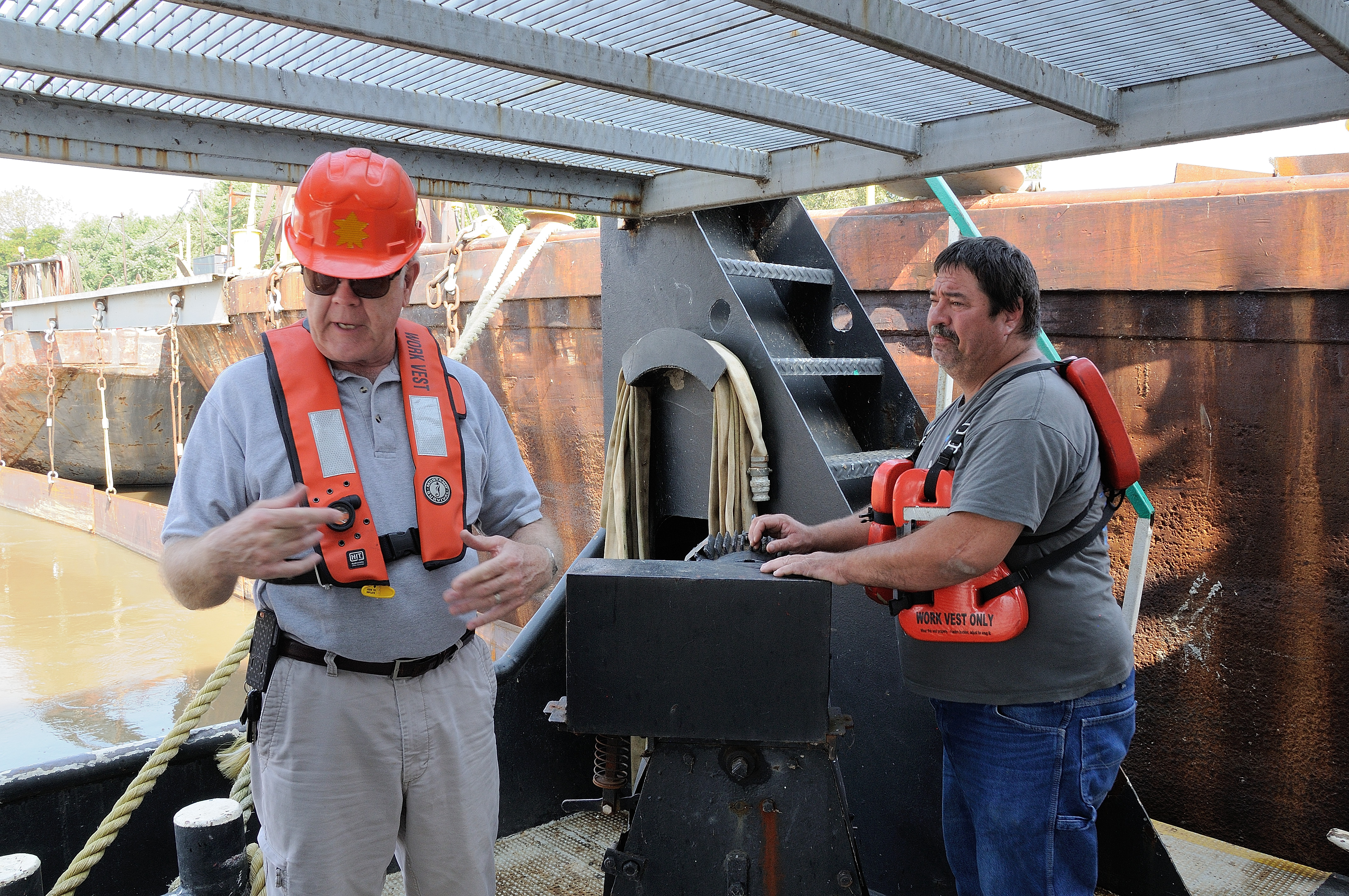
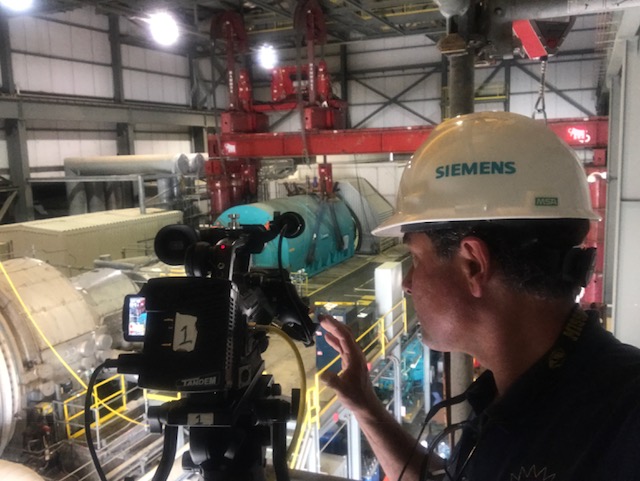
  • Stock often misses details your buyers and auditors scrutinize: correct PPE, HIPAA-safe contexts, lockout/tagout cues, sterile fields, data-center protocols.
  • Custom lets us stage compliance correctly and clear it with your legal or safety teams in advance.

Brand Risk: Where Teams Get Surprised

  1. Competitor collisions: The same “technician walking and pointing” shows up in your market—credibility dips.
  2. Context errors: Wrong facility types, unrealistic equipment, or non-Midwest exteriors that break authenticity.
  3. Rights ambiguity: Editorial vs. commercial, actor/model releases, trademarked backgrounds, and AI re-edits that violate clip terms.
  4. Provenance: Mixed AI/3D/real clips without content credentials invite scrutiny. With custom, we can embed C2PA for source transparency.

When Stock Footage Makes Sense (and How to Use It Well)

  • Early prototypes, wireframes, and mood films
  • Decorative b-roll in low-stakes channels
  • Abstract interstitials (macro textures, bokeh, time-lapse)
  • Quick social experiments where speed > polish

Best practices

  • Maintain a clip ledger (ID, license scope, expiry, placements, spend).
  • Avoid recognizable faces or facilities for hero sequences.
  • Standardize frame rate and color space to minimize stitching labor.
  • Prefer abstract or environmental stock to reduce look-alike risk.

When Custom Video Is the Clear Choice

  • Homepage hero videos, service explainers, recruiting films
  • Case studies and proposal sizzles where buyers need evidence
  • Regulated or technical workflows (medical, industrial, utilities, aviation)
  • Evergreen brand libraries for ongoing campaigns
  • Facility tours and POV walkthroughs (including indoor drone moves)

Deliverables that scale

  • Master film (60–120s) + cut-downs (30s/15s/6s) in 16:9, 1:1, and 9:16
  • B-roll library tagged by process, department, and compliance state
  • Interview soundbites (customer, manager, technician) for quick social lifts
  • Graphics pack (lower-thirds, supers, logo resolves) for internal reuse

The Decision Matrix (Use Before You Script)

Ask five questions:

  1. Is the video proof or decoration? Proof = Custom. Decoration = Stock can work.
  2. How public and persistent is the placement? Evergreen or paid = Custom lowers risk.
  3. Are there compliance or accuracy requirements? If yes, custom.
  4. Do we need a unified brand look? If yes, build a custom library + style guide.
  5. Will we repurpose across teams? If yes, custom’s TCO wins fast.

Practical Budgeting: Buy Once, Reuse Everywhere

Plan a library, not a one-off

  • Map the funnel (awareness → consideration → decision → onboarding → recruiting).
  • For each stage, list required scenes: team expertise, process, safety, customer outcomes, facility scale.

Stack efficiencies

  • Shoot interviews + process b-roll while setups are hot.
  • Capture audio wild lines (taglines, CTAs, alt takes) for future edits.
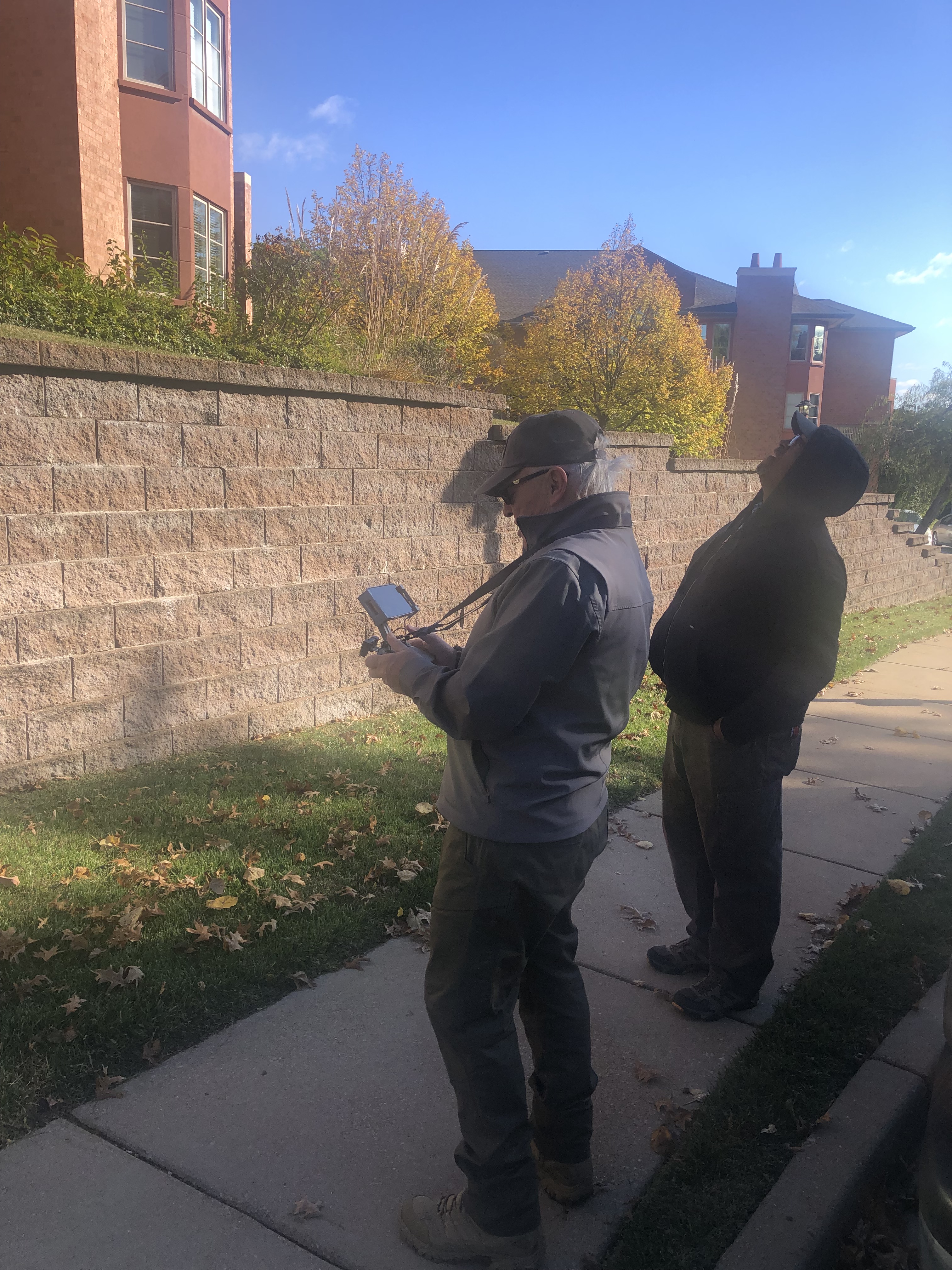
  • Use indoor drones for dynamic reveals without disrupting operations.
  • Record clean plates for on-brand motion graphics and future language swaps.

Rights & governance

  • Commission for broad commercial rights (digital/print/paid/OTT), model & property releases, and music with broadcast/paid rights.
  • Embed C2PA credentials; centralize masters, transcripts, captions, cue sheets, and license docs.

Creative Guardrails for Service-Brand Video

  • Show the actual workflow: Wide (context) → Medium (people + process) → Tight (expert details).
  • Prioritize sound: Lav + boom capture, noise control, proper sample rates; build caption files on delivery.
  • Safety and inclusion: Correct PPE/signage; represent real teams authentically.
  • Lighting language: Soft directional key, motivated practicals, consistent contrast; one LUT library.
  • Motion language: Thoughtful gimbal/dolly; drones for establishing and impossible angles—indoor flights when appropriate.
  • Accessibility: High-contrast supers, legible type, accurate captions, descriptive alt text on embeds.

Sample One-Day Video Plan (Designed for 6–12 Months of Assets)

Pre-production (1–2 weeks prior)

  • Script outline, interview beats, shot list, schedule, releases, safety review
  • Look/tone brief, lower-thirds/graphic templates
  • Tech scout: power, noise, drone paths (including indoor), staging

Production (1 day)

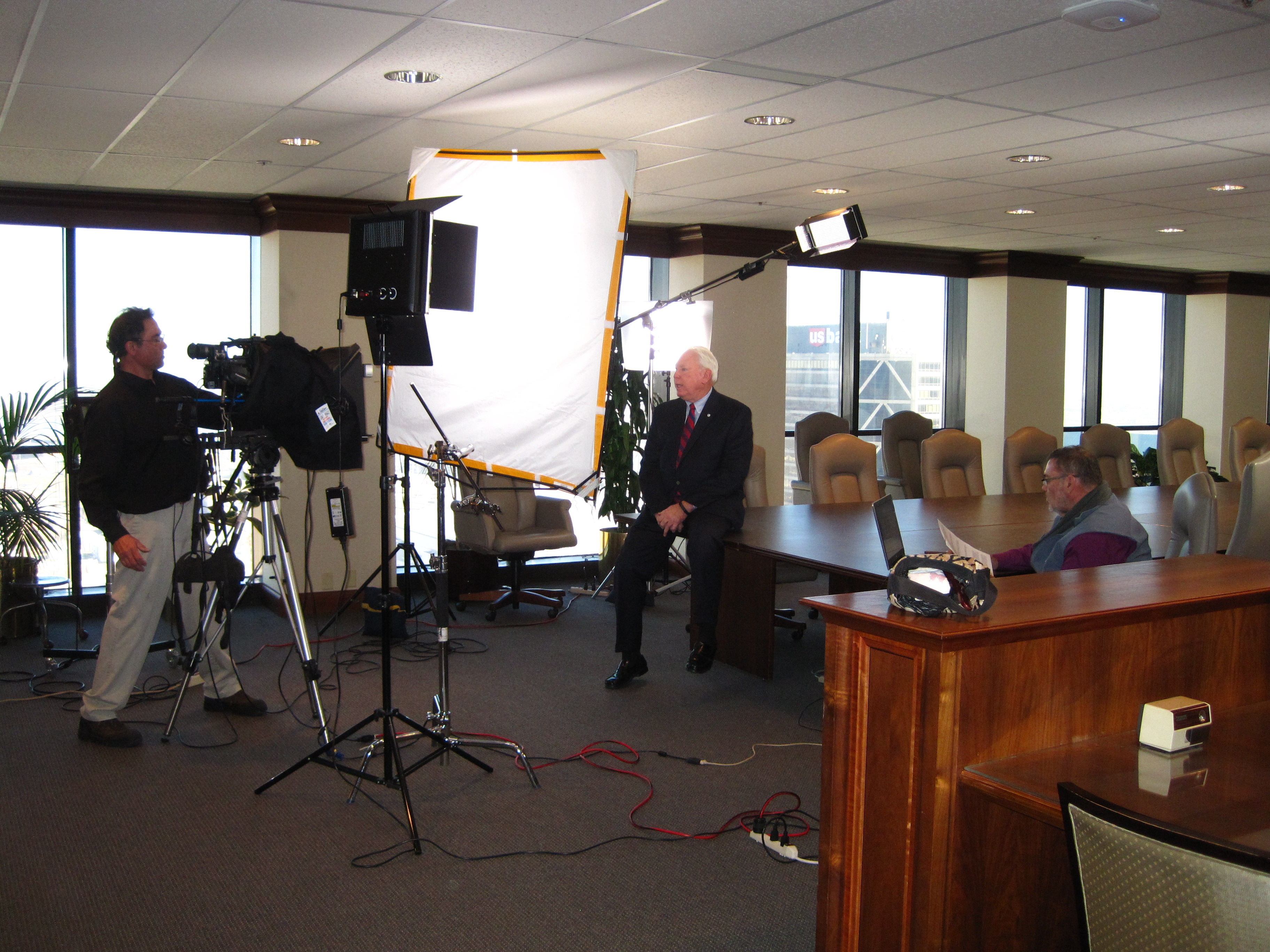
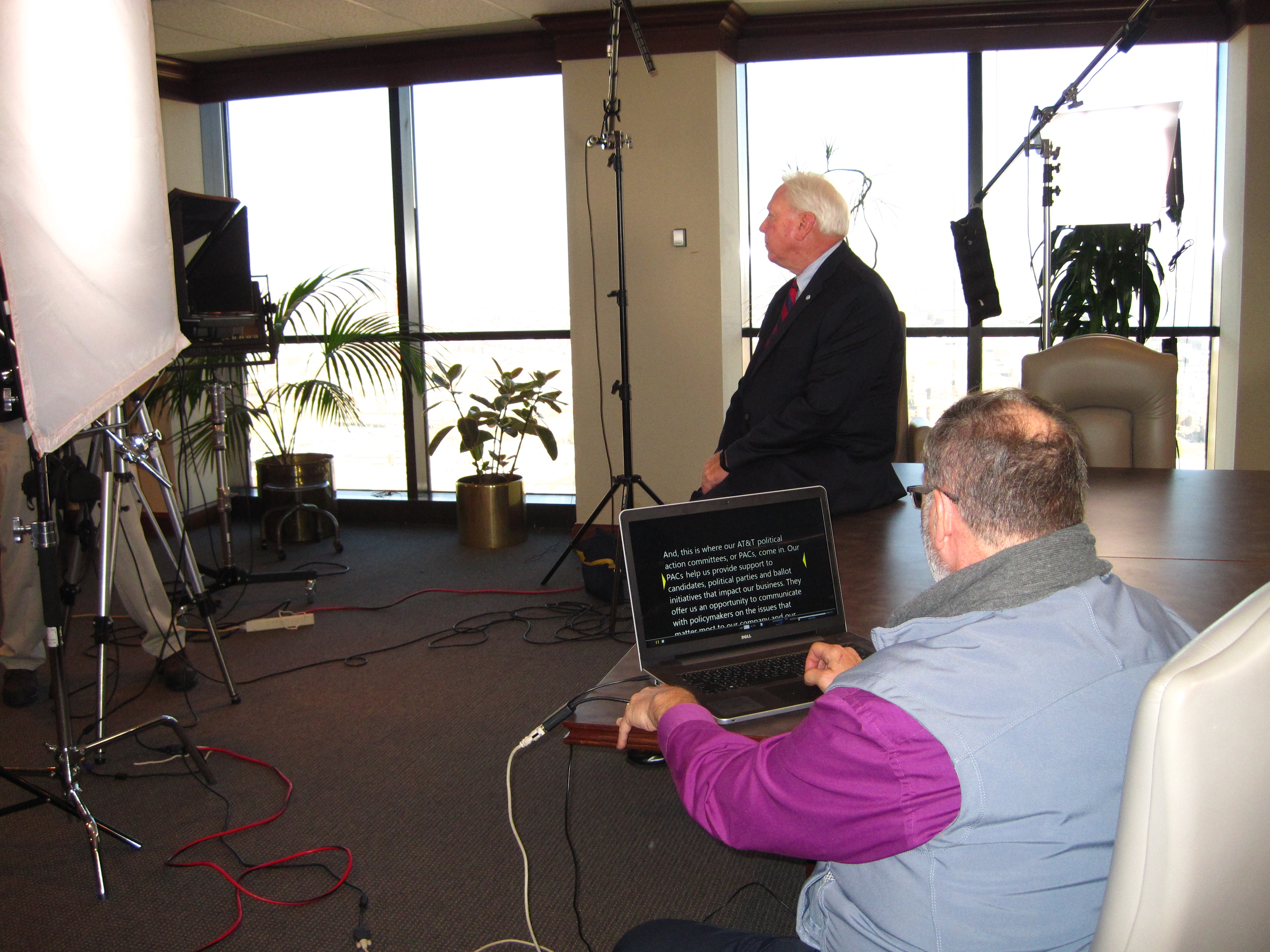
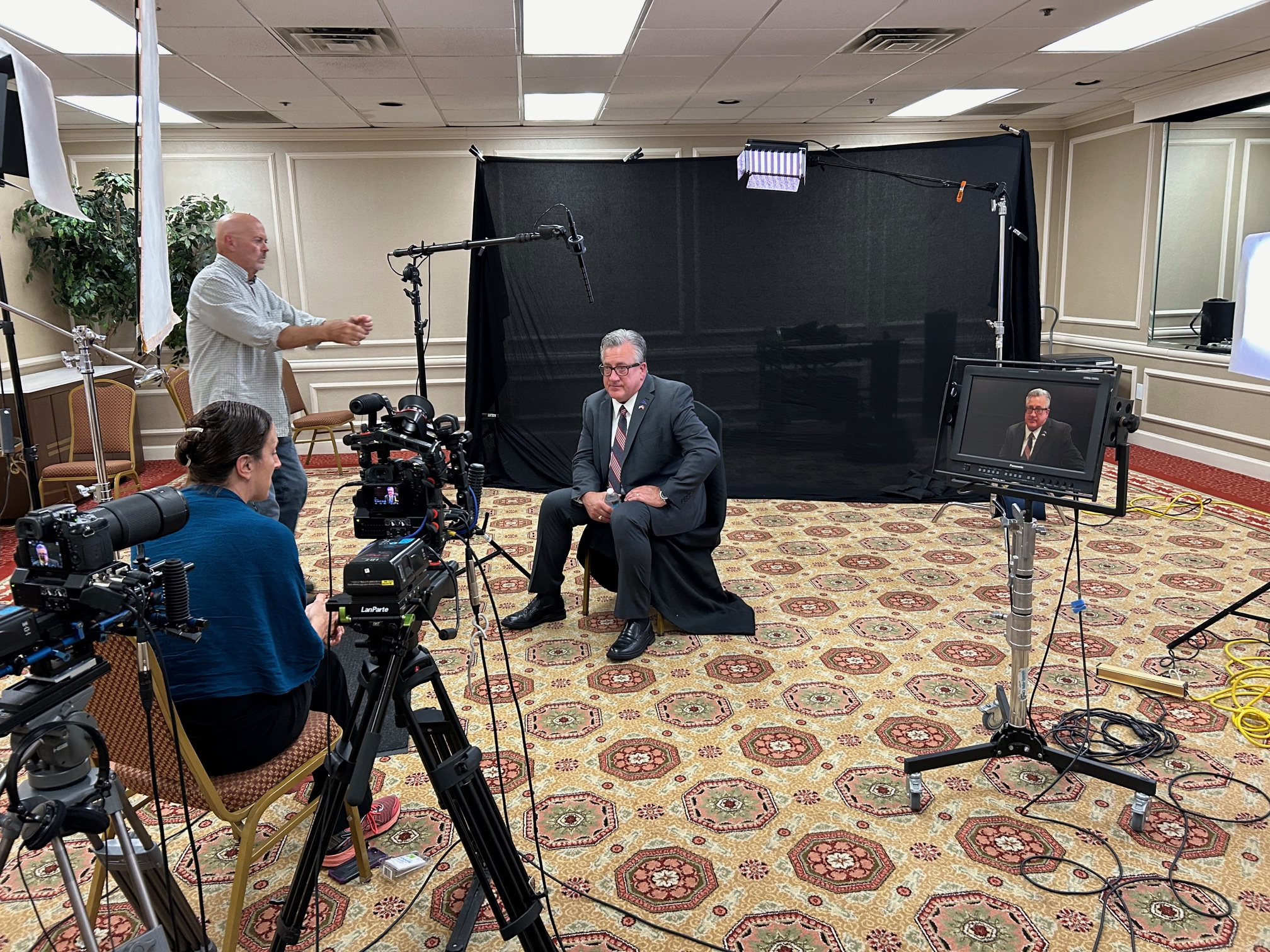
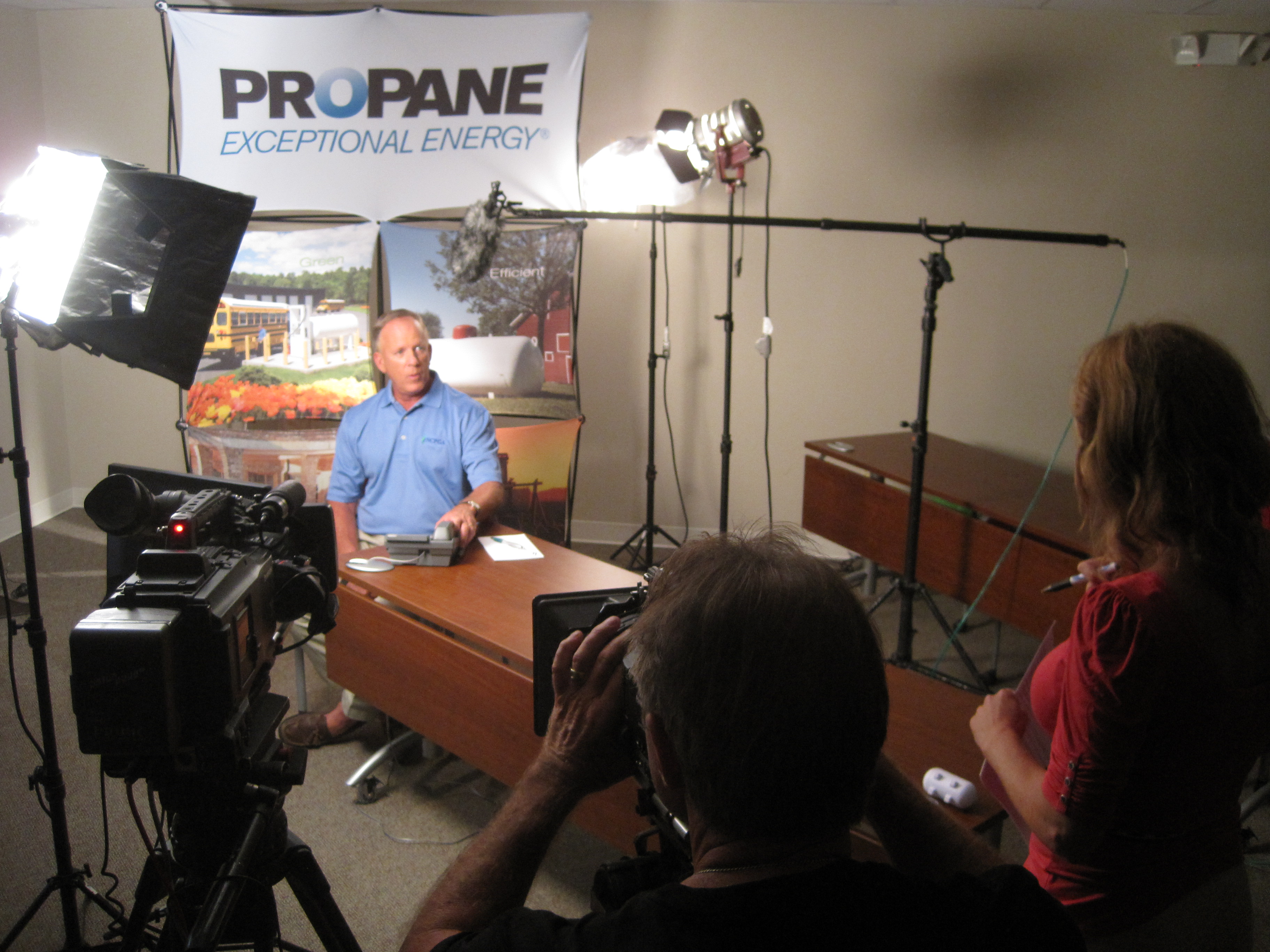
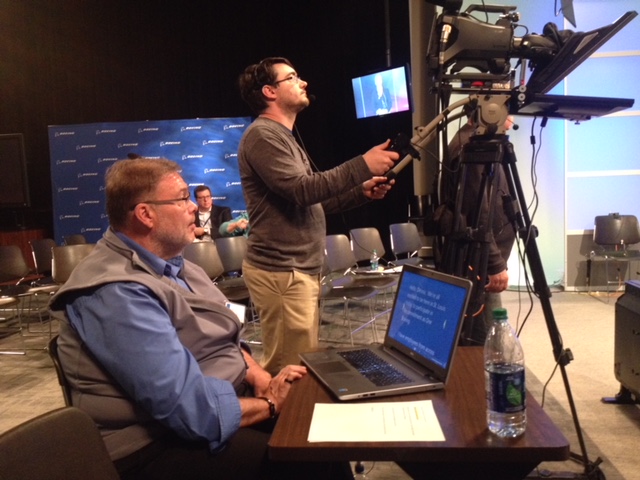
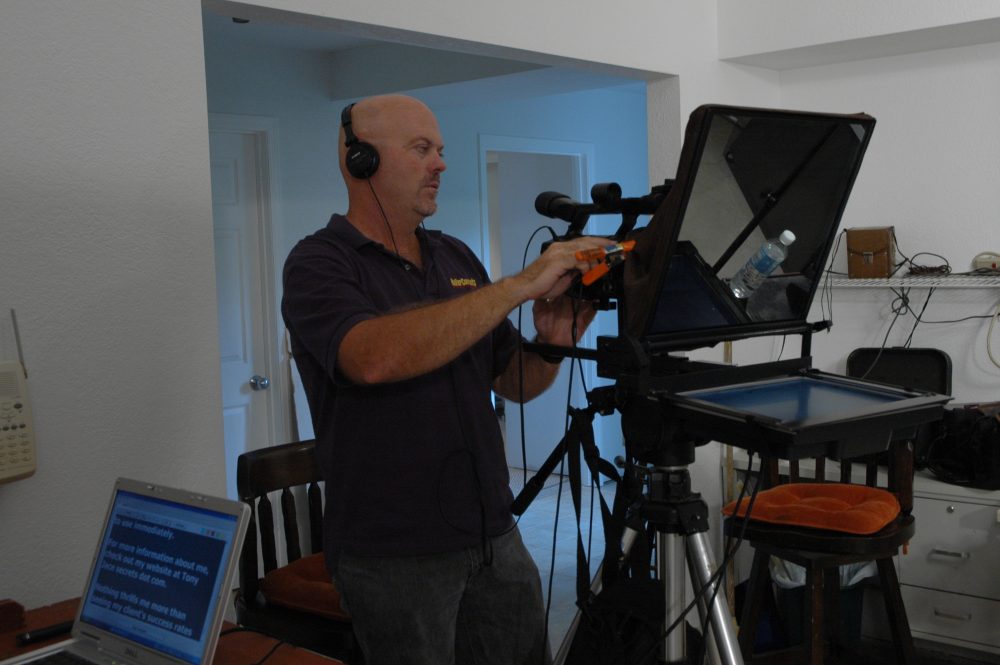
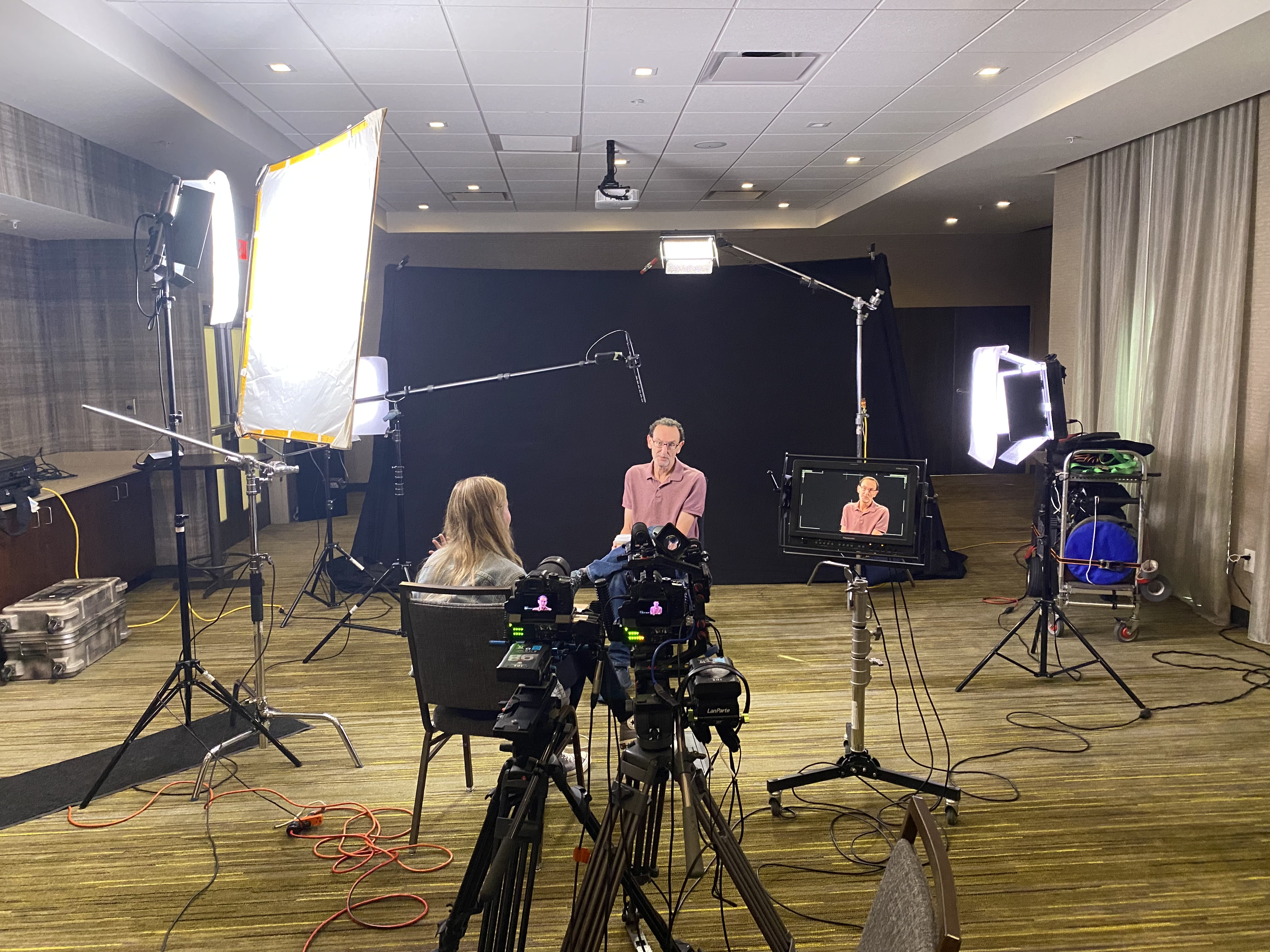
  • Executive & SME interviews (2-camera, teleprompter as needed)
  • Process coverage (A-cam on sticks, B-cam on gimbal; wide/medium/detail cadence)
  • Facility and culture b-roll (collaboration, stand-ups, QC checks)
  • Indoor drone establishing passes and transitions
  • Wild lines for future CTAs and versioning

Post (3–10 days)

  • Color pipeline + loudness-normalized mixes
  • Master + social cut-downs (16:9 / 1:1 / 9:16)
  • Captions (SRT/WebVTT), transcripts, clean text for repurposing
  • Music/SFX with paid/OTT rights; cue sheets delivered
  • Delivery with metadata, C2PA, and asset index

Governance Checklist (Pin This in Your Brand Binder)

  • Broad commercial rights secured; music licensed for paid/OTT
  • Model & property releases on file
  • Compliance sign-off (PPE, privacy, signage)
  • Captions/transcripts included; accessibility reviewed
  • C2PA credentials embedded
  • Centralized asset index with tags/expirations
  • AI policy (permitted enhancements, disclosure, provenance)

Where AI Fits (and Where It Doesn’t)

Use AI to storyboard, generate animatics, clean plates, remove distractions, automate captions, version graphics, and upscale. For credibility—real people, regulated processes, facility specifics—capture reality and use AI as a finishing tool. Preserve provenance with Content Credentials.


Bottom Line

For service brands, video isn’t decoration—it’s evidence. Stock footage has a role in speed and prototyping, but the videos that build trust and move revenue—cohesive stories, accurate process visuals, compliant details, and consistent brand language—come from custom production. Model total cost and risk honestly, and bespoke video becomes the most economical choice you can make.


About St Louis Video Production

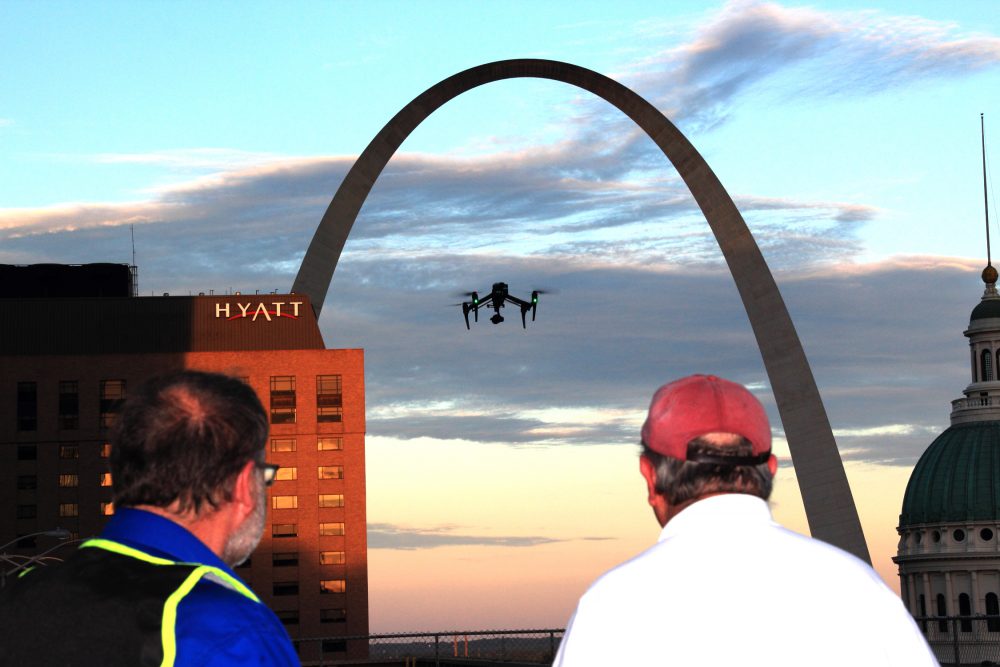
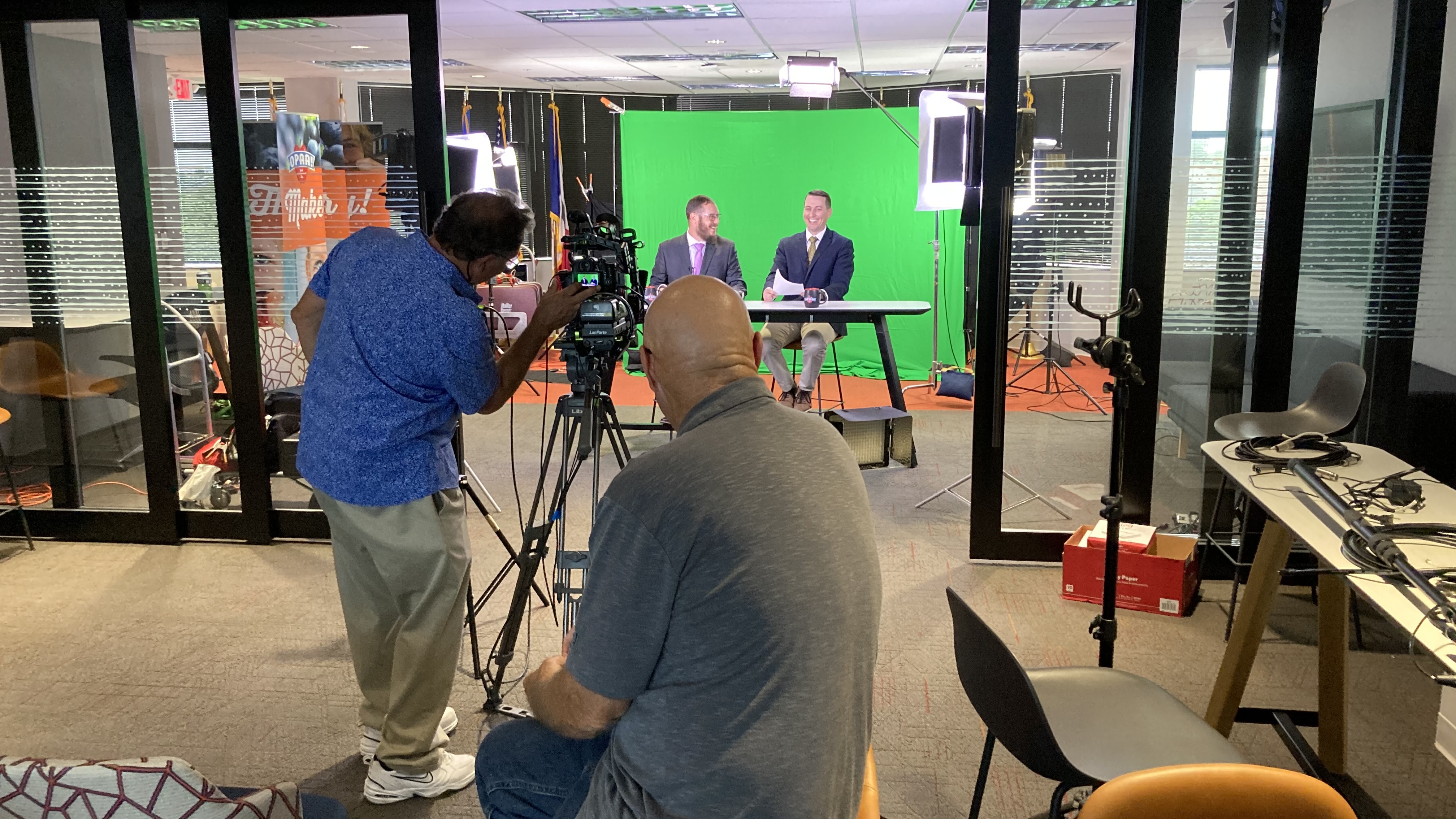
St Louis Video Production is a full-service professional commercial video and photography company with the right equipment and creative crew experience for successful image acquisition. We provide full-service studio and location video and photography, plus editing and post-production, and licensed drone pilots—including the ability to fly our specialized drones indoors for dynamic, cinematic facility footage.

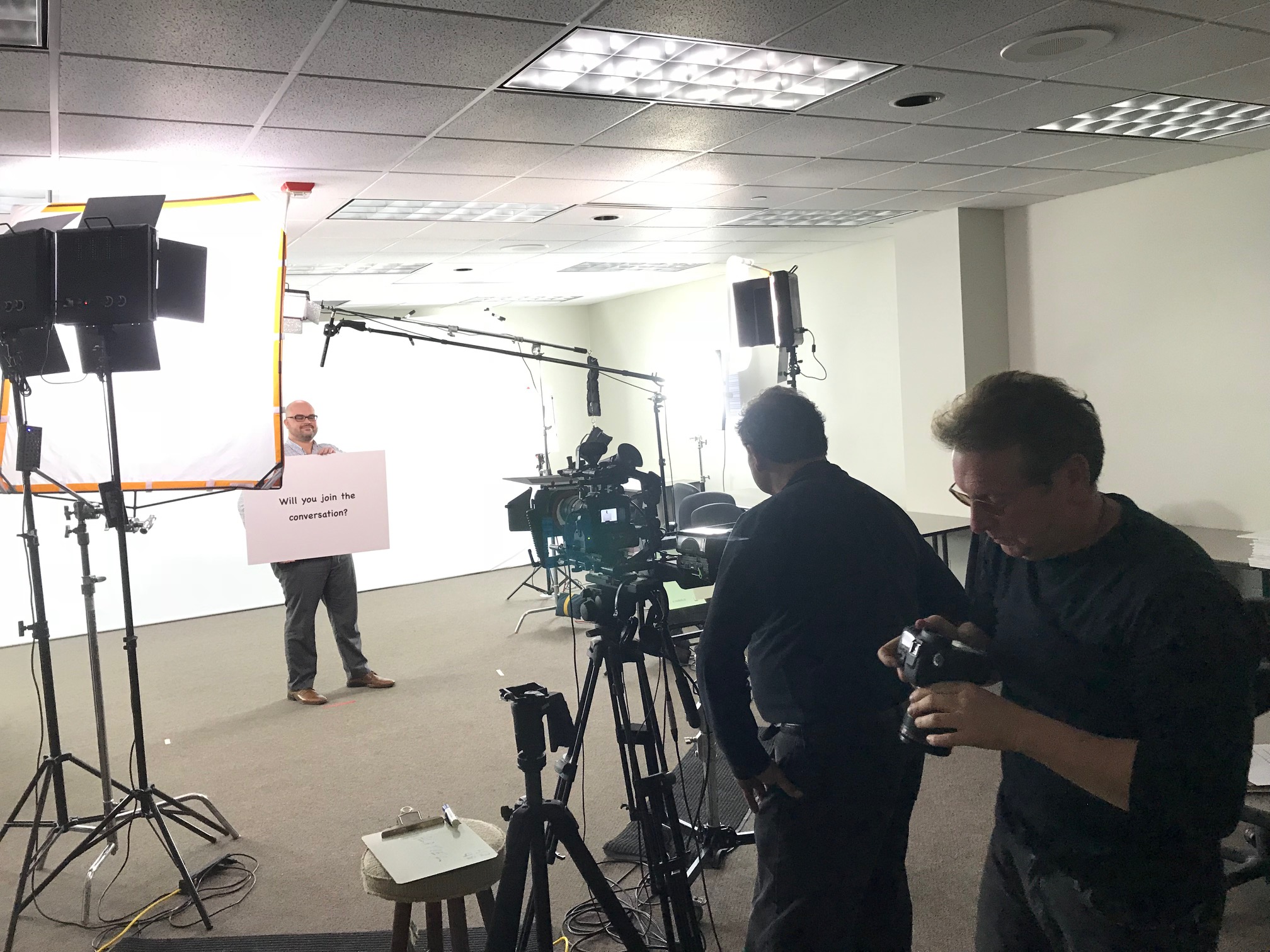
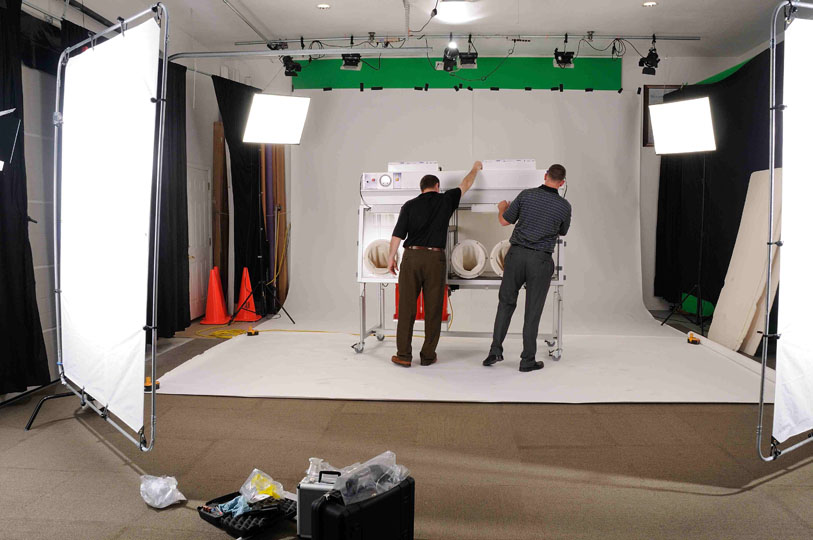
We customize productions for diverse media requirements and excel at repurposing your video and photography branding to maximize traction across web, social, recruiting, sales enablement, trade shows, and paid media. Our team is well-versed in all file types, media styles, and accompanying software, and we leverage the latest Artificial Intelligence for efficient, secure workflows—from denoise and upscaling to smart captioning and content credentials. Our private studio lighting and visual setup is ideal for executive interviews and small productions, with space to incorporate props and sets.

As a full-service production corporation since 1982, St Louis Video Production has partnered with businesses, marketing firms, and creative agencies throughout the St. Louis area to deliver credible, conversion-ready video libraries. We support every aspect of your production—from setting up a private, custom interview studio to supplying professional sound and camera operators and the right equipment—ensuring your next video production is seamless and successful.

Mike Haller 314-913-5626 stlouisvideoproduction@gmail.com
Beyond the Blinking Light: Empowering Your On-Camera Talent with Teleprompters

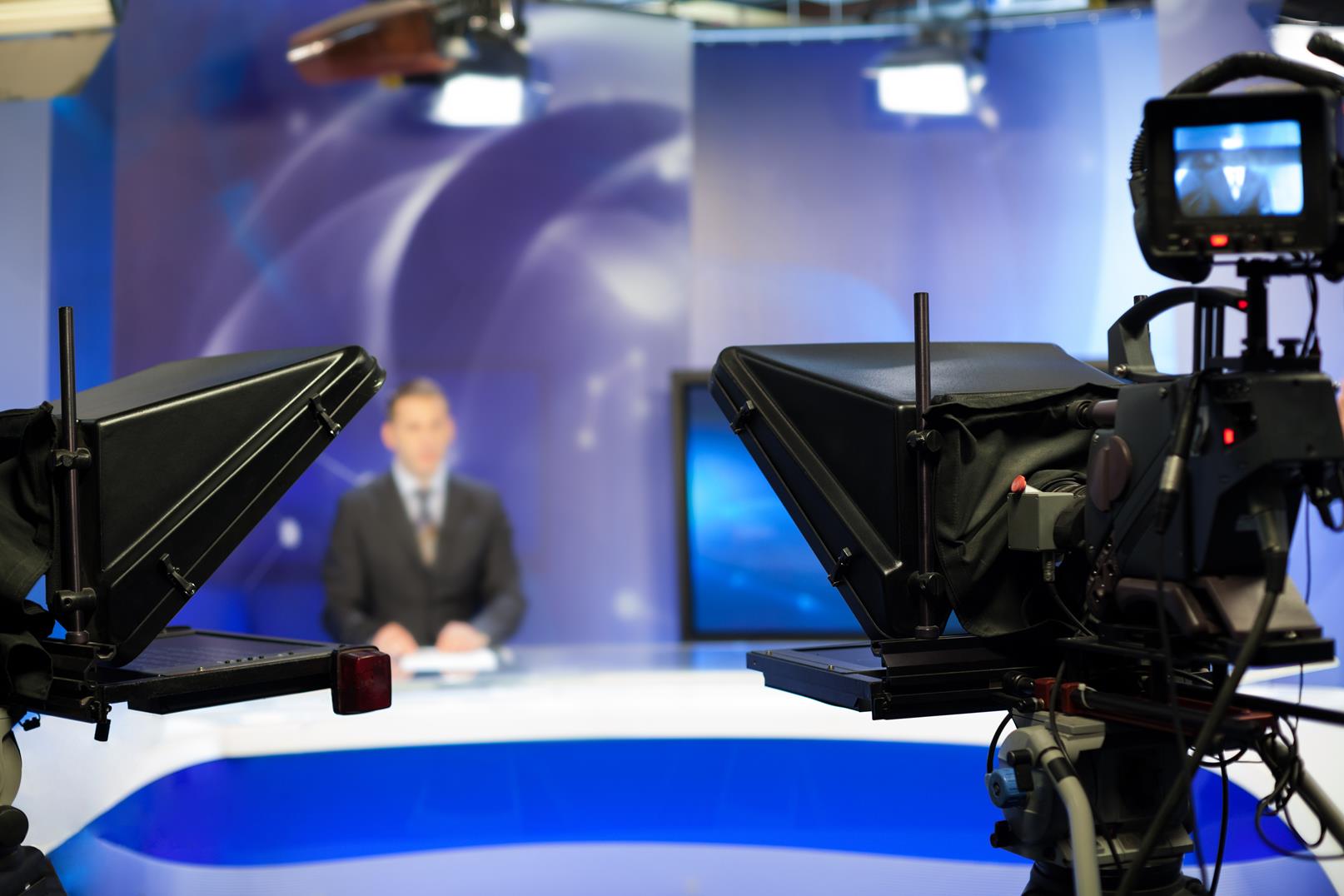
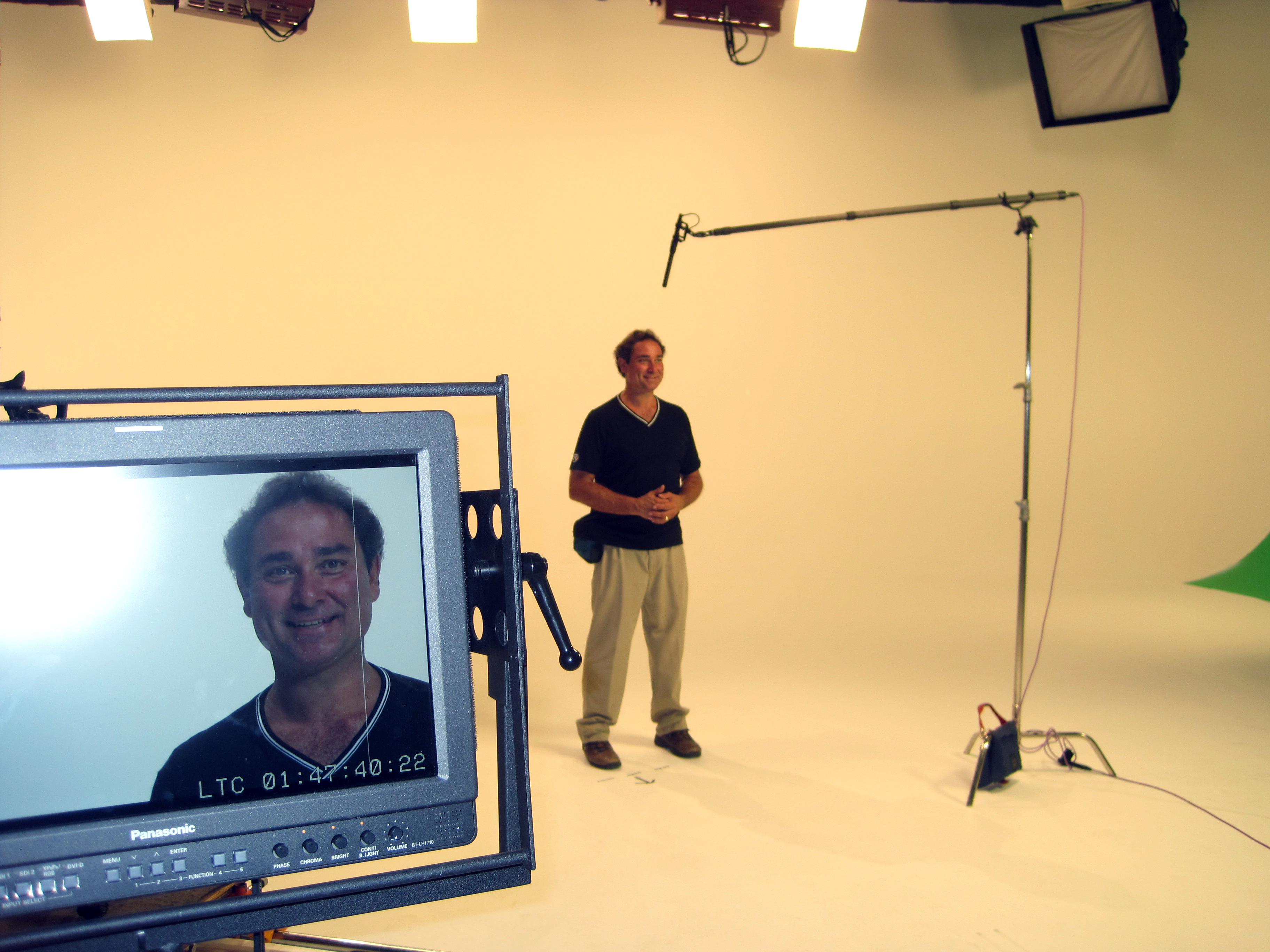
In the world of corporate communications, the camera often feels like an intimidating, all-seeing eye. For many business professionals, stepping in front of it for the first time can be a nerve-wracking experience, leading to stilted deliveries, forgotten lines, and an overall lack of authentic connection. As seasoned videographers and producers, we at St Louis Video Production understand these anxieties intimately. Our secret weapon for transforming hesitant speakers into confident camera stars? The humble, yet incredibly powerful, teleprompter.

The Teleprompter: More Than Just a Script Reader

Too often, the teleprompter is viewed as a crutch, a tool for those who can’t memorize their lines. This couldn’t be further from the truth. In expert hands, a teleprompter is a strategic asset that enhances professionalism, boosts confidence, and ultimately delivers a more impactful message.

Here’s how a teleprompter transcends its basic function to ease nerves and empower your on-camera talent:

1. Eliminating Memorization Pressure: The sheer burden of memorizing a script can be paralyzing. With a teleprompter, this pressure evaporates. Talent can focus entirely on their delivery, inflection, and connecting with the audience, rather than frantically trying to recall the next sentence. This freedom allows for a more natural and conversational tone, even with highly technical or detailed content.

2. Maintaining Eye Contact and Engagement: One of the most significant advantages of a teleprompter is its ability to keep your talent looking directly into the camera lens. Instead of glancing down at notes or looking off-camera, their gaze remains steady and engaged, creating a direct connection with the viewer. This sustained eye contact builds trust and makes the message feel more personal and authoritative.

3. Ensuring Message Accuracy and Consistency: In corporate video, precision is paramount. A teleprompter guarantees that key messaging, brand guidelines, and complex information are communicated accurately and consistently, every single time. This is especially critical for legal, financial, or technical content where even a slight misstatement can have significant repercussions.

4. Boosting Confidence and Reducing Takes: When talent knows the words are there, their confidence soars. This translates into fewer retakes, saving valuable production time and resources. The ability to deliver a smooth, error-free performance from the outset is incredibly empowering, fostering a more positive and productive filming environment. Imagine the relief of seeing your message scroll effortlessly, knowing you’re hitting every key point.

5. Facilitating Dynamic Deliveries: While a teleprompter provides the words, an experienced director can guide talent to deliver them with appropriate pacing, emphasis, and emotion. The teleprompter frees the talent’s mental energy to focus on these nuances, resulting in a more dynamic and engaging presentation, rather than a robotic recitation.

6. Adapting to Last-Minute Changes: Business environments are dynamic, and scripts often require last-minute tweaks. With a teleprompter, these changes can be implemented instantly, allowing for seamless adaptation without disrupting the flow of the shoot or requiring your talent to re-memorize sections.

Integrating Teleprompters into Your Production Strategy

For decision-makers in photography, marketing, and video production, incorporating teleprompters into your strategy for on-camera talent is a shrewd investment. It’s about more than just reading words; it’s about empowering your people to communicate effectively, authentically, and confidently.

At St Louis Video Production, we understand the art and science of utilizing teleprompters to their fullest potential. Our experienced crew ensures the script scrolls at the perfect pace, the font size is comfortable, and the talent feels completely at ease.


St Louis Video Production: Your Partner for Flawless Visual Storytelling

Since 1982, St Louis Video Production has been the trusted full-service professional commercial photography and video production company for businesses, marketing firms, and creative agencies across the St. Louis area. We bring the right equipment and a creative crew with extensive service experience for successful image acquisition, ensuring your message not only gets seen but also resonates.

We offer comprehensive studio and location video and photography services, as well as expert editing, post-production, and licensed drone pilots. Our capabilities extend to customizing productions for diverse types of media requirements, and we specialize in repurposing your photography and video branding to gain more traction across platforms. We are well-versed in all file types and styles of media and accompanying software, leveraging the latest in Artificial Intelligence for all our media services to optimize efficiency and impact.

Our private studio lighting and visual setup is meticulously designed, perfect for small productions and interview scenes. The studio is large enough to incorporate various props to round out your set, providing a versatile environment for your creative vision. We meticulously support every aspect of your production—from setting up a private, custom interview studio to supplying professional sound and camera operators, as well as providing the right equipment—ensuring your next video production is seamless and successful. We even possess the specialized equipment and expertise to fly our drones indoors for unique perspectives.

When you partner with St Louis Video Production, you’re not just getting a vendor; you’re gaining a dedicated team committed to transforming your vision into compelling visual content. Let us help your first-time camera stars shine, delivering your message with clarity, confidence, and professionalism.

Mike Haller 314-913-5626 stlouisvideoproduction@gmail.com
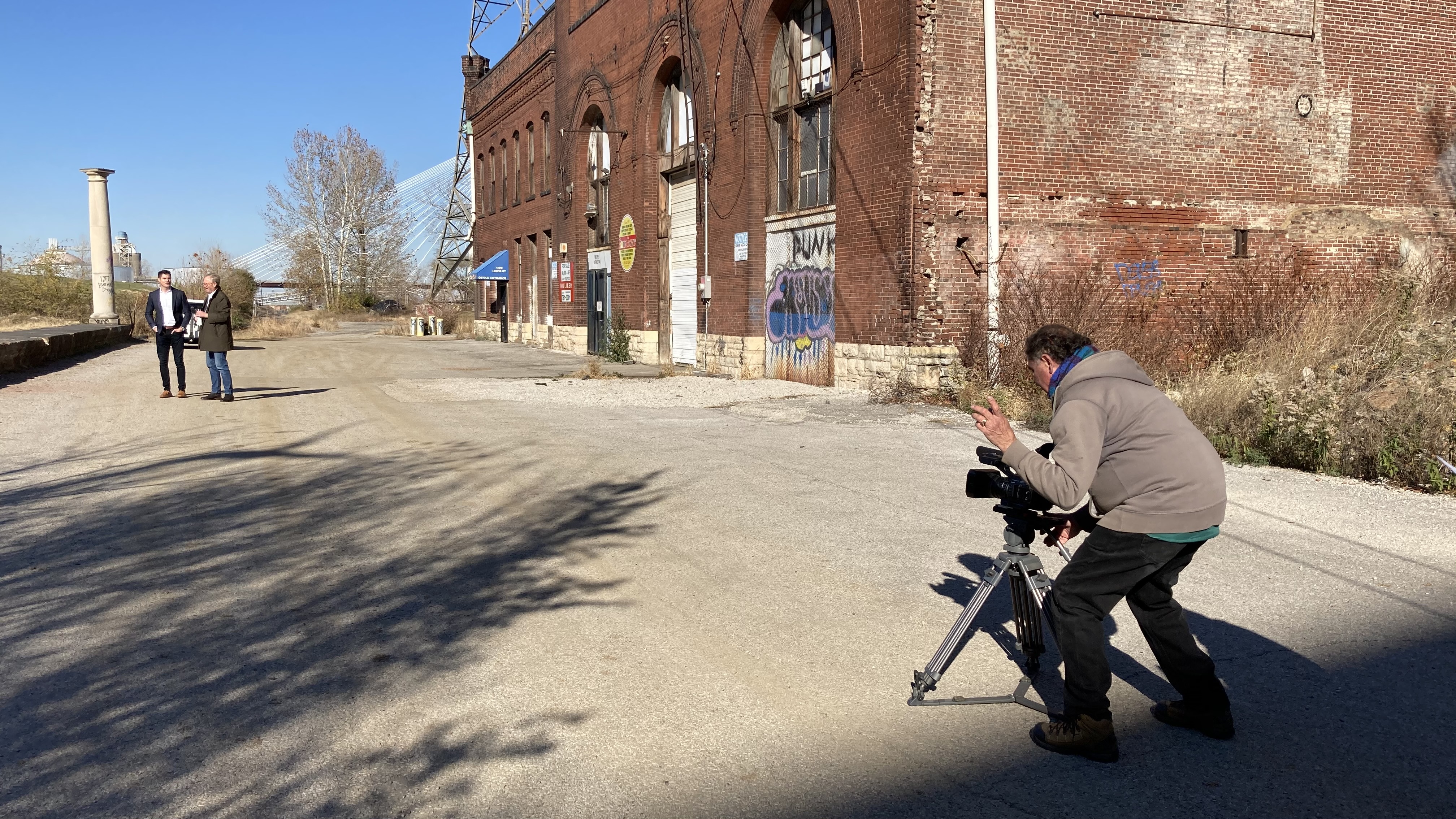
Let Your Customers Sell: The Question Playbook for Video Testimonials

If your best prospects could sit in on one honest conversation with your happiest customer, they’d buy faster and with more confidence. That’s the power of a well-structured video testimonial. The trick isn’t fancy gear or a lucky soundbite—it’s asking the right questions in the right order, and creating an environment where real stories surface naturally.

Below is a pragmatic, field-tested playbook we use at St Louis Video Production to plan, conduct, and repurpose testimonial interviews that actually move the needle.


Why Video Testimonials Work (and What “Good” Looks Like)

Good testimonials:

  • Match the buyer’s journey (awareness → evaluation → decision).
  • Frame the before → during → after in concrete, measurable terms.
  • Address common objections (risk, cost, speed to value, switching pain).
  • Feel unscripted but are guided—crisp answers, human details, proof.

Signal you’ve nailed it: prospects echo your customer’s own phrases back to your sales team, and sales uses the clips proactively (not just marketing).


Pre-Production: Set the Table for Truth

Define the story arc

  • ICP: Which customer profile do we want more of?
  • Use case: Which problem-outcome pair matters most this quarter?
  • Proof target: What metric, milestone, or moment will validate success?

Line up logistics

  • Stakeholders: Subject, their boss (for approval), legal/compliance, location contact.
  • Paperwork: Appearance release, location release, product/logo permissions.
  • Guardrails: Topics to avoid (competitive NDAs, regulatory limits), brand voice, no-go claims.

Prep the guest (without over-rehearsing)

  • Send a 1-page “what to expect” (wardrobe, timing, parking, mic etiquette).
  • Share themes, not scripts; reassure “we’ll guide you.”
  • Ask for artifacts (dashboards, photos, product in use) to film as B-roll.

On-Set: Make It Easy to Be Great on Camera

  • Warm-up first. Start with soft, non-work questions to settle nerves.
  • Ask one idea per question. Short prompts → short, usable answers.
  • Go for specifics. Replace “it was better” with “cut onboarding from 10 days to 3.”
  • Follow the energy. When eyes light up, stay curious; ask “What happened next?”
  • Silence is a tool. After an answer, pause; the best add-ons arrive in the quiet.

Technical baseline (so the story shines):

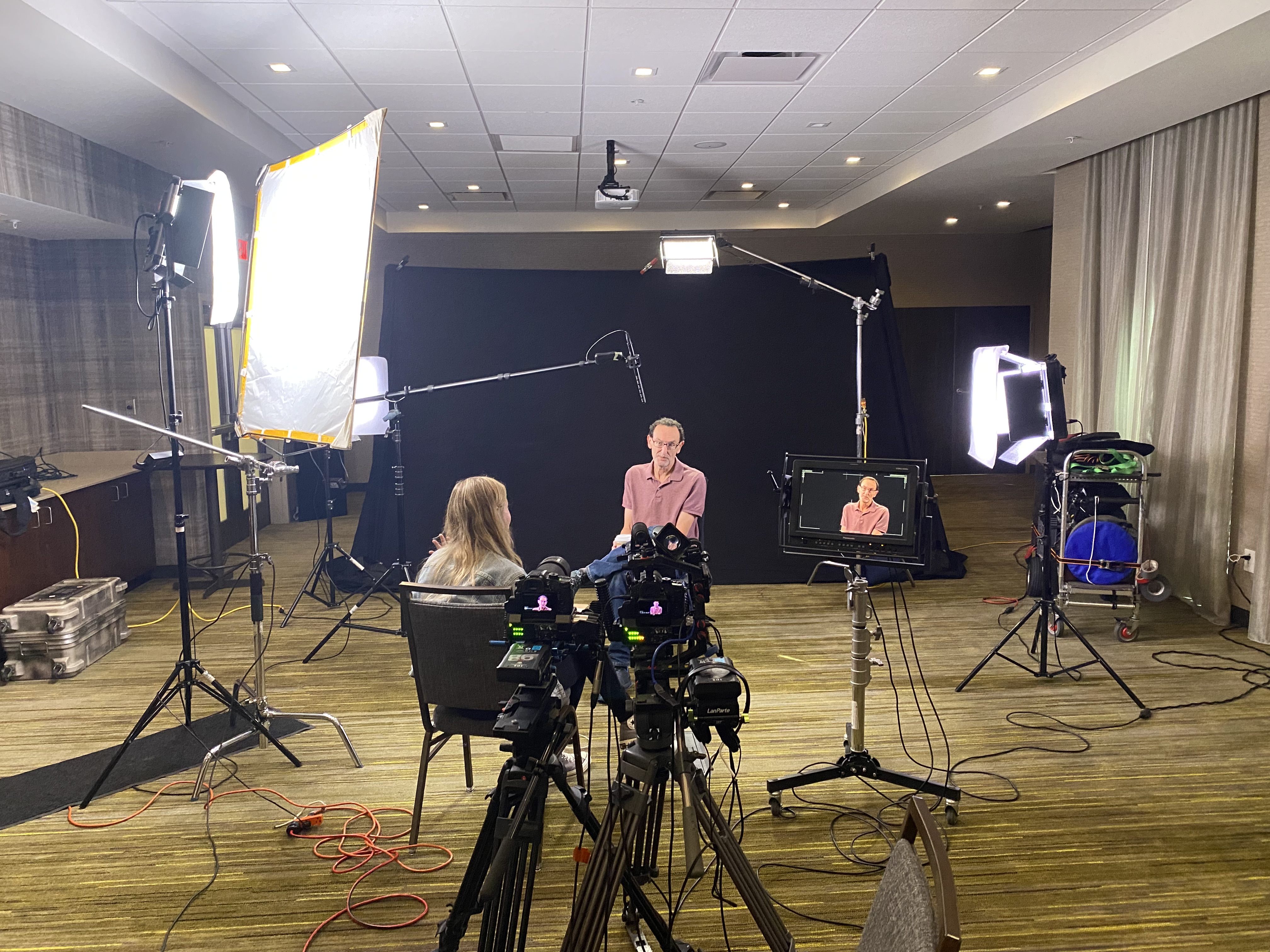
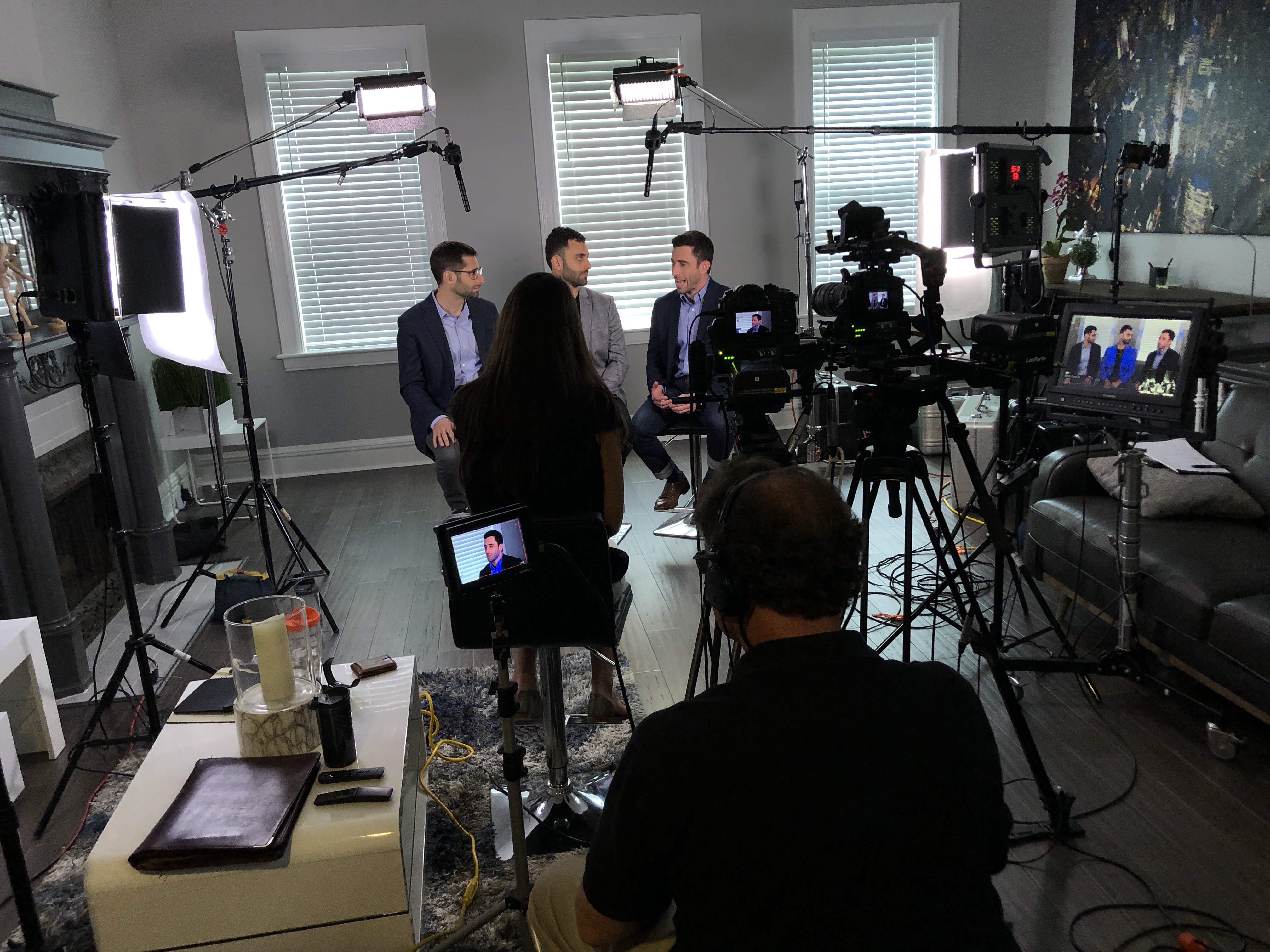
  • Two-camera angle for edit flexibility; lav + boom for clean audio.
  • Soft, flattering key + fill; match brand palette subtly in set elements.
  • Capture plentiful B-roll that shows what the guest says.

The Question Playbook (Organized by Outcome)

Use these as modular blocks. You won’t ask them all—select 8–15 that fit your story arc.

1) Openers that Build Comfort

  • “Where do you work and what do you do day to day?”
  • “What does success look like in your role?”

2) The Before State (Problem and Stakes)

  • “What was the situation before you started looking for a solution?”
  • “What made the status quo no longer acceptable?”
  • “What did the pain look like in numbers (time lost, errors, missed revenue)?”

3) The Search and Selection

  • “What alternatives did you consider, and why didn’t they fit?”
  • “What tipped the decision in our favor?”
  • “What risk felt biggest, and how was it addressed?”

4) Implementation and Experience

  • “Walk me through week one—what actually happened?”
  • “Who was involved on both teams? Any surprises?”
  • “How long until you saw first value? Full value?”

5) Outcomes and Proof

  • “What metrics moved? Baseline vs now.”
  • “What changed for your team or customers?”
  • “What’s a moment you realized this was working?”

6) Objections—Handled on Camera

  • “If someone is worried about cost/switching/complexity, what would you tell them?”
  • “What do you wish you’d known on day one?”

7) Differentiators in Plain Language

  • “What do we do differently than others you’ve worked with?”
  • “What one capability would be hardest to give up?”

8) Emotional Beats (Human Detail)

  • “How does your workday feel different now?”
  • “Who on your team felt the impact first?”

9) Future and Advocacy

  • “What’s next now that this is solved?”
  • “Would you choose us again? Why?”

Industry-Specific Add-Ons

B2B SaaS / Tech

  • “What integrations mattered most?”
  • “How did security/compliance review go?”
  • “What’s your retention or adoption rate after rollout?”

Manufacturing / Logistics

  • “What throughput or yield improvements did you see?”
  • “Any downtime reduction or safety gains?”
  • “Impact on scrap, returns, or on-time delivery?”

Healthcare / Regulated

  • “How did the process respect privacy and compliance?”
  • “Which outcomes are you comfortable sharing publicly?”
    (Avoid PHI; pre-clear wording with compliance.)

Professional Services

  • “Where did the team demonstrate judgment—not just tasks?”
  • “What checkpoint gave you confidence we were on track?”

Recruiting / HR

  • “How many days to fill before/after?”
  • “Quality-of-hire or retention shifts?”

Nonprofit / Public Sector

  • “Community outcome in lives touched, hours saved, dollars redirected?”
  • “How did this influence stakeholder confidence or funding?”

A 10-Minute Interview Outline (Efficient and Effective)

  1. Role & context (0:45)
  2. The “before” and trigger to change (1:30)
  3. Why we were chosen (1:00)
  4. Implementation snapshot (1:30)
  5. Outcomes with numbers (2:30)
  6. Objection handling (1:00)
  7. Differentiator and recommendation (1:00)
  8. CTA-ready closer (0:45)

Make It Visual: B-Roll You’ll Actually Use

  • The system in action: screens, hands, processes, product close-ups.
  • “Day in the life” cutaways: meetings, whiteboards, customers served.
  • Proof artifacts: dashboards, reports, before/after images, shipping lines, storefronts.
  • Emotional texture: smiles, relieved team, quiet focus, celebratory moments.

Edit Structure That Converts

  • Cold open: 3–6 second hook with a quantifiable win.
  • Title card + identity: who’s speaking, why they matter.
  • Problem → solution → outcome in under 90 seconds; keep one idea per beat.
  • End card CTA: what to do next (book demo, schedule consult, watch deeper case).
  • Versions: 16:9 web, 1:1 feed, 9:16 stories/reels; 6s, 15s, 30s, 60–90s cuts.
  • Accessibility: open captions burned in; high-contrast safe zones.

Distribution Plan (So the Story Works for You Everywhere)

  • Website: case-study pages, product pages, pricing page objection handlers.
  • Sales: email follow-ups, proposal decks, QR at trade shows.
  • Social/PR: short cuts with one metric per clip; tag the customer if approved.
  • Lifecycle: onboarding (what good looks like), renewal (outcomes reminder).
  • Paid: A/B test 6s hooks that mirror top objections from sales calls.

Track watch time, quartile completion, CTA clicks, influenced pipeline/revenue; annotate wins to the original testimonial in your asset library.


Ethical, Legal, and Brand Hygiene

  • Signed appearance and location releases (store with the asset).
  • Avoid confidential data on screens; plan redactions in post if needed.
  • Add content credentials/provenance where appropriate.
  • Keep claims truthful; use customer’s own metrics and language.

Quick Do/Don’t

Do

  • Coach for specifics and stories.
  • Ask follow-ups; let them finish.
  • Film lots of purposeful B-roll.

Don’t

  • Put words in their mouth.
  • Lead with jargon or internal slogans.
  • Rely on a single long cut—think modular reuse.

Ready-to-Use Prompt Sheet (Print for Your Interviewer)

  • “What was happening before you started looking for a solution?”
  • “What changed that made you act now?”
  • “What nearly stopped you from choosing us?”
  • “What happened in week one?”
  • “What can you measure that proves this worked?”
  • “If someone’s on the fence, what should they know?”
  • “What do we do that others don’t?”
  • “Would you choose us again? Why?”

Why Teams Choose Us to Produce Testimonials

Since 1982, we’ve helped businesses, marketing firms, and agencies in the St. Louis area capture credible, conversion-ready testimonial stories. Our crews handle everything—from strategy and question design to on-set coaching, filming, and post-production—so your customers look and sound their best while saying what future buyers actually need to hear.

About St Louis Video Production
St Louis Video Production is a full-service professional commercial photography and video production company with the right equipment and experienced crew for successful image acquisition. We provide full-service studio and location video and photography, editing, post-production, and licensed drone pilots—including the ability to fly our specialized drones indoors when a dynamic perspective is needed. We customize productions for diverse media requirements and excel at repurposing your photography and video branding to gain more traction across channels. We are well-versed in all file types, media styles, and the accompanying software, and we leverage the latest Artificial Intelligence responsibly throughout our services for speed, consistency, and scale. Our private studio lighting and visual setup is ideal for small productions and interview scenes, with room for props to round out your set. We support every aspect of your production—from setting up a private, custom interview studio to supplying professional sound and camera operators, as well as providing the right equipment—ensuring your next video production is seamless and successful.

Mike Haller 314-913-5626 stlouisvideoproduction@gmail.com
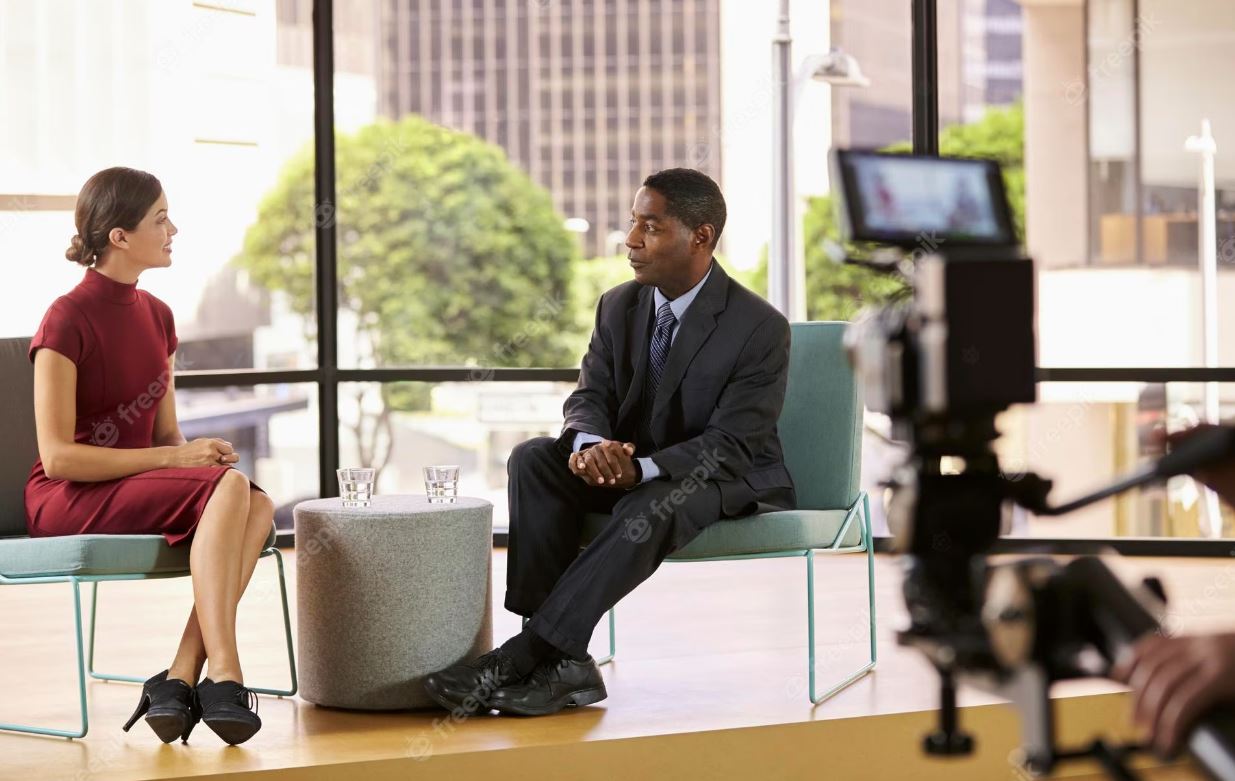
Most common video-production services clients ask for.

1) Corporate & Brand Videos

What clients ask: “Can you produce a clear, on-message corporate piece—recruiting, sales, or corporate communications—and handle it end-to-end?”
Our answer: Yes. We’re a full-service corporate production company creating communications, recruiting, marketing/sales, campaign, commercial, and special-event videos—shaping ideas into high-impact presentations.


2) Multi-camera Crews & Turnkey Production

What clients ask: “Can you bring the crew, manage logistics, and scale from a simple interview to a multi-camera shoot?”
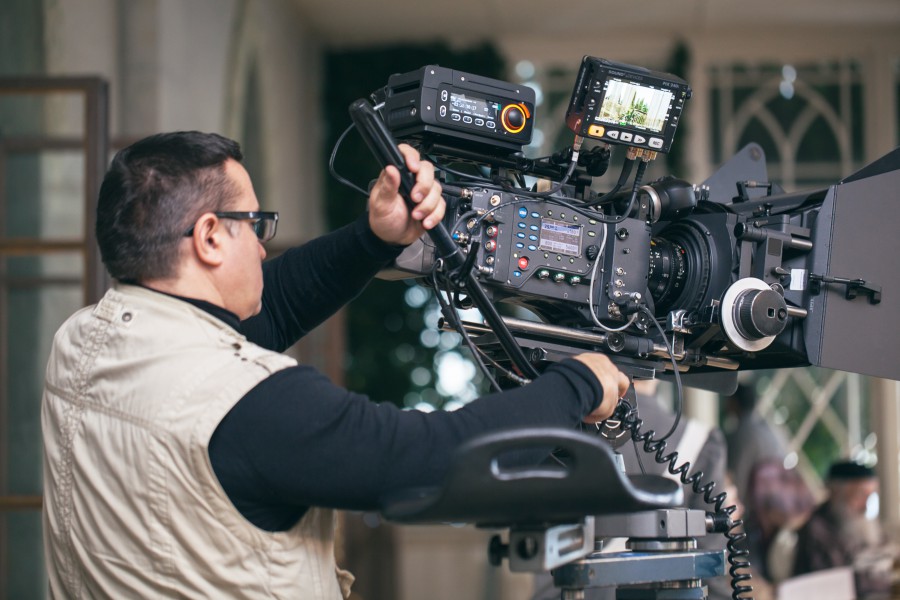
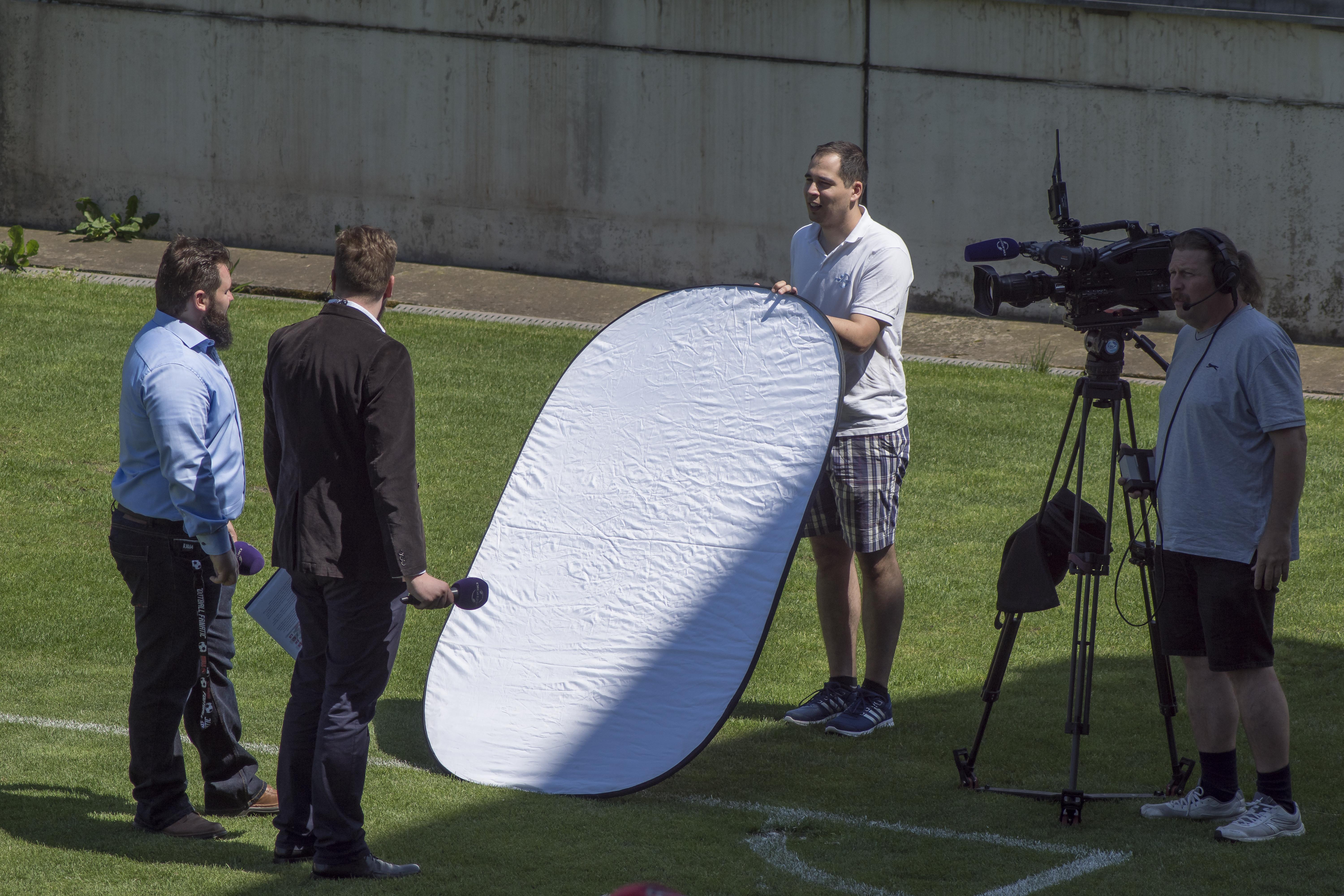
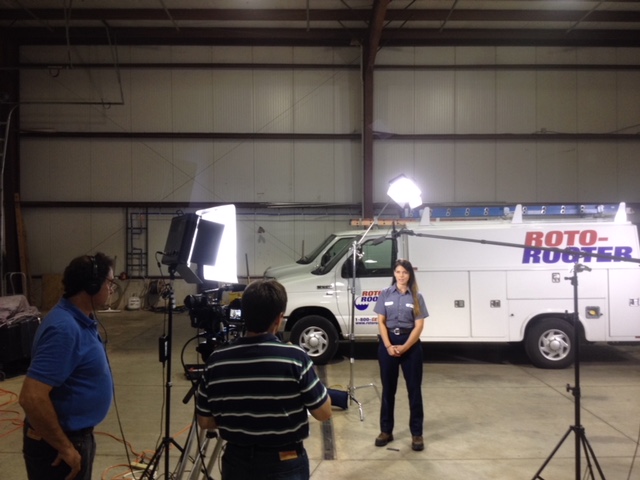
Our answer: Yes. Our award-winning crews handle interviews, B-roll, event coverage, presentations, live streaming, animation/motion graphics, and full post—turnkey.


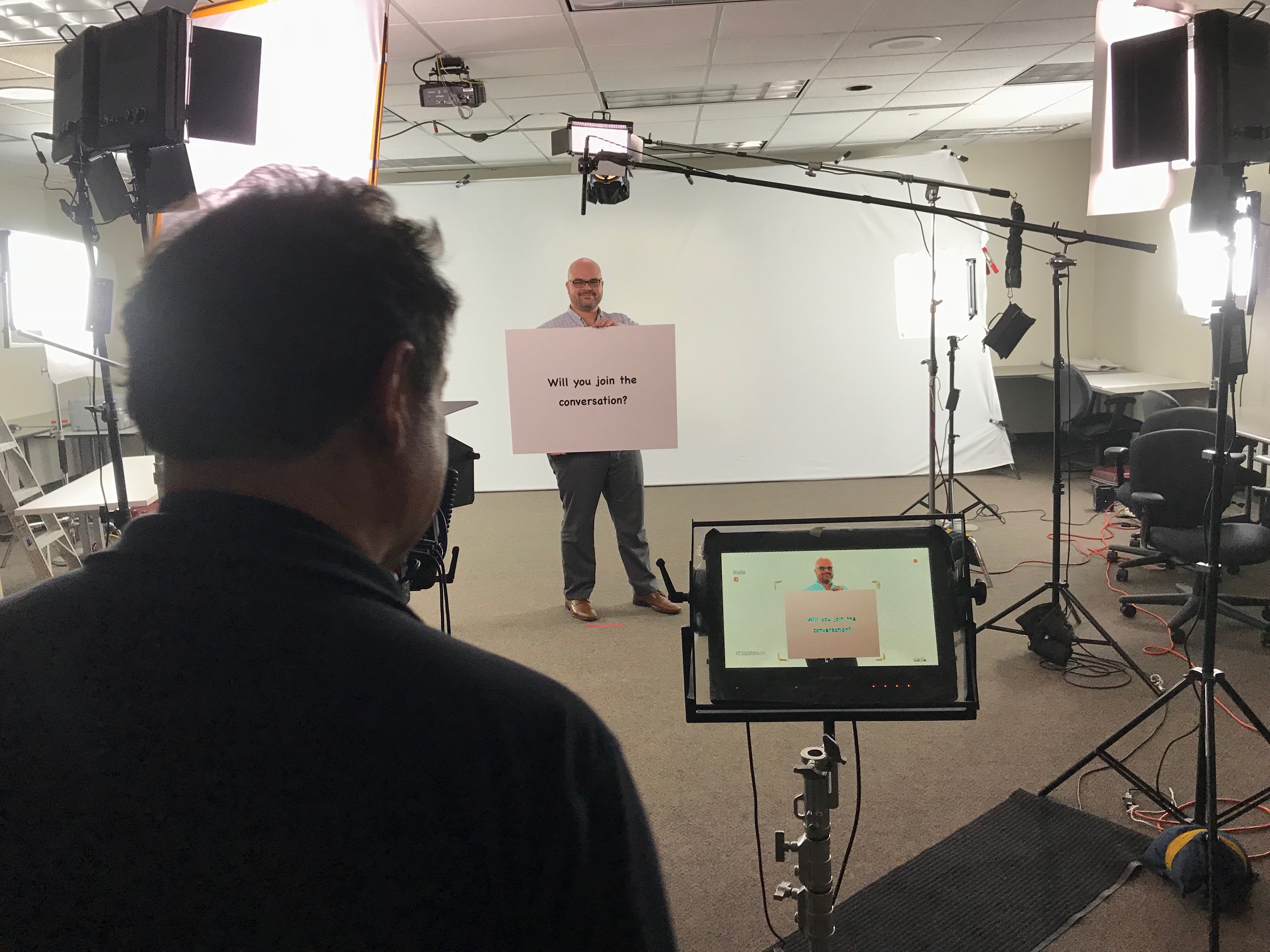
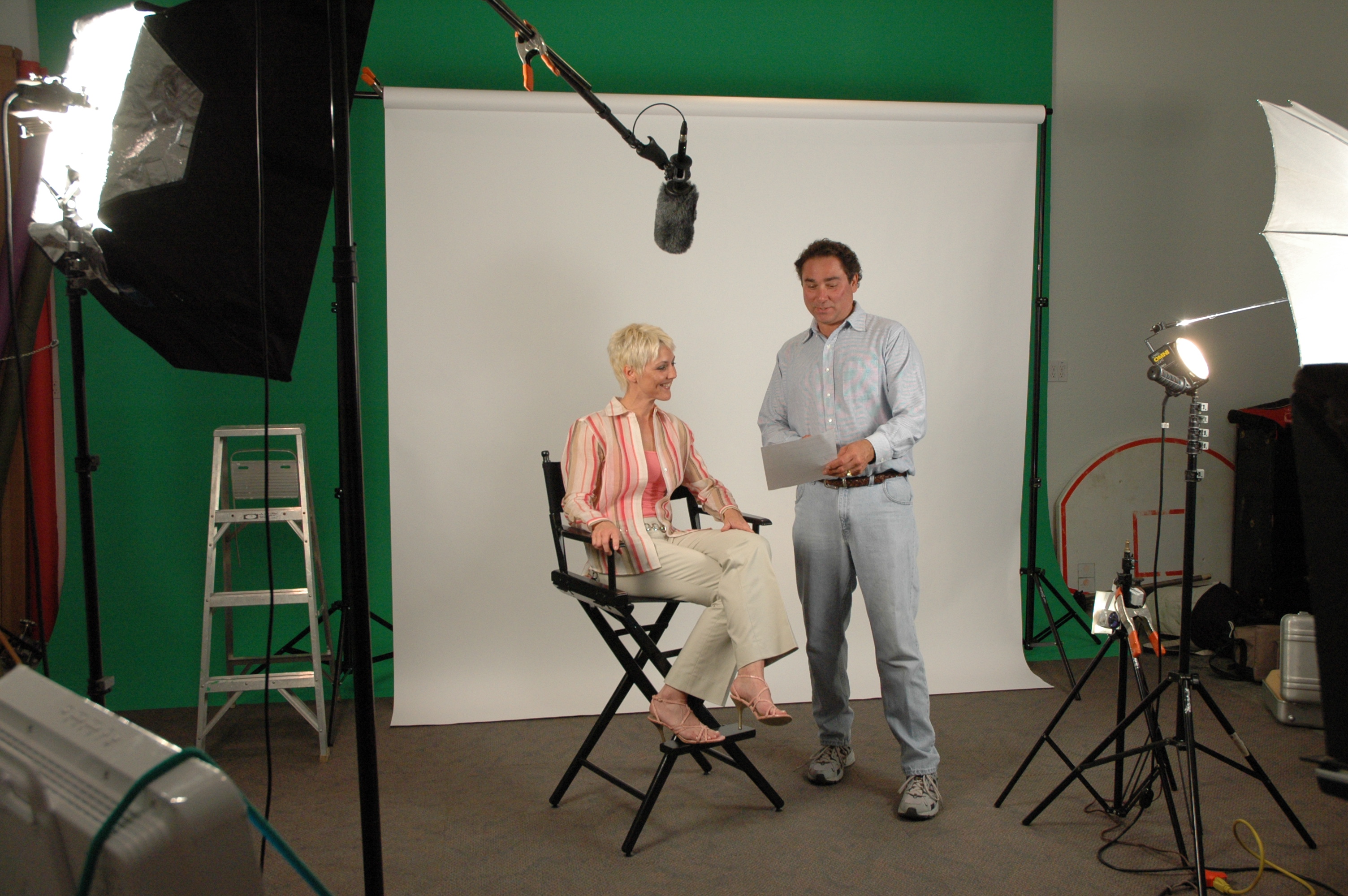
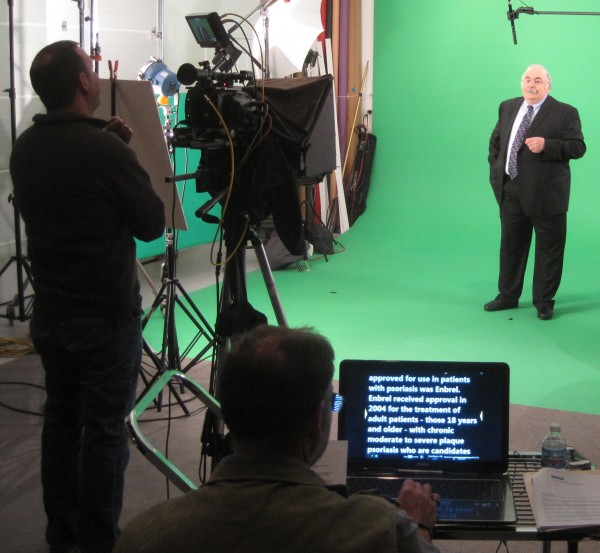
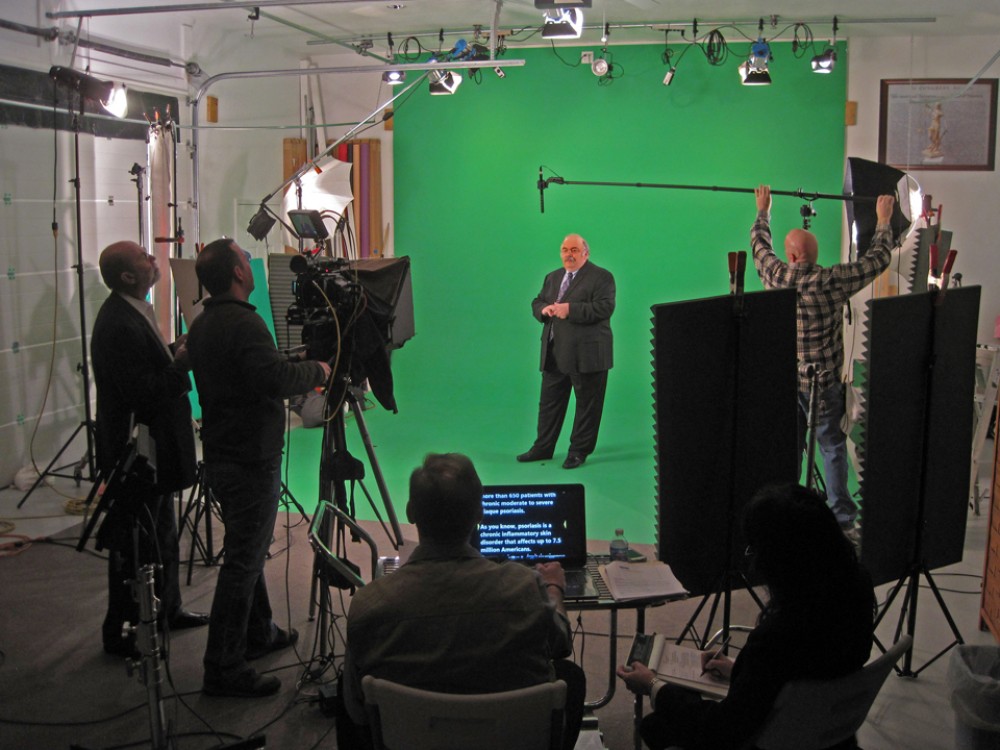
3) Studio Production (Green screen, teleprompter, controlled sound/light)

What clients ask: “Do you have a studio and can you manage scripting, shooting, and finishing in one place?”
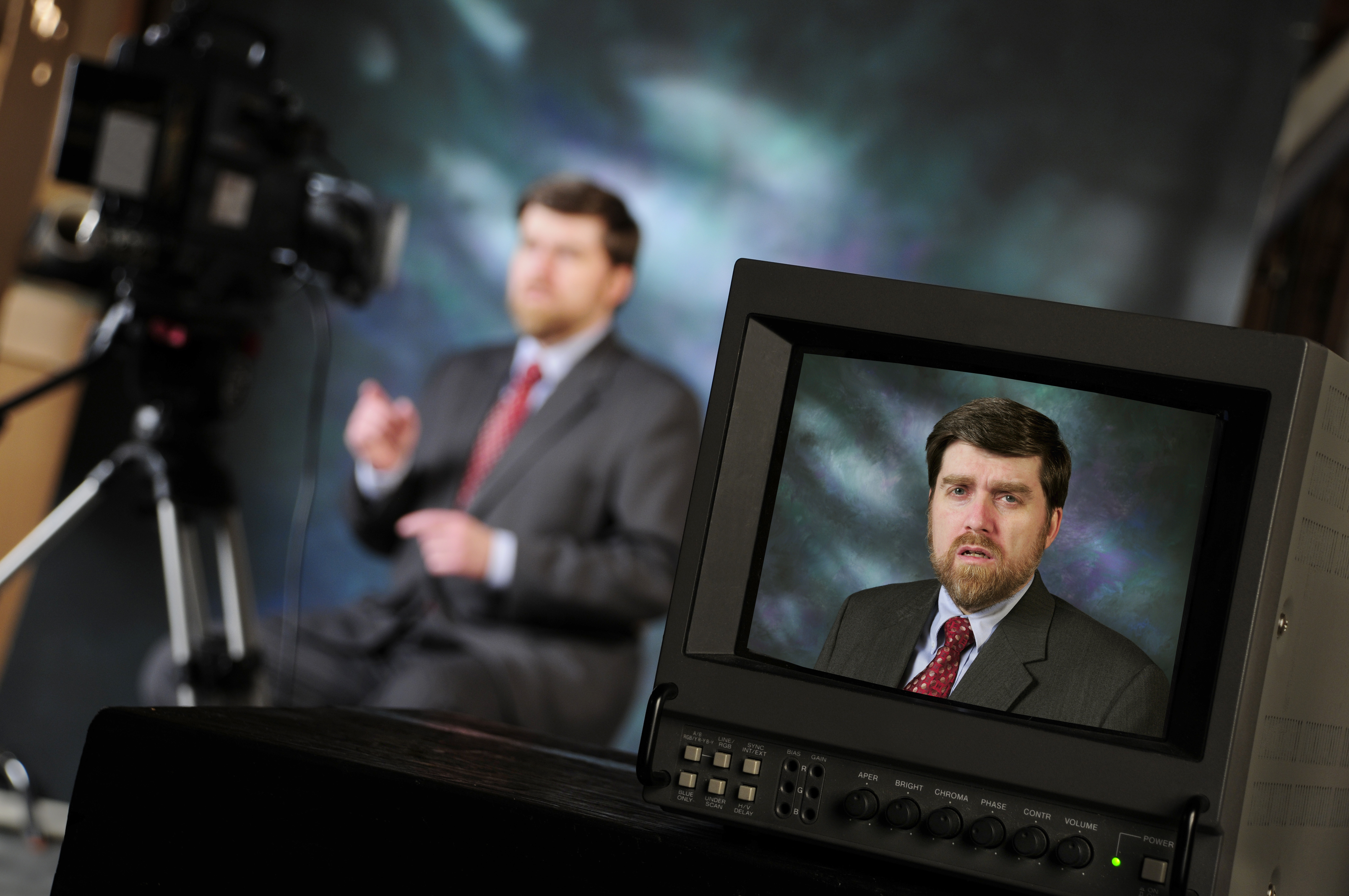
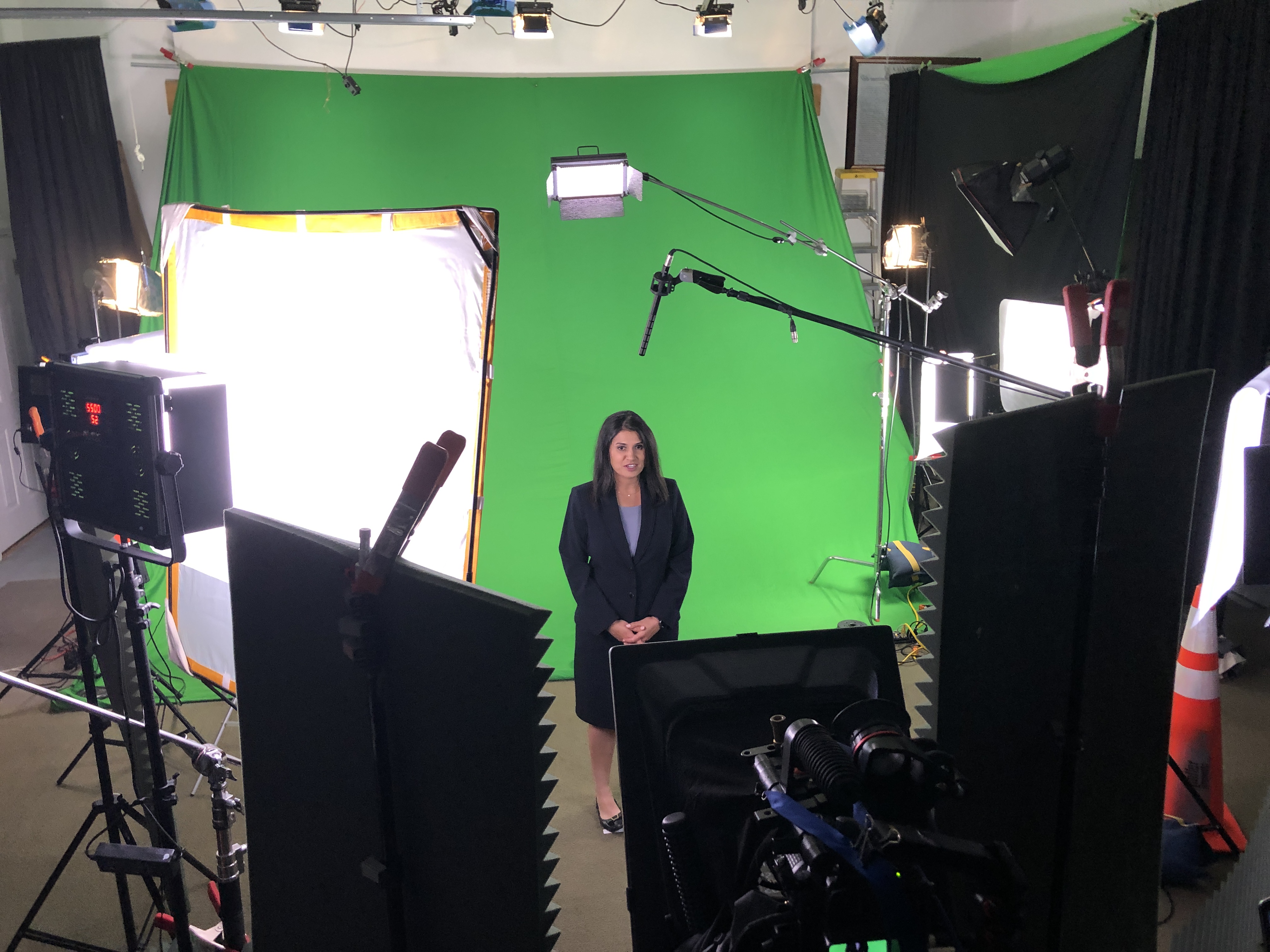
Our answer: Yes. We provide complete studio services and manage all phases—pre-production (scripting), production (shooting), and post (editing/duplication).


4) Post-Production & Editorial

What clients ask: “Can you take footage from any source and craft a tight, on-brand story with graphics, color, and sound?”
Our answer: Yes. We’re a full-service post resource—creative editorial, finishing, and client review workflows to fit your schedule and budget.


5) Live Streaming & Webcasts

What clients ask: “Can you stream our meeting/conference with the right tech and provide an on-demand replay?”
Our answer: Yes. We handle live web video streaming from simple presentations to large productions and enable on-demand libraries to extend reach.


6) Drone & Aerial Imaging

What clients ask: “Do you provide licensed drone work and aerial deliverables that cut cleanly into edited pieces?”
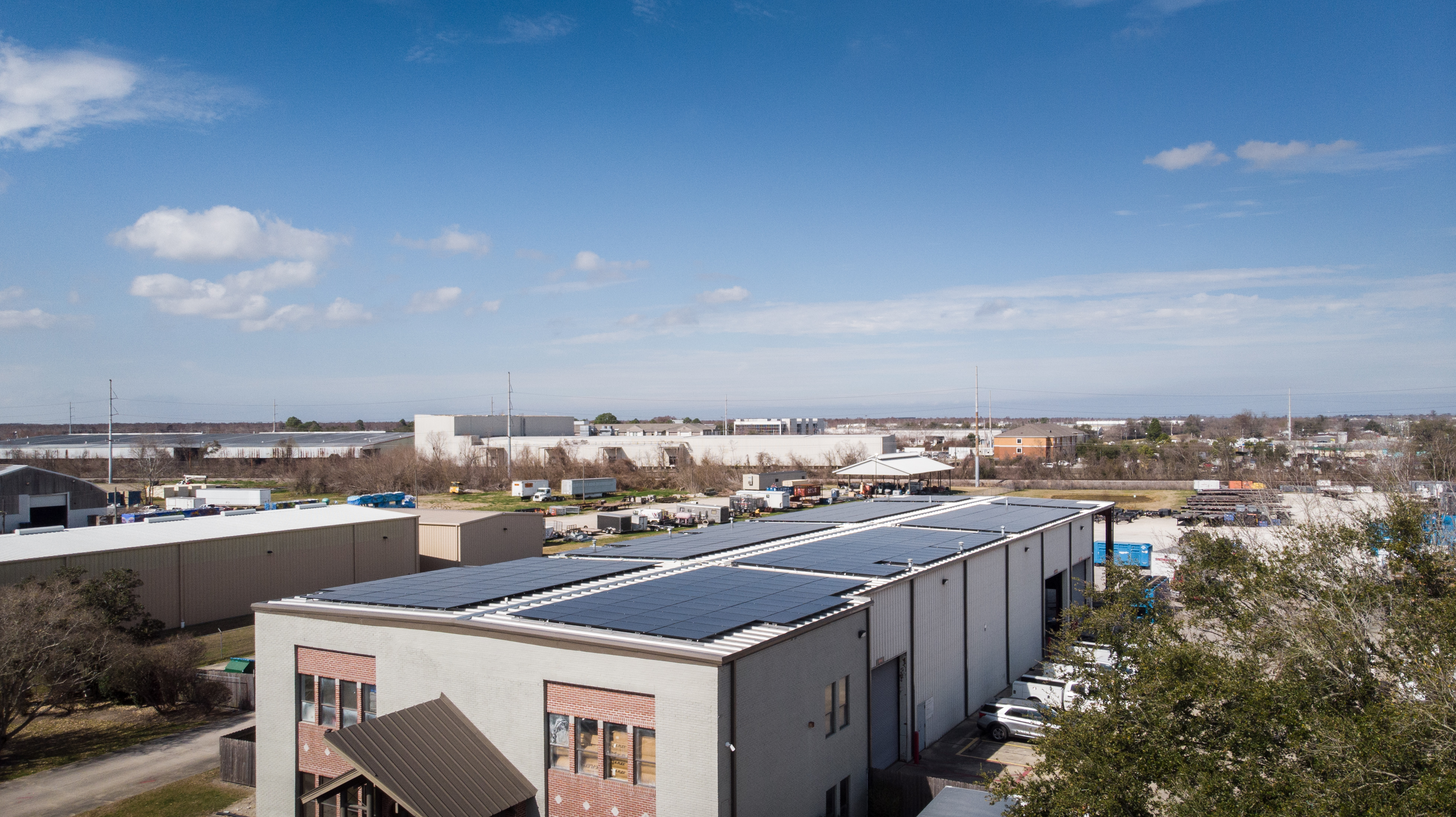
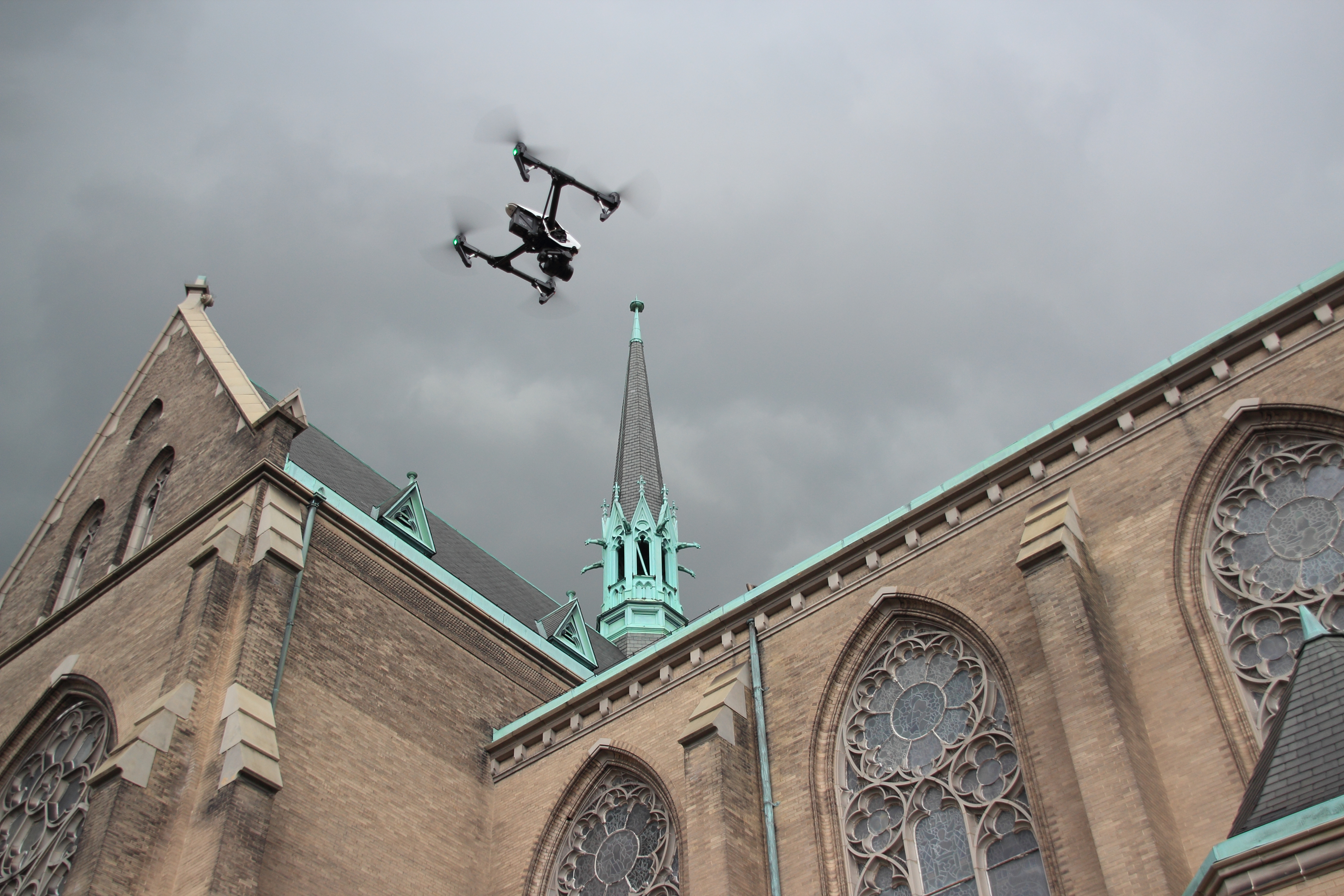
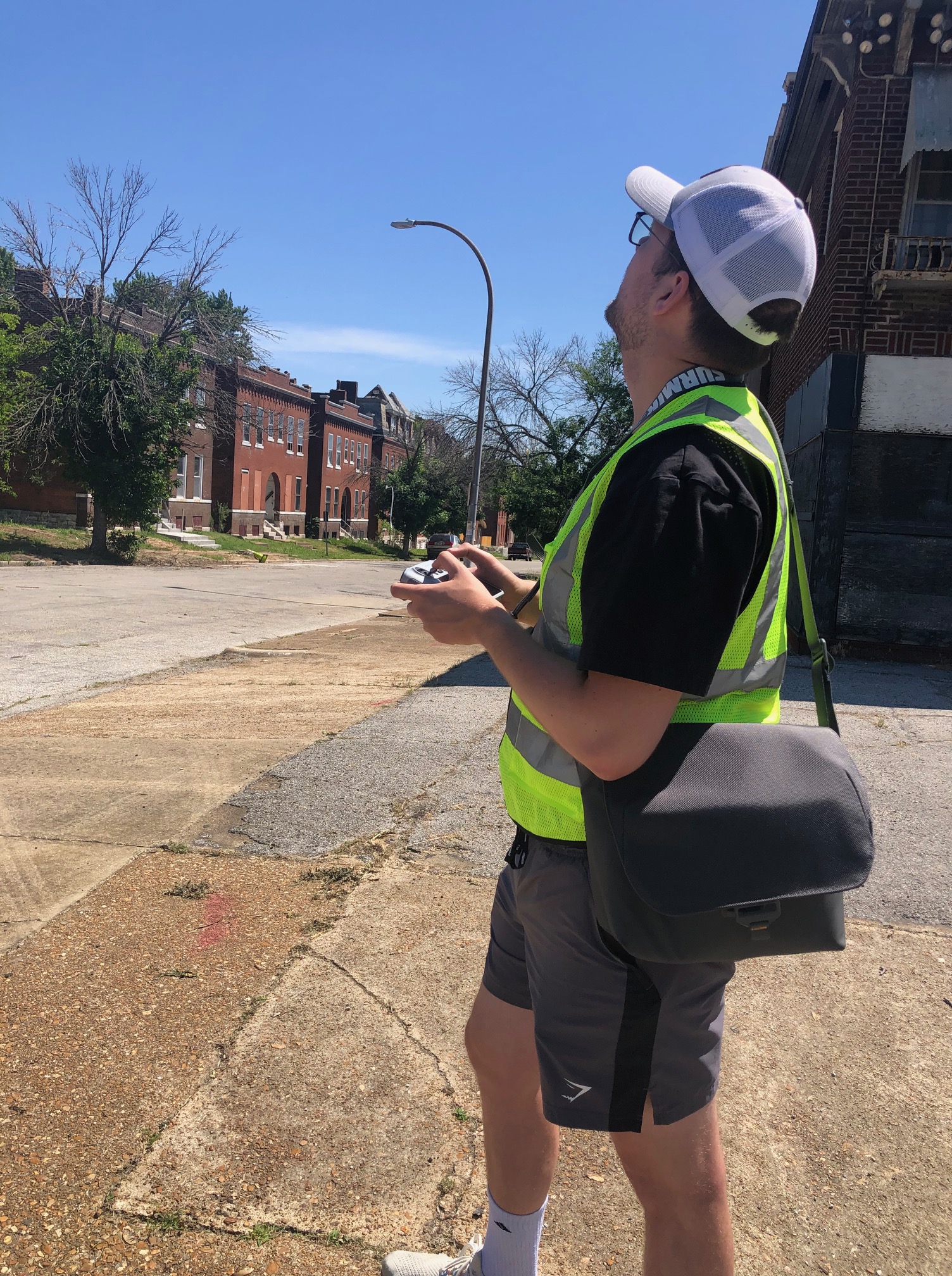
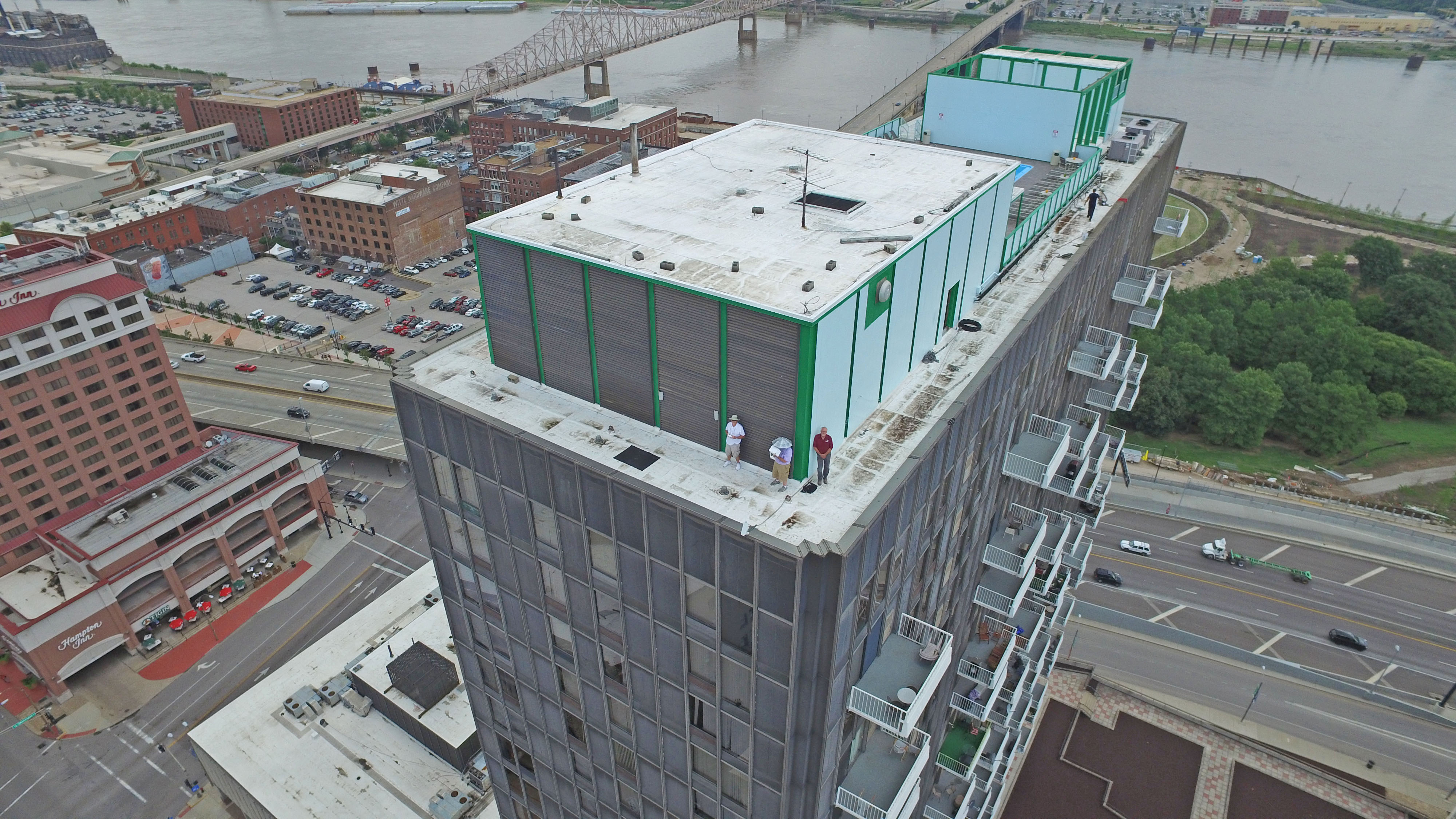
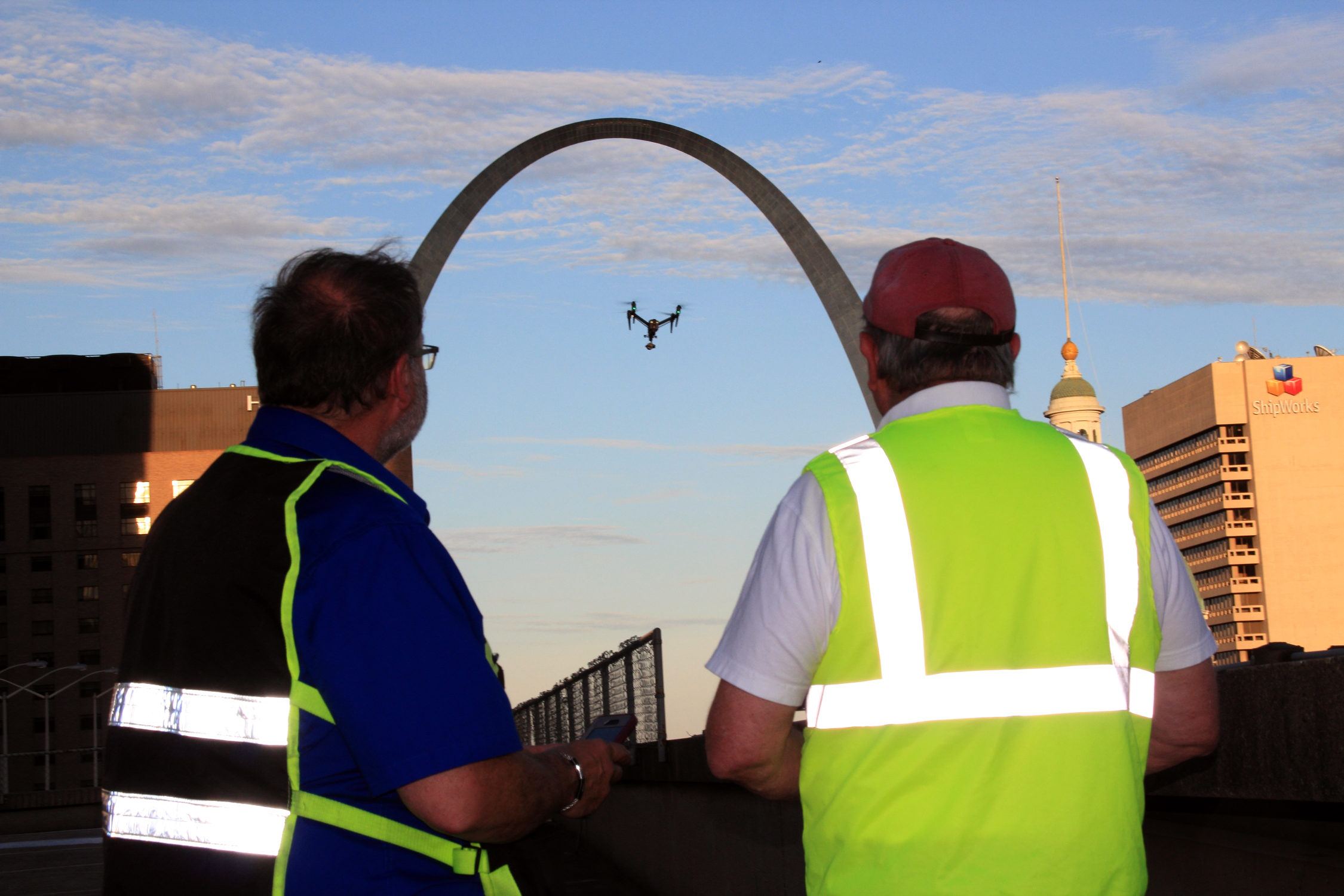
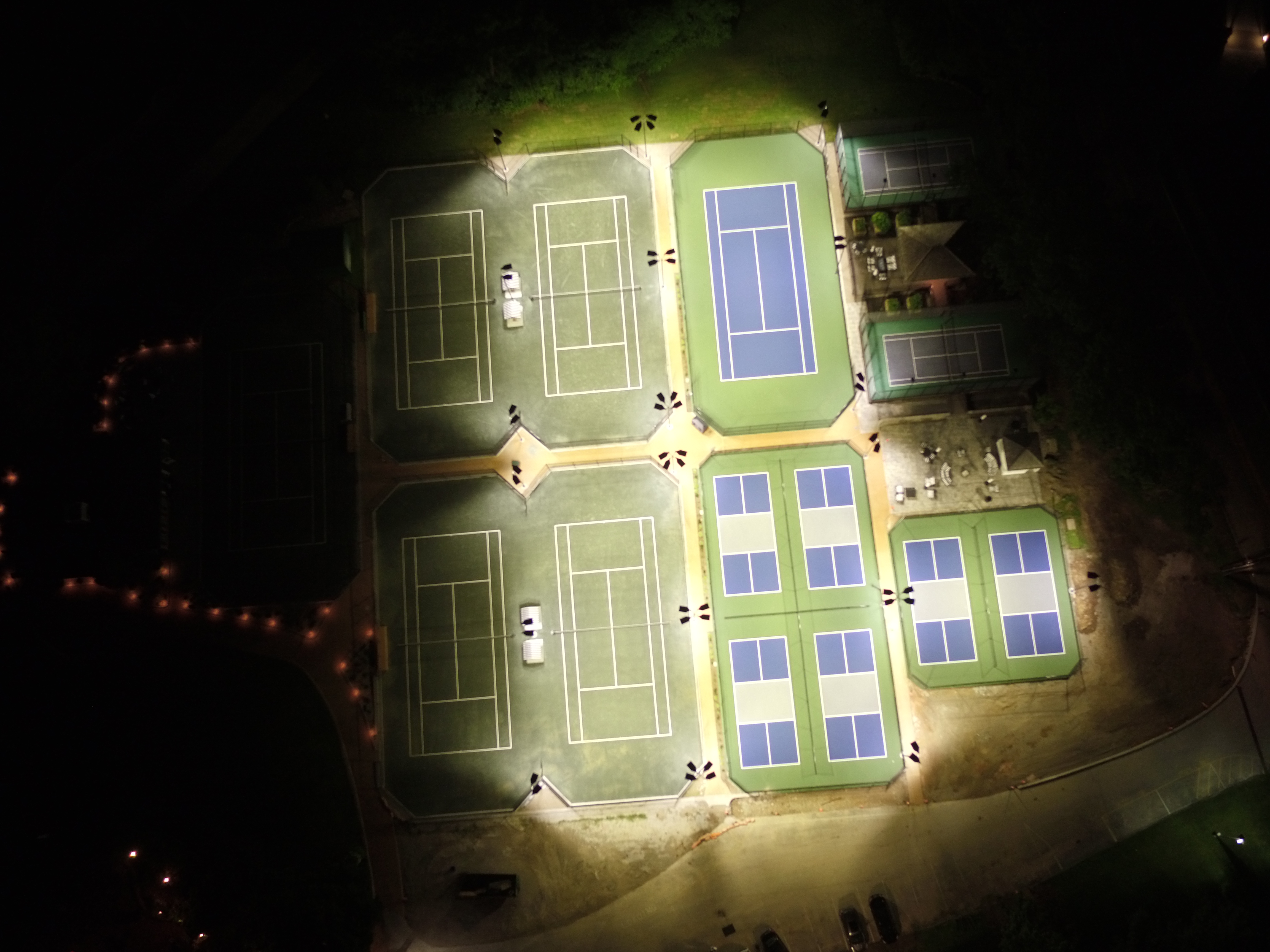
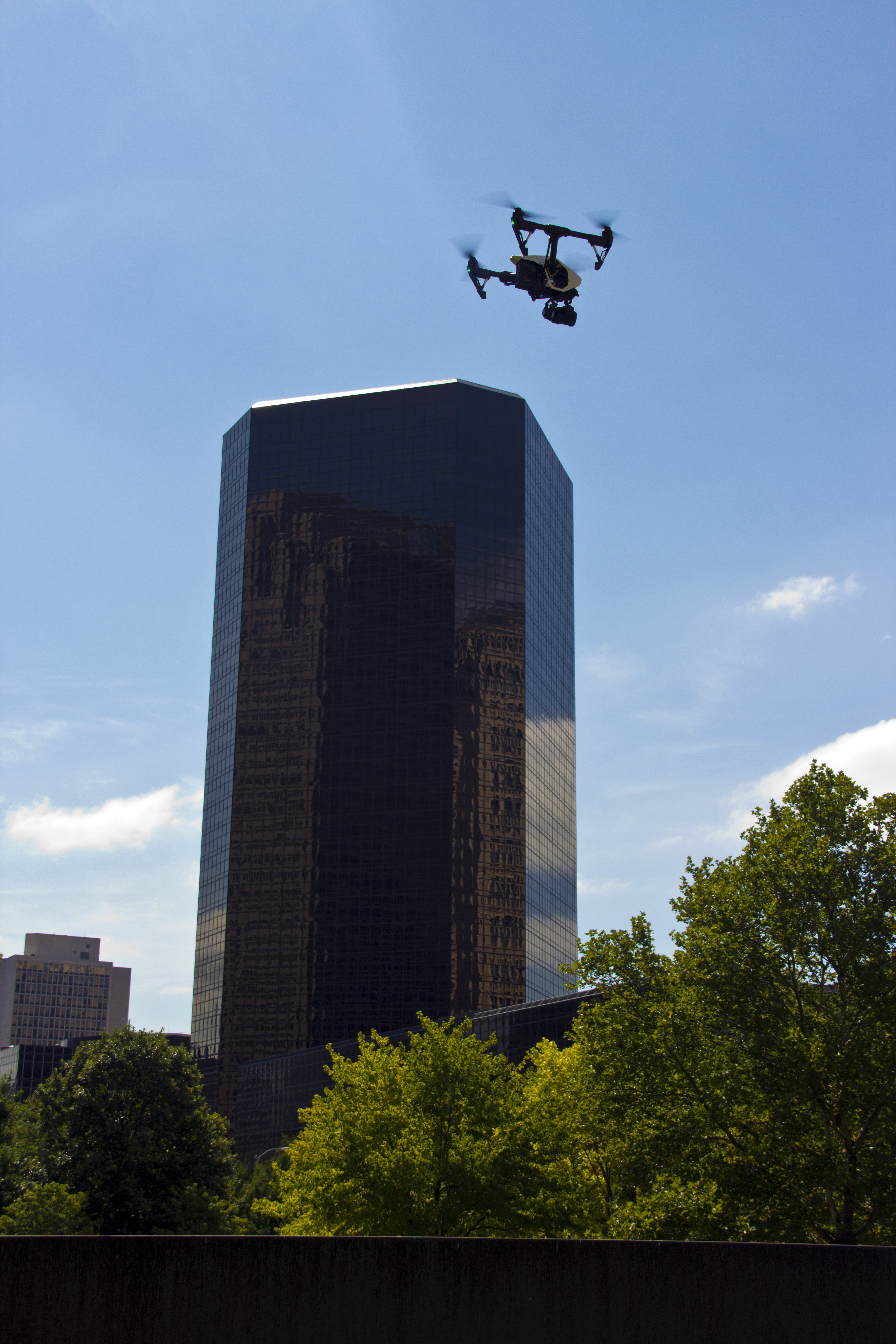
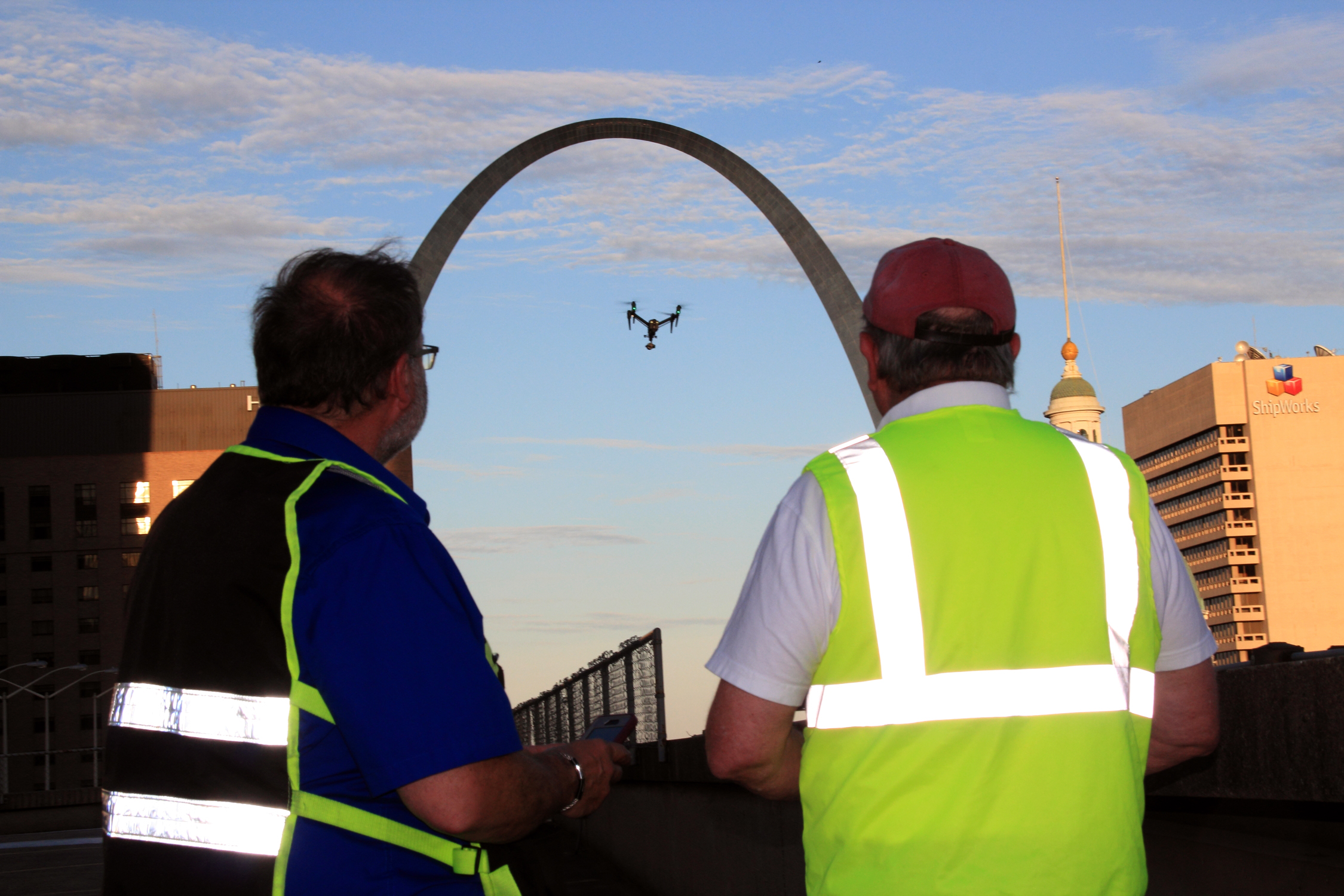
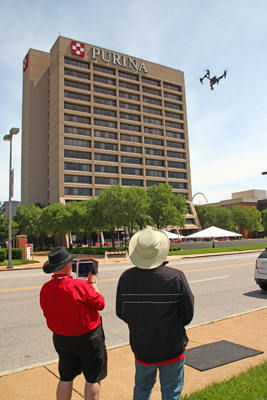
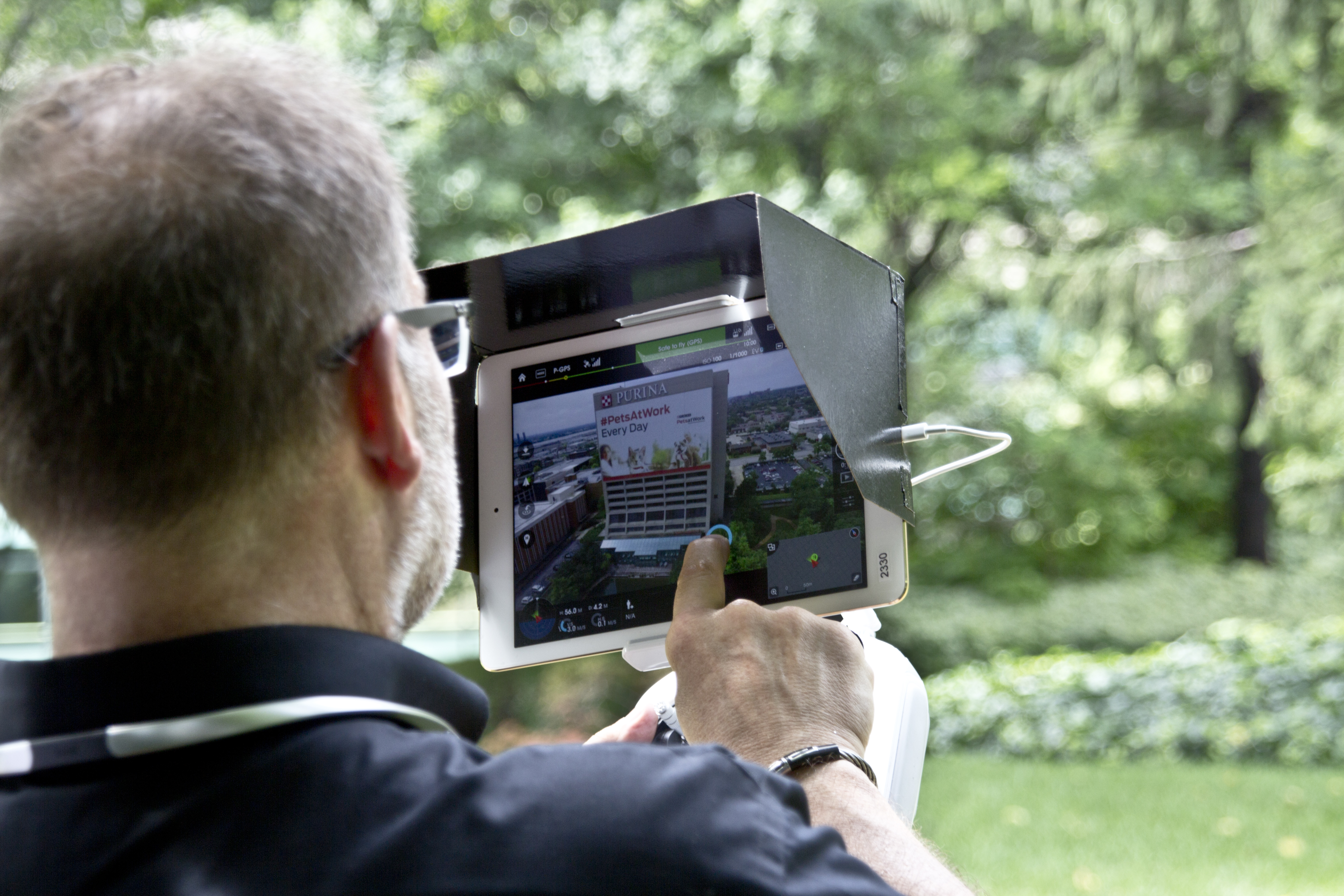
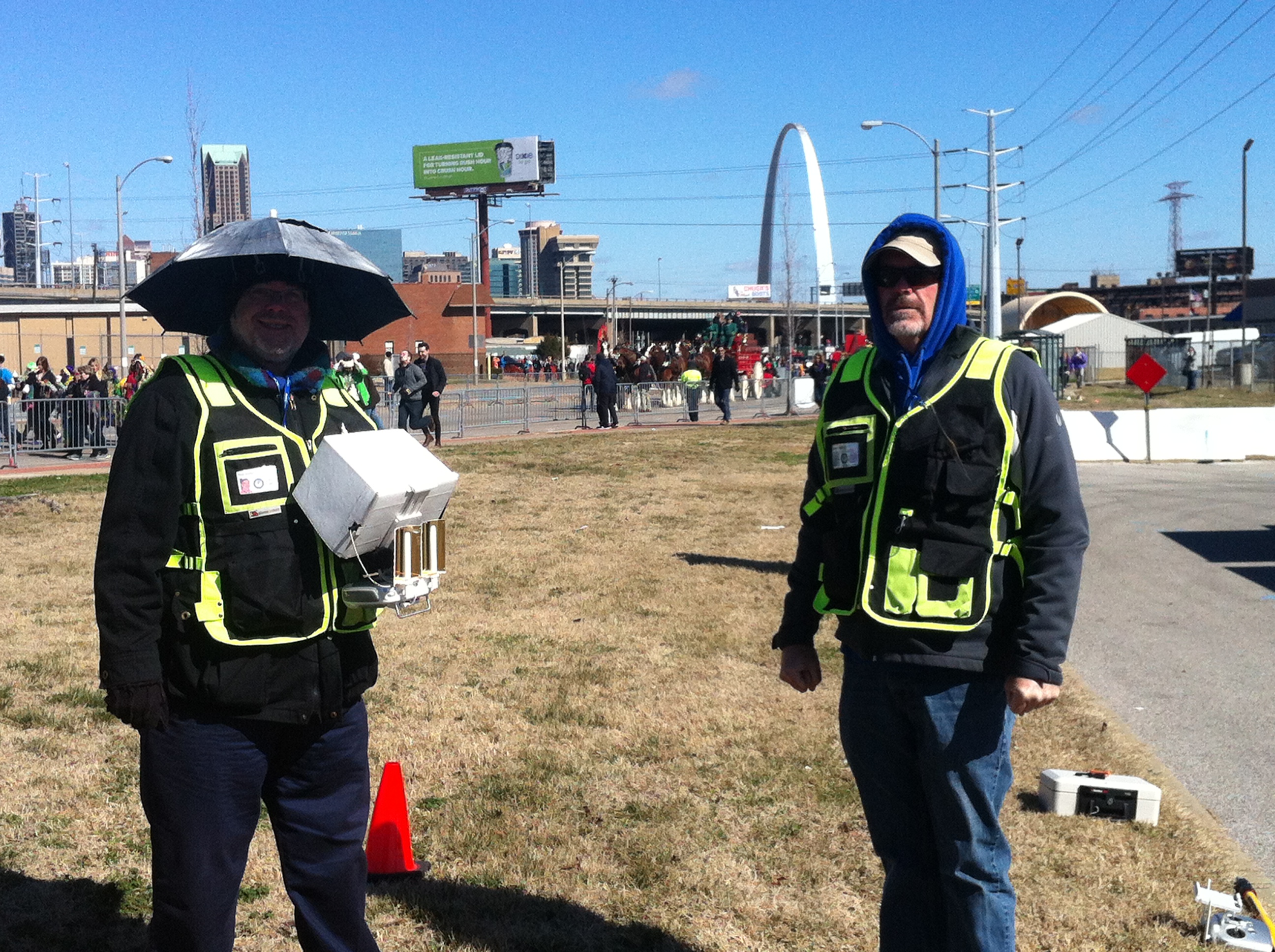
Our answer: Yes. We offer 4K aerial videography and photography, professional post-production (color, graphics, integration), and sector-specific use cases such as real estate and specialized aerial documentation.


7) On-Location Production & Event Coverage

What clients ask: “Can you cover seminars, conferences, panels, and performances on location?”
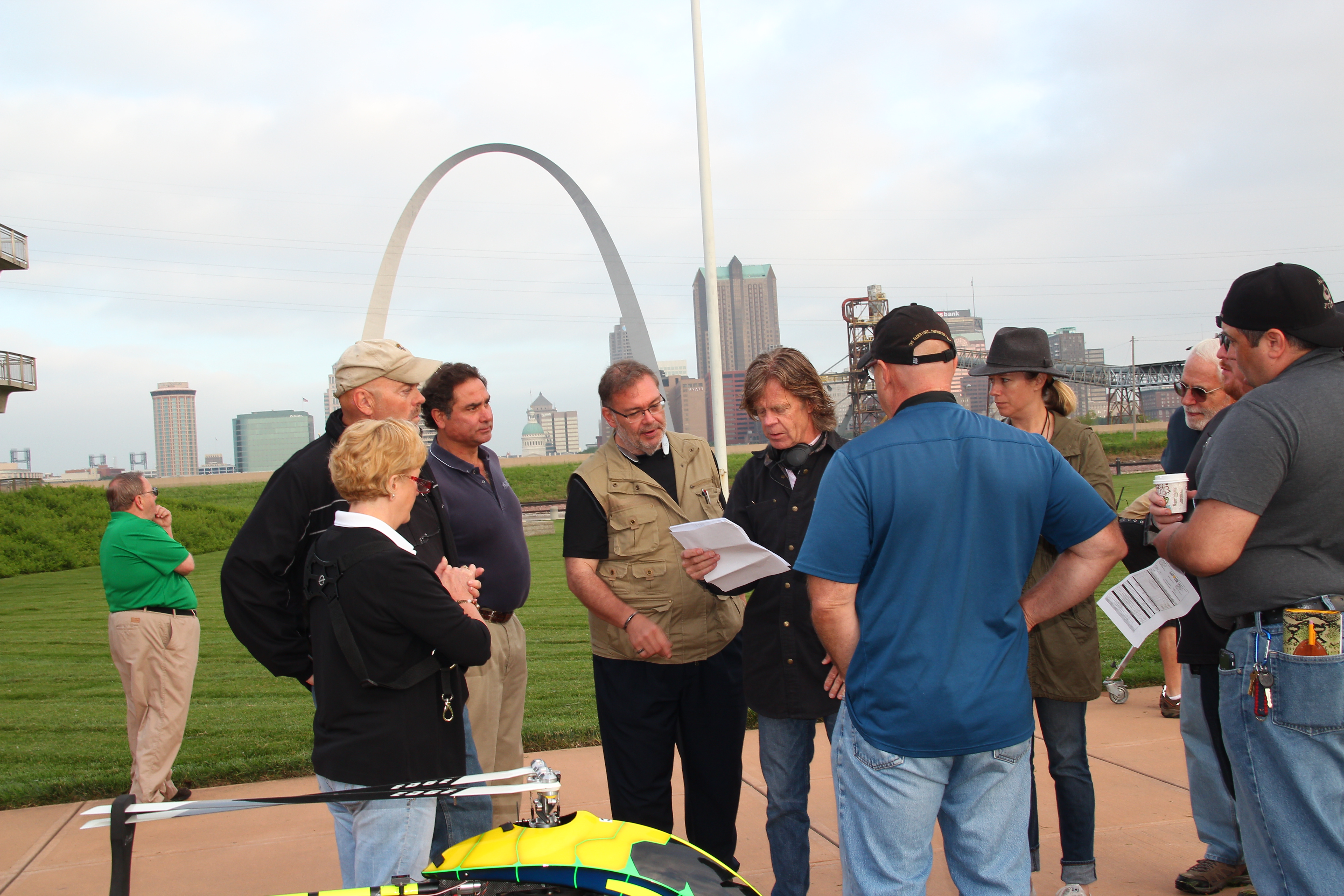
Our answer: Yes. We staff single- or multi-camera crews for special lectures, panels, cultural events, and more—and regularly cover seminars, conferences, conventions, stage events, and website videos.


8) Location Scouting & Production Support

What clients ask: “Can you find and secure locations, permits, and manage street closures and logistics?”
Our answer: Yes. We source regional backdrops across St. Louis and Central/Southern Illinois, handling permits, police, traffic, parking, location fees, insurance, and holding areas from start to finish.

Mike Haller 314-913-5626 stlouisvideoproduction@gmail.com
Studio by Appointment 4501 Mattis Road St. Louis, Missouri 63128

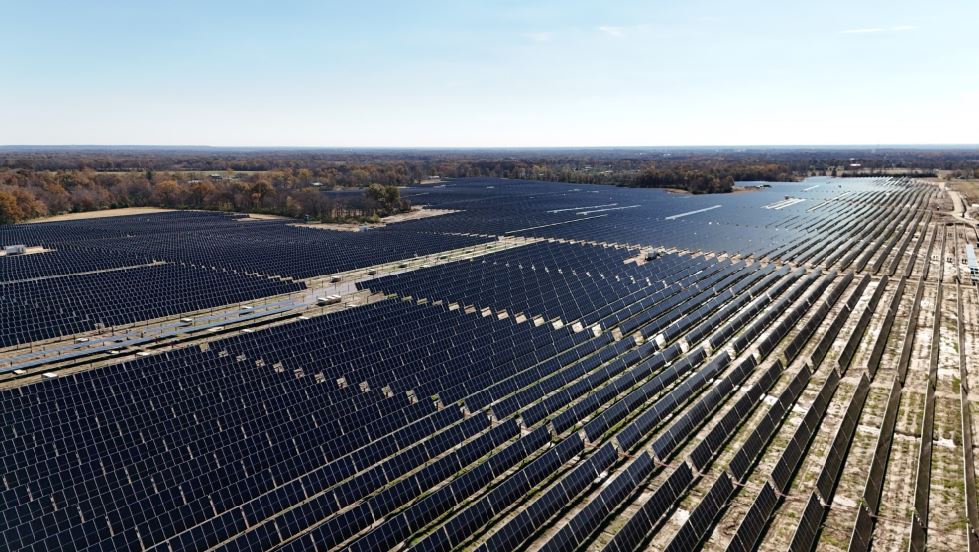
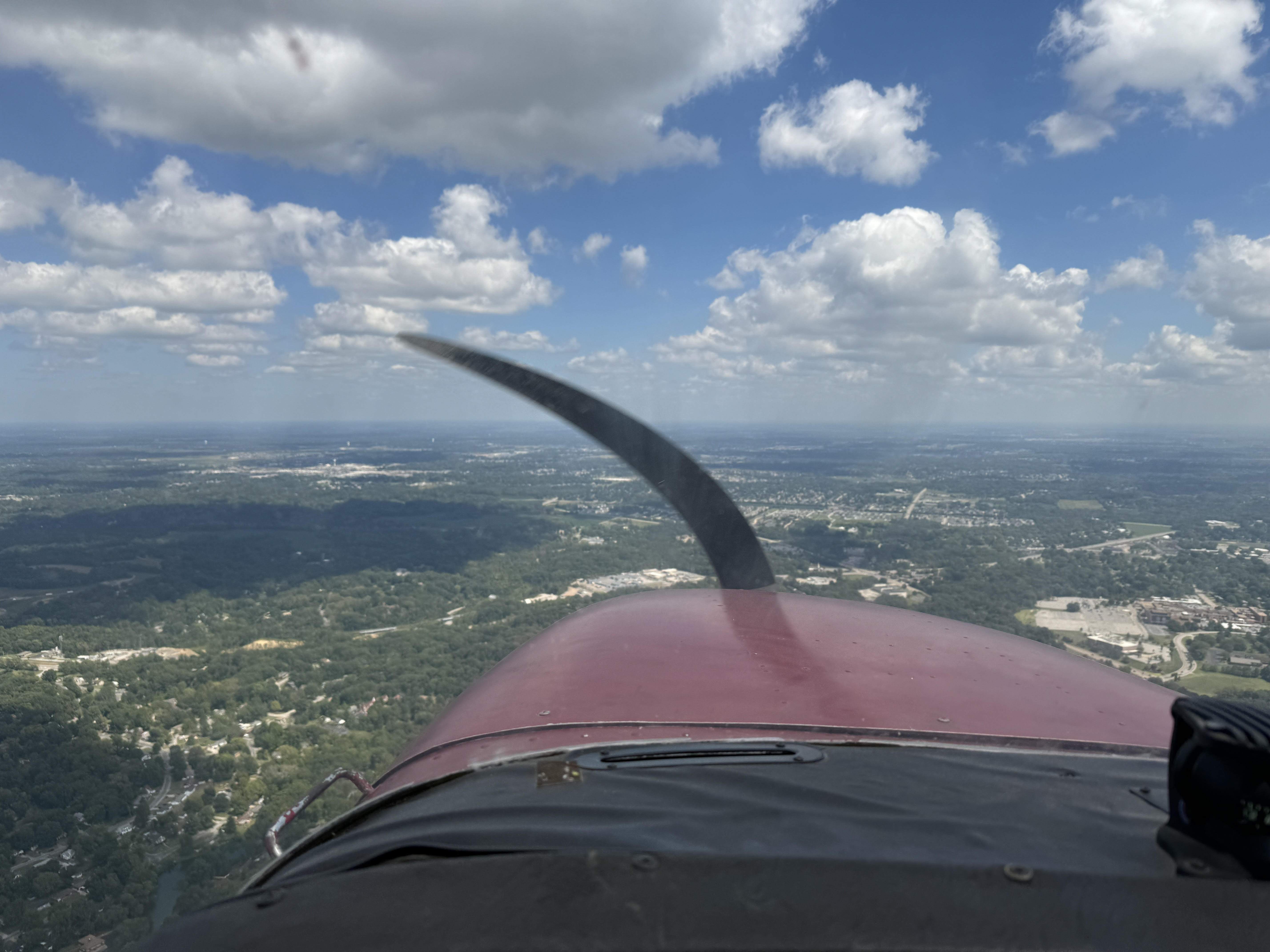
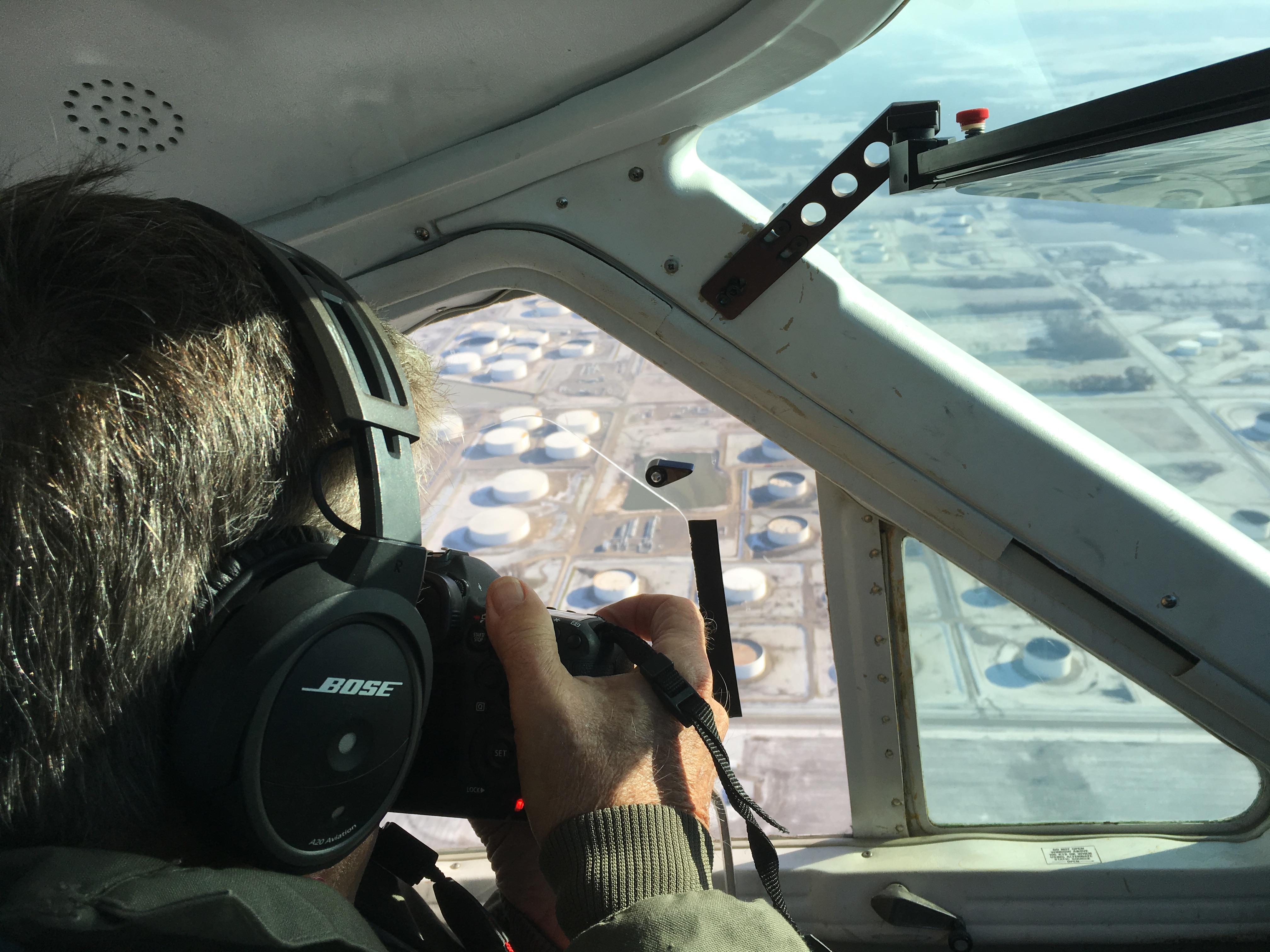
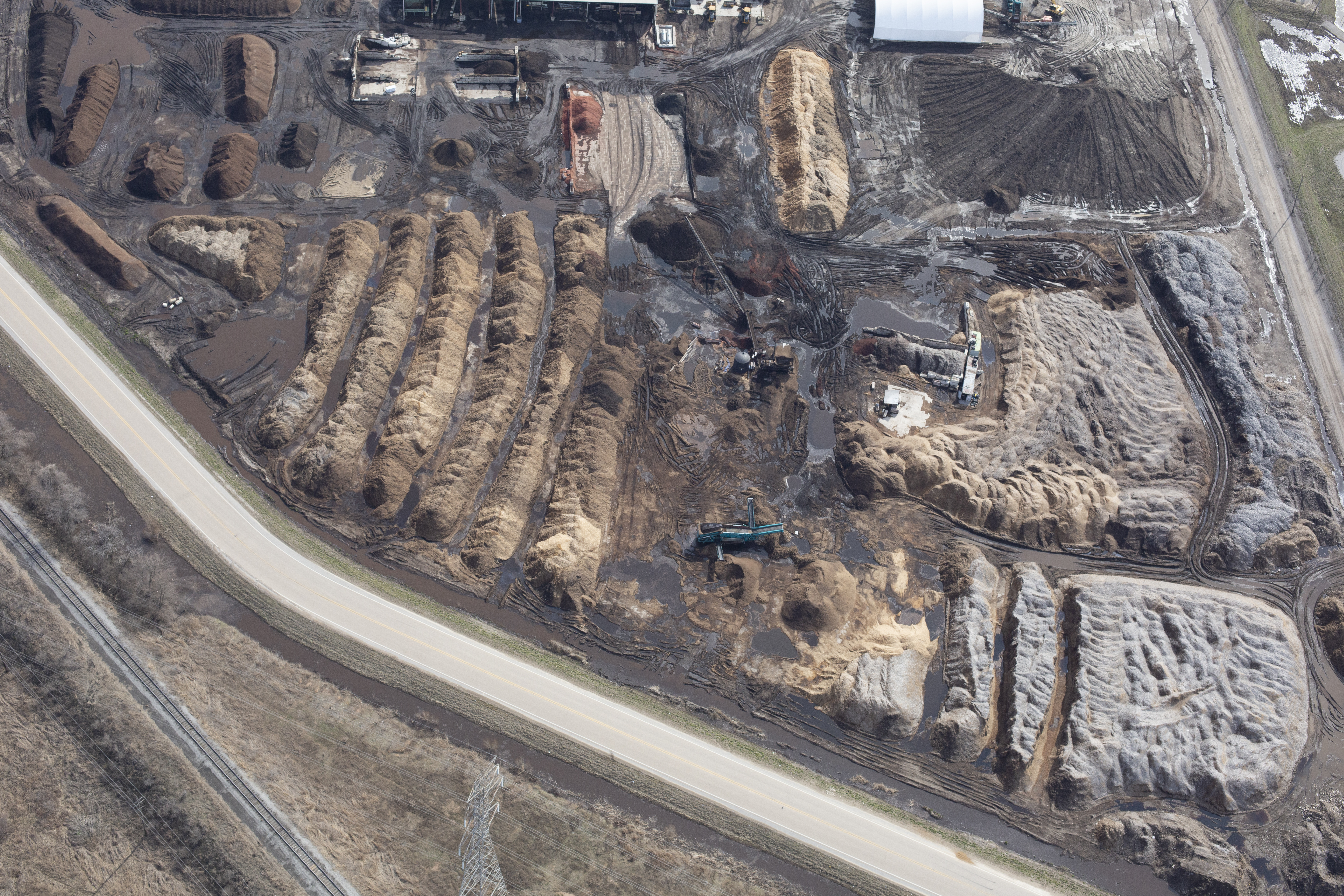
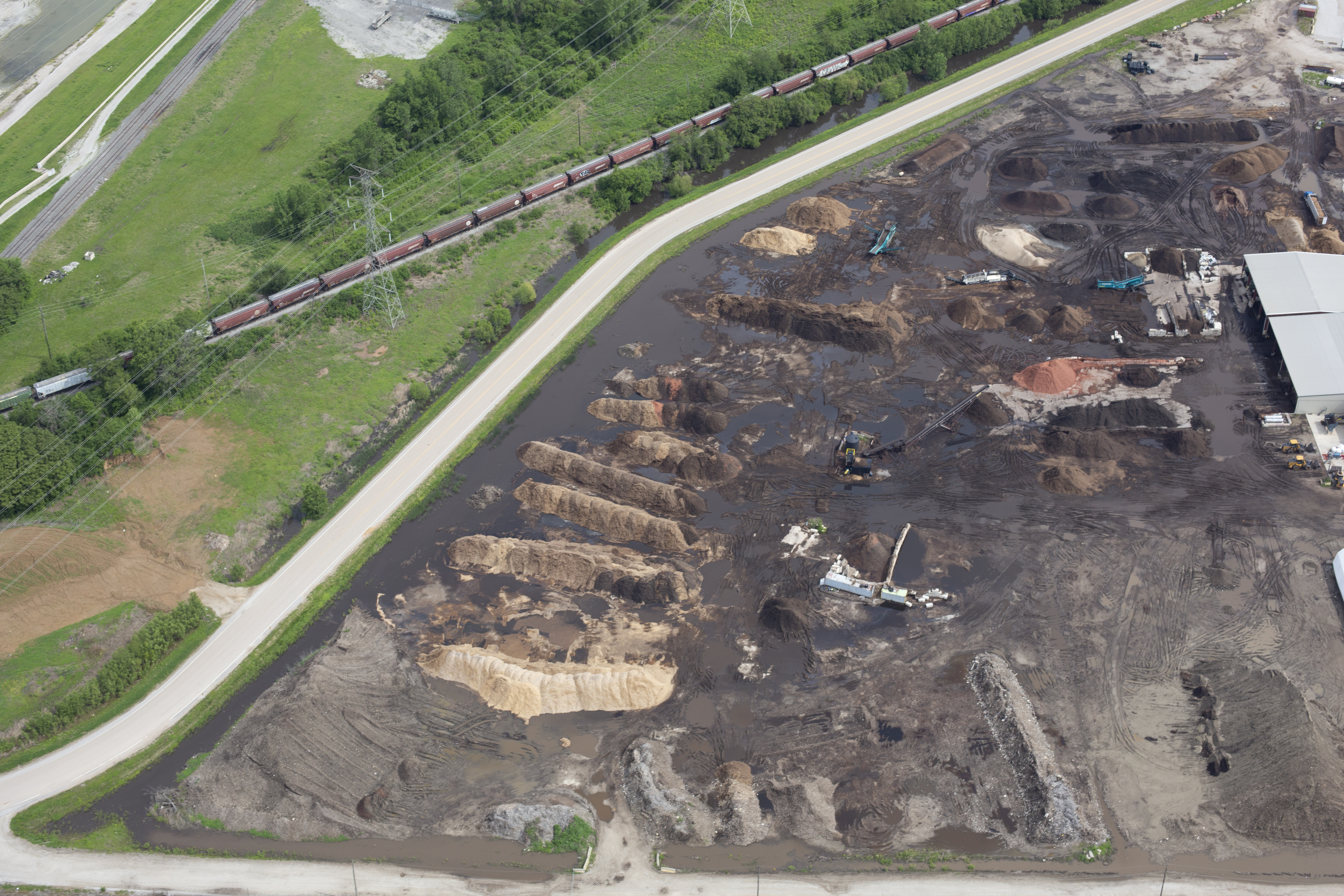
Using Drones and Airplane Aerial Photography for Accurate Stockpile Reporting

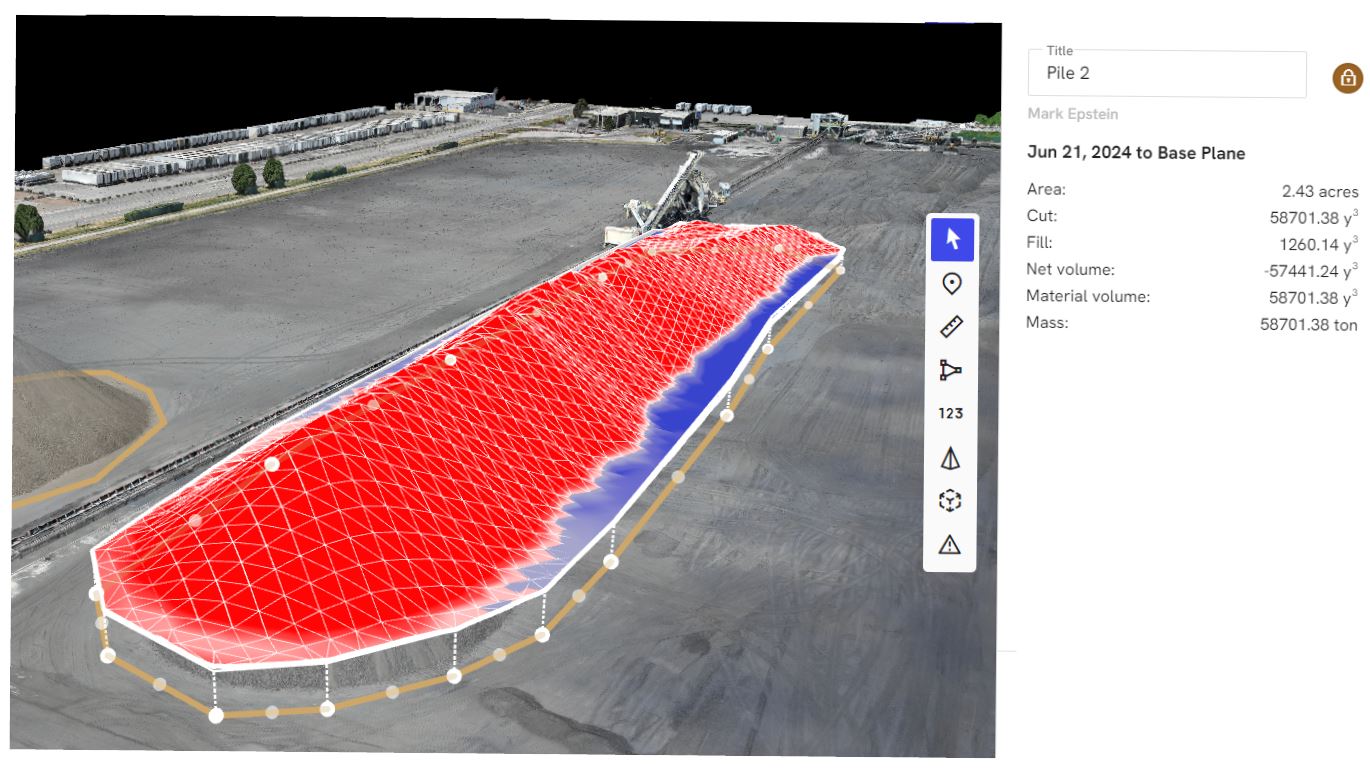
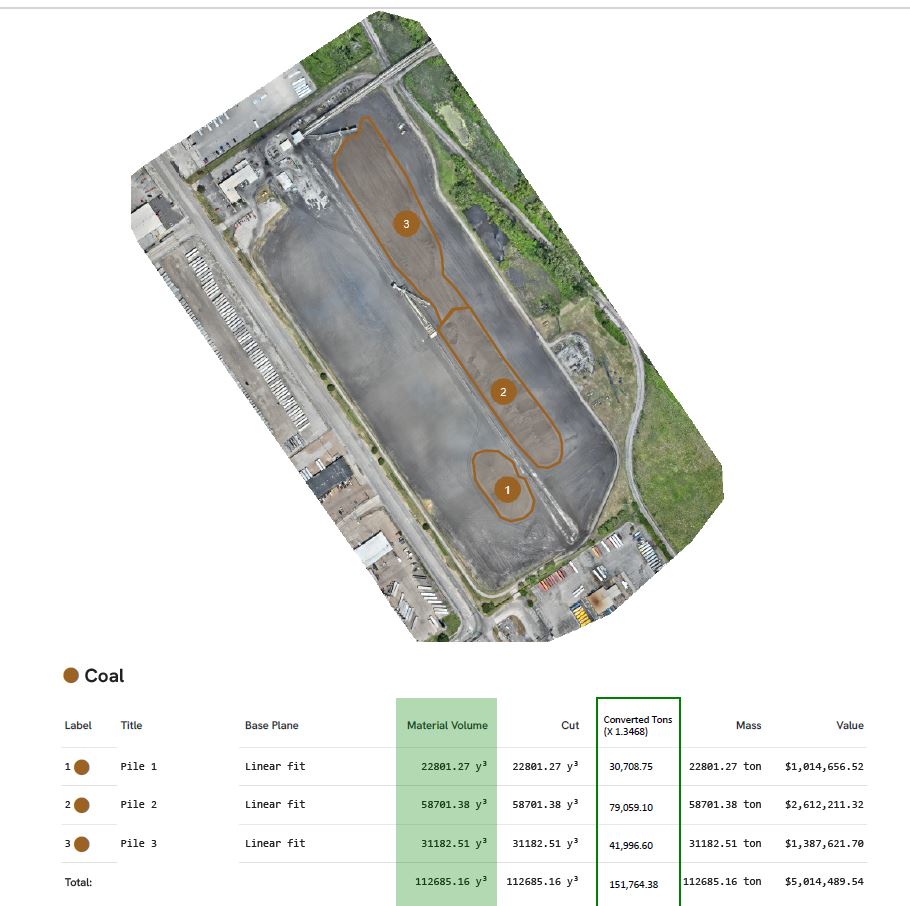
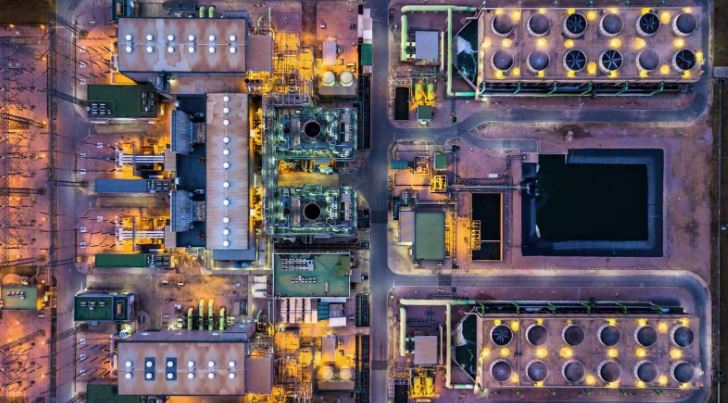
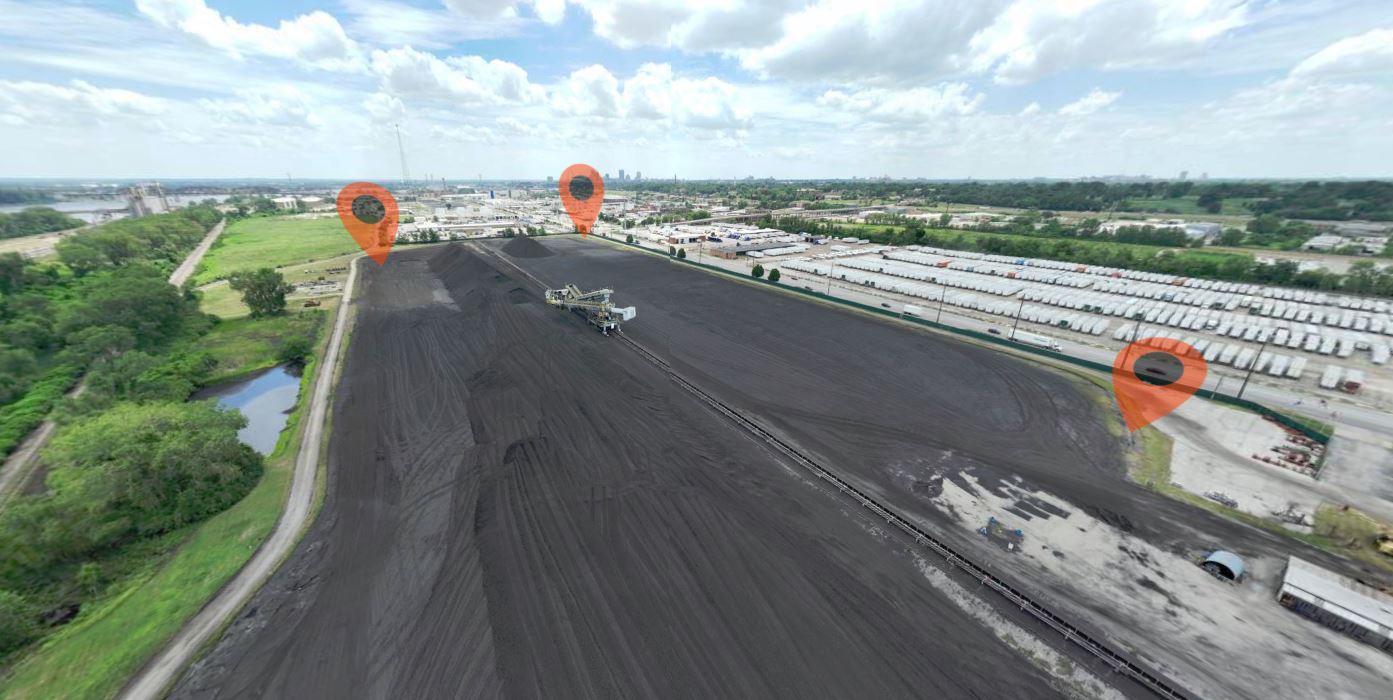
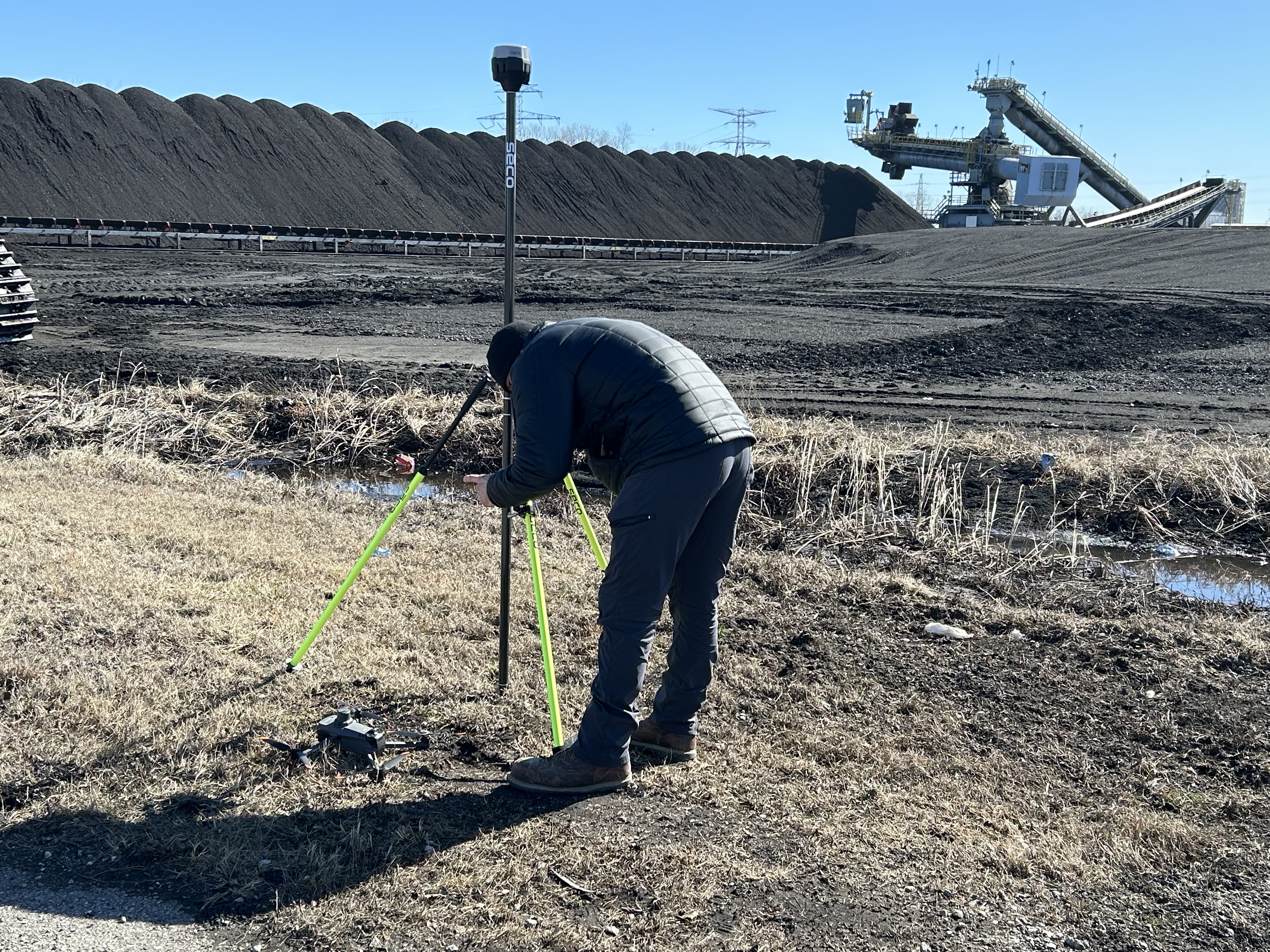
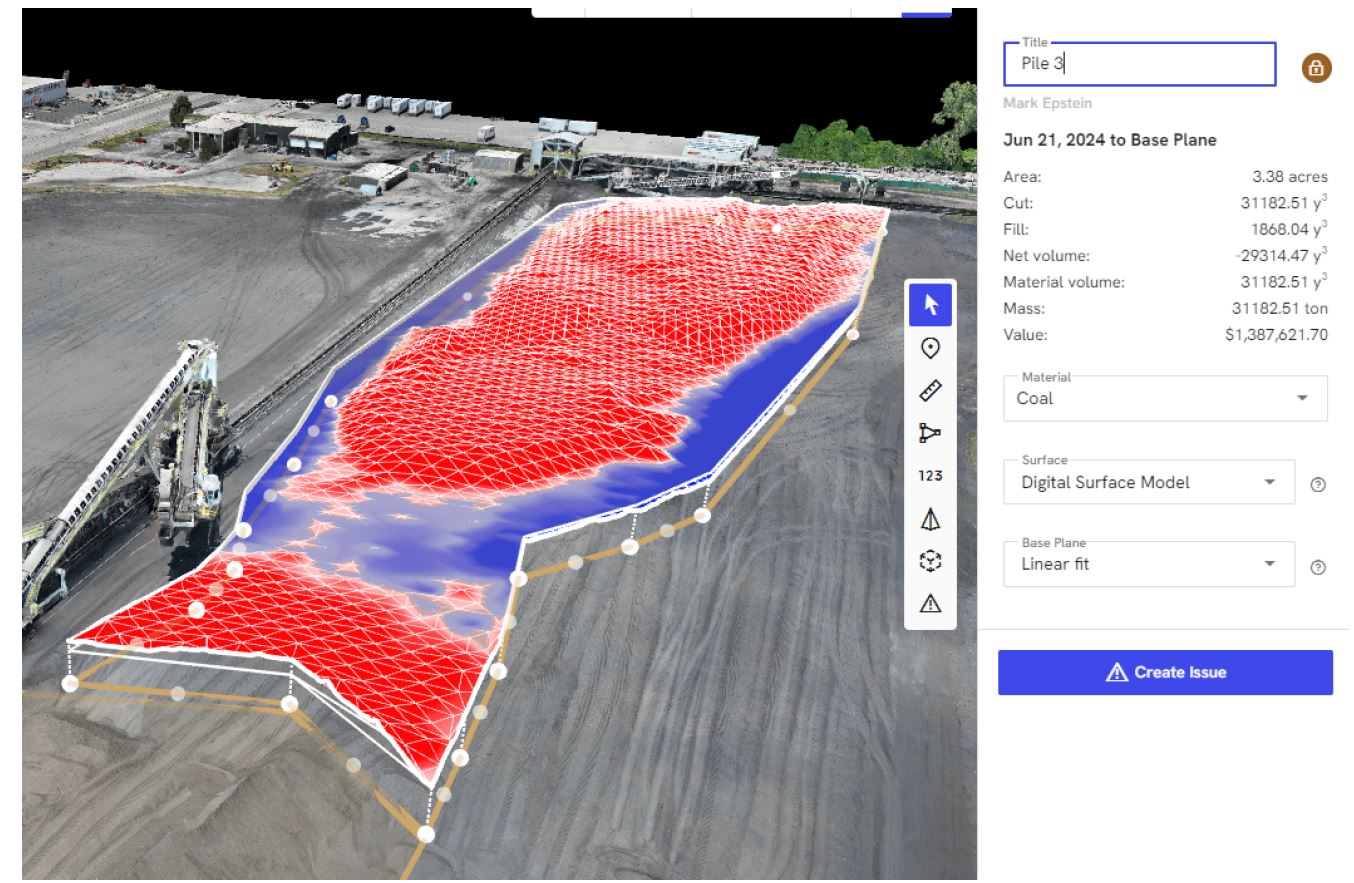
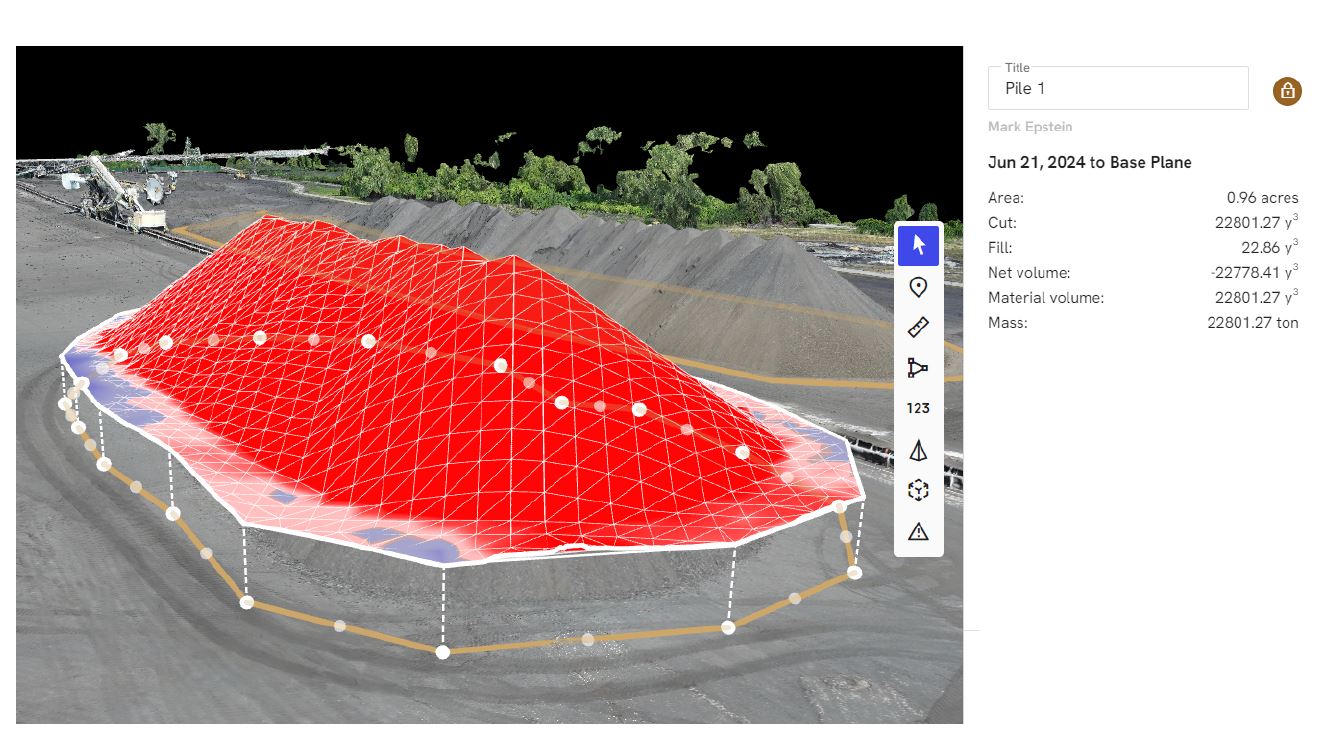
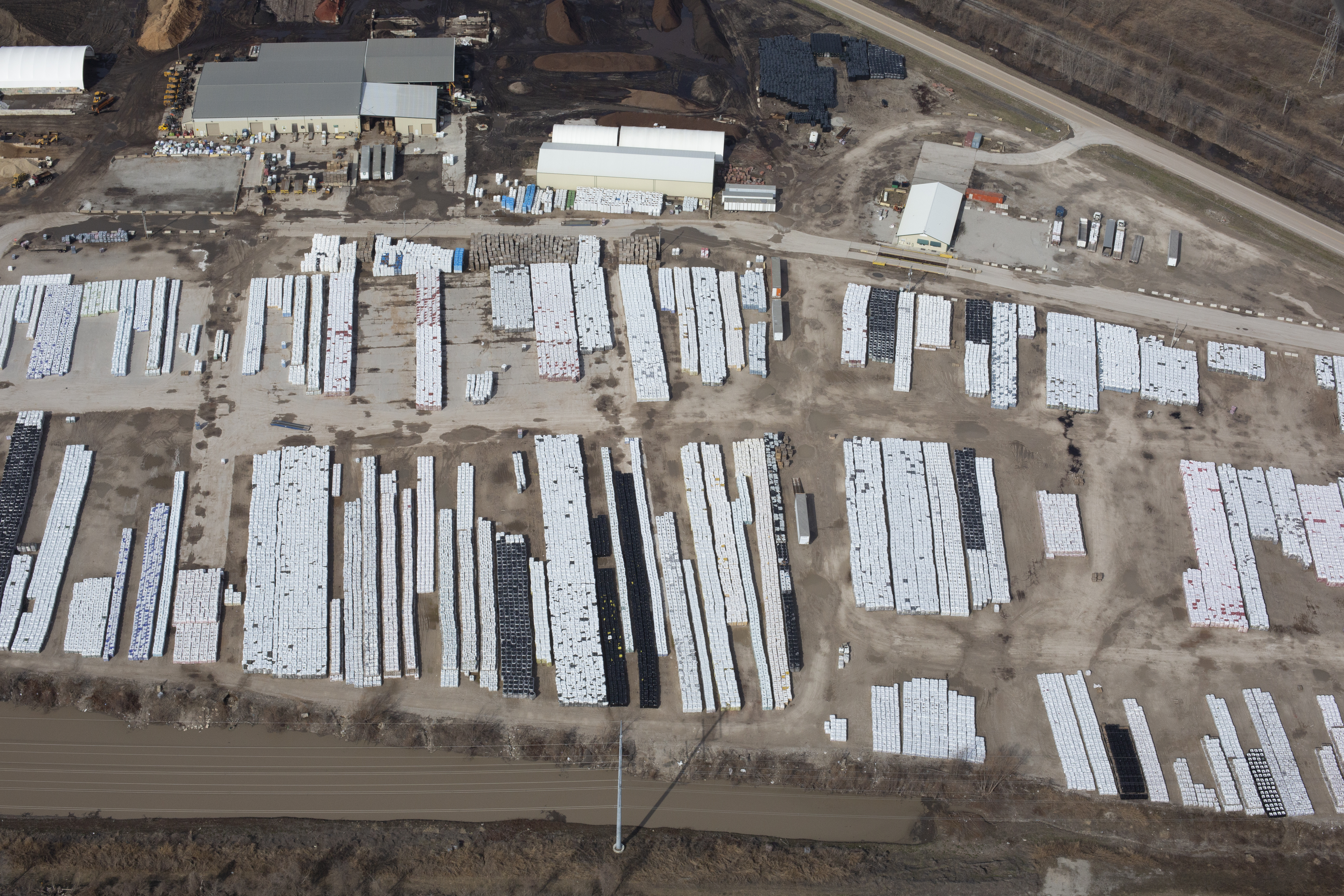
Whether you’re managing raw materials, aggregate stock, construction debris, or industrial waste, aerial imaging provides the vantage point needed to capture volume, shape, and distribution with precision. At St Louis Video Production, we specialize in using both drone and airplane aerial photography to document, measure, and report stockpiles in a way that is efficient, safe, and legally compliant.

Why Aerial Imaging Is Ideal for Stockpile Reporting

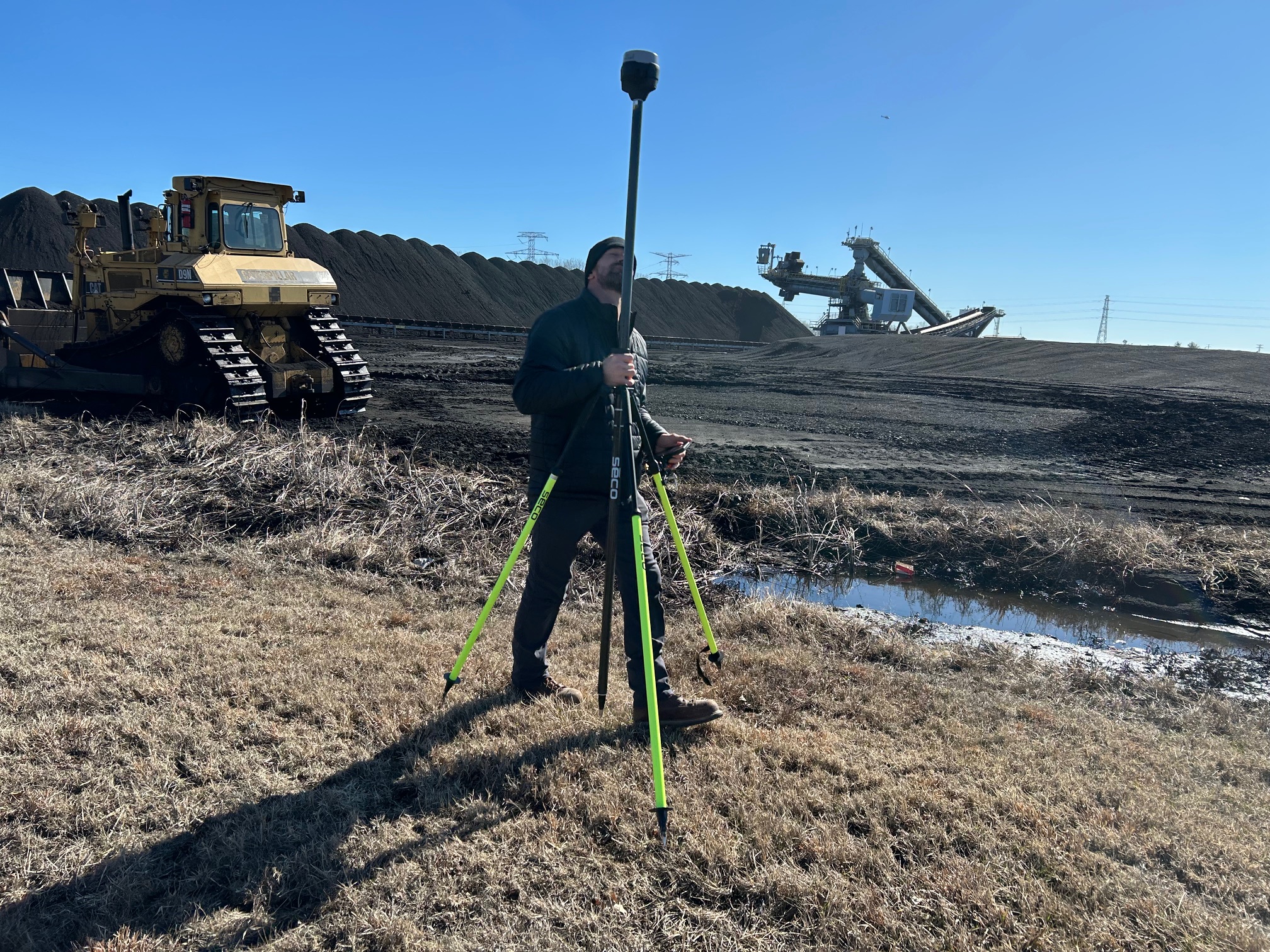
Traditional ground-based methods for measuring stockpiles—such as manual surveying or GPS rovers—can be time-consuming, error-prone, and risky in unstable terrain. Aerial photography, by contrast, allows for fast, non-invasive documentation of large areas with a high degree of accuracy. It also provides consistent repeatability over time, ideal for routine inventory updates.

Aerial visual data supports:

  • Volumetric analysis
  • Progress monitoring
  • Environmental compliance
  • Asset valuation
  • Insurance documentation

But not all aerial methods are created equal. The choice between drones and airplanes depends on airspace access, jobsite complexity, regulatory constraints, and data resolution needs.


When to Use Drones for Stockpile Imaging

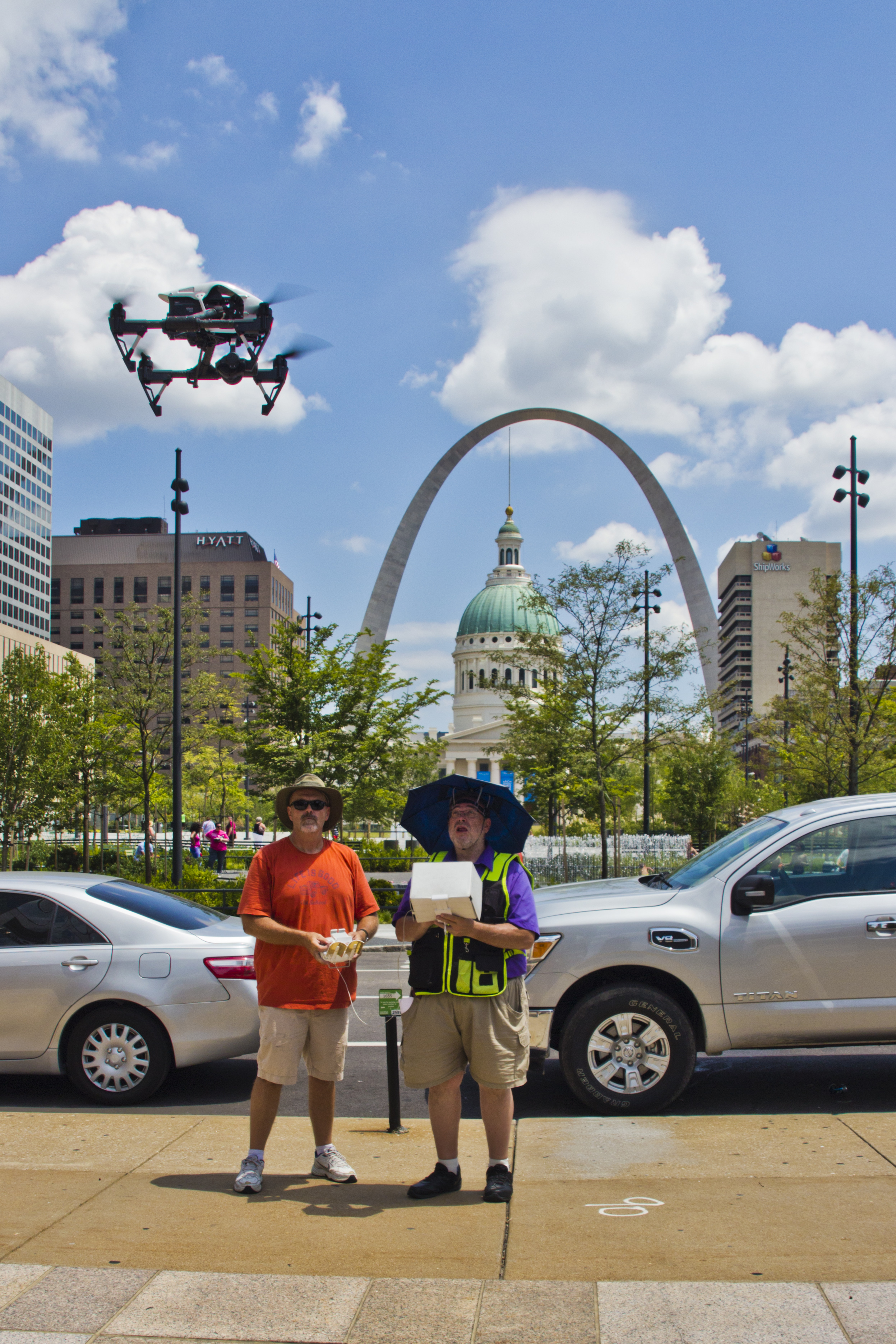
Unmanned Aerial Vehicles (UAVs)—commonly referred to as drones—are incredibly effective for stockpile reporting, especially on active or mid-sized sites.

Advantages of drone-based aerial photography include:

  • High-resolution, low-altitude imaging: Perfect for smaller stockpiles or congested sites where detail matters.
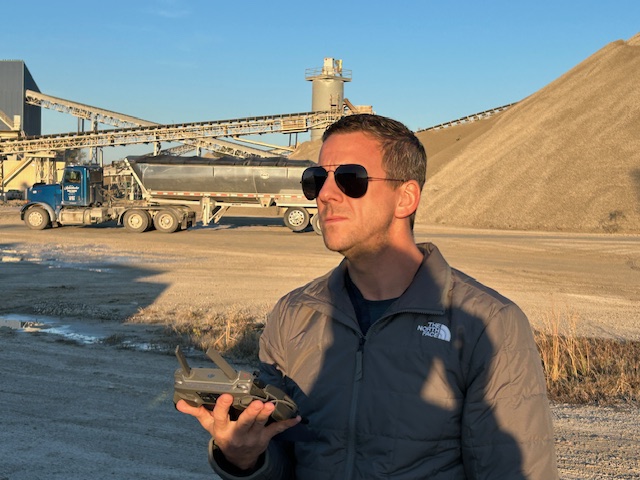
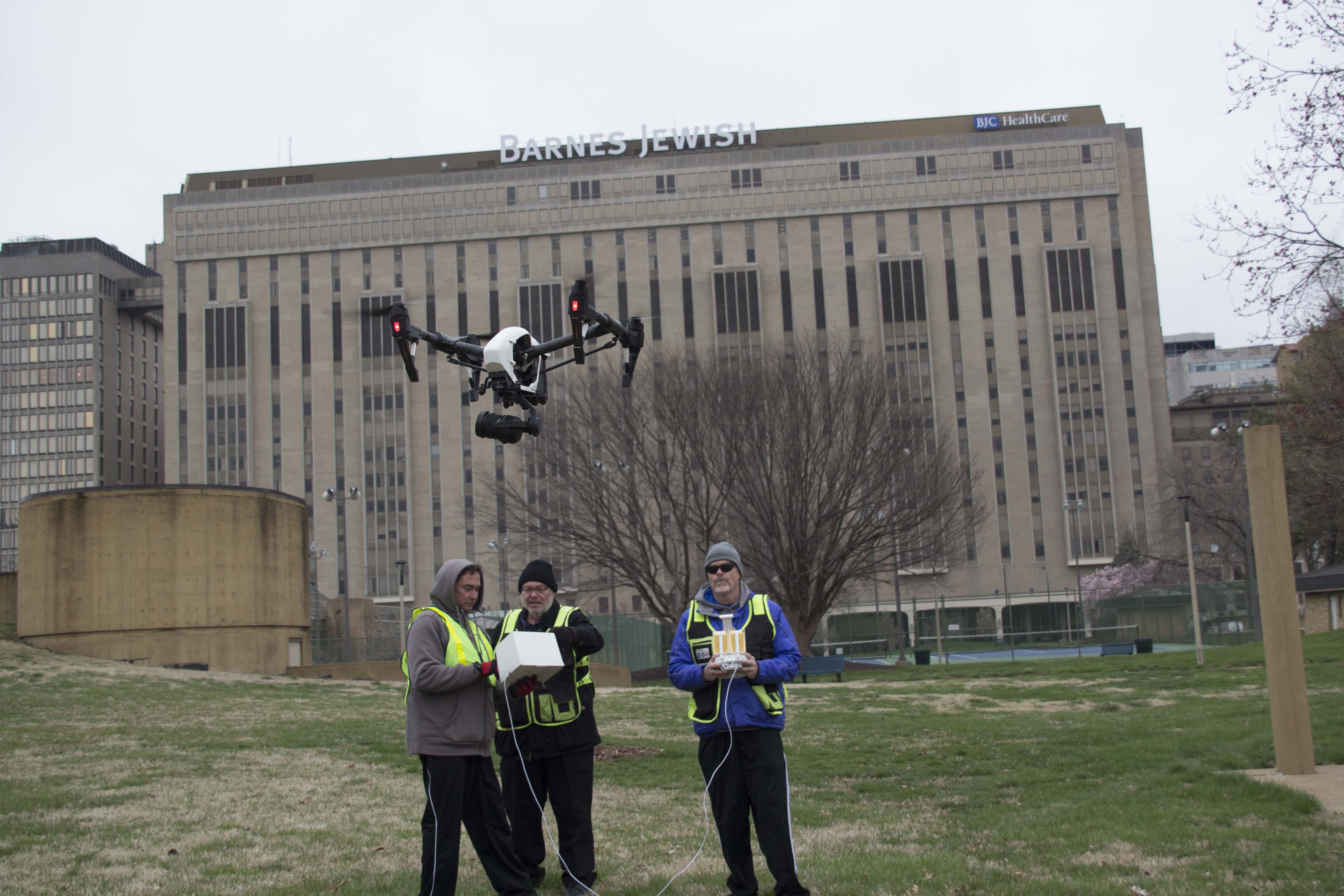
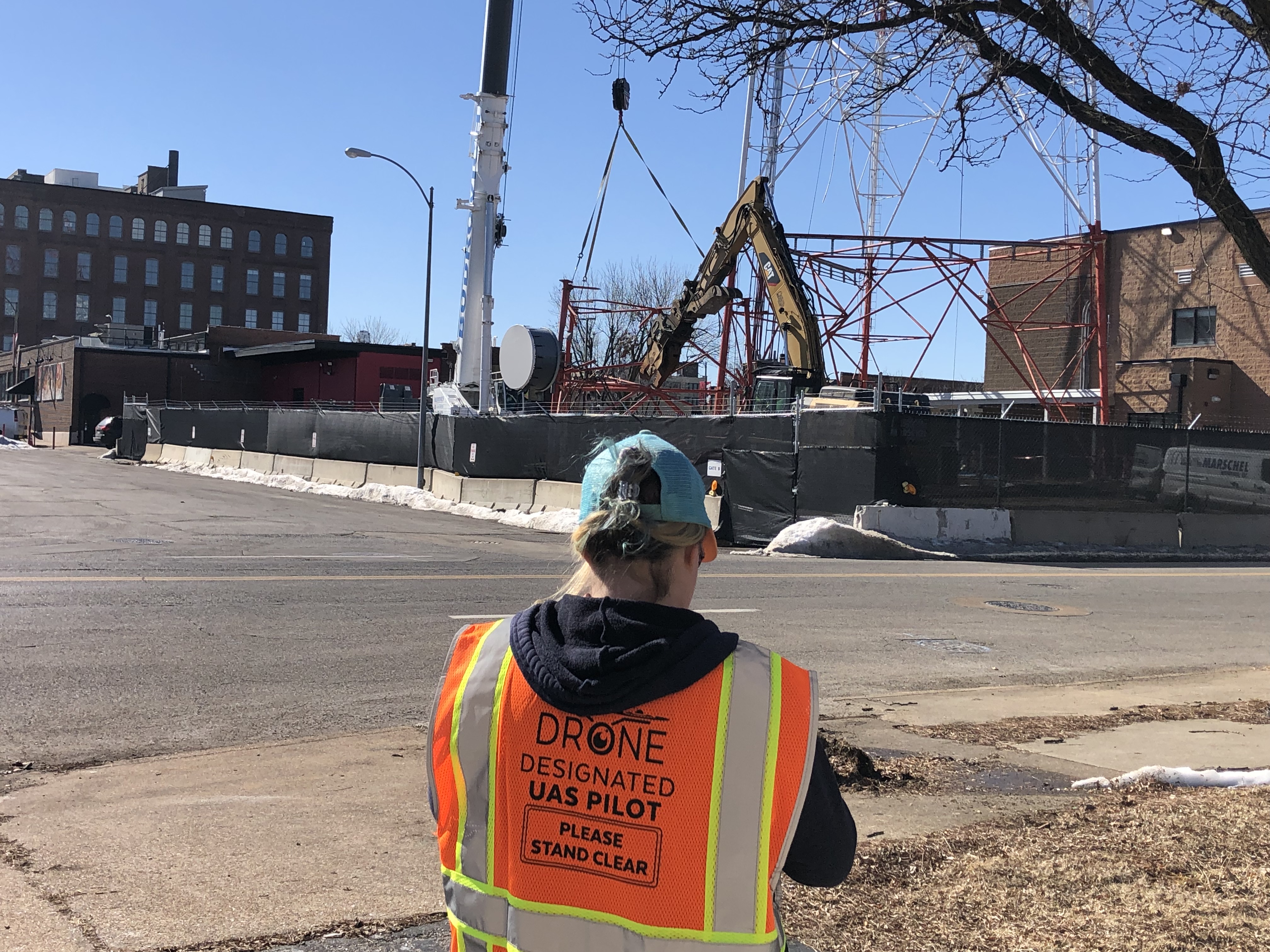
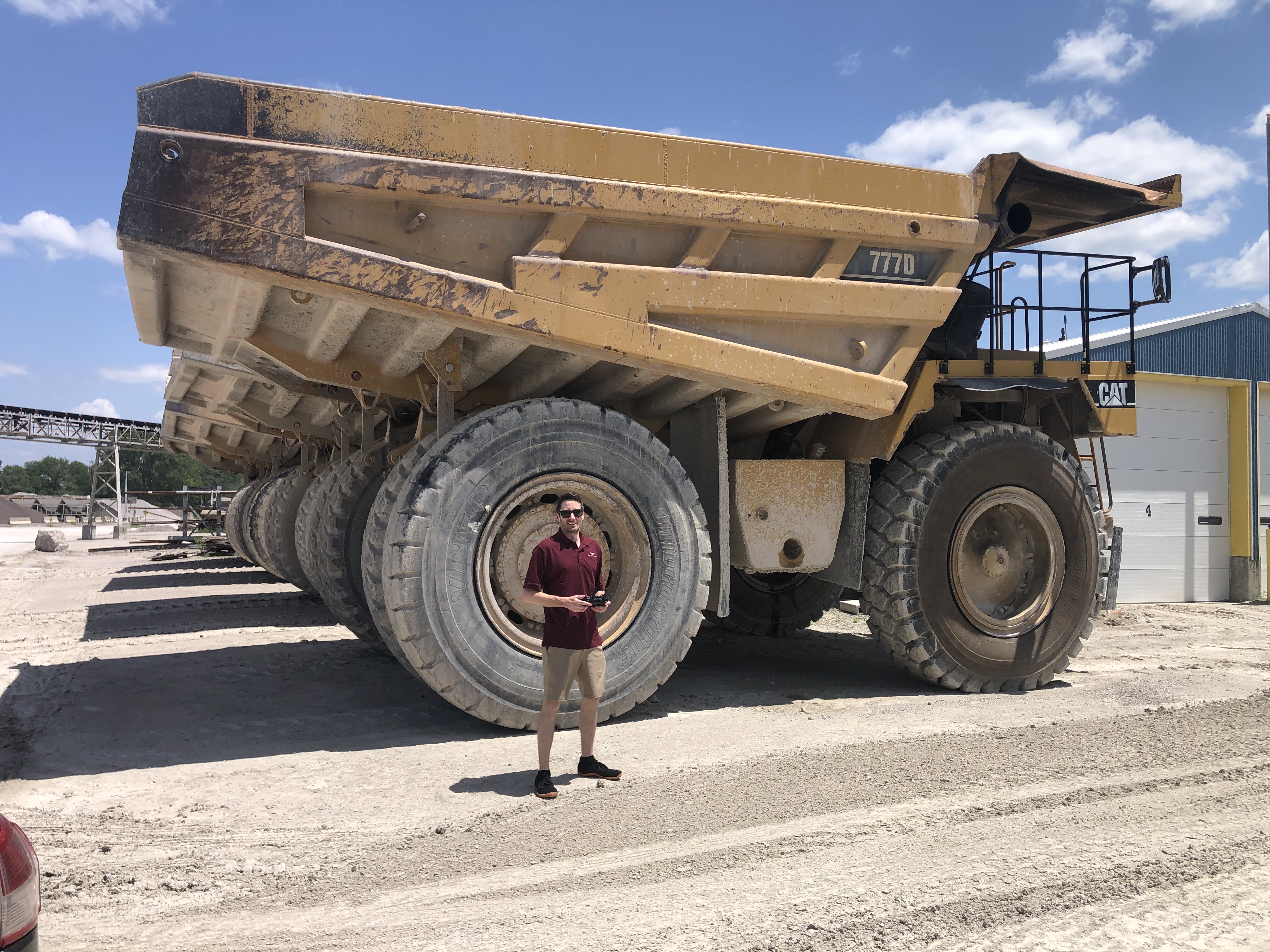
  • Rapid deployment: Our FAA-licensed drone operators can be on-site and airborne in minutes.
  • Cost efficiency: Especially effective for routine or recurring imaging needs.
  • Photogrammetry for 3D modeling: Drones capture overlapping images that can be converted into orthomosaic maps and volumetric measurements with centimeter-grade accuracy.

Drones are especially useful when flying under 400 feet, and within FAA-approved areas not restricted by airspace classifications or site-specific constraints.


When Airplane Aerial Photography Is the Right Tool

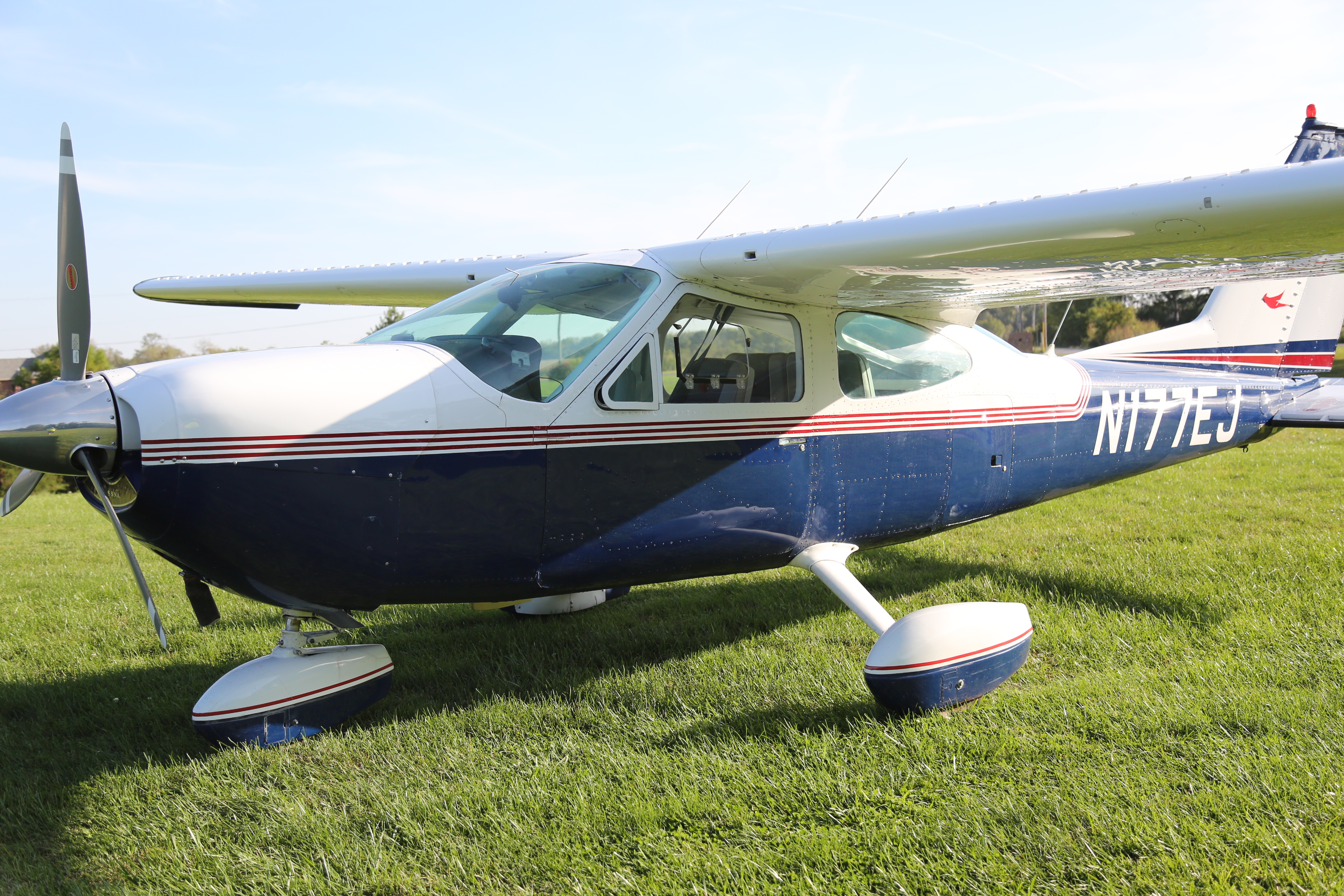
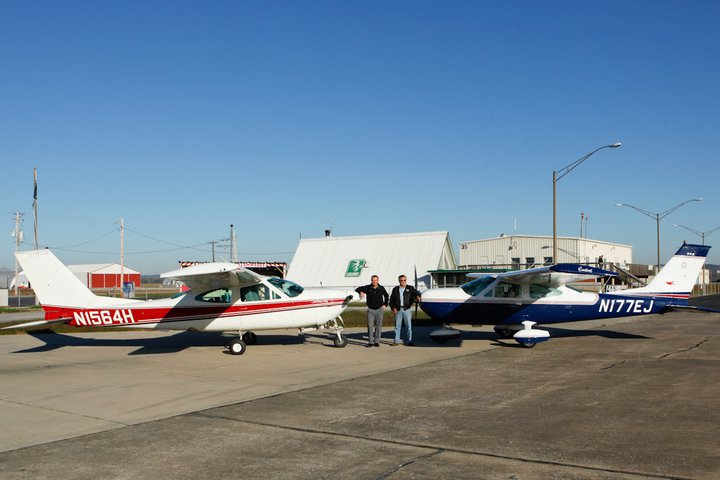
For large-scale operations, restricted airspace, or high-altitude capture needs, manned airplane aerial photography is the solution.

Advantages of airplane-based aerial photography include:

  • Legal compliance in no-drone zones: We safely operate in areas where drones are prohibited due to proximity to airports, military bases, or hazardous infrastructure.
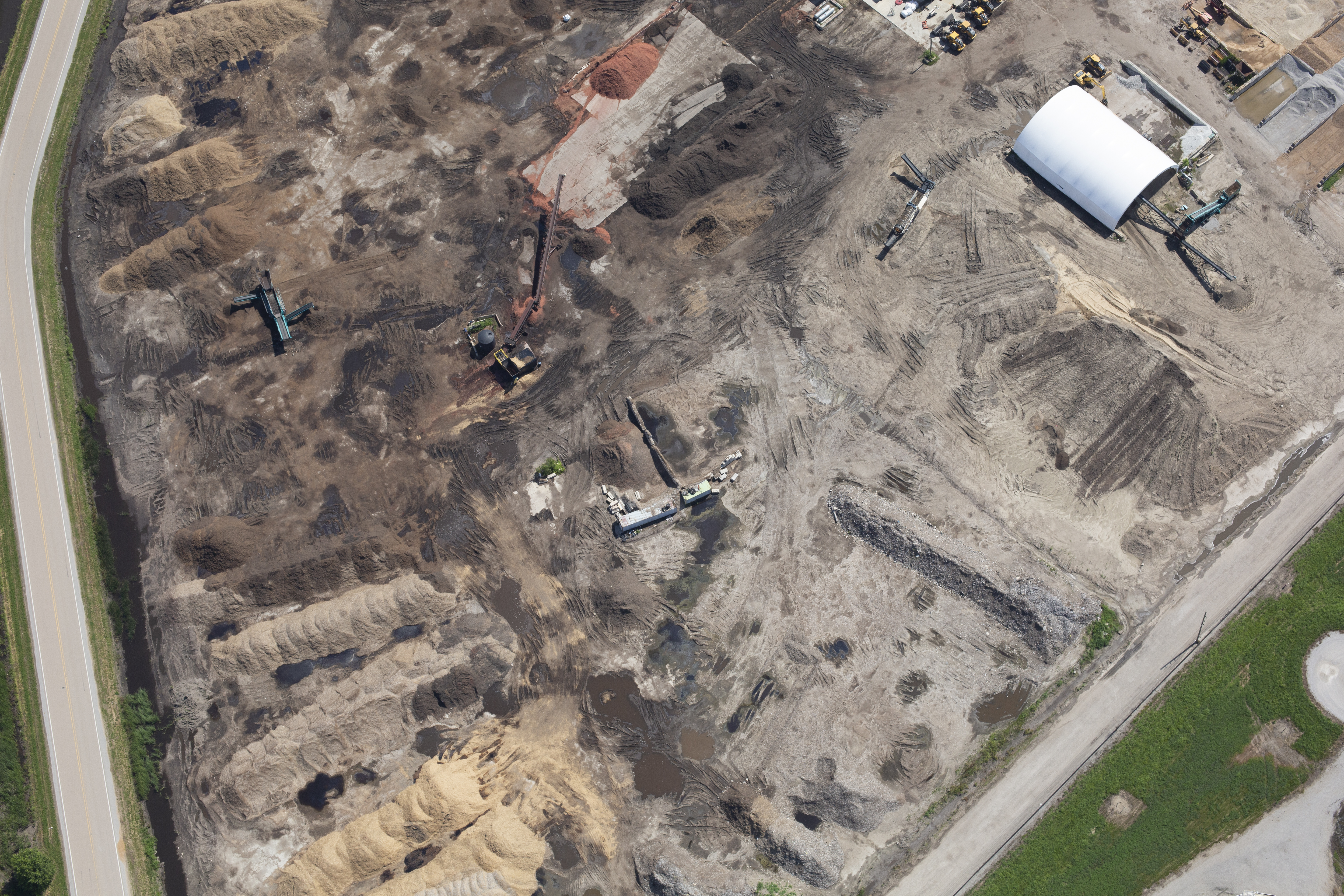
  • Full-site capture in a single pass: Fixed-wing aircraft can photograph entire operations from an altitude that delivers complete context and minimizes distortion.
  • Repeatable flight paths: Ideal for regularly scheduled documentation and historical comparison.
  • Complementary to drone use: We often integrate both methods in a hybrid solution that maximizes data resolution and area coverage.

With advanced gyroscopic camera mounts and high-megapixel sensors, our manned aerial flights produce detailed images ready for analysis and reporting.


The Hybrid Advantage: Drones + Airplanes

Many of our stockpile reporting projects involve a hybrid approach—leveraging drones for close-range, high-resolution 3D mapping, while using airplane photography for broader site context and compliance. This dual approach ensures our clients receive the most comprehensive, regulation-ready, and visually clear documentation possible.

We also apply AI-assisted image processing to rapidly extract edge boundaries, calculate volumes, and render visual overlays for reports and presentations. These tools help our clients meet stakeholder, auditor, and regulatory requirements with minimal time on-site.


Why Choose St Louis Video Production?

At St Louis Video Production, we’ve been at the forefront of commercial video and photography services since 1982. We bring the right combination of technical expertise, creative insight, and field-tested equipment to every stockpile reporting project—whether by drone, airplane, or both.

We offer:

  • Full-service studio and location video and photography
  • Expert editing, post-production, and file formatting across all media types
  • FAA-licensed drone pilots and coordinated manned aerial flight operations
  • AI-powered image processing for fast and accurate volumetrics
  • Indoor and outdoor lighting and visual setup tailored to each production
  • A private studio environment for custom interview shoots, corporate messaging, and product showcases
  • Repurposing services that help maximize the reach and ROI of your video and photography assets across platforms

When drones can fly—we’re ready. When airplanes are required—we’re cleared. When both are needed—we deliver.

Whether you’re monitoring gravel piles, tracking landfill expansion, or documenting site development over time, St Louis Video Production has the tools, experience, and creativity to provide the aerial data that drives results.

Let’s talk about how we can elevate your next stockpile reporting project—literally.

Mike Haller 314-913-5626 stlouisvideoproduction@gmail.com
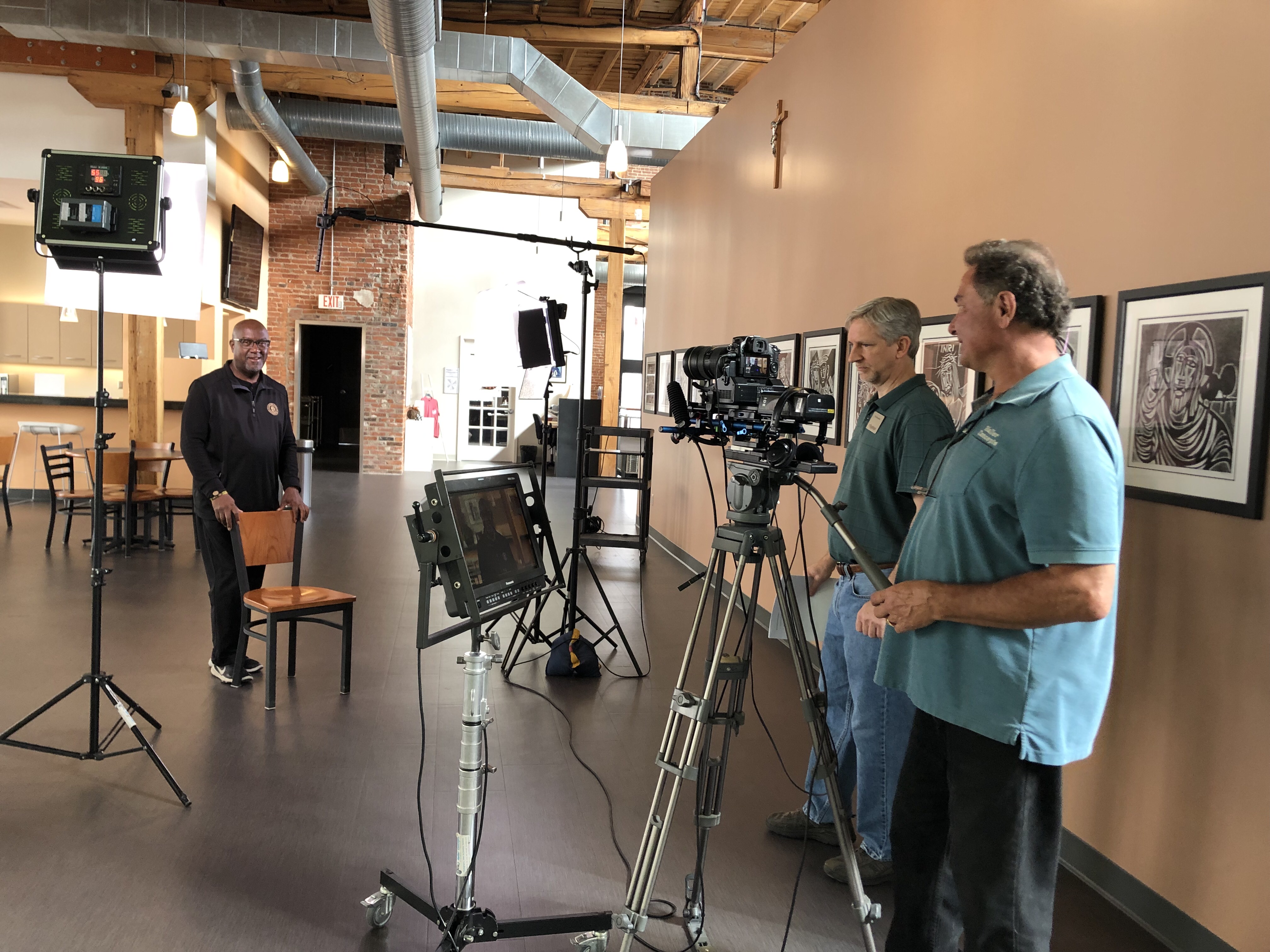
Easy Tips to Re-edit Your Marketing Videos for Recruitment Success

In today’s ultra-competitive hiring landscape, businesses are constantly seeking ways to attract top-tier talent while keeping marketing efforts efficient and cost-effective. One often overlooked opportunity lies in the content you’ve already created. Instead of starting from scratch, re-editing your existing marketing videos can be a strategic, high-impact way to craft compelling recruitment content that resonates with job seekers and reinforces your brand’s values and culture.

At St Louis Video Production, we help organizations across industries repurpose their footage creatively and effectively. Below are expert tips to help decision makers like you transform your existing marketing assets into powerful recruitment tools.


1. Start by Auditing Your Existing Video Library

Your marketing team has likely produced content that touches on employee experiences, company culture, leadership insights, or behind-the-scenes footage. Begin by reviewing your existing library with a fresh lens focused on recruitment:

  • Do you have client testimonials that include positive mentions of your team?
  • Are there interview clips with leadership discussing the mission or vision?
  • Have you showcased your workplace, team collaboration, or community involvement?

These are the building blocks of great recruitment storytelling.


2. Highlight Your People and Culture

Recruitment videos should make potential candidates feel excited about joining your team. Consider re-editing clips that feature:

  • Employee success stories
  • Office camaraderie or team-building moments
  • Company events or volunteer initiatives
  • Leadership talking about growth opportunities

Overlaying this footage with dynamic text, music, or animated infographics can make it more engaging and accessible on platforms like LinkedIn or your company careers page.


3. Incorporate On-Screen Captions and Branding

Most job seekers are consuming content on mobile devices, often with the sound off. Re-edit your videos to include:

  • Branded visuals and logo animations
  • Clear, readable captions
  • Calls-to-action, like “Join Our Team” or “Explore Careers”

Adding graphic overlays or subtle animation can modernize your older footage while making it easier for prospective employees to digest the information.


4. Update Narration and Voiceover

If your original video had a product-focused voiceover, consider swapping it out with new narration tailored to candidates. A recruitment-focused script might include:

  • A brief introduction to company values
  • Insight into daily work life
  • Employee testimonials or quotes

Fresh voiceover updates combined with polished footage can shift the tone of a video from sales to recruitment effortlessly.


5. Optimize for Multiple Platforms

The beauty of re-editing is scalability. From one core video, you can create:

  • 15-second social media teasers
  • 60-second highlights for job boards
  • 2-minute features for your careers page
  • Vertical stories for Instagram or TikTok

Tailor your cuts and aspect ratios to suit each platform’s best practices, and don’t forget to A/B test thumbnails, titles, and descriptions.


6. Use AI Tools for Speed and Efficiency

At St Louis Video Production, we use advanced AI-driven editing platforms that assist with facial recognition, transcript-based editing, and emotion-driven content tagging. These tools can drastically reduce turnaround time and ensure your recruitment edits hit the right tone and pace.


7. Measure, Improve, and Repurpose Again

Once your recruitment video goes live, monitor metrics like watch time, click-through rates, and engagement. With that feedback, we can help you refine and re-edit further, ensuring each version performs better than the last.


Why Choose St Louis Video Production?

With decades of experience, St Louis Video Production is a trusted full-service commercial photography and video production company. We provide everything you need for successful image acquisition—studio and location photography and video, professional editing, post-production, and FAA-licensed drone pilots.

We specialize in repurposing existing content to drive more traction and value, whether for recruitment, branding, or social media. Our creative team customizes each project for your unique media needs and supports all file types and industry-standard software. From private studio interviews to custom set designs and on-location shoots, we have the right equipment and crew to ensure production excellence.

We also use cutting-edge Artificial Intelligence to streamline editing workflows and enhance visual storytelling. Our private studio lighting setups are ideal for intimate, professional interview scenes, and our space accommodates set dressing and prop integration. We even fly specialized drones indoors to capture stunning overhead visuals safely and creatively.

Since 1982, we’ve proudly served businesses, marketing firms, and agencies across the St. Louis area, delivering high-quality media that meets and exceeds client expectations.


Ready to transform your existing video content into compelling recruitment assets?
Let St Louis Video Production help you craft the perfect message to attract top talent.

Would you like help outlining a recruitment video re-edit strategy specific to your industry?

Mike Haller 314-913-5626 stlouisvideoproduction@gmail.com
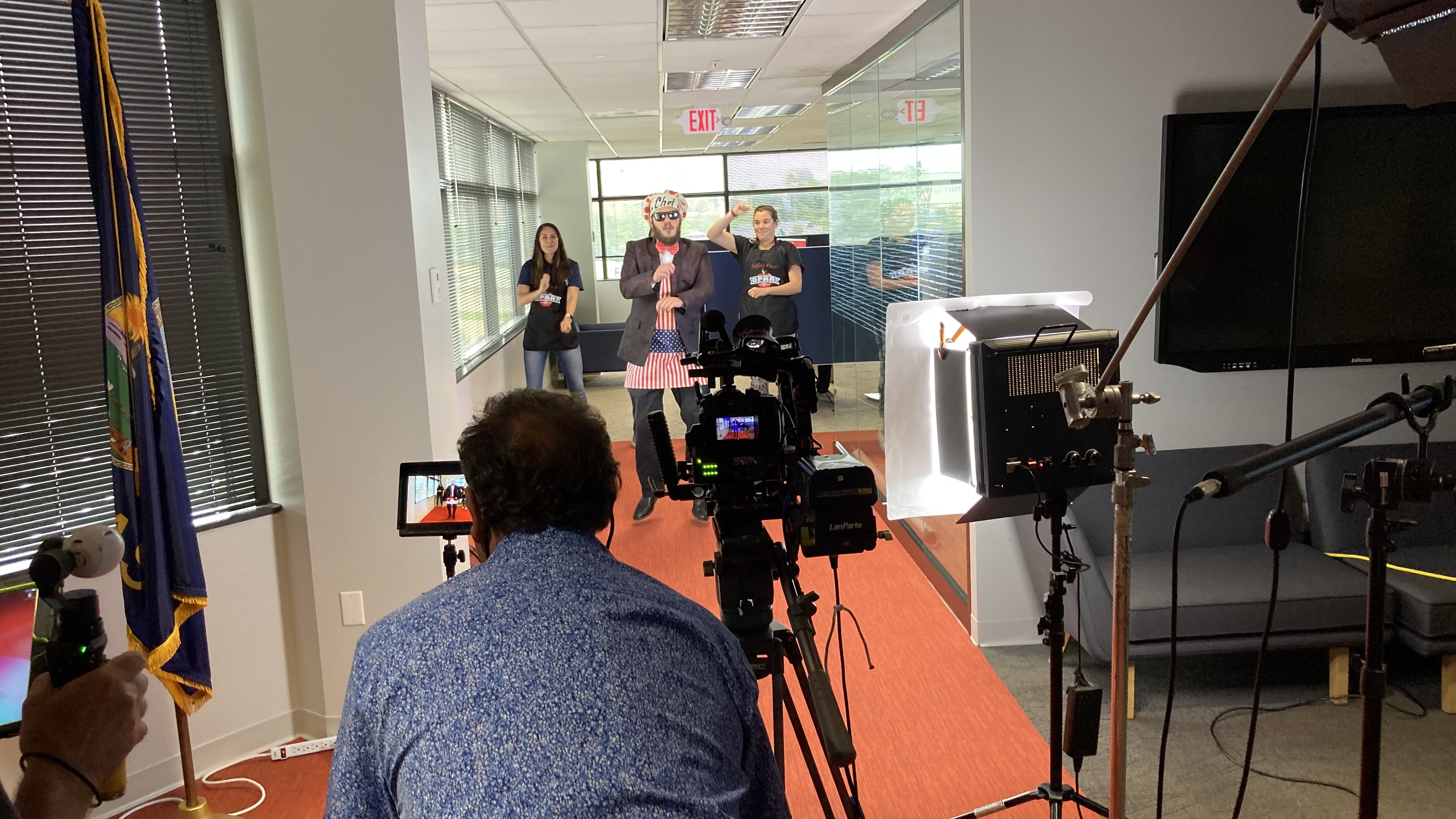
Unique Ways to Use Testimonial Videos on Social Media: Boosting Engagement and Trust with Strategic Video Placement

In today’s fast-moving digital world, consumers are hungry for authentic experiences—and nothing builds credibility quite like a well-crafted testimonial video. For businesses and organizations looking to stand out in crowded social media feeds, testimonial videos offer more than just social proof; they serve as a powerful storytelling tool that can drive conversions, humanize your brand, and build long-term loyalty. But beyond simply posting these videos to your Facebook page or embedding them on your website, there are countless creative ways to deploy testimonial content across platforms for maximum impact.

As an experienced videographer, photographer, and producer at St Louis Video Production, I’ve helped countless businesses leverage testimonial videos in innovative ways. This blog post will break down unique strategies to repurpose and distribute these compelling assets—strategies that decision-makers in marketing and communications can act on right away.


1. Create Micro-Content for Stories and Reels

Long-form testimonial interviews are a great foundation, but attention spans on social media are short. Use AI-assisted editing and storytelling techniques to pull 15–30 second highlights and reactions for:

  • Instagram Reels
  • YouTube Shorts
  • TikTok clips
  • LinkedIn Stories (via third-party apps)

These short, punchy clips can tease a longer testimonial or highlight one powerful quote that resonates with your audience’s pain points.


2. Pin Testimonials to the Top of Your Profiles

Once you’ve published your testimonial content, don’t let it get buried. Platforms like Facebook, LinkedIn, and X (formerly Twitter) allow businesses to pin posts to the top of their feed. Pinning a strong testimonial gives new visitors an immediate glimpse into real customer satisfaction, improving first impressions.


3. Use Testimonials as Paid Social Ad Creative

Organic reach has its limits. Placing testimonial video content into a paid social ad campaign lets you hyper-target ideal customers based on demographics, interests, and behavior. This is especially effective for:

  • Retargeting website visitors with social proof
  • Introducing your brand to new audiences with relatable customer success stories
  • B2B lead nurturing, showing how your services deliver ROI

Testimonial content is more likely to be trusted than traditional advertising—making it a high-performing format in ad campaigns.


4. Turn Testimonials into Carousels with Embedded Video

Especially on LinkedIn and Instagram, carousels are a top-performing format. Combine key quotes from a video testimonial with behind-the-scenes photos, customer stats, or clips from the shoot. Carousel posts increase swipe-through engagement while keeping viewers immersed in the story.


5. Feature Testimonials in Video Cover Stories and Banners

Facebook, LinkedIn, and YouTube all allow for cover videos or banners on business profiles. Use your strongest testimonial clips—featuring real clients speaking directly to the camera—to anchor your brand presence in a dynamic way. These give your profile immediate authority and energy.


6. Build a “Testimonial Tuesday” or Series-Based Campaign

Create a regular publishing rhythm with testimonial videos, giving your brand a consistent, trustworthy voice. For example:

  • Testimonial Tuesdays: Highlight one client story each week.
  • Behind the Brand: Pair testimonials with visuals of your team and work process.
  • Customer Journey Series: Map out the before-during-after experience.

A series builds anticipation and engagement, especially when each installment tells a part of the customer journey.


7. Leverage LinkedIn Native Video to Reach B2B Buyers

LinkedIn’s algorithm favors native video, especially when it contains peer-driven insights. Post testimonial clips as thought leadership content and tag your featured clients. Not only does this expand your reach, but it also encourages clients to reshare—amplifying trust within their network.


8. Integrate Testimonials into Email Video Clips and Newsletters

Social media and email marketing go hand in hand. Include short video thumbnails of testimonials in your email newsletters with a call to action to watch more on your social platforms or landing pages. These “click-to-watch” elements boost engagement and keep your brand top of mind.


Why Choose St Louis Video Production for Testimonial Video Campaigns?

At St Louis Video Production, we specialize in producing effective testimonial videos that convert—then helping our clients strategically deploy them across platforms to achieve measurable results.

As a full-service professional commercial photography and video production company, we provide everything you need for a successful testimonial campaign:

  • Full-service studio and location video and photography
  • Expert editing, post-production, and licensed drone pilots
  • AI-enhanced video editing and media services for optimized efficiency and creativity
  • Private studio lighting and custom visual setups, ideal for sit-down testimonials
  • A studio large enough to incorporate props and scenic design for enhanced branding
  • The ability to fly specialized drones indoors for dynamic b-roll and visual flair
  • A deep understanding of file types, media styles, and accompanying software

Since 1982, we’ve worked with countless businesses, marketing firms, and creative agencies across the St. Louis region. Whether you’re planning a single video or a multi-platform testimonial campaign, St Louis Video Production brings the right equipment, creative crew, and production experience to elevate your brand’s story.

Let us help you customize, shoot, and repurpose testimonial videos that drive real impact. When you’re ready to turn your customer success into powerful social media content, we’re ready to roll.

Mike Haller 314-913-5626 stlouisvideoproduction@gmail.com
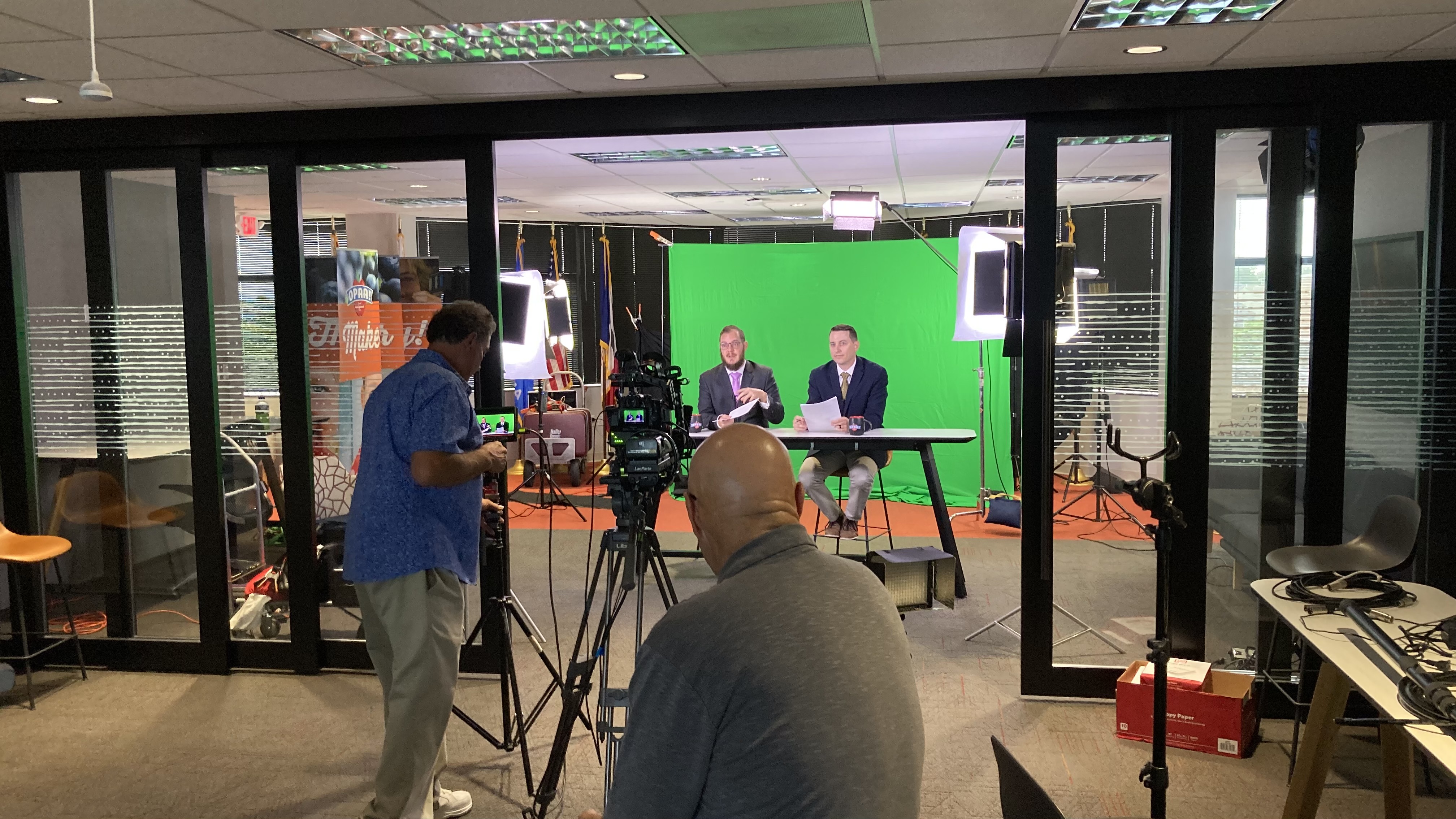
Script and Plan Your Training Video Production: Essential Tips for Success

Creating a compelling and effective training video requires careful planning and execution. Whether you’re training new employees, providing product tutorials, or sharing best practices, a well-produced training video can enhance engagement, ensure knowledge retention, and streamline the learning process. However, it all begins with a solid plan and a structured script. In this post, we’ll cover the essential steps to scripting and planning your next training video production.

Whether you need on-camera talent or voiceover artists, make sure they understand the objectives and tone of the video.

1. Define Your Objectives

Before you even think about shooting your training video, you must define its purpose. What are you trying to achieve with this video? Are you introducing new employees to the company’s culture, policies, or procedures? Are you showing a step-by-step guide on how to use a specific tool or platform?

Clear objectives will guide the tone, style, and structure of the video, ensuring it serves its intended purpose effectively. Write down the goals of the video and focus on the key takeaways you want the audience to retain.

2. Know Your Audience

Understanding who your audience is will help you adjust the video’s style, tone, and complexity. Is this video for entry-level employees, seasoned professionals, or external clients? Adjust your language, pace, and visuals accordingly. For example, an employee onboarding video might need to break down complex processes into digestible steps, while an advanced product tutorial could feature a more technical approach.

3. Craft a Strong Script

A well-written script is the backbone of your training video. Your script should clearly define each section of the video, including:

  • Introduction: Start with an engaging introduction to capture attention. Outline what the video is about and explain why it’s important.
  • Main Content: Break down the training content into manageable sections. This could include demonstrations, explanations, and real-life examples. Include any relevant visuals and descriptions of actions.
  • Conclusion: Summarize the key points from the video, reinforcing the main takeaways. Include a call-to-action (CTA), such as encouraging viewers to practice what they’ve learned or to follow up with additional training.
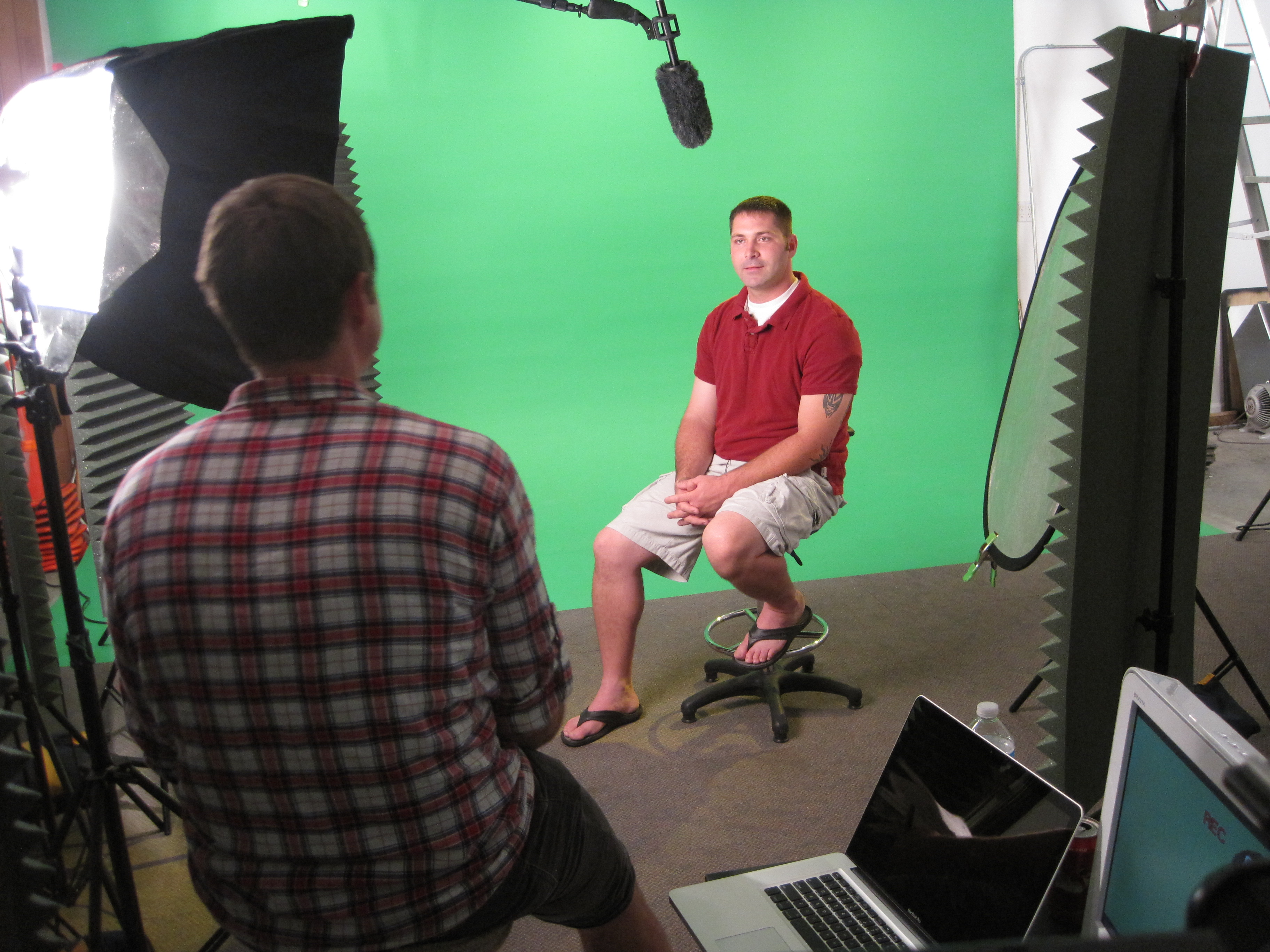
Each section should be concise, direct, and engaging to maintain the audience’s attention.

4. Plan Visuals and Supporting Elements

Training videos are more than just talking heads. Visual elements, like screen recordings, demonstrations, graphics, and diagrams, are crucial for reinforcing the message. Visual aids should complement the script to clarify complex concepts.

Think about the following:

  • On-screen Text: Use captions or bullet points to highlight important concepts.
  • Demonstrations: Show examples of the skills or processes being taught, so learners can visualize the steps.
  • Graphics: Diagrams, charts, and infographics can break down information and make it easier to understand.

This is where creativity plays a vital role. A well-designed visual plan can elevate the production quality and effectiveness of the training video.

5. Determine the Video’s Format

Training videos come in many formats, including:

  • Live-action: Show real people performing tasks or demonstrating concepts.
  • Animation: Great for explaining abstract ideas or complex systems.
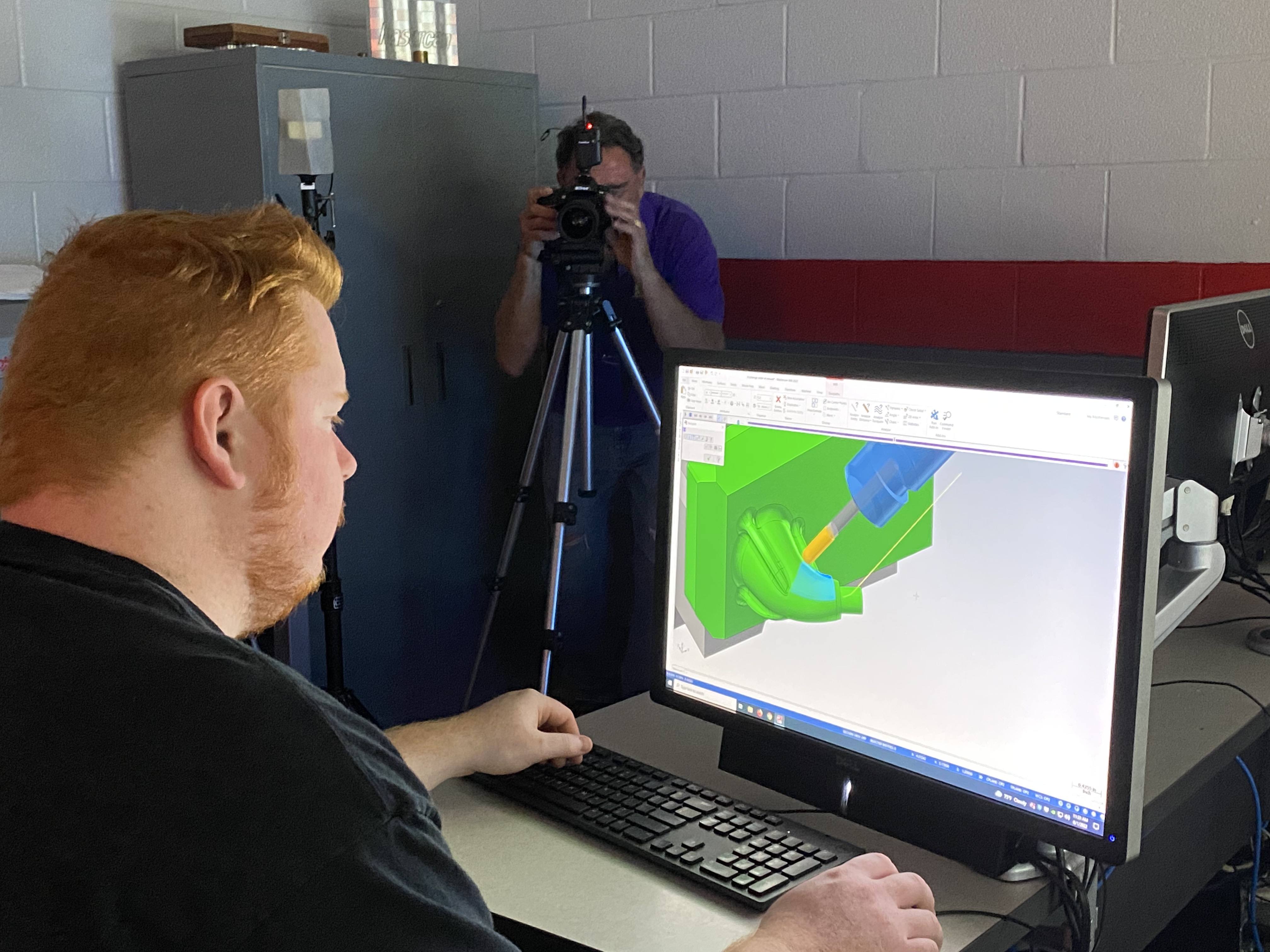
  • Screen Recording: Best for software tutorials or showcasing digital platforms.

Choose the format based on your audience, content, and budget. A mix of formats can also work well in maintaining interest and ensuring the material is easy to digest.

6. Organize the Logistics

Once you have your script and visual plan in place, it’s time to organize the logistics:

  • Location: Do you need a studio, or will you shoot on location? Ensure the space is well-lit and free from distractions.
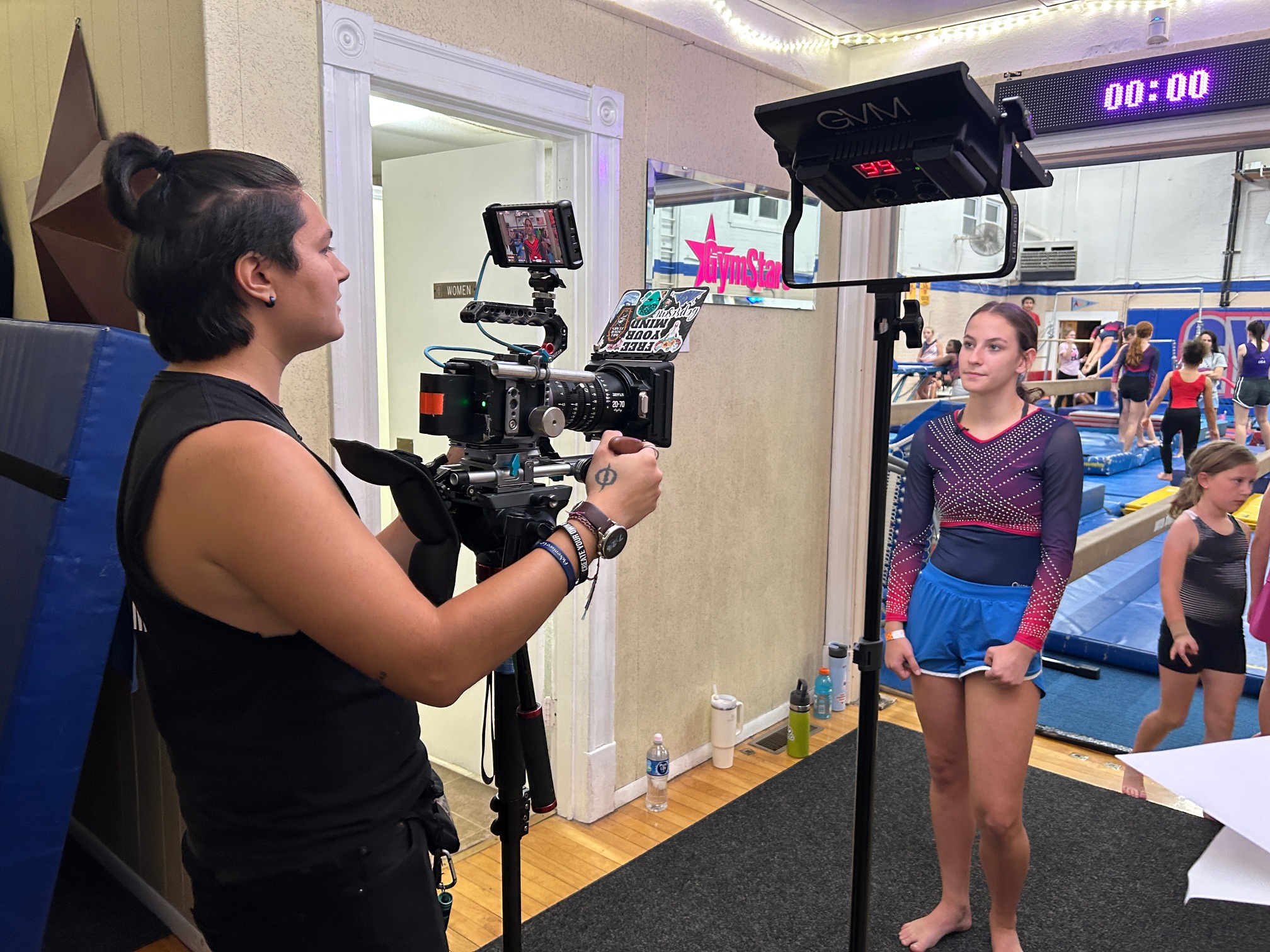
  • Talent: Who will be featured in the video? Whether you need on-camera talent or voiceover artists, make sure they understand the objectives and tone of the video.
  • Equipment: List all the necessary equipment, such as cameras, microphones, lighting, and props. Ensure everything is ready for the shoot to avoid delays or issues during production.
  • Schedule: Plan the timeline for filming, including the time needed for each segment and any breaks for talent or crew.

7. Production: Capture the Content

With everything in place, it’s time to shoot the video. Stick to the script and plan, but be open to improvisation if new ideas or improvements come up during the shoot. It’s essential to keep your training video engaging, so make sure to keep the energy up, especially for longer videos.

8. Post-production: Polish the Video

Once filming is complete, post-production begins. This is where the magic happens, as you’ll edit the footage, add transitions, include voiceovers or music, and ensure everything flows seamlessly. The editing process is vital to making your training video look polished and professional.

During post-production, you can also include features such as:

  • Subtitles and captions for accessibility
  • Animations to explain complex ideas
  • B-Roll footage to maintain viewer interest

Why Choose St. Louis Video Production?

At St. Louis Video Production, we understand the intricacies of crafting a powerful training video. As a full-service professional commercial photography and video production company, we have the right equipment and creative crew to deliver successful image acquisition and ensure your training video meets the highest standards.

We offer full-service studio and location video and photography, as well as editing, post-production, and licensed drone pilots. Our team is capable of customizing your productions for diverse types of media requirements, from employee onboarding videos to advanced product tutorials. We specialize in repurposing your photography and video branding to gain more traction, ensuring your message reaches a broader audience.
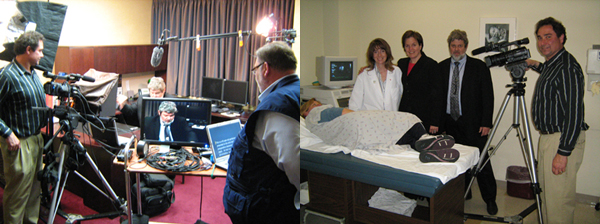
Our private studio lighting and visual setup are perfect for small productions and interview scenes. The studio is large enough to incorporate props, rounding out your set to create the ideal atmosphere for your video. We can assist in every part of your production, from setting up a custom interview studio to providing sound and camera operators.
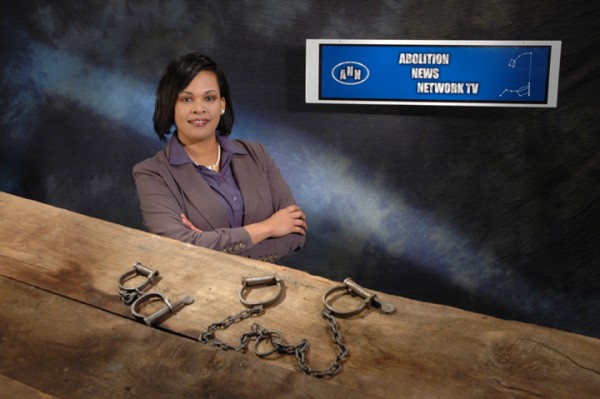
In addition, we offer specialized drones that can fly indoors, allowing for dynamic shots that enhance the visual appeal of your training videos. With over 40 years of experience in corporate video and photography production, St. Louis Video Production has worked with businesses, marketing firms, and agencies throughout the St. Louis area to deliver top-notch corporate videos and photography.

Whether you’re producing a simple training video or a complex, multi-faceted production, St. Louis Video Production has the expertise and resources to bring your vision to life. Let us help you create an impactful training video that will engage, educate, and inspire your team.

 314-913-5626 stlouisvideoproduction@gmail.com