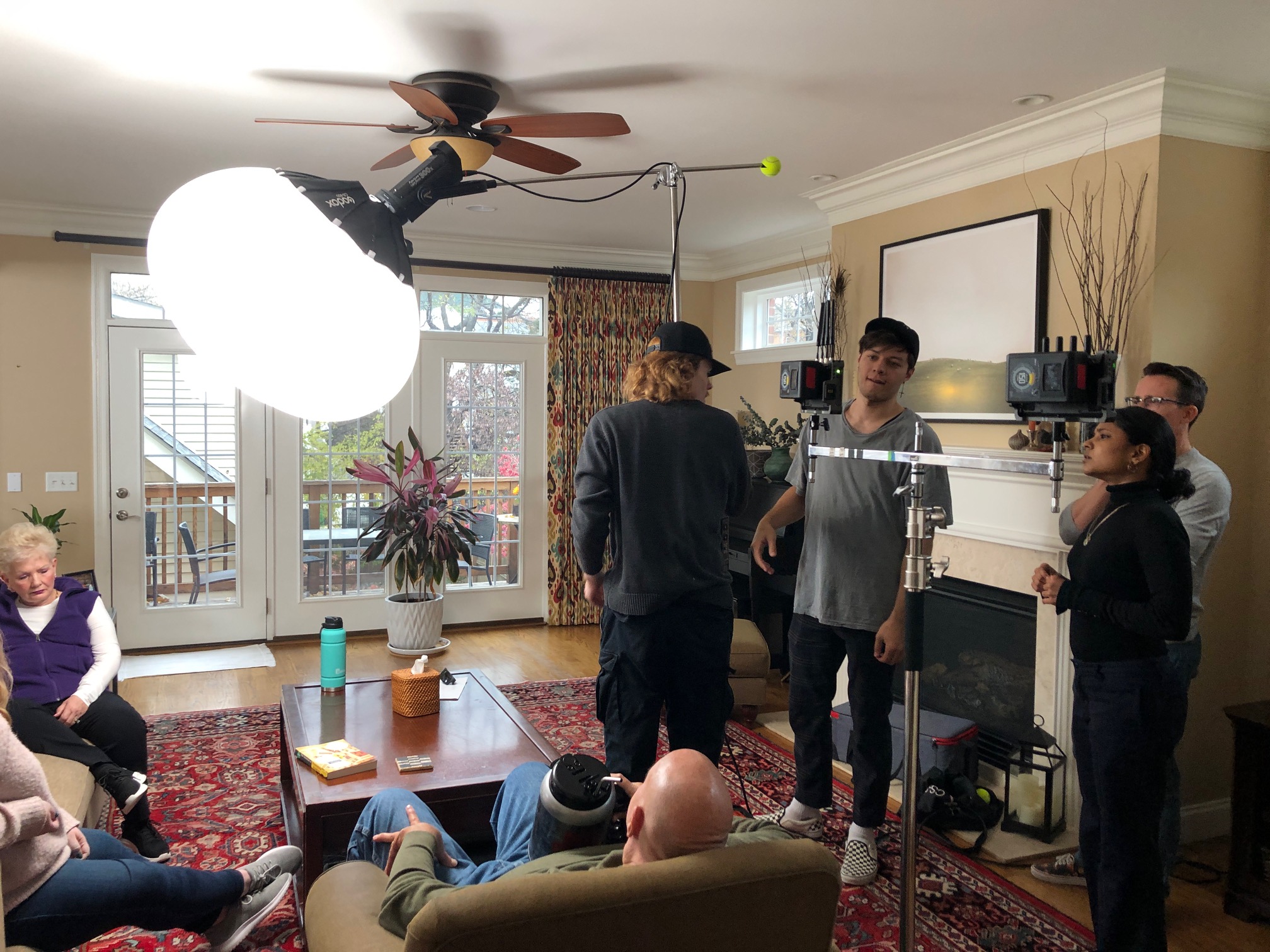
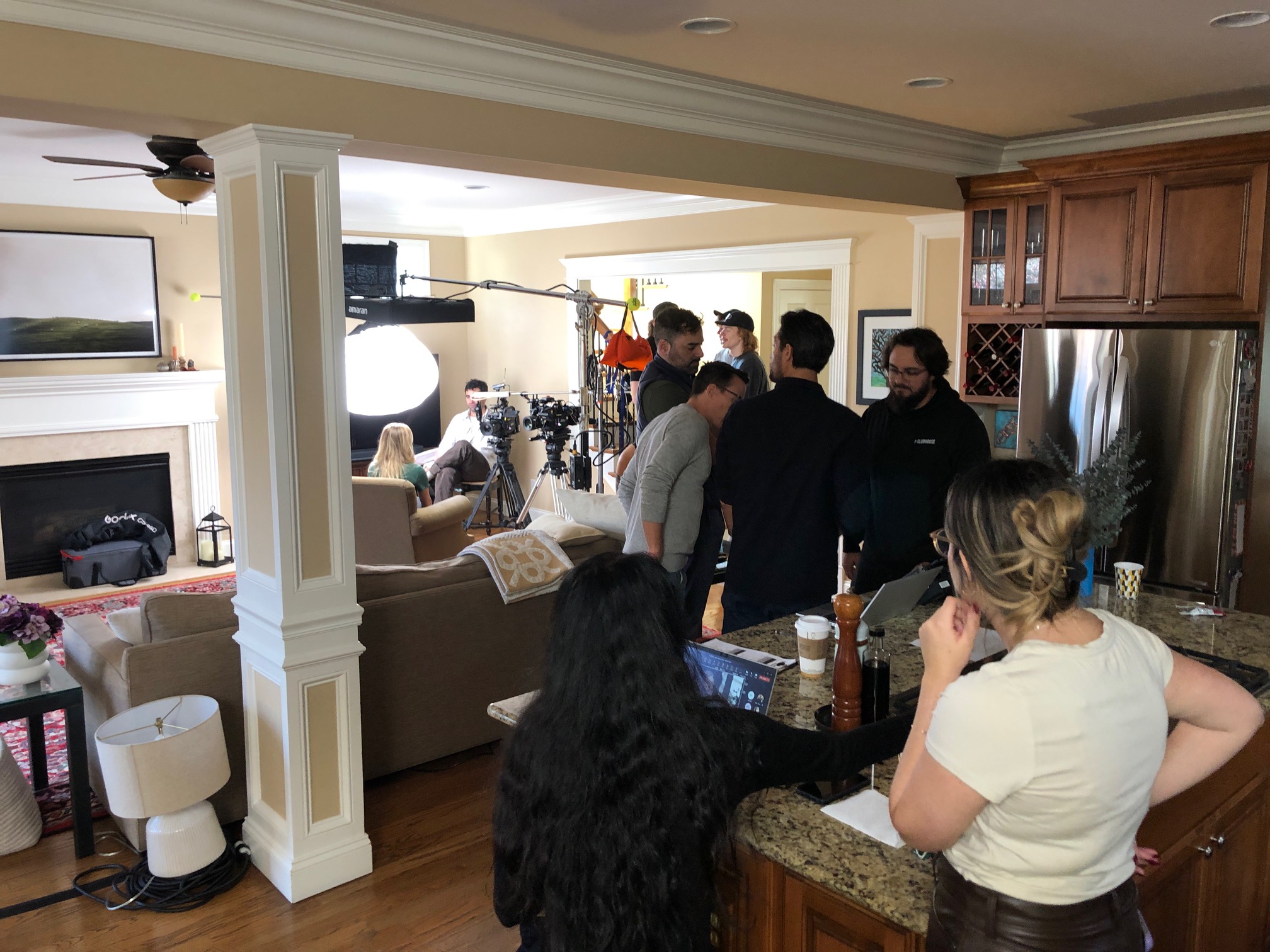
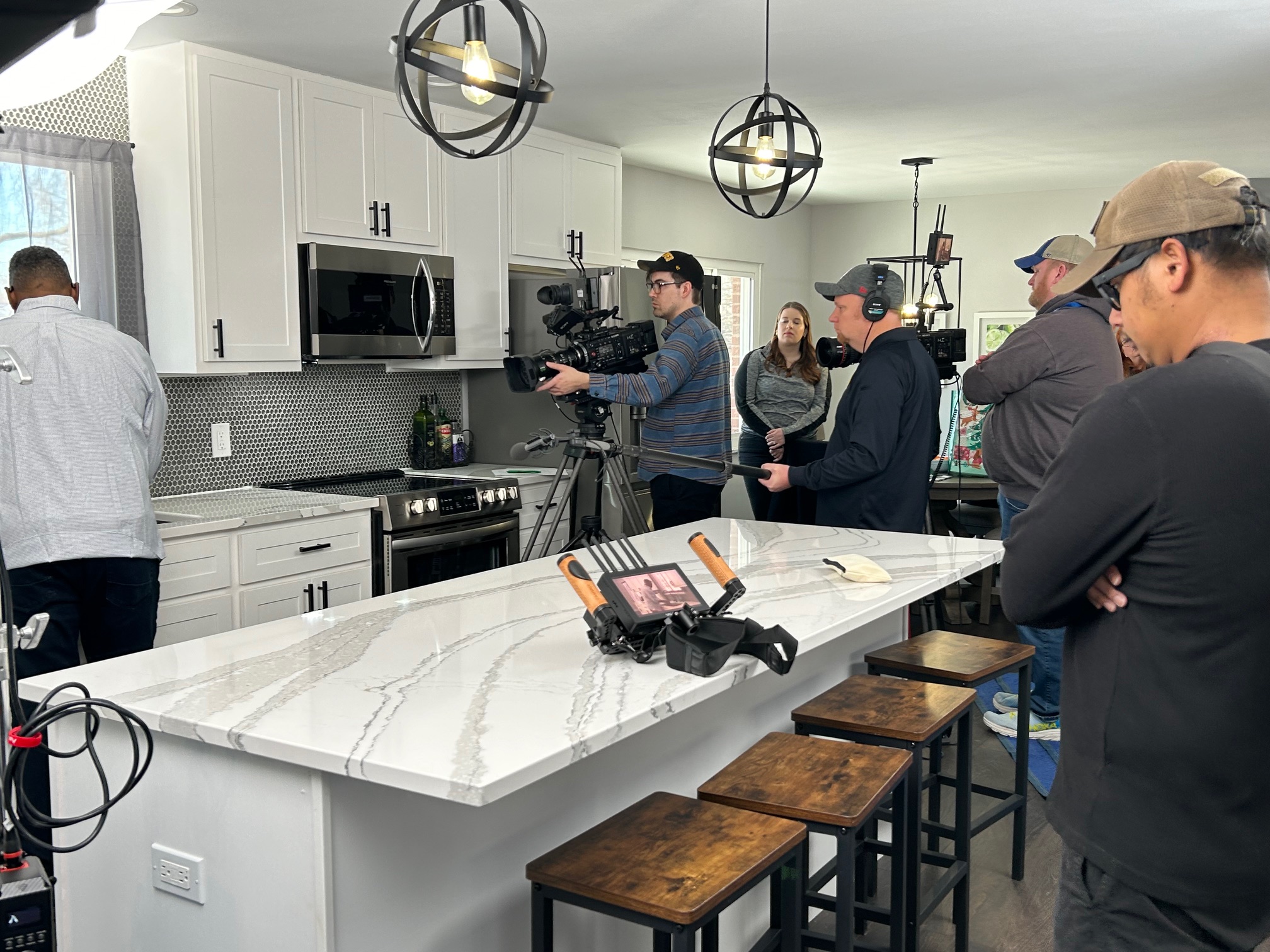
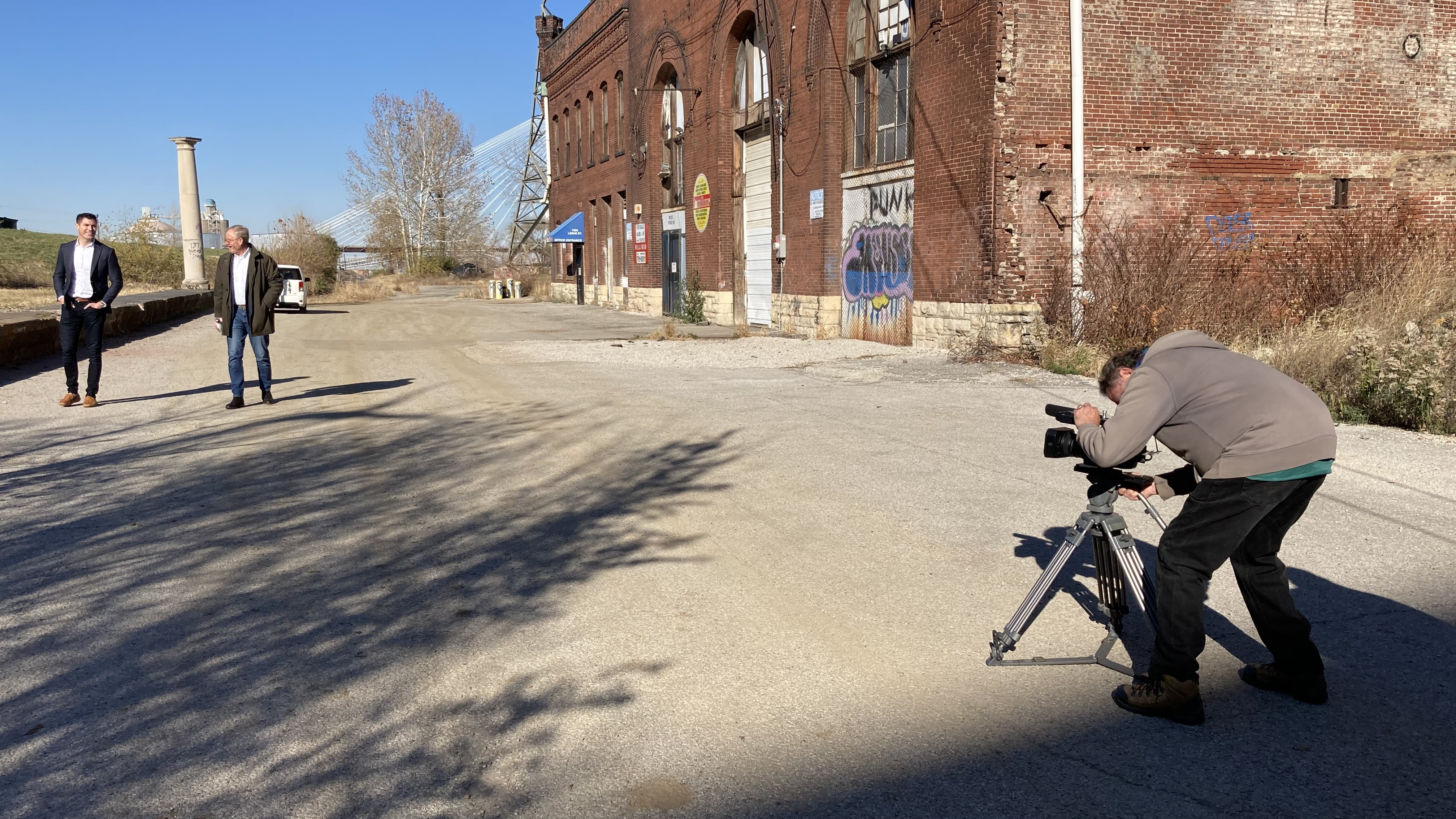
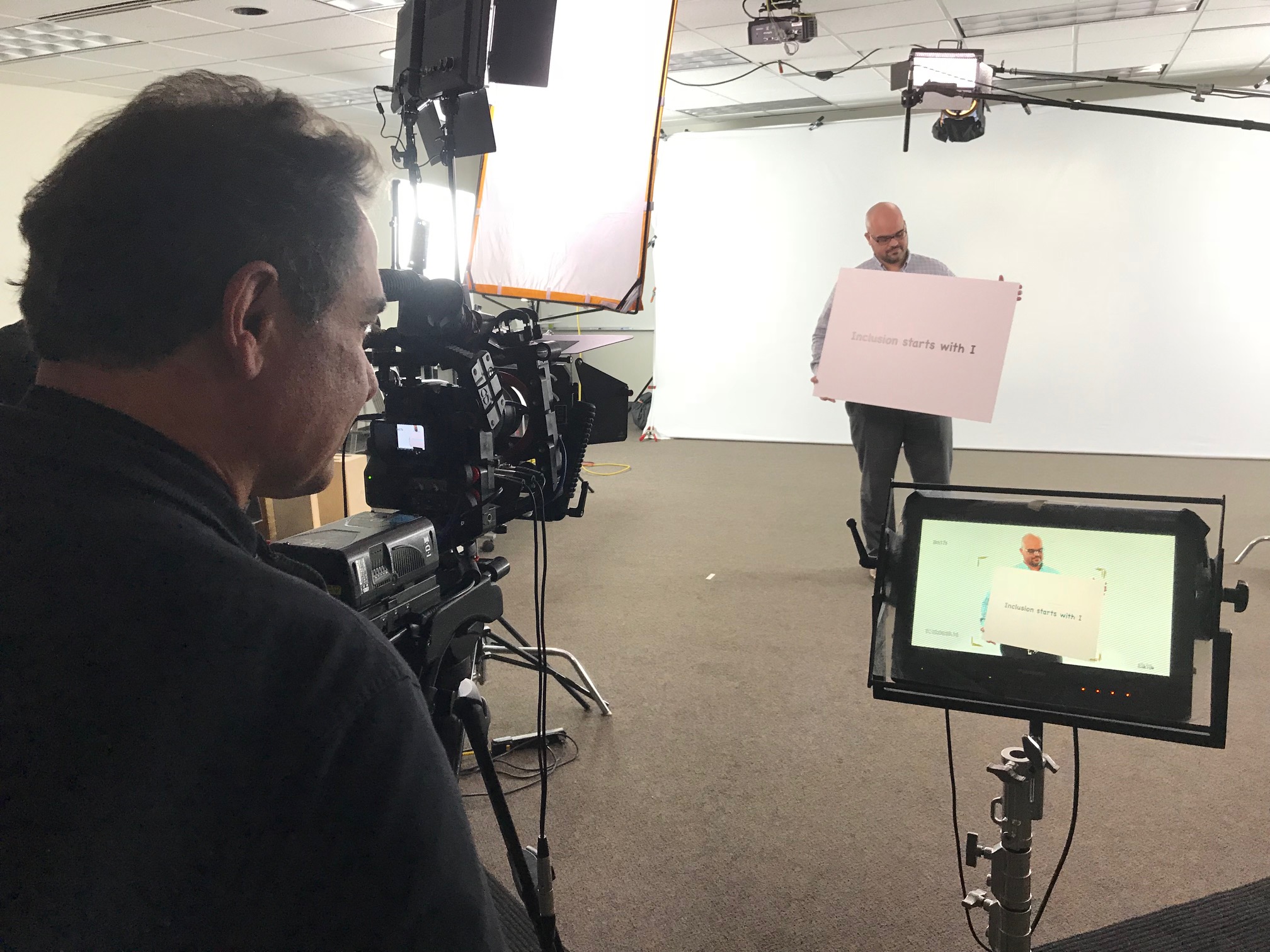
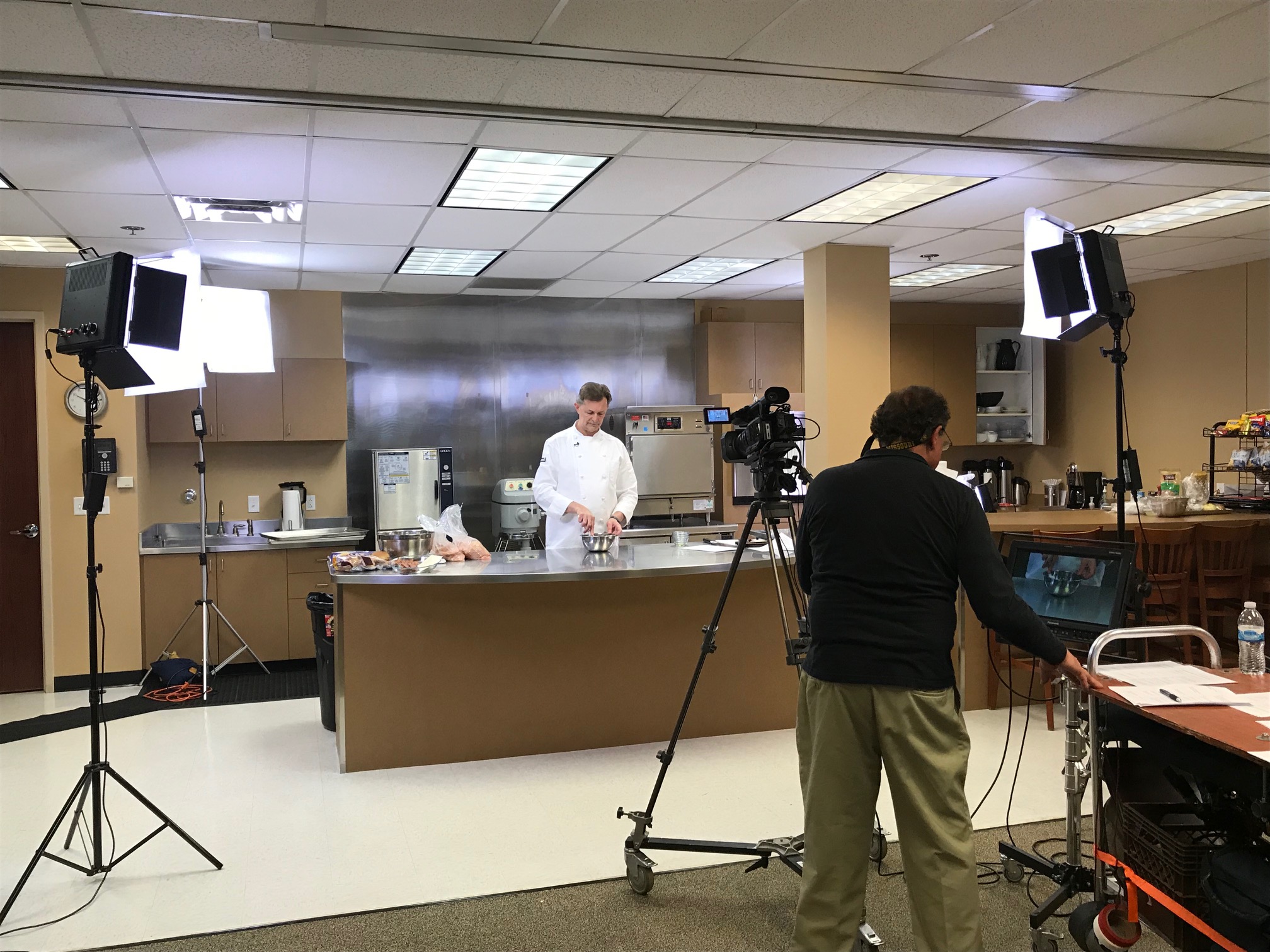
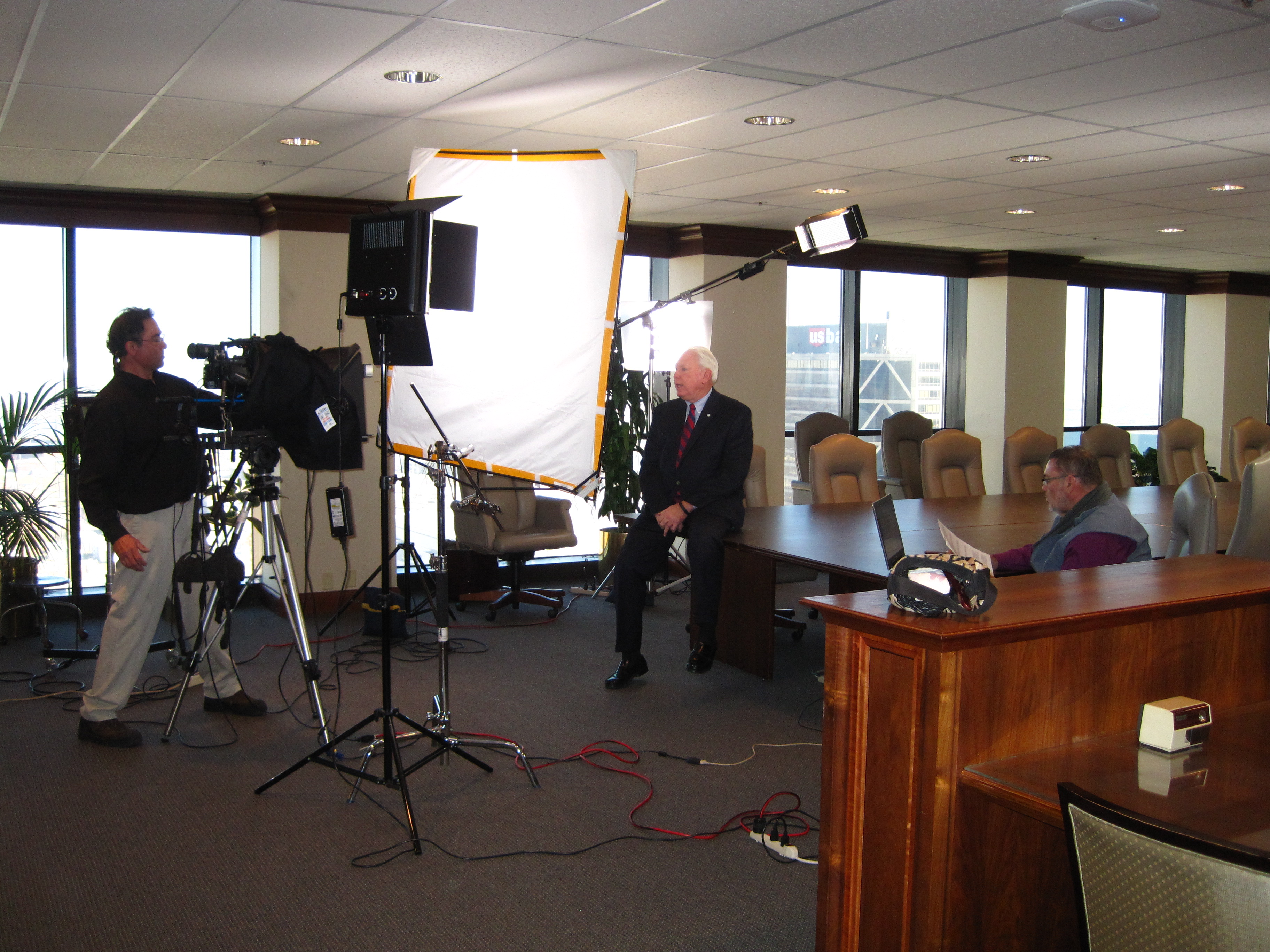
Experienced Crews | Professional Equipment | Studio & Remote Production

Posts tagged ‘content-creation’

Easy Tips to Re-edit Your Marketing Videos for Recruitment Success

In today’s ultra-competitive hiring landscape, businesses are constantly seeking ways to attract top-tier talent while keeping marketing efforts efficient and cost-effective. One often overlooked opportunity lies in the content you’ve already created. Instead of starting from scratch, re-editing your existing marketing videos can be a strategic, high-impact way to craft compelling recruitment content that resonates with job seekers and reinforces your brand’s values and culture.

At St Louis Video Production, we help organizations across industries repurpose their footage creatively and effectively. Below are expert tips to help decision makers like you transform your existing marketing assets into powerful recruitment tools.


1. Start by Auditing Your Existing Video Library

Your marketing team has likely produced content that touches on employee experiences, company culture, leadership insights, or behind-the-scenes footage. Begin by reviewing your existing library with a fresh lens focused on recruitment:

  • Do you have client testimonials that include positive mentions of your team?
  • Are there interview clips with leadership discussing the mission or vision?
  • Have you showcased your workplace, team collaboration, or community involvement?

These are the building blocks of great recruitment storytelling.

2. Highlight Your People and Culture

Recruitment videos should make potential candidates feel excited about joining your team. Consider re-editing clips that feature:

  • Employee success stories
  • Office camaraderie or team-building moments
  • Company events or volunteer initiatives
  • Leadership talking about growth opportunities

Overlaying this footage with dynamic text, music, or animated infographics can make it more engaging and accessible on platforms like LinkedIn or your company careers page.


3. Incorporate On-Screen Captions and Branding

Most job seekers are consuming content on mobile devices, often with the sound off. Re-edit your videos to include:

  • Branded visuals and logo animations
  • Clear, readable captions
  • Calls-to-action, like “Join Our Team” or “Explore Careers”

Adding graphic overlays or subtle animation can modernize your older footage while making it easier for prospective employees to digest the information.


4. Update Narration and Voiceover

If your original video had a product-focused voiceover, consider swapping it out with new narration tailored to candidates. A recruitment-focused script might include:

  • A brief introduction to company values
  • Insight into daily work life
  • Employee testimonials or quotes

Fresh voiceover updates combined with polished footage can shift the tone of a video from sales to recruitment effortlessly.


5. Optimize for Multiple Platforms

The beauty of re-editing is scalability. From one core video, you can create:

  • 15-second social media teasers
  • 60-second highlights for job boards
  • 2-minute features for your careers page
  • Vertical stories for Instagram or TikTok

Tailor your cuts and aspect ratios to suit each platform’s best practices, and don’t forget to A/B test thumbnails, titles, and descriptions.
6. Use AI Tools for Speed and Efficiency

At St Louis Video Production, we use advanced AI-driven editing platforms that assist with facial recognition, transcript-based editing, and emotion-driven content tagging. These tools can drastically reduce turnaround time and ensure your recruitment edits hit the right tone and pace.


7. Measure, Improve, and Repurpose Again

Once your recruitment video goes live, monitor metrics like watch time, click-through rates, and engagement. With that feedback, we can help you refine and re-edit further, ensuring each version performs better than the last.


Why Choose St Louis Video Production?

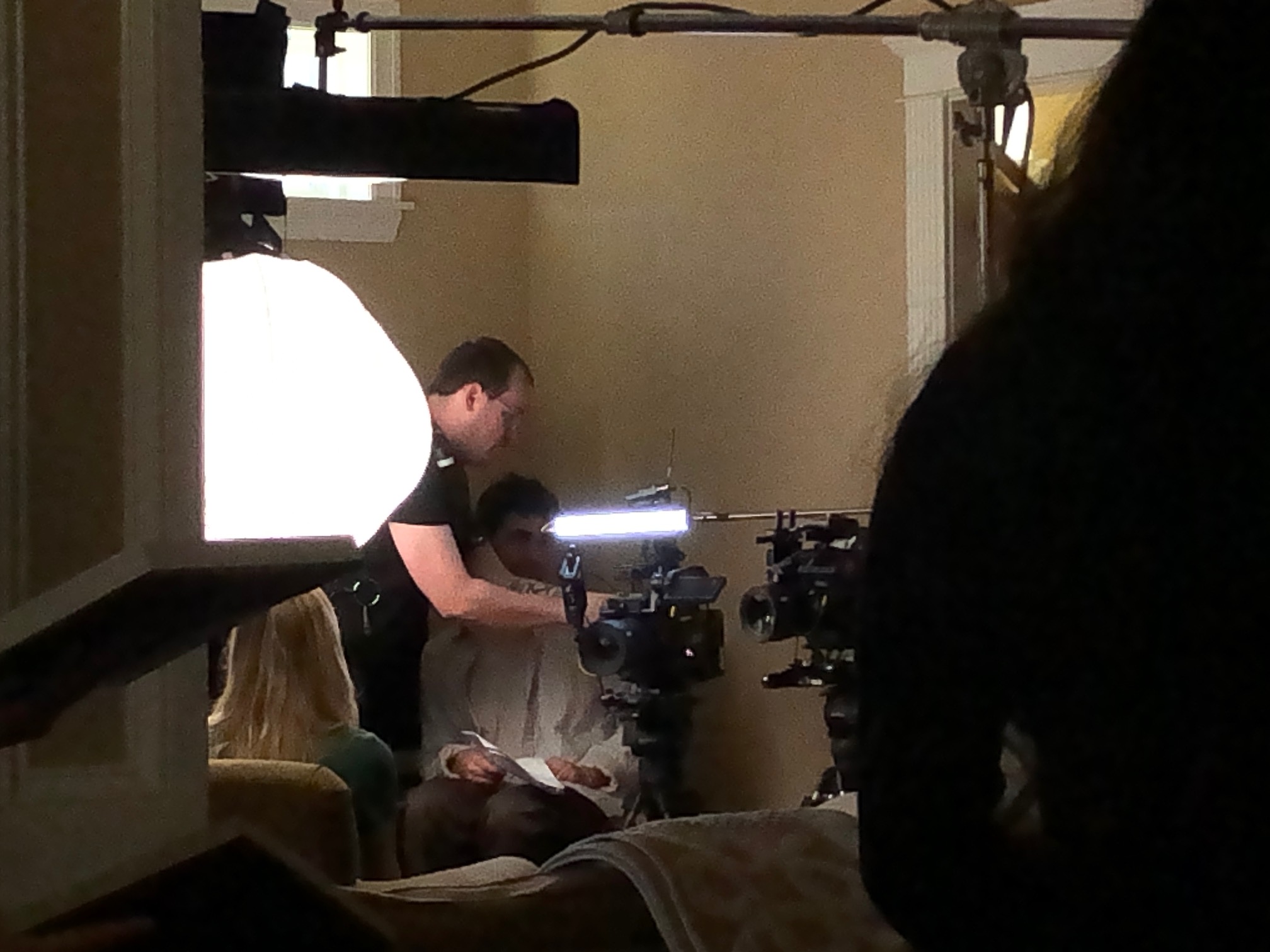
With decades of experience, St Louis Video Production is a trusted full-service commercial photography and video production company. We provide everything you need for successful image acquisition—studio and location photography and video, professional editing, post-production, and FAA-licensed drone pilots.

We specialize in repurposing existing content to drive more traction and value, whether for recruitment, branding, or social media. Our creative team customizes each project for your unique media needs and supports all file types and industry-standard software. From private studio interviews to custom set designs and on-location shoots, we have the right equipment and crew to ensure production excellence.

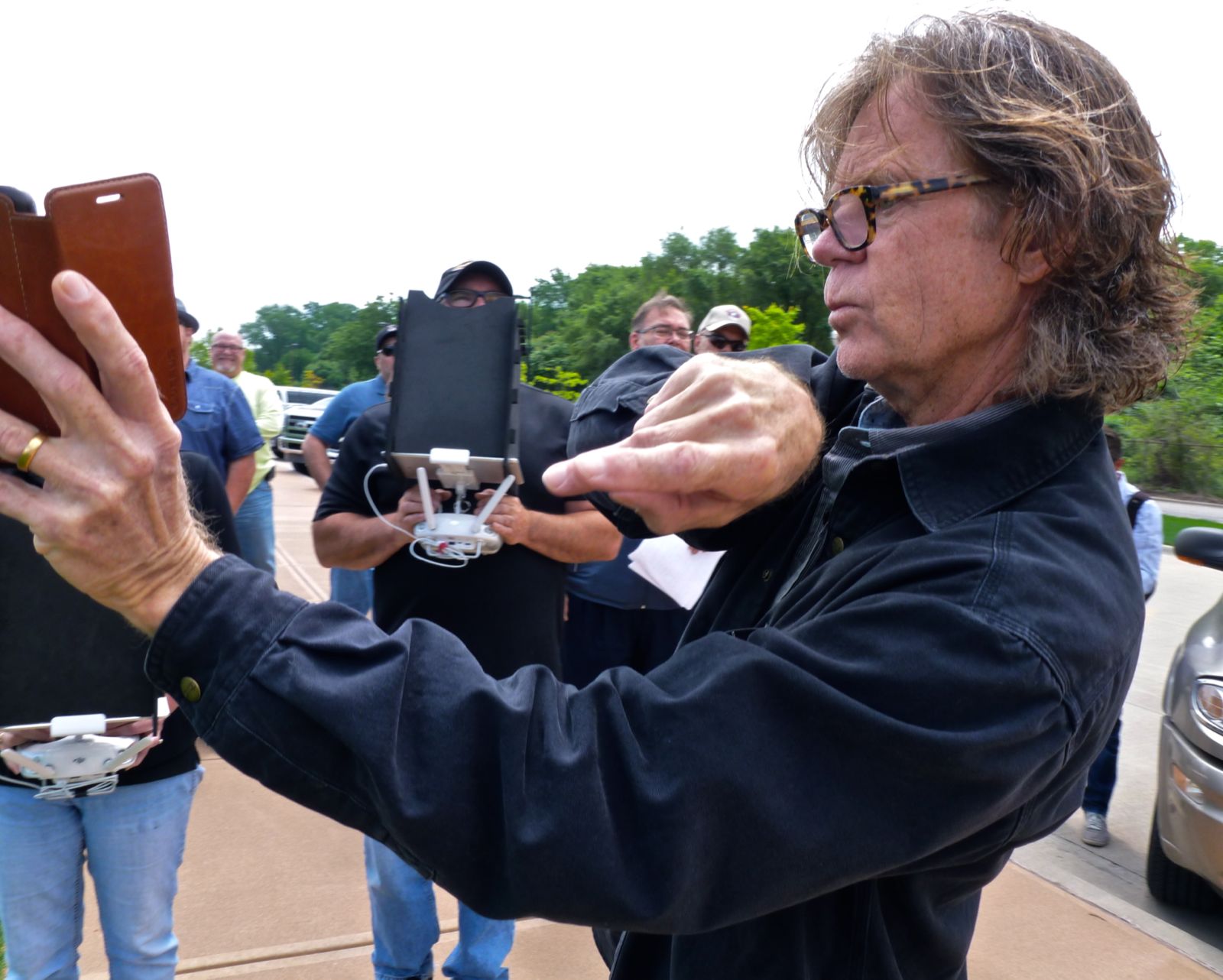
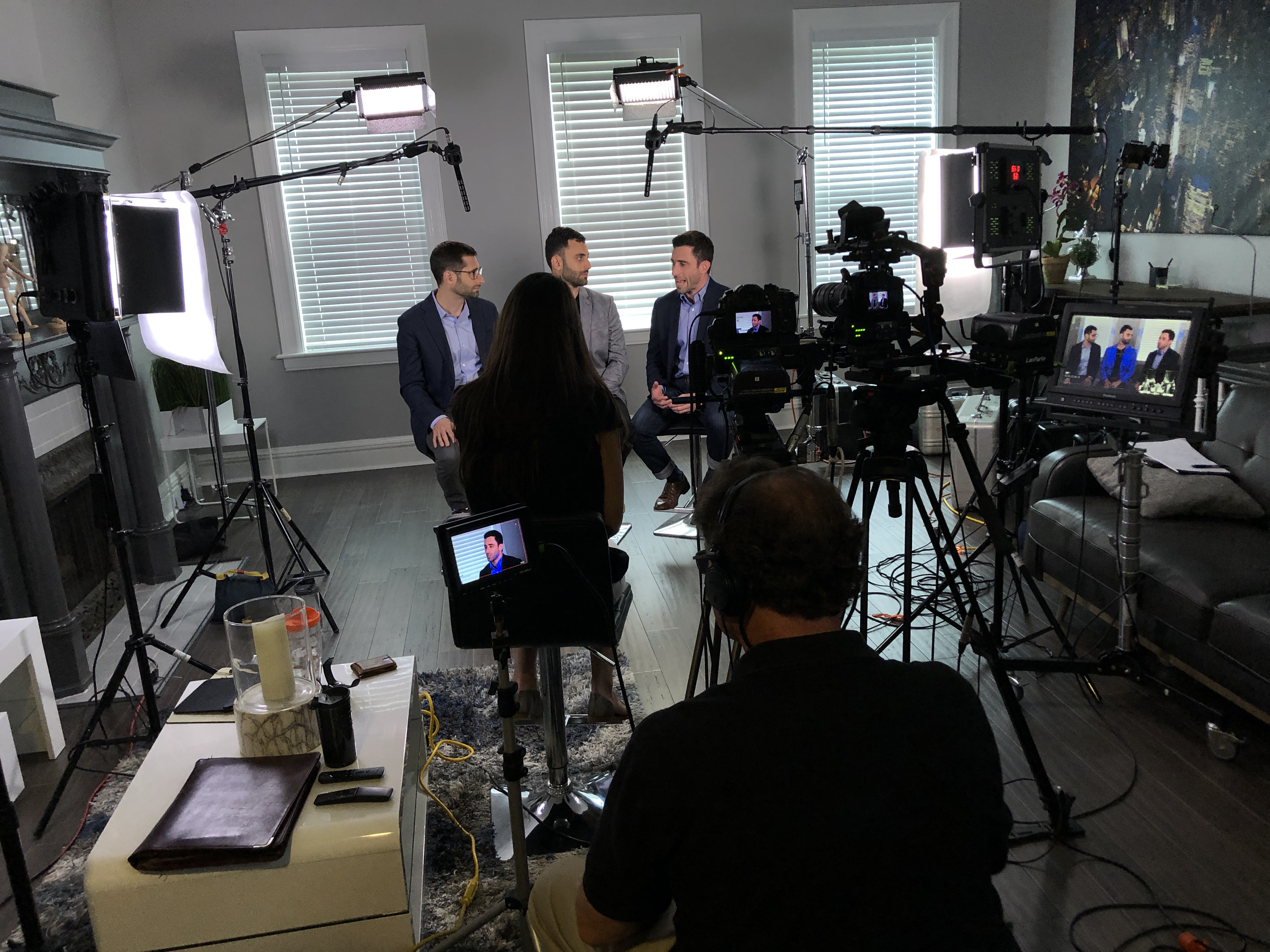
We also use cutting-edge Artificial Intelligence to streamline editing workflows and enhance visual storytelling. Our private studio lighting setups are ideal for intimate, professional interview scenes, and our space accommodates set dressing and prop integration. We even fly specialized drones indoors to capture stunning overhead visuals safely and creatively.

Since 1982, we’ve proudly served businesses, marketing firms, and agencies across the St. Louis area, delivering high-quality media that meets and exceeds client expectations.


Ready to transform your existing video content into compelling recruitment assets?
Let St Louis Video Production help you craft the perfect message to attract top talent.

Would you like help outlining a recruitment video re-edit strategy specific to your industry?

Mike Haller 314-913-5626 stlouisvideoproduction@gmail.com
Script and Plan Your Training Video Production: Essential Tips for Success

Creating a compelling and effective training video requires careful planning and execution. Whether you’re training new employees, providing product tutorials, or sharing best practices, a well-produced training video can enhance engagement, ensure knowledge retention, and streamline the learning process. However, it all begins with a solid plan and a structured script. In this post, we’ll cover the essential steps to scripting and planning your next training video production.

Whether you need on-camera talent or voiceover artists, make sure they understand the objectives and tone of the video.

1. Define Your Objectives

Before you even think about shooting your training video, you must define its purpose. What are you trying to achieve with this video? Are you introducing new employees to the company’s culture, policies, or procedures? Are you showing a step-by-step guide on how to use a specific tool or platform?

Clear objectives will guide the tone, style, and structure of the video, ensuring it serves its intended purpose effectively. Write down the goals of the video and focus on the key takeaways you want the audience to retain.

2. Know Your Audience

Understanding who your audience is will help you adjust the video’s style, tone, and complexity. Is this video for entry-level employees, seasoned professionals, or external clients? Adjust your language, pace, and visuals accordingly. For example, an employee onboarding video might need to break down complex processes into digestible steps, while an advanced product tutorial could feature a more technical approach.

3. Craft a Strong Script

A well-written script is the backbone of your training video. Your script should clearly define each section of the video, including:

  • Introduction: Start with an engaging introduction to capture attention. Outline what the video is about and explain why it’s important.
  • Main Content: Break down the training content into manageable sections. This could include demonstrations, explanations, and real-life examples. Include any relevant visuals and descriptions of actions.
  • Conclusion: Summarize the key points from the video, reinforcing the main takeaways. Include a call-to-action (CTA), such as encouraging viewers to practice what they’ve learned or to follow up with additional training.

Each section should be concise, direct, and engaging to maintain the audience’s attention.

4. Plan Visuals and Supporting Elements

Training videos are more than just talking heads. Visual elements, like screen recordings, demonstrations, graphics, and diagrams, are crucial for reinforcing the message. Visual aids should complement the script to clarify complex concepts.

Think about the following:

  • On-screen Text: Use captions or bullet points to highlight important concepts.
  • Demonstrations: Show examples of the skills or processes being taught, so learners can visualize the steps.
  • Graphics: Diagrams, charts, and infographics can break down information and make it easier to understand.

This is where creativity plays a vital role. A well-designed visual plan can elevate the production quality and effectiveness of the training video.

5. Determine the Video’s Format

Training videos come in many formats, including:

  • Live-action: Show real people performing tasks or demonstrating concepts.
  • Animation: Great for explaining abstract ideas or complex systems.
  • Screen Recording: Best for software tutorials or showcasing digital platforms.

Choose the format based on your audience, content, and budget. A mix of formats can also work well in maintaining interest and ensuring the material is easy to digest.

6. Organize the Logistics

Once you have your script and visual plan in place, it’s time to organize the logistics:

  • Location: Do you need a studio, or will you shoot on location? Ensure the space is well-lit and free from distractions.
  • Talent: Who will be featured in the video? Whether you need on-camera talent or voiceover artists, make sure they understand the objectives and tone of the video.
  • Equipment: List all the necessary equipment, such as cameras, microphones, lighting, and props. Ensure everything is ready for the shoot to avoid delays or issues during production.
  • Schedule: Plan the timeline for filming, including the time needed for each segment and any breaks for talent or crew.

7. Production: Capture the Content

With everything in place, it’s time to shoot the video. Stick to the script and plan, but be open to improvisation if new ideas or improvements come up during the shoot. It’s essential to keep your training video engaging, so make sure to keep the energy up, especially for longer videos.

8. Post-production: Polish the Video

Once filming is complete, post-production begins. This is where the magic happens, as you’ll edit the footage, add transitions, include voiceovers or music, and ensure everything flows seamlessly. The editing process is vital to making your training video look polished and professional.

During post-production, you can also include features such as:

  • Subtitles and captions for accessibility
  • Animations to explain complex ideas
  • B-Roll footage to maintain viewer interest

Why Choose St. Louis Video Production?

At St. Louis Video Production, we understand the intricacies of crafting a powerful training video. As a full-service professional commercial photography and video production company, we have the right equipment and creative crew to deliver successful image acquisition and ensure your training video meets the highest standards.

We offer full-service studio and location video and photography, as well as editing, post-production, and licensed drone pilots. Our team is capable of customizing your productions for diverse types of media requirements, from employee onboarding videos to advanced product tutorials. We specialize in repurposing your photography and video branding to gain more traction, ensuring your message reaches a broader audience.

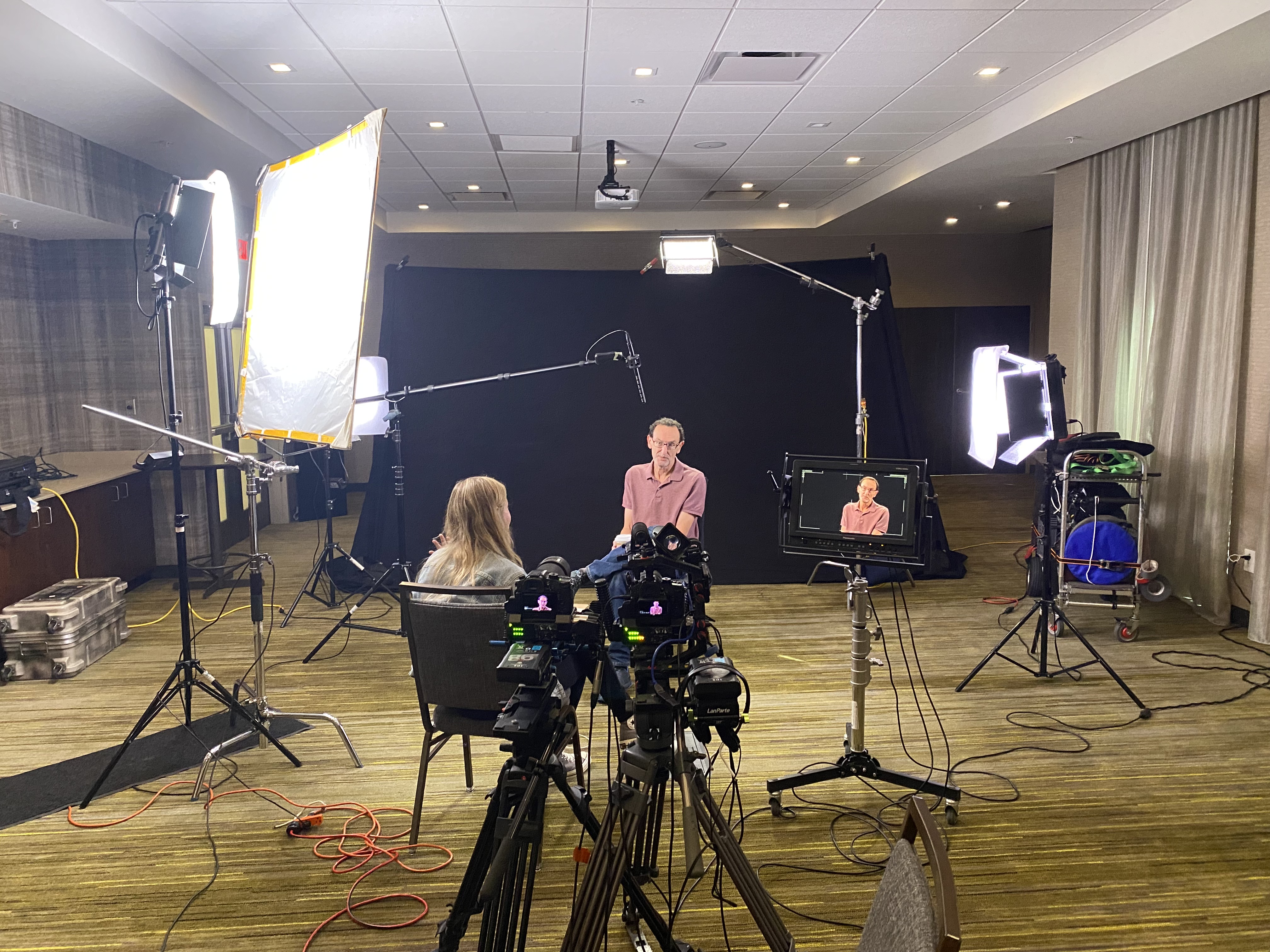
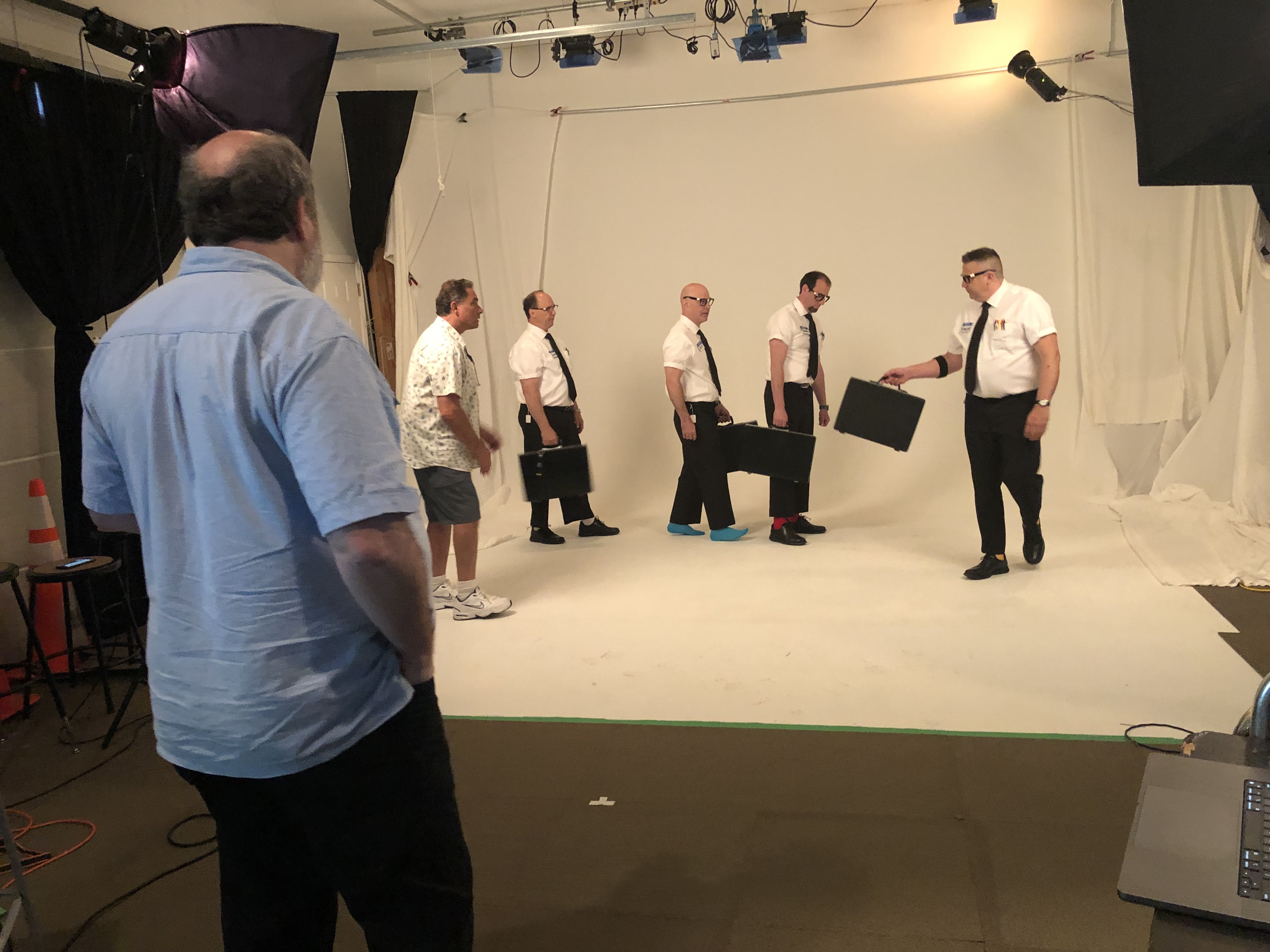
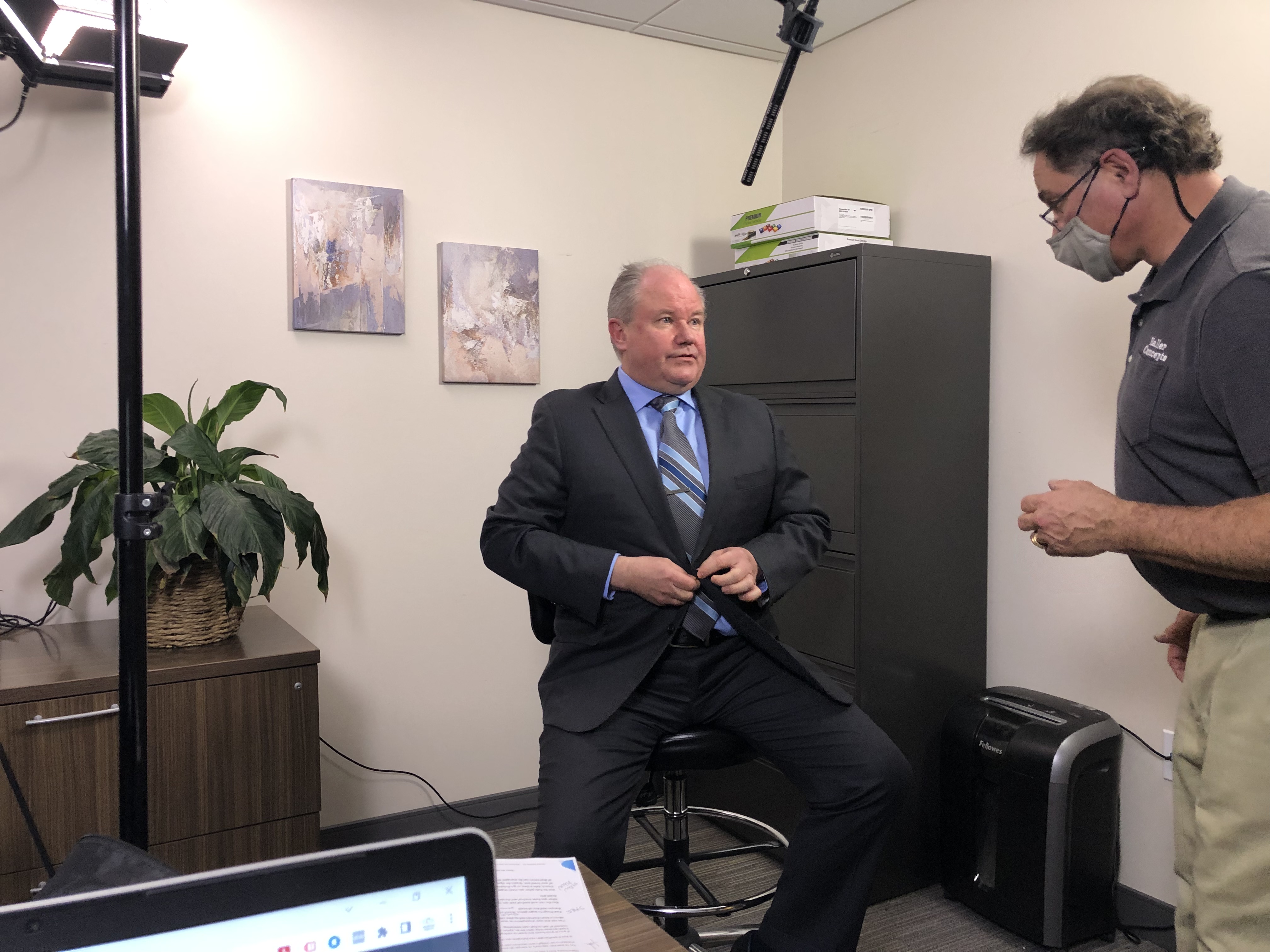
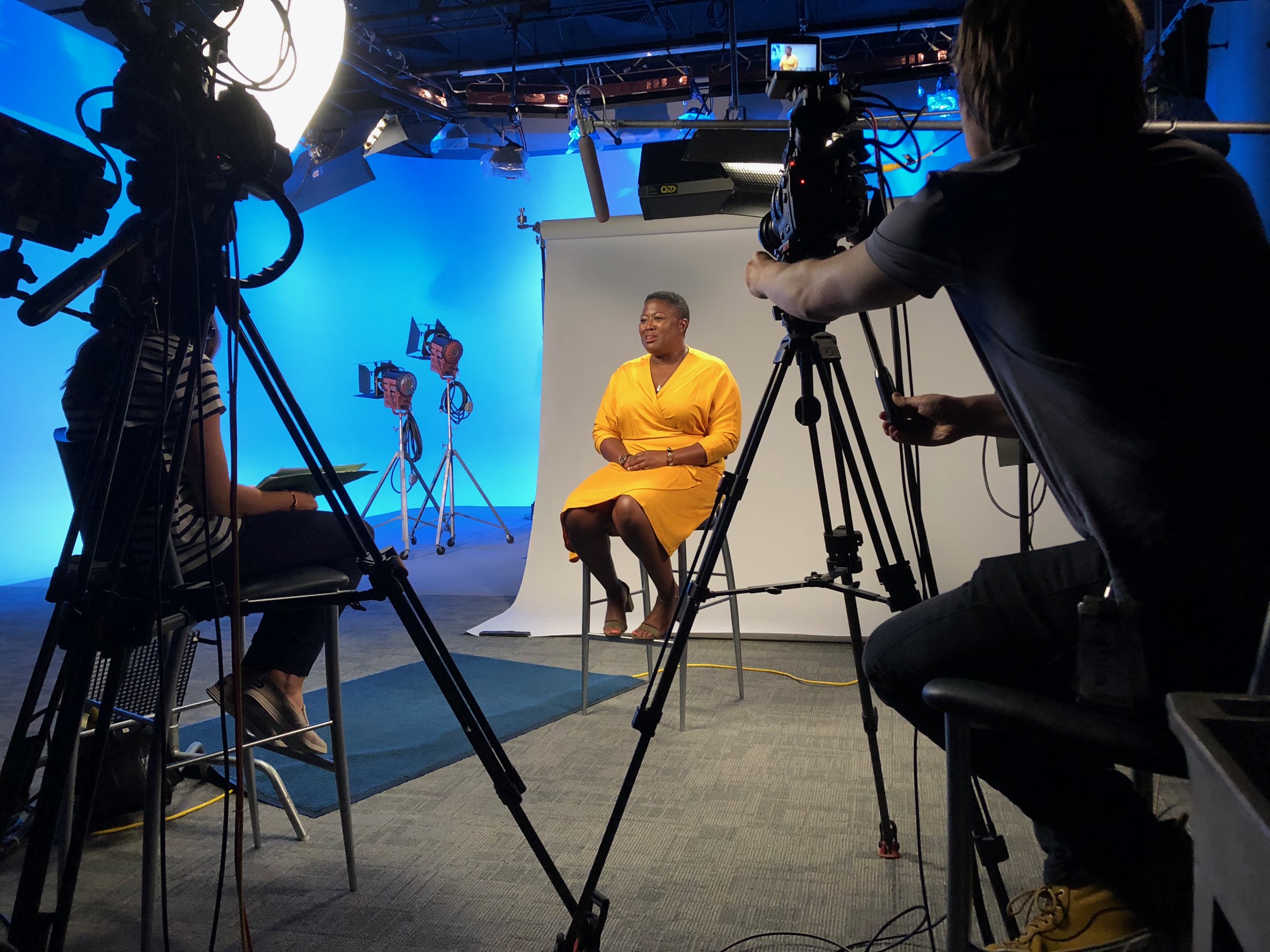
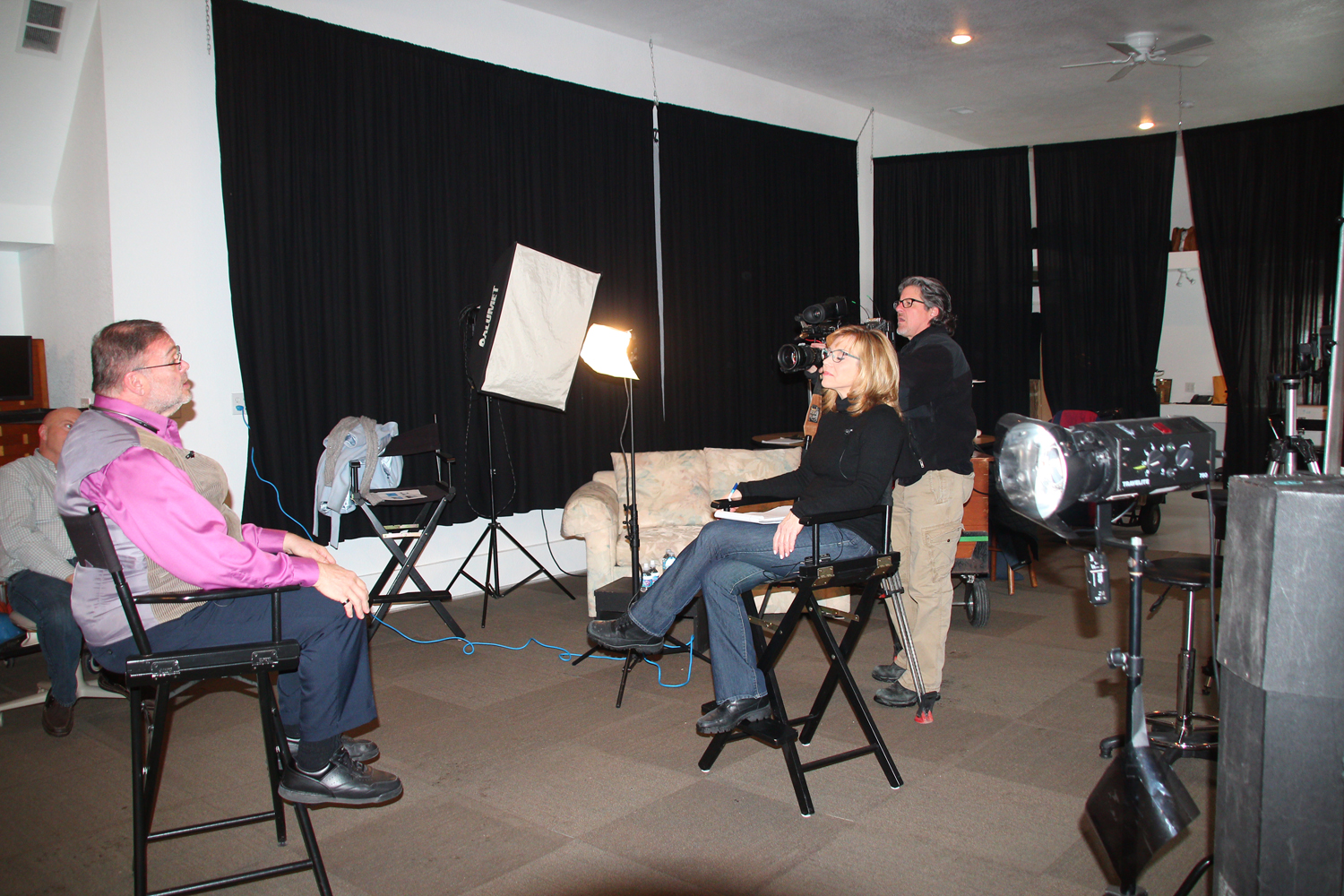
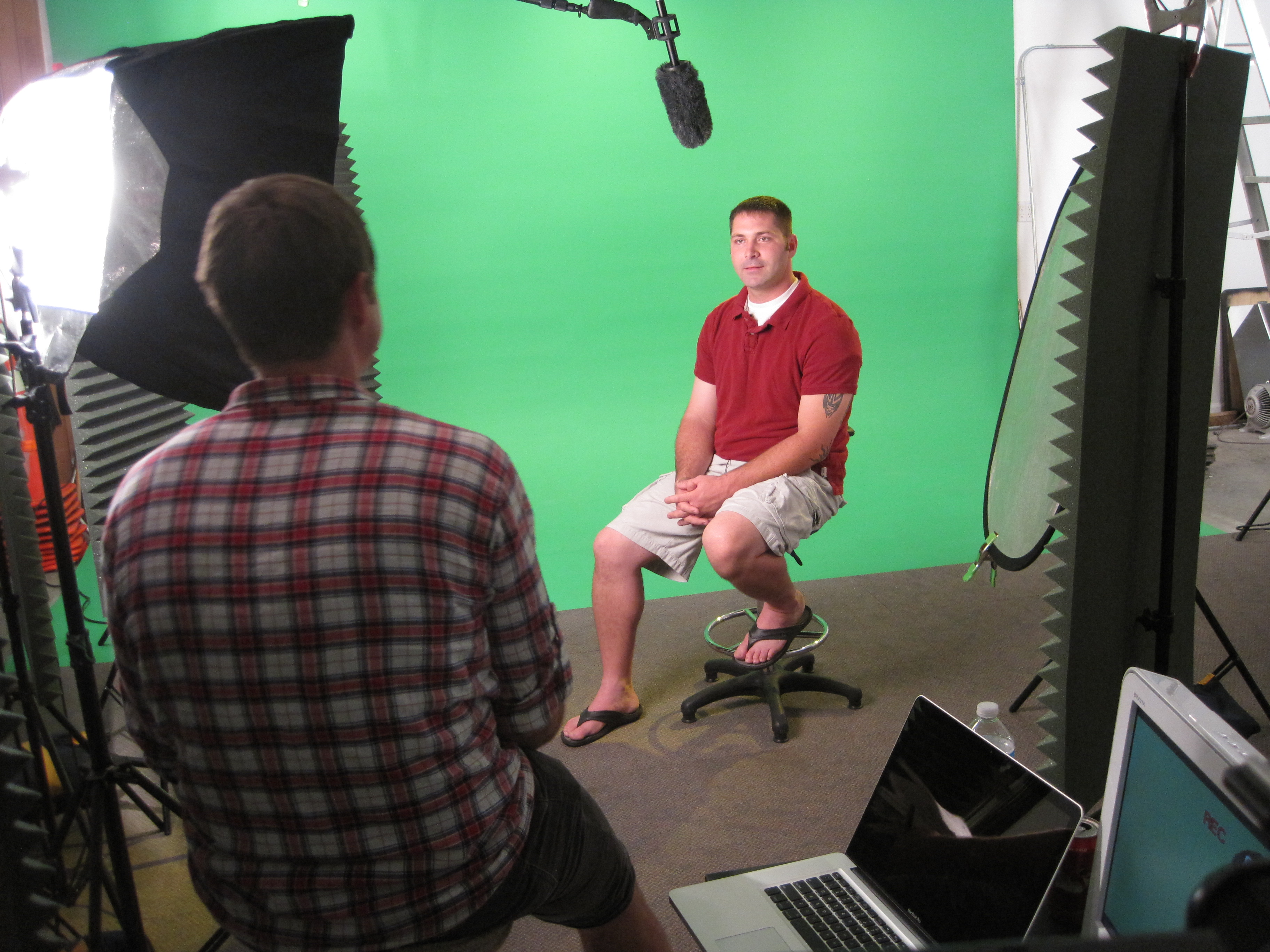
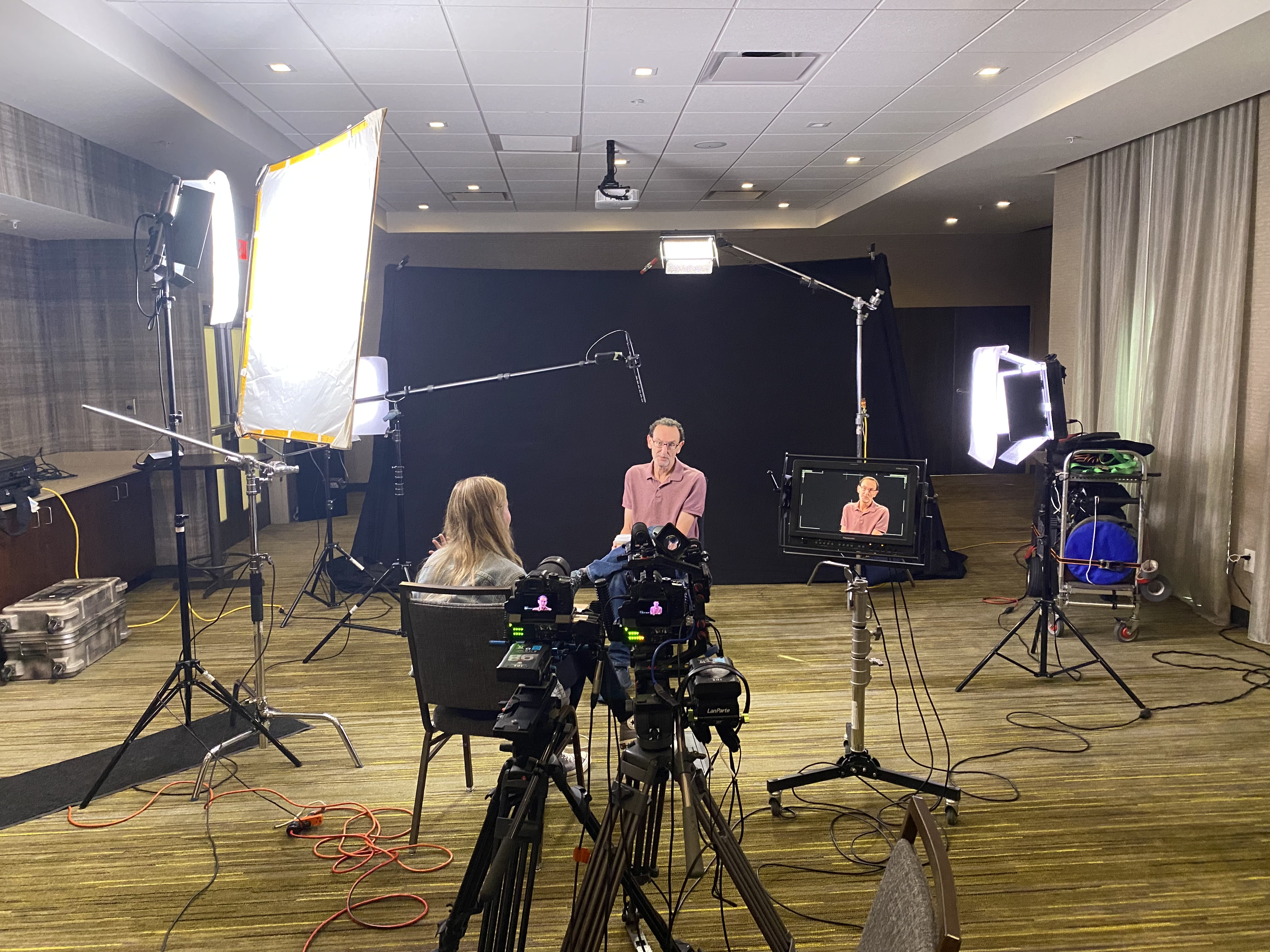
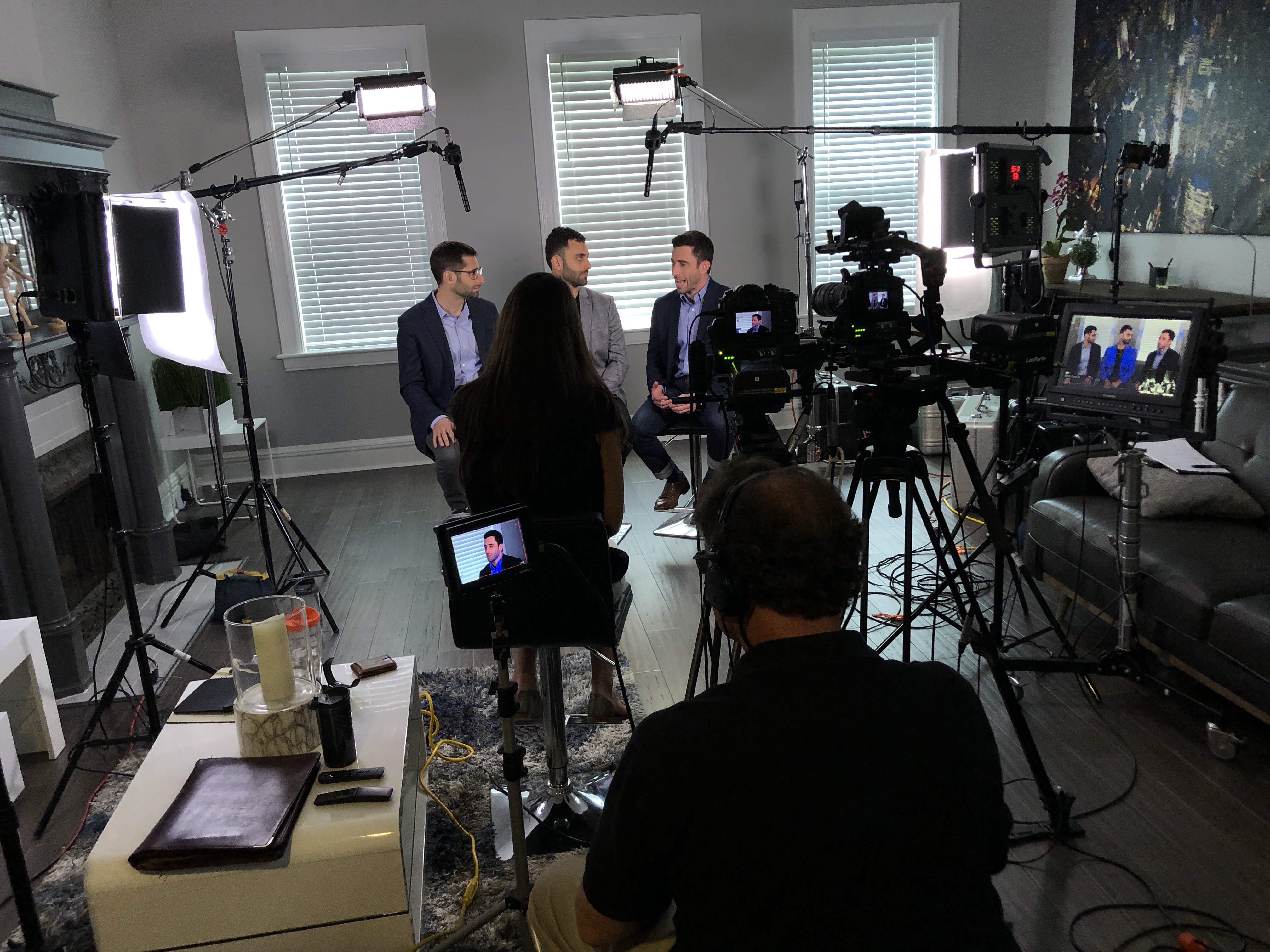
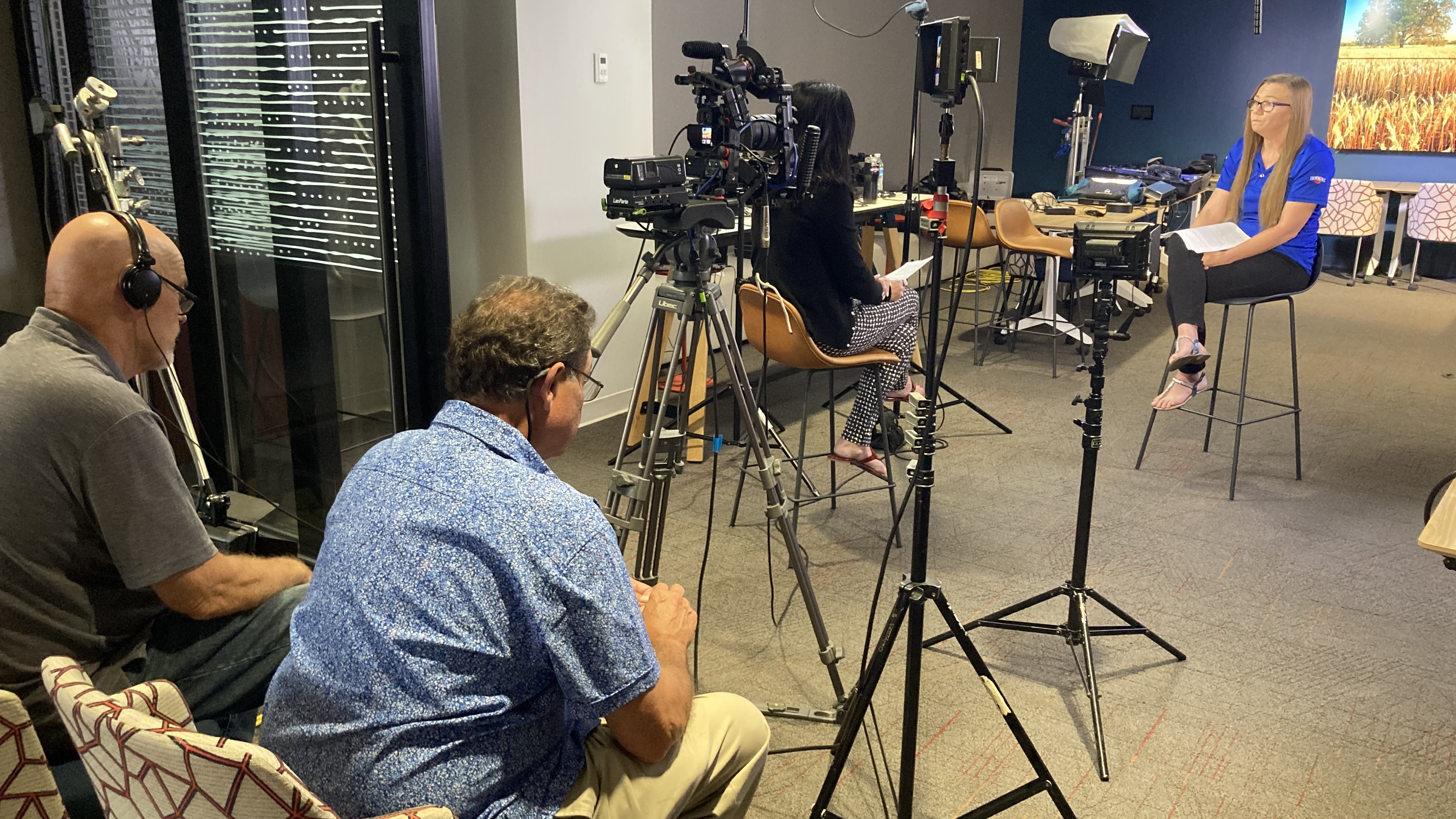
Our private studio lighting and visual setup are perfect for small productions and interview scenes. The studio is large enough to incorporate props, rounding out your set to create the ideal atmosphere for your video. We can assist in every part of your production, from setting up a custom interview studio to providing sound and camera operators.

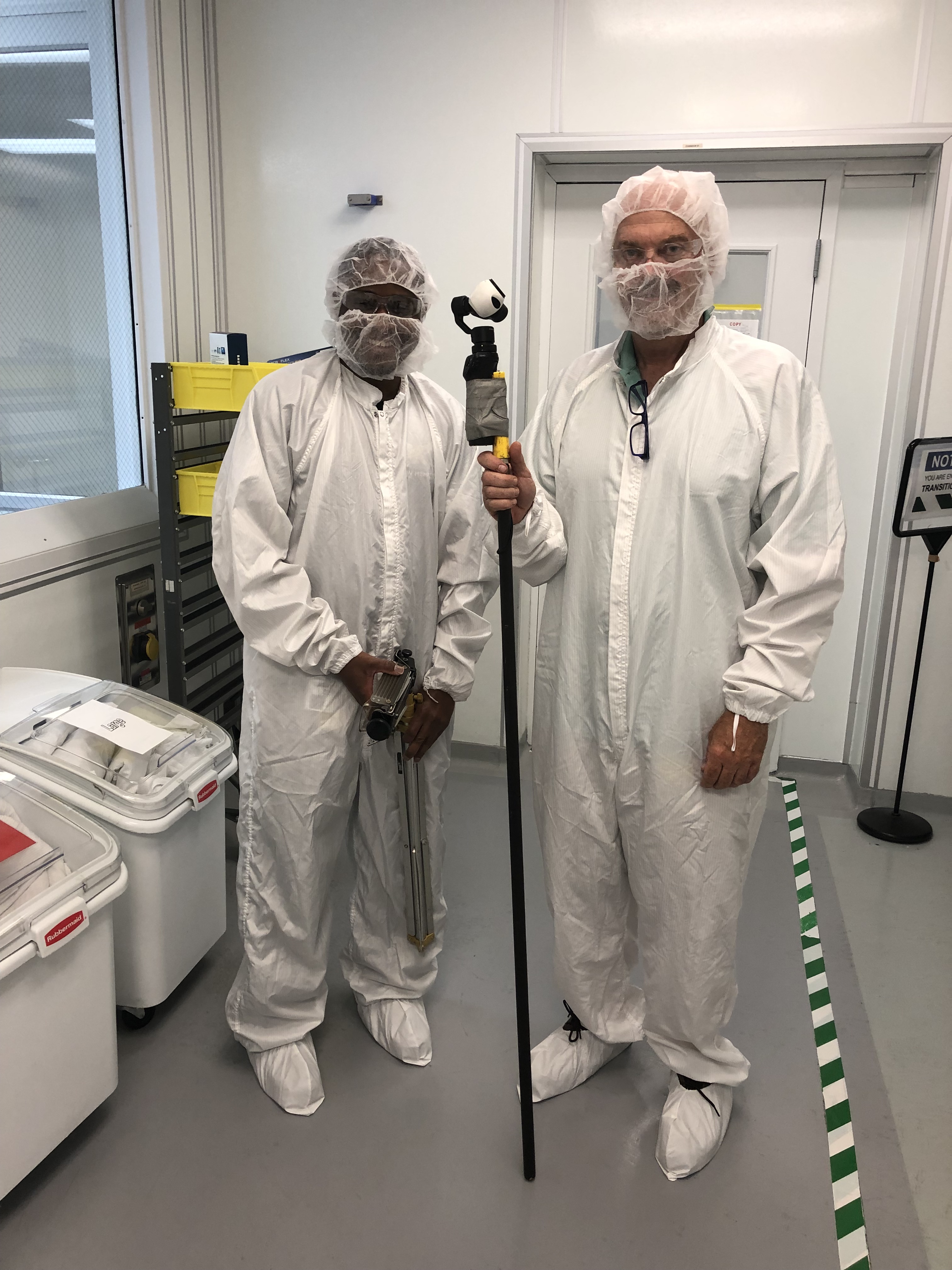
In addition, we offer specialized drones that can fly indoors, allowing for dynamic shots that enhance the visual appeal of your training videos. With over 40 years of experience in corporate video and photography production, St. Louis Video Production has worked with businesses, marketing firms, and agencies throughout the St. Louis area to deliver top-notch corporate videos and photography.

Whether you’re producing a simple training video or a complex, multi-faceted production, St. Louis Video Production has the expertise and resources to bring your vision to life. Let us help you create an impactful training video that will engage, educate, and inspire your team.

 314-913-5626 stlouisvideoproduction@gmail.com